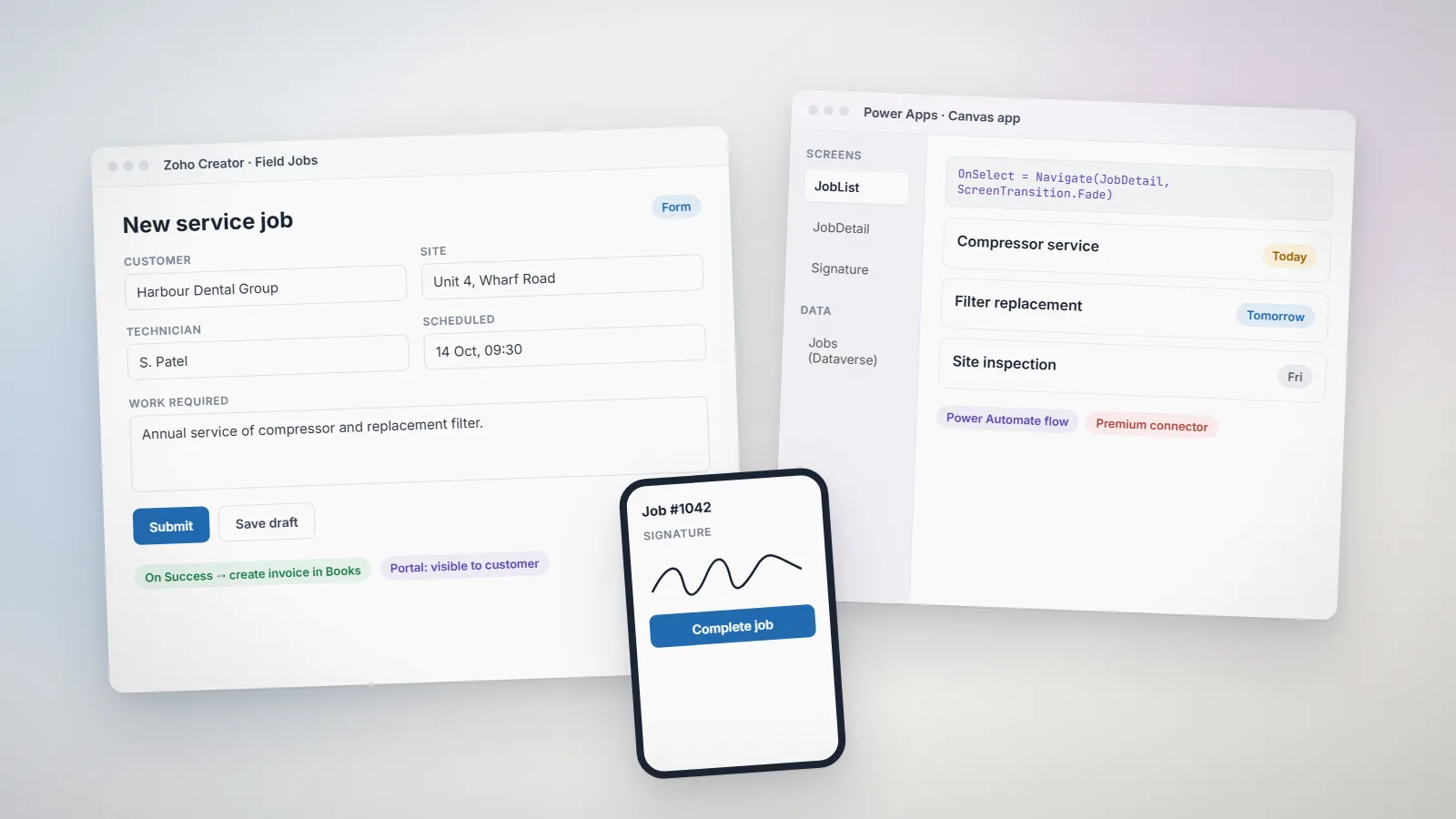
Zoho Creator is Zoho’s low-code platform: a database, forms, reports and dashboards, workflows written in Deluge, native mobile apps and portals, sold per user. Knack is a hosted online-database builder: tables, forms, views and pages assembled visually, with record rules and simple tasks, sold per plan with record and storage limits. Both are mature, both are used by small teams without developers, and both can replace a spreadsheet that has outgrown itself.
We build on Zoho Creator every day, so read this with that in mind. Everything below was checked on Zoho’s and Knack’s own pages on 2 November 2026; where a vendor’s page does not say something, we say so rather than guess.
The short answer
- Choose Zoho Creator if the app needs real logic (calculations across records, approvals, scheduled jobs), native mobile apps for people away from a desk, portals for customers, or connections to other Zoho products or external APIs.
- Choose Knack if the job is a clean online database with forms and pages that a non-technical owner will build and maintain alone, and automation needs stay at the record-rule level.
- Look at both if you are a team of two to five with simple needs; the deciding question is how much logic the app will need in a year, not today.
How the two products are built
Creator is a database with a programming language attached. Forms and reports are drawn, but anything that decides something (a validation, an approval, a cross-record update, a call to another system) is written in Deluge, Zoho’s scripting language. That is more to learn and far more to reach for. Creator apps also run as native iOS and Android apps and can expose a customer portal.
Knack is a hosted database with a page builder. You define objects (tables) and fields, then build pages with views: tables, forms, details, calendars, maps. Record rules change values when a form is submitted; tasks run on a schedule; equations handle calculated fields. It is deliberately simpler, and that simplicity is why owners finish Knack apps alone.
Side-by-side comparison
| Area | Zoho Creator | Knack |
|---|---|---|
| Data model | Forms as tables, lookups, subforms, multi-level relationships | Objects with connections (one-to-many, many-to-many) |
| Logic and automation | Deluge scripts on any event, schedules, custom functions, approvals, Blueprint-style flows | Record rules, submit rules, scheduled tasks, equations; no scripting language |
| Mobile | Native iOS and Android apps for every Creator app, with offline access on supported plans | Responsive web pages; no native app |
| Portals for outsiders | Customer portal with its own user pricing | Logins and user roles on pages; external users counted by plan |
| Integrations | Native with Zoho CRM, Books, Desk and others; REST APIs; invokeUrl to any API; Zoho Flow | REST API, Zapier/Make-style connectors, integrations to common tools |
| Pricing model | Per user per month, by plan; portal users priced separately; records and daily call limits by plan | Per plan per month, by records, storage and features; not per user |
| Who builds it | An admin can start; most useful apps end up with some Deluge | An owner or office manager, without code |
Prices, limits and plan names change often; check the official Zoho Creator plans and Knack pricing pages before deciding. Our Zoho Creator pricing guide explains the Creator limits that usually decide the plan.
Pricing: per user or per plan
This is the clearest difference. Creator charges per user, so a 20-person team pays twenty seats, and the plan decides records, storage and daily external calls per user. Knack charges per plan, with records and storage as the limits, so adding people costs nothing until you need a higher plan. For an app that many people use lightly, Knack is often cheaper. For an app that a few people use heavily with lots of automation, Creator’s per-user price buys far more capability.
Logic and automation
If your app has to do things rather than store things, this section decides. Creator’s Deluge can validate a form against another record, update three related records when a status changes, send a document, call a courier’s API or run a nightly reconciliation. Our Deluge script examples show what that looks like. Knack’s record rules cover the common cases (set a field, send an email, update a connected record) and scheduled tasks handle reminders, but anything beyond that means an external automation tool or the API.
Mobile and field use
Creator apps are native mobile apps, which matters for inspections, deliveries, site visits and any job where the phone is the device and the signal is poor. Knack pages work on a phone browser and look fine, but there is no installed app and no offline mode.
When Zoho Creator is the better choice
- You already use Zoho CRM, Books or Desk and want the app to share their data.
- The workflow has approvals, calculations across records or scheduled jobs.
- People will use it on phones in the field, sometimes offline.
- Customers or suppliers need a portal with their own logins.
When Knack is the better choice
- One person will build and maintain the app without any code, ever.
- Many occasional users, little automation: a directory, a register, a booking list.
- You do not use Zoho and do not plan to.
A five-question decision checklist
- How many people will use the app every day, and how many occasionally?
- List the three automations you need. Can each be done with a record rule, or does it need a script?
- Will anyone use it on a phone away from Wi-Fi?
- Which other systems must it read from or write to?
- Who maintains it in a year, and what do they know?
If the answers point to Creator and you want it built properly, our Zoho Creator developers scope it in a written proposal; you can estimate the hours first.
Frequently asked questions
Is Zoho Creator harder to learn than Knack?
Yes, if the app needs logic. Forms and reports are comparable, but Creator's automation is written in Deluge, a scripting language, while Knack uses record rules and settings. Creator rewards the learning with far more capability.
Can Knack do what Zoho Creator does?
For storing and showing data, mostly yes. For automation, native mobile apps, offline use and deep integrations, no: Knack relies on record rules, scheduled tasks, its API and third-party automation tools.
Which is cheaper for a small team?
It depends on the shape of the team. Knack prices per plan, so many light users cost the same; Creator prices per user, so a few heavy users with lots of automation get more for the money. Compare both against your real user count and the automations you need.
Can I move from Knack to Zoho Creator later?
Yes. Knack exports records as CSV, which Creator imports; the pages, rules and views have to be rebuilt. We do this as part of a Creator project when the app has outgrown Knack.