Zoho CRM implementation
CRM set up around how you sell, with migration and training.
Deluge
Deluge is the scripting language behind Zoho's automation: custom functions in Zoho CRM and Books, workflows in Creator, and calls to external APIs. We write Deluge that is readable, handles errors, and can be maintained by the next person who opens it.
Is this for you?
Workflow rules can't do the calculation, lookup or cross-module update you need.
CRM, Books, Creator and Desk records should update each other automatically.
Pull or push data to another system from inside Zoho.
Functions time out, hit limits or break silently, and nobody knows why.
What we deliver
Workflow-triggered functions in Zoho CRM, Books and other Zoho apps.
One-click actions for users, such as creating related records or generating documents.
Nightly syncs, reminders and data clean-up that run on their own.
invokeUrl calls with Zoho connections, error handling and logging.
Form validations, workflows and calculations inside Zoho Creator apps.
A review of existing scripts with a prioritized list of problems and fixes.
Typical uses
Technology
Deluge runs inside most Zoho products, each with its own triggers and limits. We design around those limits, use Zoho connections for secure authentication, and move heavy processing to Zoho Catalyst or an external service when a script would otherwise struggle.
How it works
Small, well-defined scripts can often be delivered within days; larger automation work follows the same staged process as our other projects. We confirm the estimate after seeing your setup.
We look at the requirement and your current configuration and scripts.
Triggers, inputs, outputs and failure handling written down first.
Developed and tested with sample records before it touches live data.
Comments in the code and a short note on what runs, when and why.
Deluge
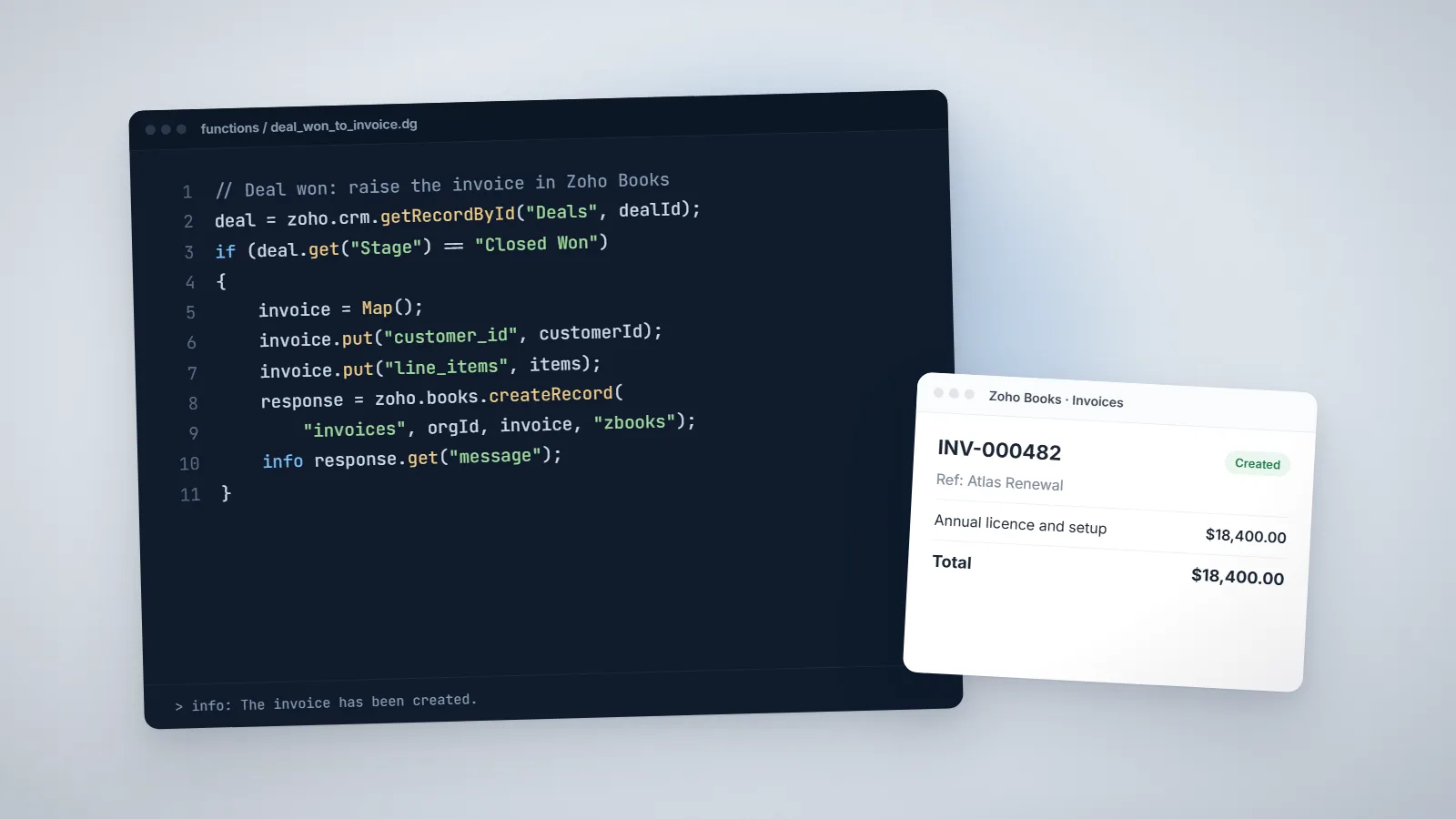
Ten practical Deluge script examples we use in real projects: creating invoices from won deals, blocking duplicates, follow-up tasks, scheduled reminders, API calls, Creator validation and more.
AI and automation
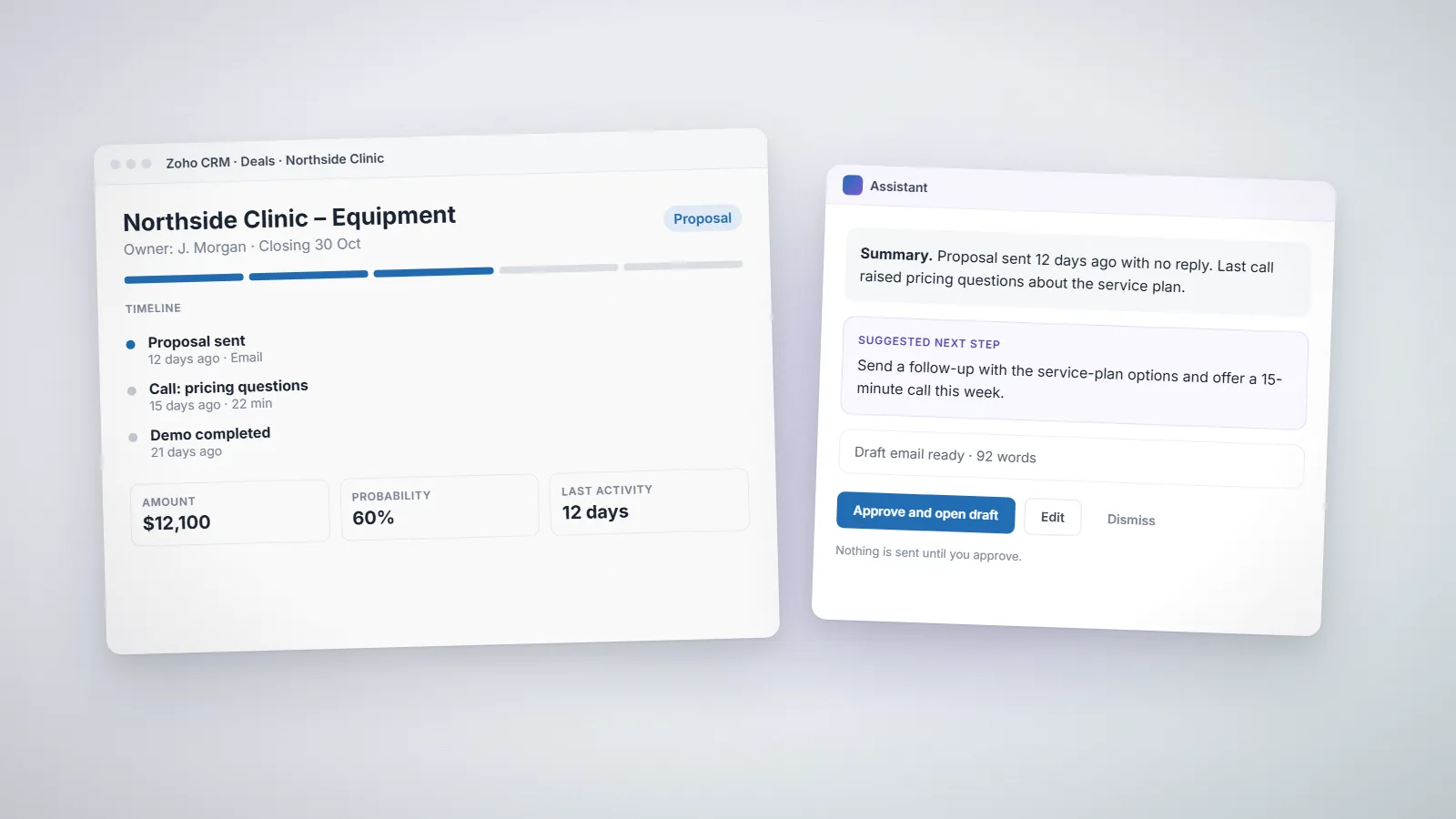
A practical look at AI in Zoho CRM: what Zia and AI agents can realistically handle, where automation still needs rules and human approval, and how to prepare your CRM data and processes.
Comparisons
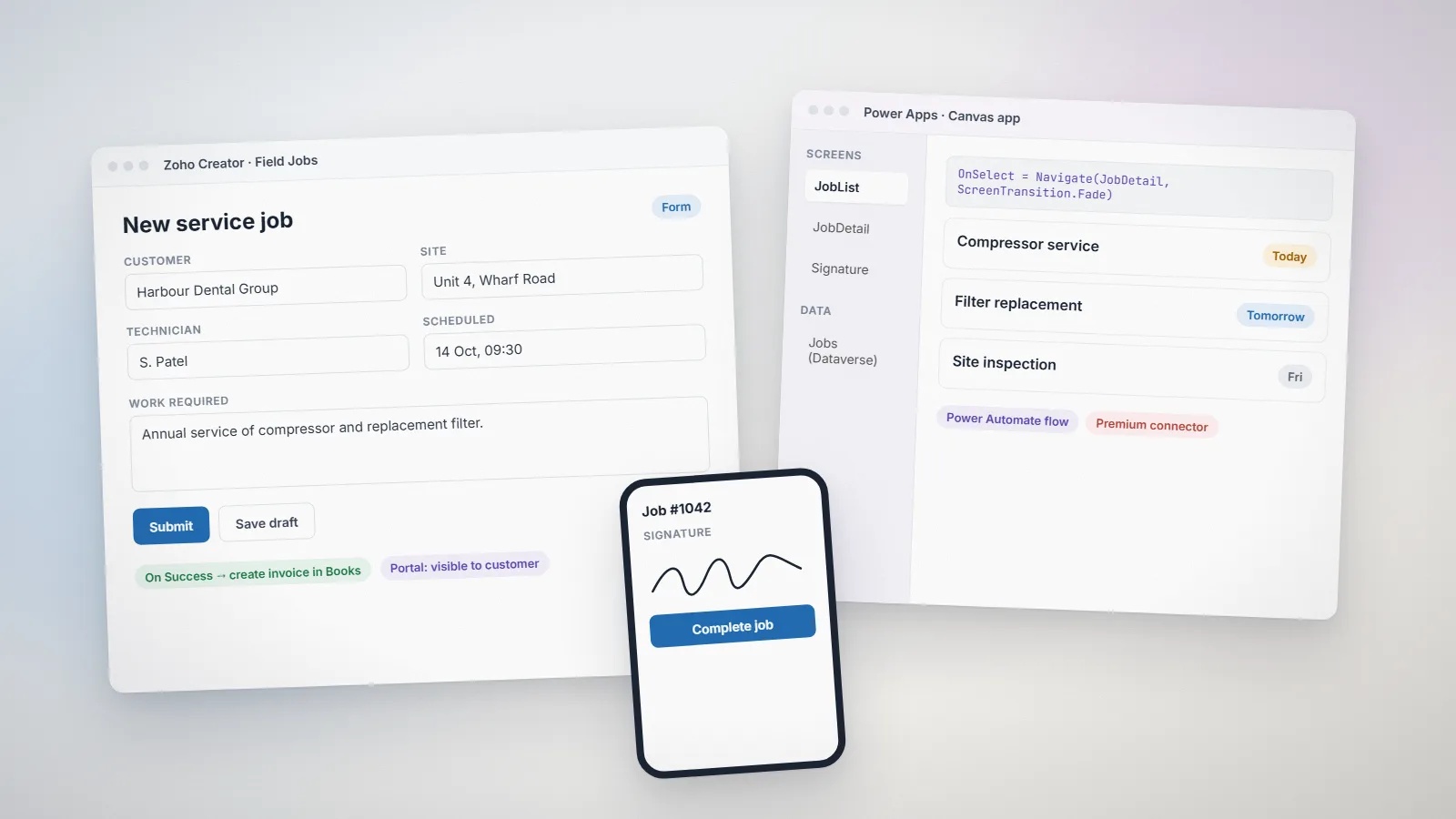
A practical comparison of Zoho Creator and Microsoft Power Apps: data, logic, portals, mobile, integrations, licensing and the situations where each one is the better choice.
FAQs
Deluge (Data Enriched Language for the Universal Grid Environment) is Zoho's scripting language. It is used to write custom functions, workflows and integrations across Zoho products such as CRM, Creator, Books and Desk.
Yes. We review the scripts, explain what is going wrong, and fix the problems in order of impact. Common issues include missing error handling, execution limits and hard-coded values.
Yes. Deluge can call external REST APIs with invokeUrl, using Zoho connections to handle authentication securely. For high volumes or complex logic we may recommend a small middleware service instead.
We charge US$15 per hour. Fixed-price projects are quoted from the estimated days and complexity: you can get an indicative figure from the calculator on our pricing page, and after a discovery call we send a written proposal with scope, timeline and cost before any work starts.
Yes. Every function is commented, and we provide a short summary of what each script does, what triggers it and what to check if it fails.