Zoho CRM implementation
CRM set up around how you sell, with migration and training.
Automation
Automation only helps when the process underneath it makes sense. We map how work moves through your team, remove the steps that don't need a person, and automate the rest with Zoho, Deluge or custom code.
Is this for you?
Staff follow a checklist that a system could follow for them.
Follow-ups, renewals and approvals depend on someone remembering.
Requests sit in inboxes with no visibility on where they are.
Someone copies data between spreadsheets every week or month.
Typical uses
What we deliver
The current process documented step by step, with the pain points marked.
Steps removed, simplified or reassigned before anything is automated.
Zoho workflow rules, blueprints, Deluge, Zoho Flow or custom code as needed.
Clear rules for what happens when something doesn't fit the normal path.
Visibility on where work is and how long each step takes.
Your team shown what changed and how to handle exceptions.
How it works
Most focused Zoho CRM or Zoho Creator projects take 2 to 8 weeks, depending on custom modules, integrations and data migration. Multi-app rollouts with several integrations usually take 8 to 16 weeks. We confirm the timeline in writing after a discovery call.
We walk through the process with the people who do it.
Agree which steps to remove, change or automate.
Automations developed and tested on sample data.
Switched on in stages, with training and monitoring.
AI and automation
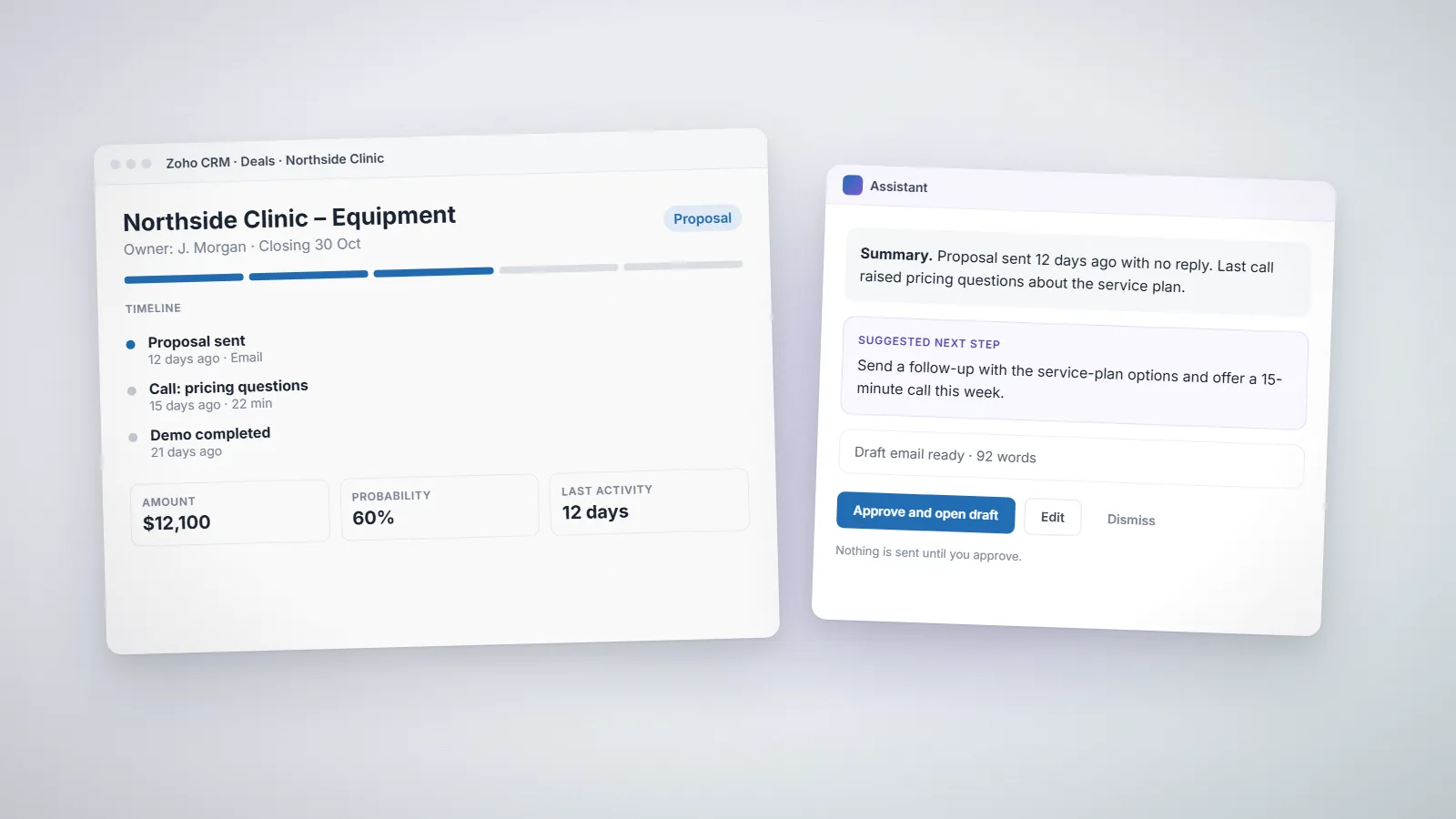
A practical look at AI in Zoho CRM: what Zia and AI agents can realistically handle, where automation still needs rules and human approval, and how to prepare your CRM data and processes.
Deluge
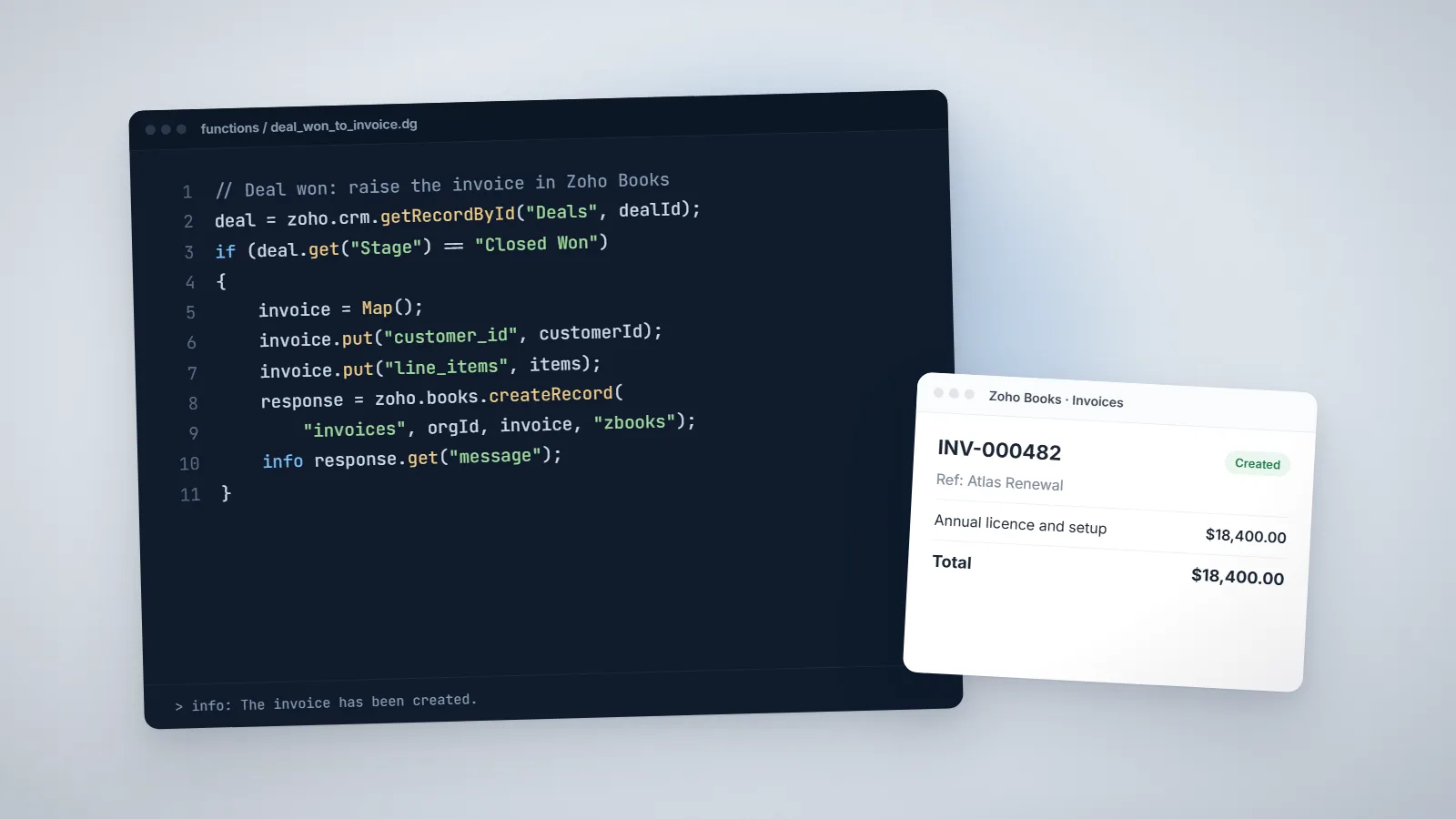
Ten practical Deluge script examples we use in real projects: creating invoices from won deals, blocking duplicates, follow-up tasks, scheduled reminders, API calls, Creator validation and more.
Analytics
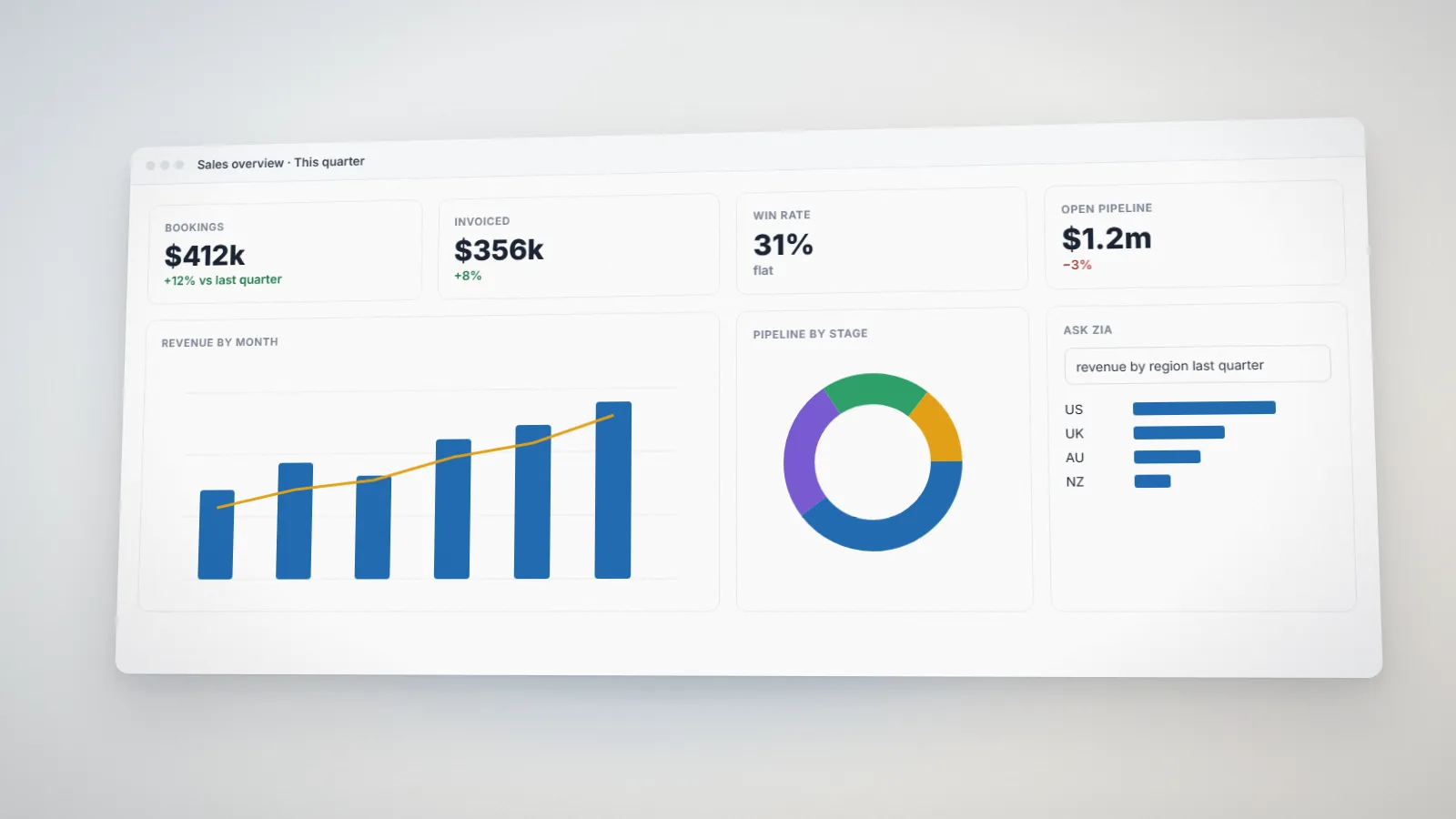
How to prepare your business data in Zoho Analytics for reliable dashboards and AI features like Ask Zia: connecting sources, modeling data, cleaning it, securing it and keeping it fresh.
FAQs
Start with processes that are frequent, rule-based and painful when they go wrong, such as lead routing, invoicing or approvals. We help you rank candidates by time saved and risk reduced during discovery.
No, but if you already use Zoho, its workflow rules, blueprints, Deluge and Zoho Flow cover most needs without extra software. Where they don't, we use custom code.
Most focused Zoho CRM or Zoho Creator projects take 2 to 8 weeks, depending on custom modules, integrations and data migration. Multi-app rollouts with several integrations usually take 8 to 16 weeks. We confirm the timeline in writing after a discovery call.
We charge US$15 per hour. Fixed-price projects are quoted from the estimated days and complexity: you can get an indicative figure from the calculator on our pricing page, and after a discovery call we send a written proposal with scope, timeline and cost before any work starts.