Deluge development
Functions, automations and fixes across Zoho apps.
Integrations
When systems don't talk to each other, people re-key data and errors creep in. We connect Zoho apps to each other and to your other systems, choosing between Zoho Flow, Deluge and custom middleware based on volume, reliability and cost.
Is this for you?
Customer, order or invoice details are re-entered between systems.
Each system tells a different story because data is out of sync.
Existing connections fail without anyone noticing until a customer complains.
You are adding a platform and it must work with Zoho from day one.
What we deliver
Which system owns which data, what triggers a sync and what happens on failure.
Rules for matching records and converting data between systems.
Zoho Flow, Deluge with invokeUrl, or a custom middleware service, depending on the need.
Failed syncs are retried or reported, not lost.
Run against test data and edge cases before going live.
A clear record of how data moves, for your team and future developers.
Typical uses
Technology
Zoho Flow is quick for simple, low-volume connections. Deluge works well inside Zoho with moderate volumes. Custom middleware, on Zoho Catalyst or standard cloud hosting, is the right choice when you need high volume, complex transformation or full control over retries and logging. We explain the trade-offs before building.
How it works
Most focused Zoho CRM or Zoho Creator projects take 2 to 8 weeks, depending on custom modules, integrations and data migration. Multi-app rollouts with several integrations usually take 8 to 16 weeks. We confirm the timeline in writing after a discovery call.
We map the systems, data and current manual steps.
Data ownership, triggers, mapping and failure handling agreed in writing.
Developed against test data, including edge cases and failures.
Switched on with monitoring, then handed over with documentation.
Analytics
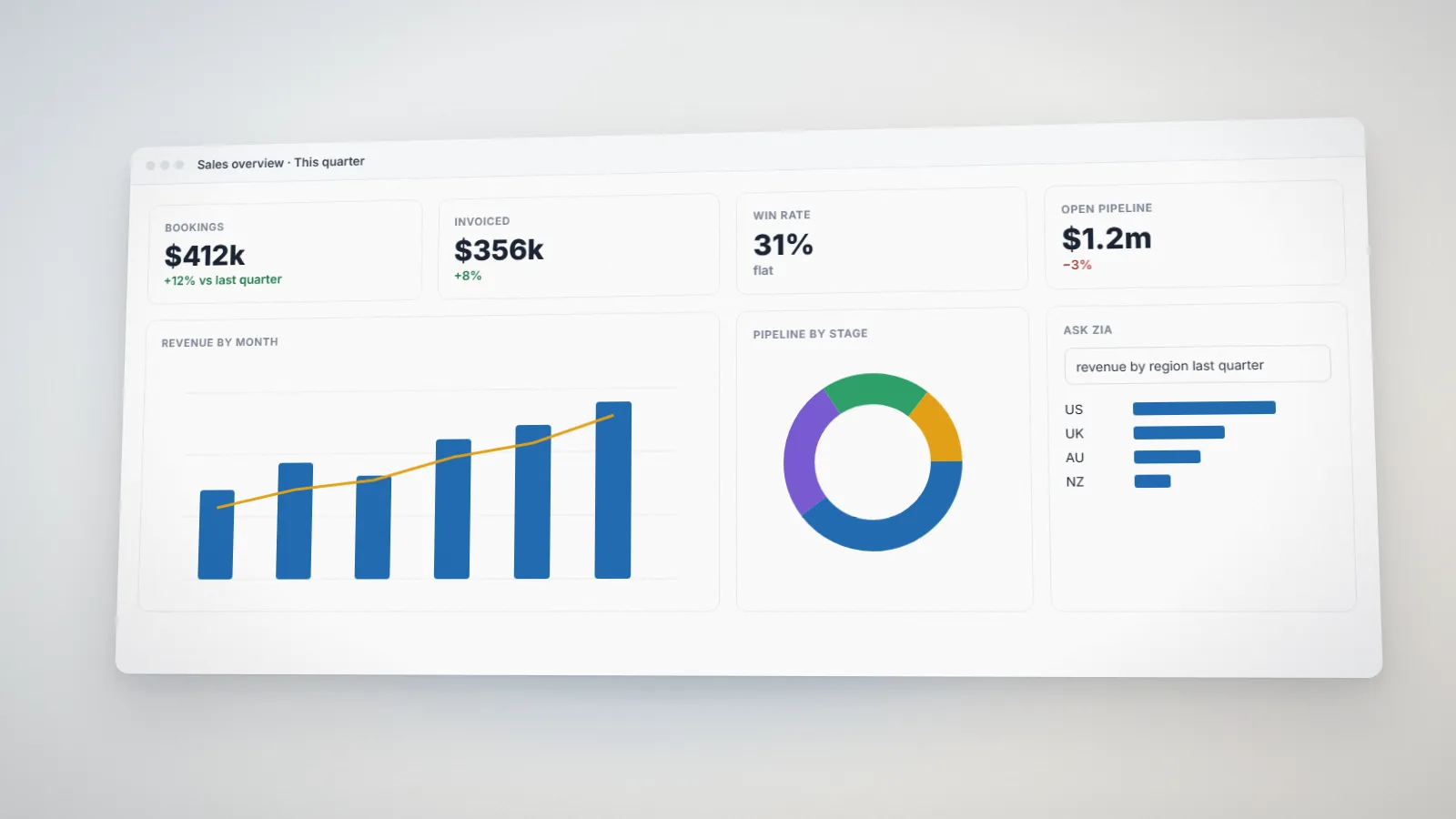
How to prepare your business data in Zoho Analytics for reliable dashboards and AI features like Ask Zia: connecting sources, modeling data, cleaning it, securing it and keeping it fresh.
Deluge
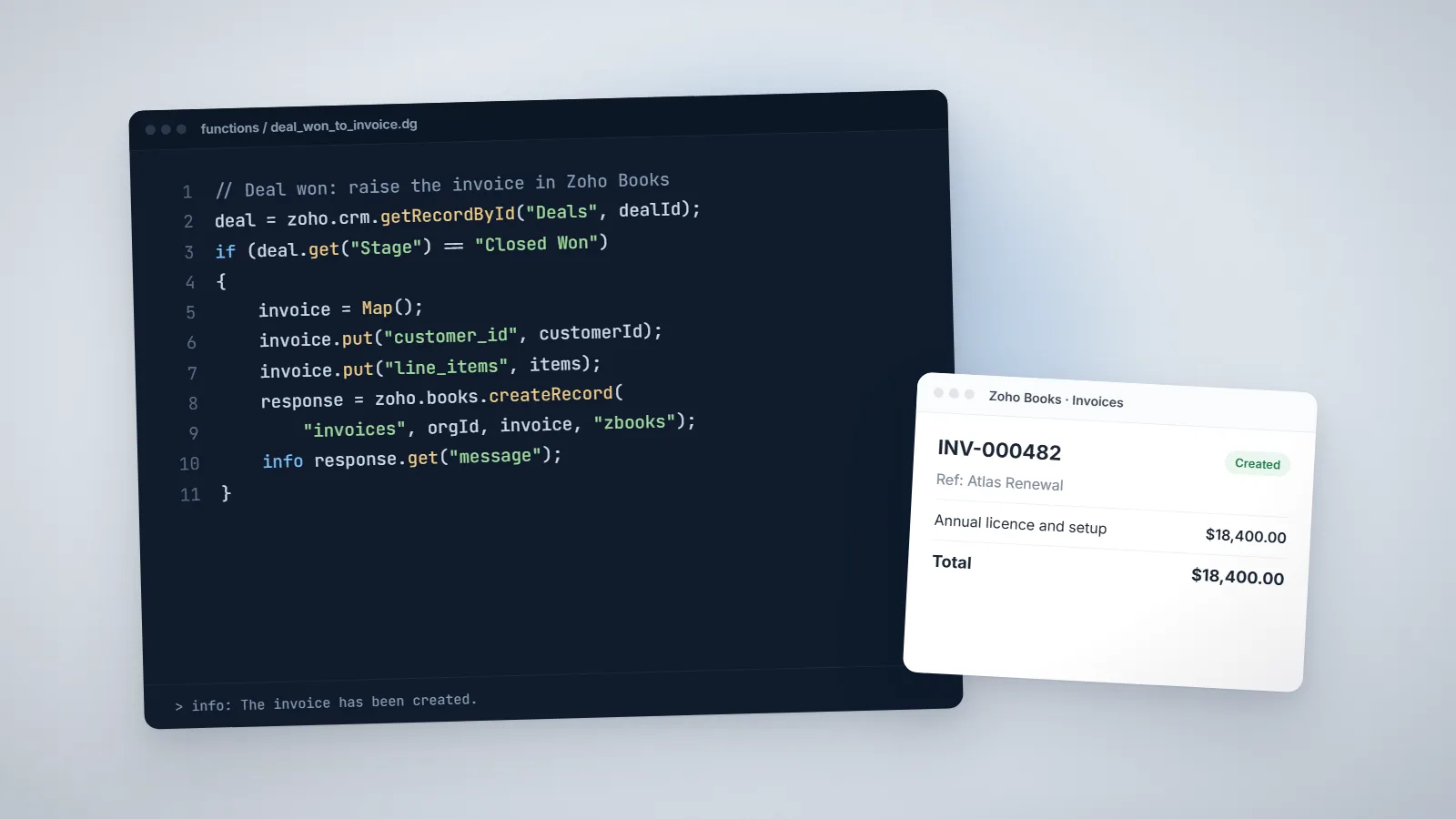
Ten practical Deluge script examples we use in real projects: creating invoices from won deals, blocking duplicates, follow-up tasks, scheduled reminders, API calls, Creator validation and more.
Zoho CRM
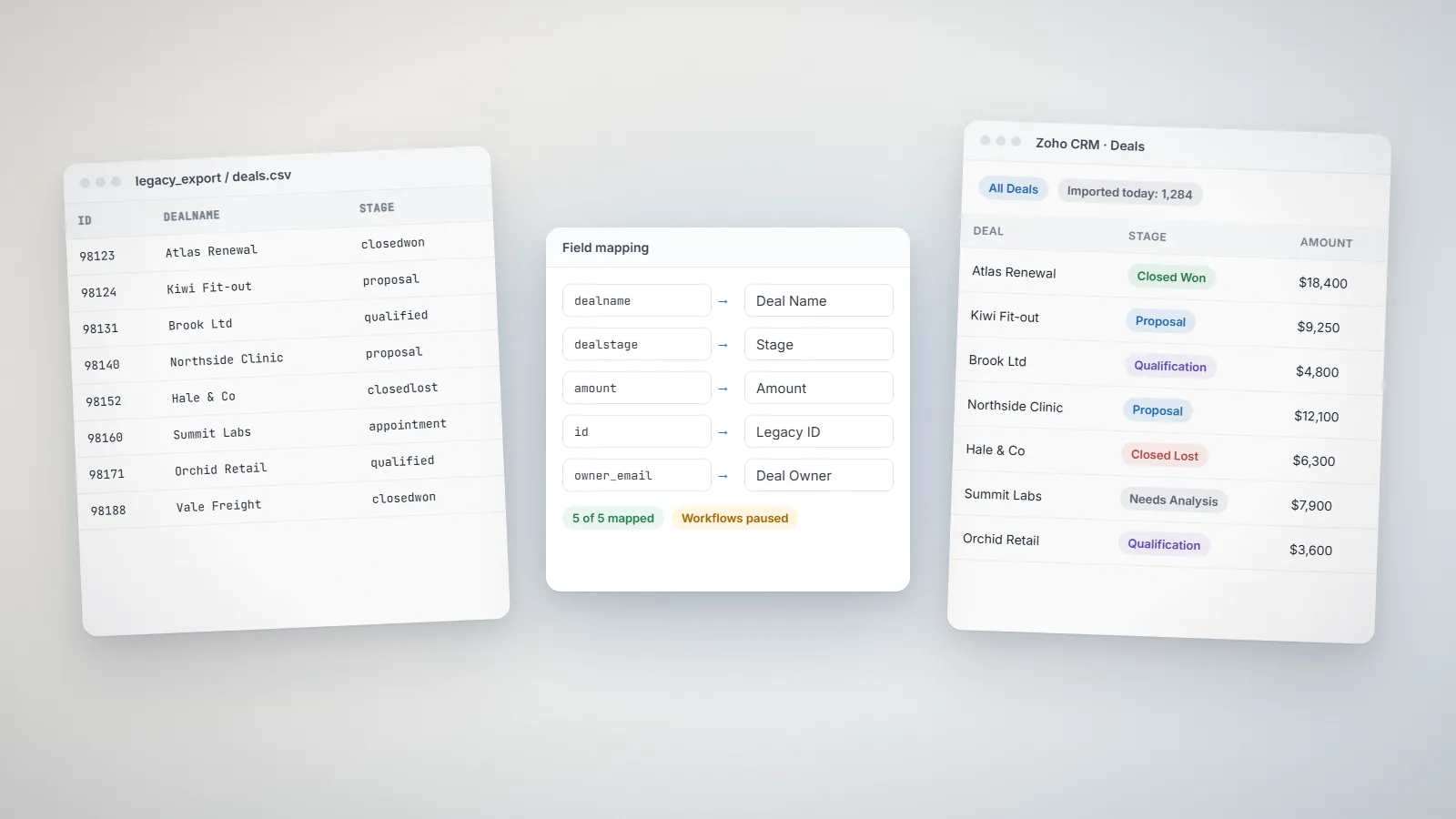
How to move from HubSpot or Salesforce to Zoho CRM without losing data or momentum: object mapping, import order, rebuilding automation, testing, cut-over and training.
FAQs
Yes, as long as the other system has an API, webhooks or a reliable file export. We assess this during discovery and tell you upfront if a system makes integration difficult.
Zoho Flow suits simple, low-volume connections and is quick to set up. For high volumes, complex data transformation or strict reliability needs, Deluge or custom middleware is usually better. We explain the trade-offs before building.
We design for failure: errors are logged, retried where safe, and reported so someone can act. Silent failures are the main thing we design against.
Most focused Zoho CRM or Zoho Creator projects take 2 to 8 weeks, depending on custom modules, integrations and data migration. Multi-app rollouts with several integrations usually take 8 to 16 weeks. We confirm the timeline in writing after a discovery call.
We charge US$15 per hour. Fixed-price projects are quoted from the estimated days and complexity: you can get an indicative figure from the calculator on our pricing page, and after a discovery call we send a written proposal with scope, timeline and cost before any work starts.