AI and automation
AI Agents in Zoho CRM: What They Can Do Today and How to Prepare
“Agentic AI” is the phrase of the year, and every software vendor has a version of it. Underneath the marketing there is something genuinely useful for CRM teams, as long as the data and processes underneath are in good shape. Here is a grounded view.

Quick answer
AI in Zoho CRM is most useful today for summaries, drafting emails, data clean-up and prioritizing leads and deals. Actions involving money, customer commitments, deletions or key stage changes should stay rule-based or human-approved. Clean data, a defined process and clear permissions matter more than the AI model.
Traditional CRM automation follows rules you write: when a deal reaches this stage, send this email. AI agents are different. You give them a goal and access to tools, and they decide which steps to take. That makes them flexible, and it also makes them risky if they are pointed at messy data or given too much freedom.
This article explains what that means in Zoho CRM specifically, what we recommend clients automate with AI today, and what they should keep under rules and human approval.
What “agentic” actually means
An AI agent is a language model connected to tools. Instead of only answering a question, it can look up records, draft an email, update a field or call another system, step by step, until a goal is reached. In a CRM, that might mean:
- Reading a new inbound enquiry, finding the matching account and drafting a reply.
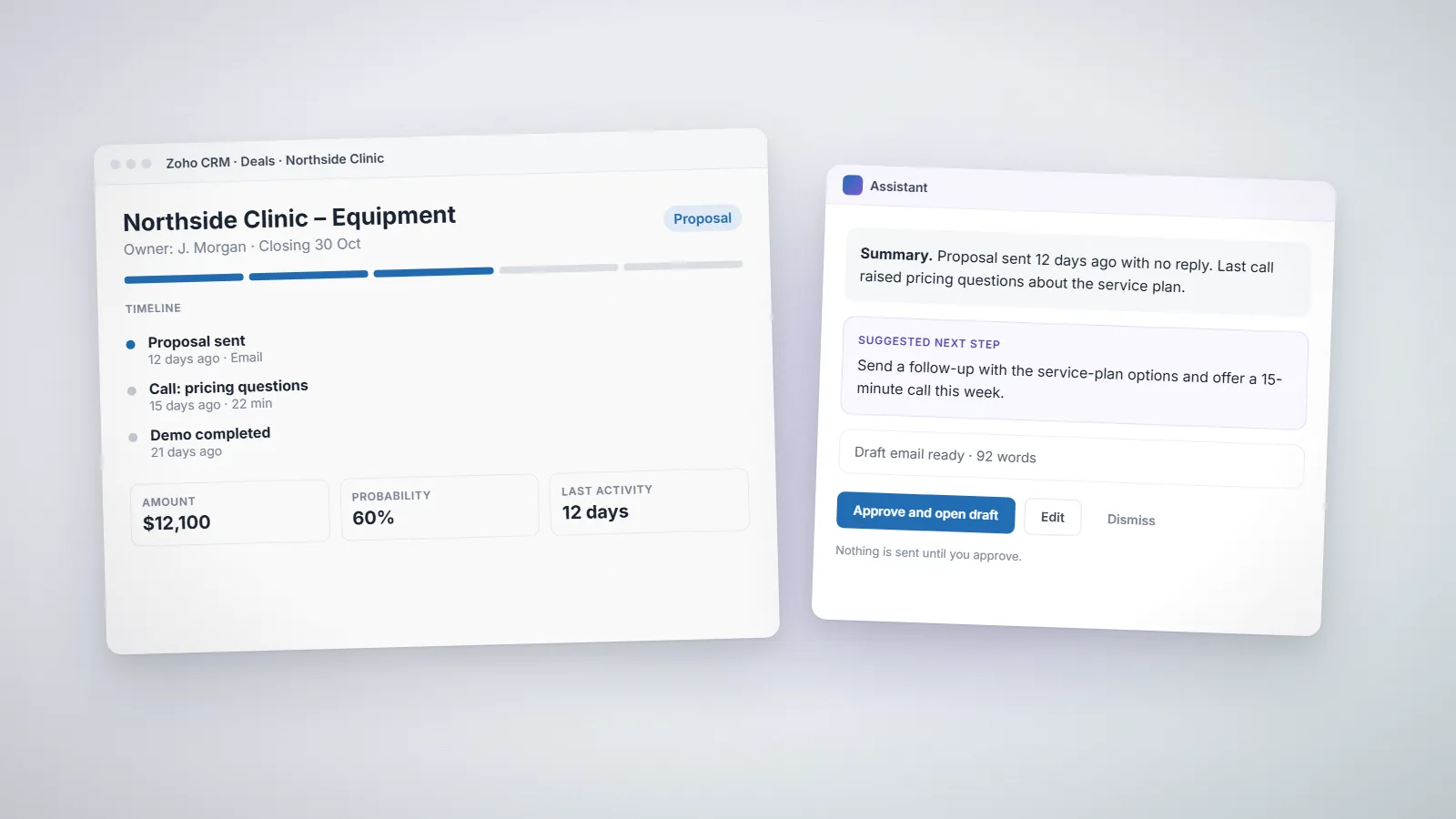
- Summarizing a deal’s history before a call.
- Spotting deals that have gone quiet and proposing a next action.
- Filling in missing fields from emails and call notes.
The difference from a workflow rule is judgment. The difference from a human is that the agent has no context beyond what your CRM data and instructions give it.
AI in the Zoho ecosystem today
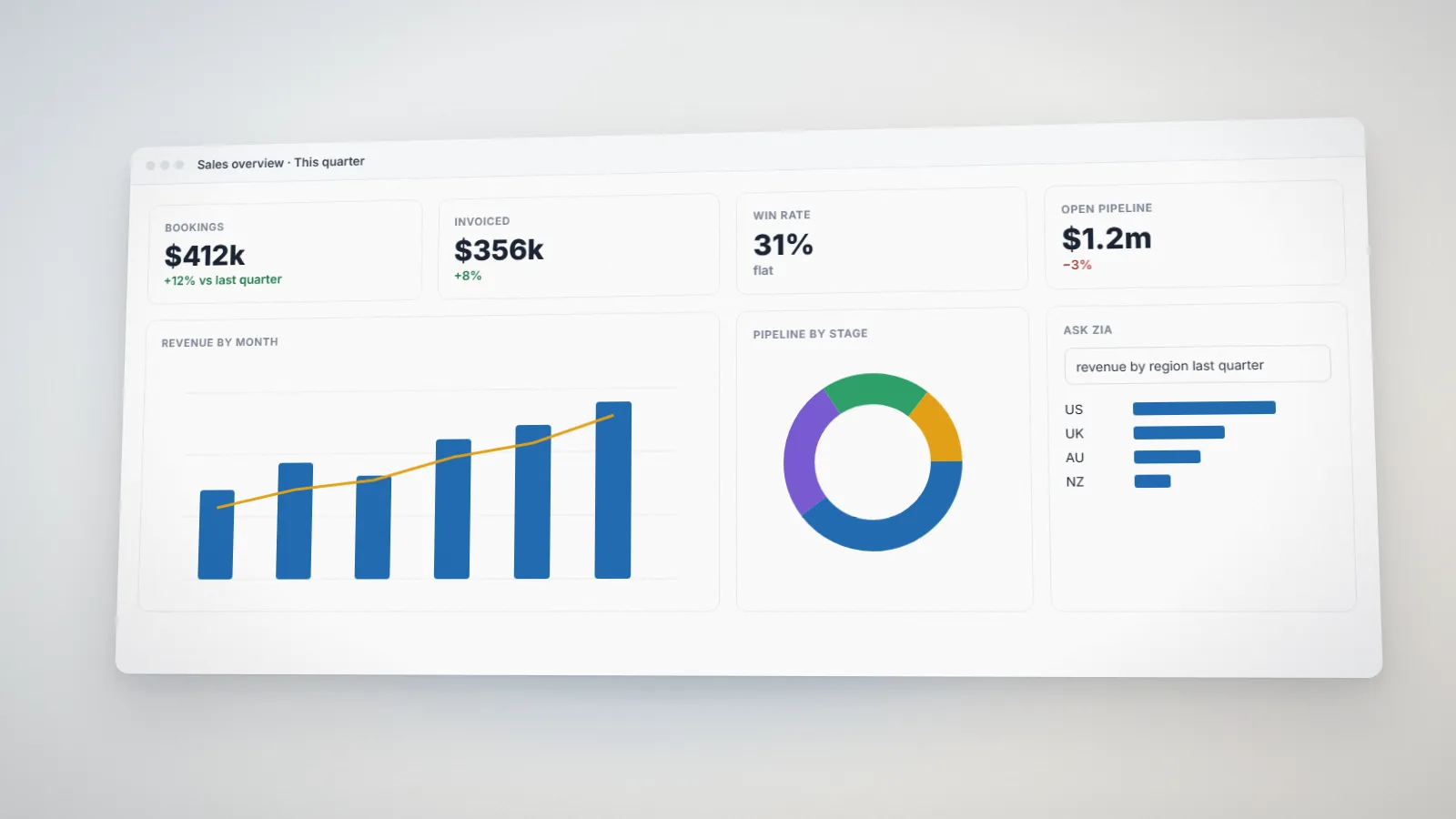
Zoho’s AI assistant is Zia, which has been part of Zoho CRM for years. Depending on your edition, it provides lead and deal predictions, anomaly detection in sales trends, best-time-to-contact suggestions, email sentiment, data enrichment and a conversational assistant for questions such as “show me deals closing this month”.
In 2025 Zoho announced a bigger step: its own large language model (Zia LLM), prebuilt Zia Agents and an Agent Studio for building custom agents across Zoho apps. Zoho has also supported connecting third-party models such as OpenAI to Zia. Availability of these features varies by product, edition and region, and it is changing quickly, so check what is enabled in your own account before planning around a specific capability.
The important point for planning is this: whichever model or agent you use, it acts on your CRM data through the same modules, fields and permissions your team uses. The quality of that foundation decides whether AI helps or creates noise.
Where AI helps most right now
- Summaries. Turning a long deal or ticket history into five lines before a call. Low risk, high time saving.
- Drafting. First drafts of follow-up emails, proposals and call notes that a person edits and sends.
- Data hygiene. Suggesting missing fields, standardizing company names and flagging likely duplicates for review.
- Prioritization. Ranking leads or deals by likelihood to convert, so reps spend time where it counts.
- Internal questions. Answering “which accounts in Texas haven’t ordered this quarter?” without building a report.
What should stay rule-based or human-approved
Some actions are cheap to get right with a rule and expensive to get wrong with a guess:
- Money: discounts, invoices, refunds and payment terms.
- Commitments: anything sent to a customer that promises a price, date or scope.
- Deletion and merging of records.
- Stage changes that trigger downstream processes, such as provisioning or handover to delivery.
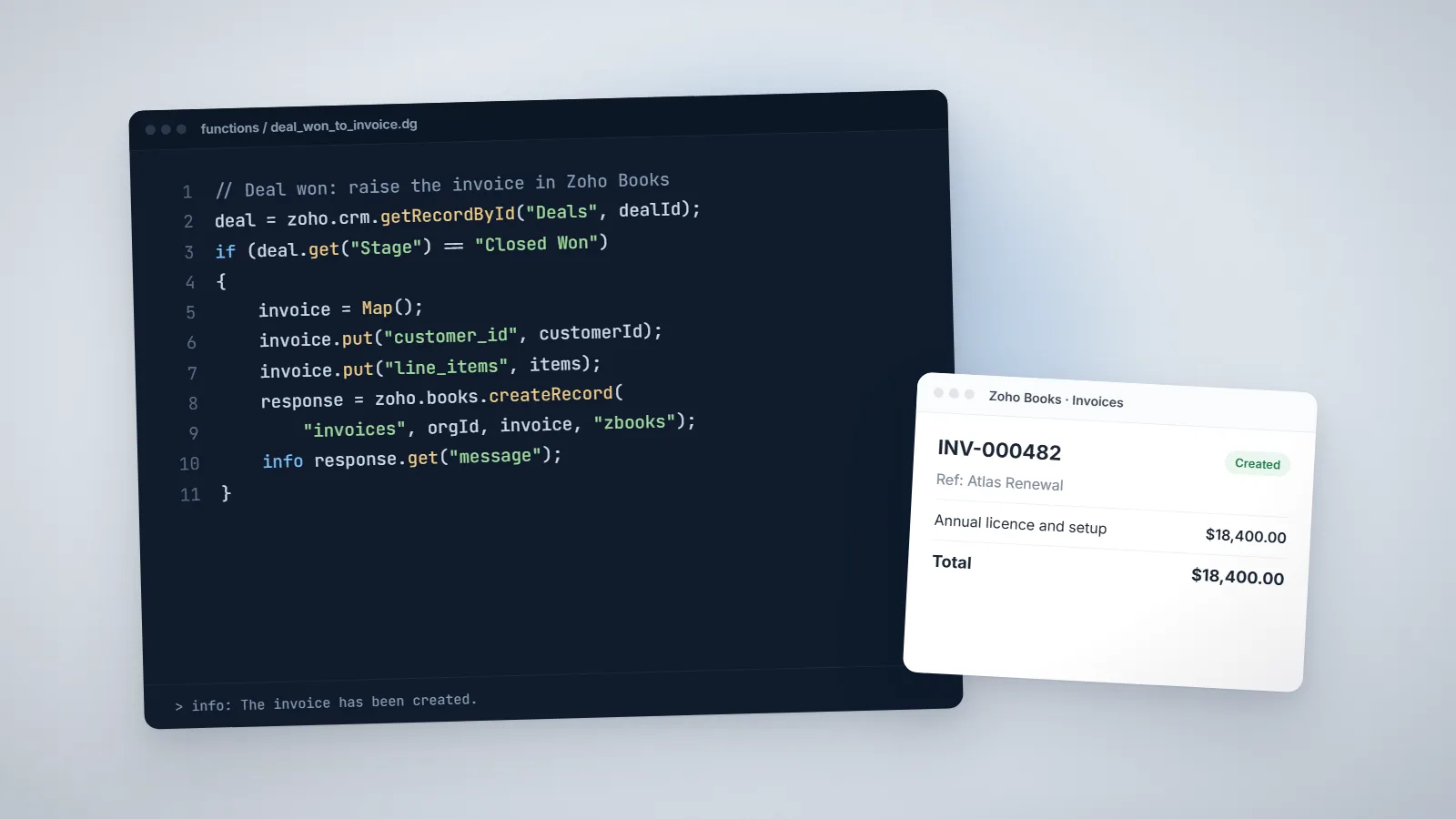
For these, use Blueprint transitions, approval processes and Deluge functions with clear conditions, and let AI suggest rather than act. A simple pattern we use is to have the agent write its proposed action into a field or a task, and have a person approve it with one click.
How to prepare your CRM for AI
1. Clean the data
Duplicates, empty fields and inconsistent picklists confuse people and models equally. Deduplicate accounts and contacts, make key fields mandatory at the right stage, and standardize values such as industry and lead source.
2. Make the process explicit
If your sales process only exists in people’s heads, an agent cannot follow it. Map it in Blueprint with required fields at each step. That alone improves reporting, even before any AI is involved.
3. Capture context in the CRM
Connect email and calendars, log calls and keep notes on the record. AI summaries and suggestions are only as good as the history they can read.
4. Set permissions deliberately
Agents act with the permissions they are given. Use roles and profiles so that an assistant working for a sales rep sees what that rep should see, and nothing more.
5. Keep an audit trail
Log automated changes, for example with a custom field showing the source of an update or a log module written by Deluge. When something goes wrong you need to know whether a person, a rule or an agent made the change.
Start with one measurable use case
Pick one repetitive task, such as summarizing deals before weekly pipeline reviews or drafting first replies to web enquiries. Measure the time it takes today, run AI on it for a month with human review, and compare. If it saves time without creating clean-up work, extend it. If not, you have learned cheaply.
Most of the work in a successful AI rollout is the unglamorous part: data quality, clear processes and permissions. That is also where an experienced Zoho developer adds the most value. If you would like help getting your Zoho CRM ready, see our Zoho CRM implementation service.
A worked example: AI-assisted enquiry handling
Here is a realistic first project for a business that receives web enquiries through a form that creates leads in Zoho CRM.
- Rules first. A workflow rule assigns the lead by region and product, and checks for an existing account with the same email domain. This part stays rule-based because it must be predictable.
- AI summary. An assistant summarizes the enquiry in two lines and suggests a category (new project, support question, pricing request), written into fields on the lead.
- AI draft reply. It drafts a reply using the company’s approved templates and the summary, saved as a draft for the assigned rep.
- Human approval. The rep reviews, edits and sends. Nothing goes to the customer automatically.
- Feedback loop. Reps mark drafts as “used as is”, “edited” or “rewritten” with a picklist, which gives you a simple quality measure after a month.
The result is faster first responses without handing customer communication to a model. If the drafts prove reliable, you can decide later whether some categories can be sent automatically.
How to measure whether it works
- Time saved: minutes per enquiry, per deal review or per call summary, before and after.
- Quality: the share of AI drafts used with little or no editing.
- Outcomes: first-response time, conversion rate and data completeness on key fields.
- Clean-up cost: time spent correcting AI-made changes. If this rises, tighten the rules.
Common mistakes
- Turning on AI features across the whole CRM at once, instead of one use case at a time.
- Letting automated changes overwrite fields without recording the source.
- Expecting AI to fix a sales process that was never defined.
- Ignoring data-protection rules about what customer data can be sent to which model and where it is processed.
Frequently asked questions
Zoho CRM includes Zia, an AI assistant with predictions, anomaly detection, enrichment and a conversational interface, depending on edition. In 2025 Zoho also announced Zia Agents and an Agent Studio for building agents across Zoho apps. Check which features are enabled for your edition and region.
For low-risk fields and suggestions, yes, with logging. For anything involving money, customer commitments, deletion or stage changes that trigger other processes, keep rules and human approval in place and let AI propose rather than act.
Clean and deduplicate data, define the sales process in Blueprint, connect email and calendars so history is captured, set role-based permissions and keep an audit trail of automated changes.
Related services: Zoho CRM implementation · Business process automation · Deluge development · Zoho development