Zoho CRM
How Much Does a Zoho CRM Implementation Cost? A Transparent Breakdown
“How much will this cost?” is the first question every buyer asks and the one most providers avoid answering. Here is how the cost of a Zoho CRM implementation is actually made up, with worked examples using our own hourly rate.

Quick answer
A Zoho CRM implementation typically takes 40 to 70 hours for a small starter setup, 100 to 180 hours for a standard rollout and 200 to 400 hours for an advanced multi-team project. At US$15 per hour that is roughly US$600 to US$6,000, plus Zoho licence fees paid directly to Zoho.
The total cost of a Zoho CRM rollout has two parts that are easy to mix up: what you pay Zoho for the software, and what you pay someone to set it up around your business. This guide covers both, then walks through three realistic project sizes.
We use our own rate of US$15 per hour for the examples, so the numbers are real for us. Other providers charge different rates, but the hours involved are a useful benchmark wherever you buy.
The two costs: licences and implementation
1. Zoho CRM licences
Zoho bills licences per user, per month, and the price depends on the edition (Standard, Professional, Enterprise, Ultimate) and on annual or monthly billing. Zoho CRM is also included in Zoho One, which bundles most Zoho apps for every employee. Prices vary by region and change over time, so always check the official Zoho CRM pricing page.
Edition matters for more than price. Features such as Blueprint, custom functions, sandbox, territory management and API limits differ between editions. Part of a good implementation is choosing the lowest edition that actually covers what you need.
2. Implementation services
This is the work of designing and configuring the CRM: modules, fields, layouts, pipelines, automation, data migration, integrations, testing and training. It is almost always priced from an estimate of hours or days, even when you are quoted a fixed price.
What drives the implementation cost
| Cost driver | Low effort | High effort |
|---|---|---|
| Sales process | One pipeline, a handful of stages | Several pipelines, approvals, Blueprint with required fields at each stage |
| Customization | Standard modules, a few custom fields | Custom modules, subforms, page layouts per team, validation rules |
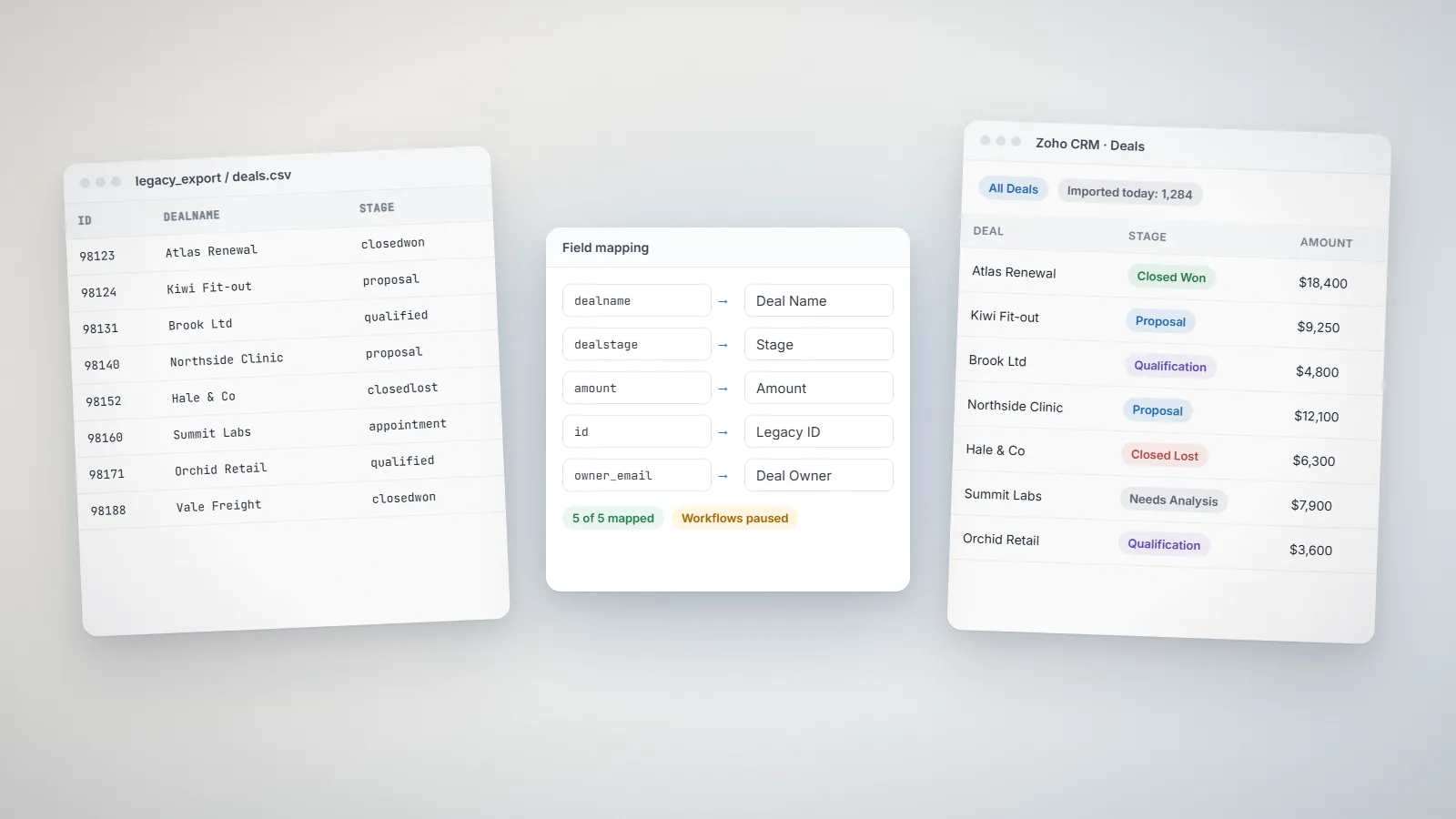
| Data migration | A few clean spreadsheets | Another CRM with years of history, attachments and custom objects |
| Integrations | Email, calendar and other Zoho apps | Accounting, e-commerce, telephony or in-house systems via API |
| Automation | Workflow rules and email alerts | Deluge functions, scheduled jobs, webhooks |
| Reporting | Standard reports | Custom dashboards per role, or Zoho Analytics |
| Users and teams | One team, one country | Several teams, roles, territories and currencies |
Three example projects, priced
These are typical scopes we see. Your project will differ, which is why we confirm everything in a written proposal after a discovery call.
Example 1: Starter setup for a small sales team
- Standard modules, one pipeline, 20 to 30 custom fields
- Lead assignment and basic workflow emails
- Import of contacts and open deals from spreadsheets
- Email integration, a few reports and a short training session
Typical effort: 40 to 70 hours, around US$600 to US$1,050 at US$15 per hour. Usually two to three weeks.
Example 2: Standard implementation for a growing business
- Two pipelines with Blueprint for the main sales process
- One or two custom modules, page layouts per role
- Migration from another CRM including notes and activities
- Integration with Zoho Books or an accounting system, quotes and products
- Role-based dashboards, documentation and team training
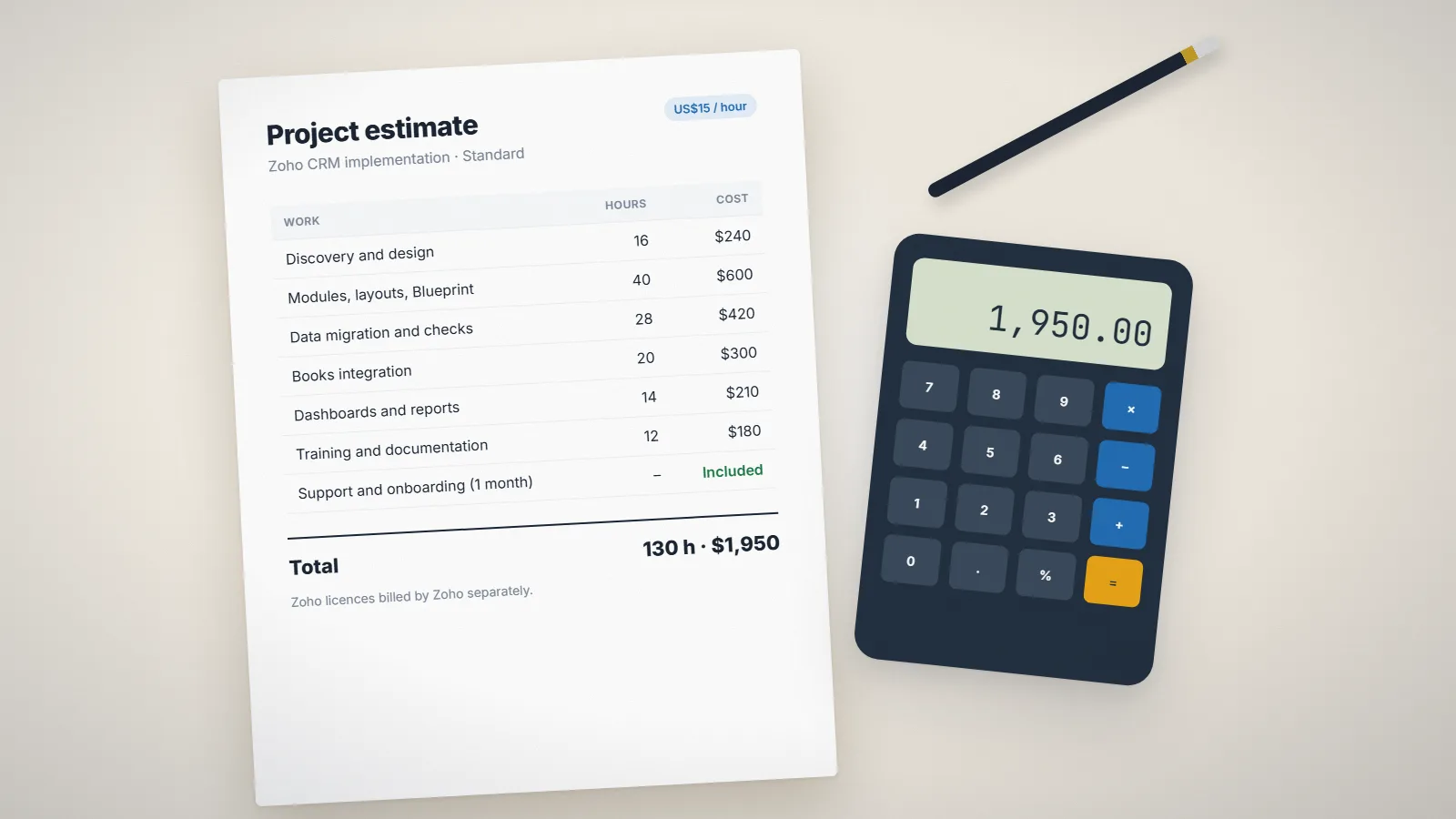
Typical effort: 100 to 180 hours, around US$1,500 to US$2,700. Usually four to eight weeks.
Example 3: Advanced rollout across several teams
- Multiple teams or territories with different processes and permissions
- Deluge functions for deduplication, record creation and scheduled checks
- Three or more integrations (e-commerce, telephony, an in-house system)
- Large migration with attachments and custom objects
- Custom dashboards or Zoho Analytics, plus admin training
Typical effort: 200 to 400 hours, around US$3,000 to US$6,000. Usually eight to sixteen weeks.
Want a figure for your own scope? Our pricing calculator uses the same approach and updates as you choose options.
Costs people forget
- Data cleanup. Messy source data is the most common reason migrations overrun. Budget time for deduplication and standardizing values.
- Change requests. Once people start using the CRM they will ask for changes. That is healthy; plan a small budget for the first two months.
- Extensions and add-ons. Some marketplace extensions, telephony services or e-signature tools have their own subscriptions.
- Edition upgrades. If a must-have feature is only in a higher edition, every user licence goes up. Check this before you build around it.
- Internal time. Someone on your side needs to answer questions, test and champion the CRM. Plan for a few hours a week from them.
Hourly or fixed price: which is better?
Hourly works well for small changes, fixes and ongoing improvements, where the scope is hard to pin down. You pay for time actually spent, ideally with an agreed cap.
Fixed price works well for a defined implementation. The provider takes on the risk of estimating correctly, and you know the total before work starts. The trade-off is that the scope has to be written down clearly, and changes outside it are quoted separately.
We offer both: US$15 per hour for open-ended work, and fixed prices for defined projects, based on the estimated days and complexity. See our pricing page for details.
Five ways to reduce the cost
- Clean and deduplicate your data before the project starts.
- Start with one team and one pipeline, then expand.
- Use standard modules and fields wherever they fit, and customize only where it changes how people work.
- Choose an internal owner who can make decisions quickly.
- Make sure training and documentation are included, so you don’t pay for the same answers twice.
What a standard project looks like week by week
To make the hours concrete, here is how the effort in Example 2 typically spreads out:
- Week 1: Discovery and design. Workshops with sales and management, mapping the current process, agreeing modules, fields, stages and reports. Output: a written design and data mapping sheet.
- Weeks 2 to 3: Configuration. Modules, layouts, pipelines, Blueprint, roles and permissions, email templates. Weekly demos so the team can react early.
- Weeks 3 to 4: Data migration. Cleaning, test imports, fixing mapping issues, then the full import with record-count checks.
- Weeks 4 to 5: Integrations and automation. Accounting integration, workflow rules and any Deluge functions, all tested on real scenarios.
- Week 6: Training and go-live. Role-based training on the team’s own data, documentation handover and go-live.
- The month after: fixes and adjustments as people use it every day. With us, this first month of support and onboarding is free.
What a good proposal should include
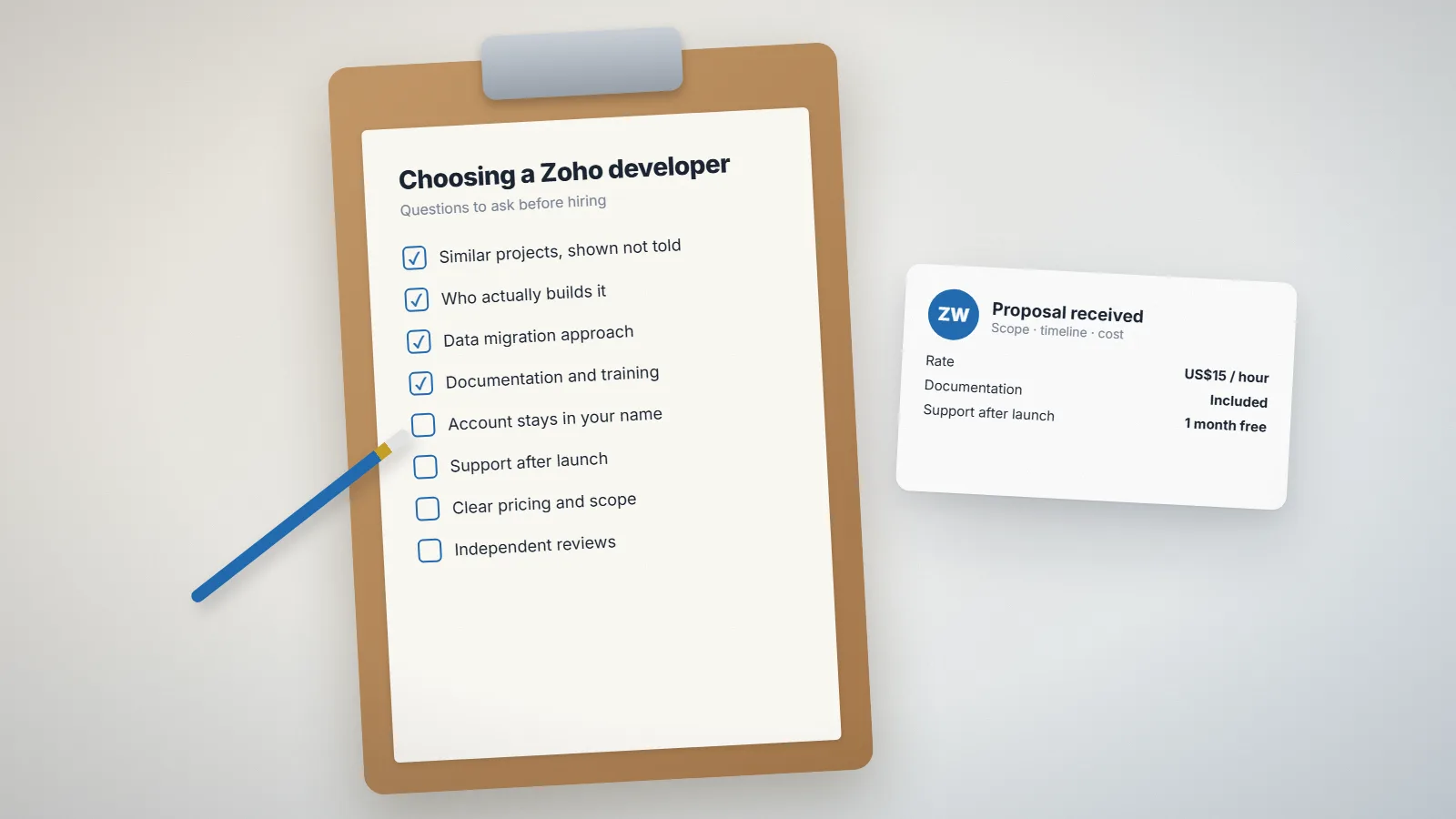
Whoever you hire, a proposal you can rely on has these elements:
- A plain-language summary of the problem you are solving
- The modules, automations, integrations and reports in scope, and what is out of scope
- How data migration will be handled and checked
- The estimated hours or days, and the price
- The timeline with milestones and review points
- Training, documentation and support after launch
- Who owns the account, configuration and code (it should be you)
If two proposals have very different prices, compare these sections first. The cheaper one often leaves out migration checks, training or documentation.
Ongoing costs after launch
A CRM is never finished. Budget for:
- Licences: per user per month, growing with your team.
- Small changes: new fields, reports and automation as your process evolves. For many businesses this is a few hours a month.
- Periodic reviews: once or twice a year, a review of unused fields, broken automations and data quality keeps the system fast and trusted.
Frequently asked questions
Implementation effort typically ranges from about 40 hours for a small starter setup to 200 to 400 hours for an advanced multi-team rollout. At our rate of US$15 per hour that is roughly US$600 to US$6,000, plus Zoho licence fees, which you pay to Zoho directly.
No. Licences are billed by Zoho per user per month, depending on the edition. Keeping the subscription in your own name means you own the account and the data.
A starter setup usually takes two to three weeks, a standard implementation four to eight weeks, and an advanced rollout with several integrations eight to sixteen weeks. The timeline depends mostly on data migration and integrations.
With Zudo Works, every build includes one month of free support and onboarding after launch. After that, support continues hourly or on an optional monthly arrangement.
Related services: Zoho CRM implementation · Pricing · Support and maintenance · Zoho development