Comparisons
Zoho Creator vs Microsoft Power Apps: An Honest Comparison for Growing Businesses
Both platforms let you build business apps without a full development team. They are built on different ideas, though, and the wrong choice usually shows up six months later as licensing surprises or workarounds. Here is how they actually differ.

Quick answer
Choose Zoho Creator if you already use Zoho apps and want the database, logic, portals and mobile apps in one product with per-user pricing. Choose Power Apps if your business runs on Microsoft 365 and your data already lives in SharePoint, Dataverse or SQL Server. The deciding factors are where your data lives, who uses the app and which licences each option needs.
Every few weeks a client asks us some version of the same question: “We need an internal app. Should we build it on Zoho Creator or Power Apps?” The honest answer is that it depends less on the features list and more on where your data and your people already live.
We build on Zoho Creator every day, so read this with that in mind. We have tried to be fair to Power Apps, because for some businesses it is genuinely the better fit, and recommending the wrong platform costs everyone time.
The short answer
- Choose Zoho Creator if you already use Zoho apps (CRM, Books, Desk, Zoho One), want the database, logic, reports, portals and mobile apps in one product, and want predictable per-user pricing.
- Choose Power Apps if your company runs on Microsoft 365, your data already sits in SharePoint, Dataverse or SQL Server, your staff live in Teams, and your IT team manages identity and governance through Microsoft Entra ID.
- Be careful if neither is true. Then the decision comes down to who will maintain the app, which external systems it must talk to, and how many people outside your company need access.
How the two platforms are built
Zoho Creator is a self-contained application platform. When you create an app you get a database (forms become tables), a scripting language called Deluge, reports and dashboards, page builders, role-based permissions, customer or partner portals, and native mobile apps, all in one place. You don’t need to buy or configure anything else to have a working app.
Power Apps is one part of the Microsoft Power Platform. The app itself is the user interface. Data usually lives somewhere else (SharePoint lists, Dataverse, SQL Server, Excel or one of hundreds of connectors), workflows usually run in Power Automate, and external portals are a separate product, Power Pages. The logic inside the app is written in Power Fx, an Excel-like formula language.
Neither approach is better in the abstract. Creator gives you fewer moving parts. Power Apps gives you more building blocks, which is powerful when your organization already owns and manages them.
Side-by-side comparison
| Area | Zoho Creator | Power Apps |
|---|---|---|
| Data storage | Built-in database; every form is a table with relationships | SharePoint, Dataverse, SQL Server or a connector; Dataverse needs premium licensing |
| Logic | Deluge scripts on form events, schedules, buttons and APIs | Power Fx formulas in the app; most background workflows in Power Automate |
| App types | Form- and report-driven apps, custom pages, dashboards | Canvas apps (pixel-level layout) and model-driven apps (data-first, built on Dataverse) |
| Mobile | Native iOS and Android apps generated from the same app | Power Apps mobile player for iOS and Android |
| External users | Customer or partner portals included in Creator plans | Power Pages, licensed separately |
| Integrations | Native links to Zoho apps; REST APIs, webhooks and connections for others | Large connector catalogue; many business connectors are “premium” |
| Best ecosystem fit | Zoho One, Zoho CRM, Zoho Books, Zoho Desk | Microsoft 365, Teams, SharePoint, Dynamics 365, Azure |
Pricing for both platforms changes regularly and depends on edition, region and contract size, so check the official pricing pages for Zoho Creator and Power Apps before you decide. What matters more than the headline price is the next section.
Licensing: where the surprises hide
Most of the painful conversations we have about low-code platforms are about licences, not features.
Power Apps
Some Microsoft 365 plans let staff use Power Apps with standard connectors such as SharePoint. That is great for simple apps. The moment an app needs Dataverse, a premium connector (SQL Server, many CRMs and ERPs, custom APIs) or external users, every person who uses it typically needs a premium licence, and portals for customers are billed separately. Teams often build a prototype on the free tier and only discover the licence cost when they try to roll it out.
Zoho Creator
Creator is licensed per user, and the plans include the database, Deluge, reports and mobile apps. Portal users for customers or partners come with plan-based limits. If you have Zoho One, Creator is already included. The main thing to watch is plan limits: records, storage, scheduled tasks and API calls differ by edition, so size the plan against your expected volume.
Our advice: before anyone builds a prototype, write down who will use the app (internal staff, field teams, customers), where the data will live, and which other systems it needs to talk to. Price both platforms against that list, not against the demo.
What building and maintaining an app feels like
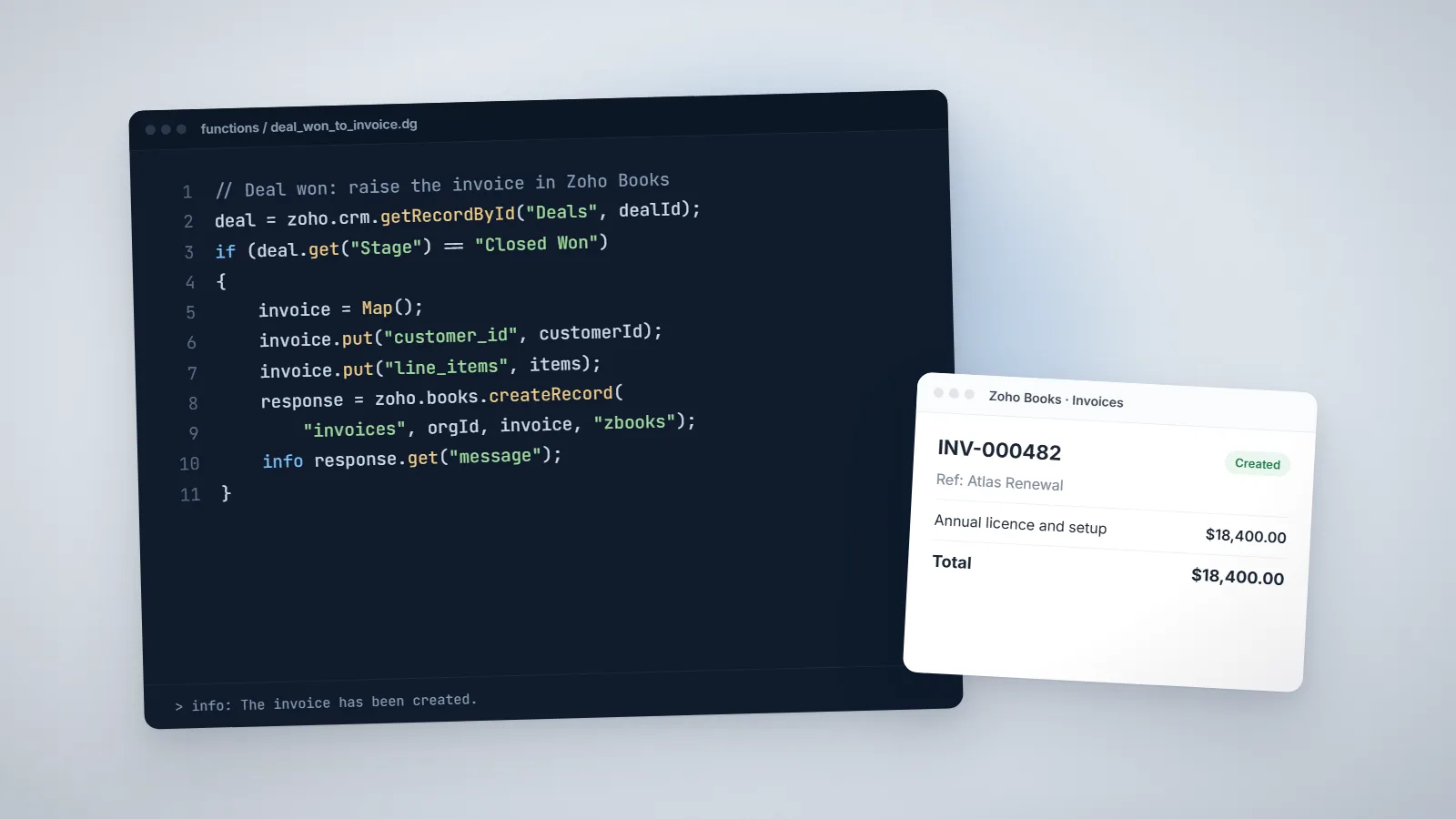
In Creator, a typical app starts with forms. You define fields and relationships, add Deluge on events such as On Validate and On Success, then build reports, pages and permissions on top. Because the data and logic live together, a developer can trace exactly what happens when a record is saved. Deluge reads like a simplified scripting language, and it has built-in tasks for Zoho apps, for example creating a Zoho Books invoice in one line. If you want to see what that looks like, we wrote a guide with real Deluge script examples.
In Power Apps, canvas apps give designers precise control over layout, which is excellent for task-focused screens. The trade-off is that logic is spread across formulas on individual controls, Power Automate flows and the data source. That is manageable with good discipline, but it is easy for a fast-growing app to become hard to follow.
Either way, the long-term cost of an app is maintenance. Ask who will understand it in two years. Document data models and automations from day one, whichever platform you pick.
Integrations with the rest of your business
If your CRM, accounting and helpdesk are Zoho products, Creator has a clear advantage: it can read and write records in Zoho CRM, Books, Desk and others with built-in Deluge tasks and shared authentication. A common pattern we build is a Creator app for operations (jobs, orders, inspections) that pushes approved work into Zoho Books for invoicing and updates the customer in Zoho CRM.
If your stack is Microsoft, Power Apps wins the same argument the other way: SharePoint, Outlook, Teams, Excel and Dynamics 365 connect with almost no effort, and identity is handled through your existing Microsoft accounts.
For anything outside those ecosystems (an e-commerce platform, a payment gateway, a logistics API), both platforms can call REST APIs. In Creator you use invokeurl with a stored connection; in Power Platform you use a custom connector or an HTTP action in Power Automate, which usually needs premium licensing.
When Zoho Creator is the better choice
- You already pay for Zoho One or use Zoho CRM and Books, and want an app that shares their data.
- You need a customer or supplier portal and don’t want a second product for it.
- Field staff need a mobile app with offline-friendly forms and photo or signature capture.
- You want to replace spreadsheets or an old Access database with something structured, quickly.
- You have no dedicated IT team and want one platform to look after.
When Power Apps is the better choice
- Your company is standardized on Microsoft 365 and your staff spend their day in Teams.
- Your data already lives in SharePoint, Dataverse, SQL Server or Dynamics 365.
- Your IT team manages security, data-loss policies and environments centrally in Microsoft tools.
- You need very precise screen layouts for a single task, such as a kiosk or check-in app.
A five-question decision checklist
- Where does the data live today, and where should it live after the app is built?
- Who are the users? Count internal staff, mobile staff and external users separately.
- Which systems must it talk to? List them, and check whether each connection is native, premium or custom.
- Who will maintain it? An in-house admin, an IT team or an outside developer?
- What does year two cost? Licences for the expected number of users, plus support and changes.
If you write those answers down, the right platform is usually obvious. If it isn’t, a short discovery call with someone who has built on both will save you a rebuild later.
A worked scenario: a field service company
Take a 40-person company that installs and services equipment. Office staff schedule jobs, technicians visit sites, and finance invoices completed work. Today it runs on a shared spreadsheet, phone calls and photos sent over messaging apps.
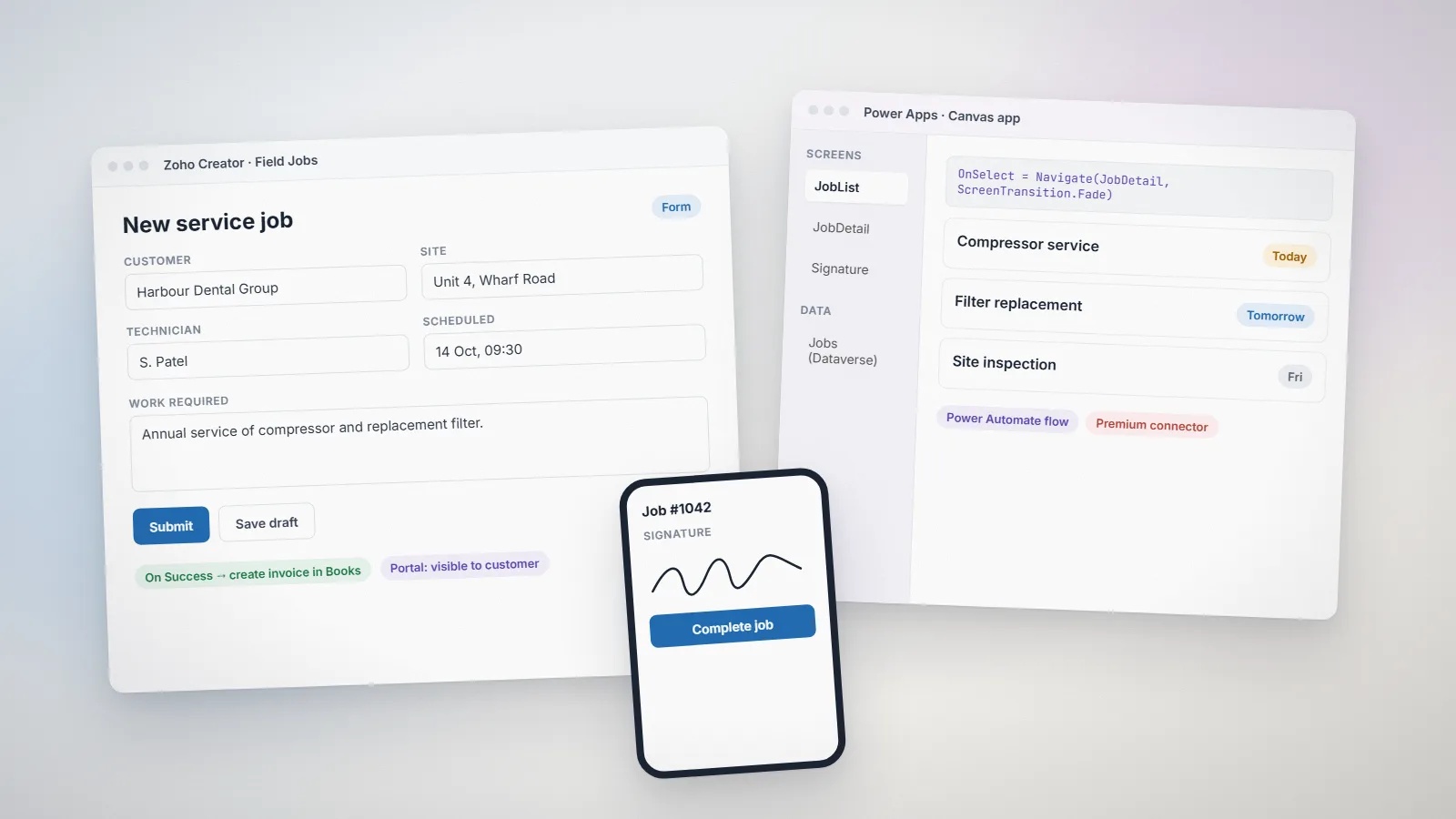
If the company uses Zoho CRM and Zoho Books, a Creator app is the natural fit. Jobs are created from CRM accounts, technicians use the Creator mobile app to record work, parts and signatures on site, and a Deluge function sends completed jobs to Zoho Books as invoices. Customers can see their job history through a Creator portal. Everything shares one set of customer records and one login system.
If the company runs on Microsoft 365, with customers in Dynamics 365 or a SharePoint list and staff working in Teams, Power Apps makes sense. A canvas app handles the technician screens, Power Automate creates follow-up tasks and sends documents, and the data sits in Dataverse or SharePoint. The customer portal would be a Power Pages site, licensed separately.
Both solutions work. The difference is how many products you need to license and maintain, and which team already knows them.
Frequently asked questions
Often, but not always. Creator includes its database, scripting, reports, portals and mobile apps in each plan, while Power Apps can need premium licences for Dataverse, premium connectors and separate Power Pages licensing for external users. Compare both against your real user counts and integrations, using each vendor's current pricing page.
Yes. Creator can call Microsoft Graph and other REST APIs through Deluge and stored OAuth connections, and Zoho Flow offers ready-made connectors for many Microsoft services. It takes more setup than staying inside one ecosystem, but it is a common and reliable pattern.
Power Fx feels familiar to people who write Excel formulas. Deluge reads more like a simple scripting language and is easier to follow for multi-step business logic, such as creating related records or calling APIs. Most admins can read basic Deluge after a short handover.
There is no automatic converter. The data can be exported and imported, but screens and logic have to be rebuilt. That is why it is worth choosing carefully at the start.
Related services: Zoho Creator development · Custom software · Pricing · Zoho development