

Barcode job cards that follow the work
A work order in ZMOS prints a job card PDF with a QR code and a Code 128 barcode. The card follows the work through the shop; a phone camera or a keyboard-wedge scanner reads it back, so issues, returns, labour and completed steps land on the right job without typing a number.
- Job card PDF with QR code and Code 128 barcode
- Camera scanner on the phone: EAN, UPC, Code 128, Code 39, QR, Data Matrix, PDF417
- Keyboard-wedge scanners work as they are
- Routing steps start and complete in sequence
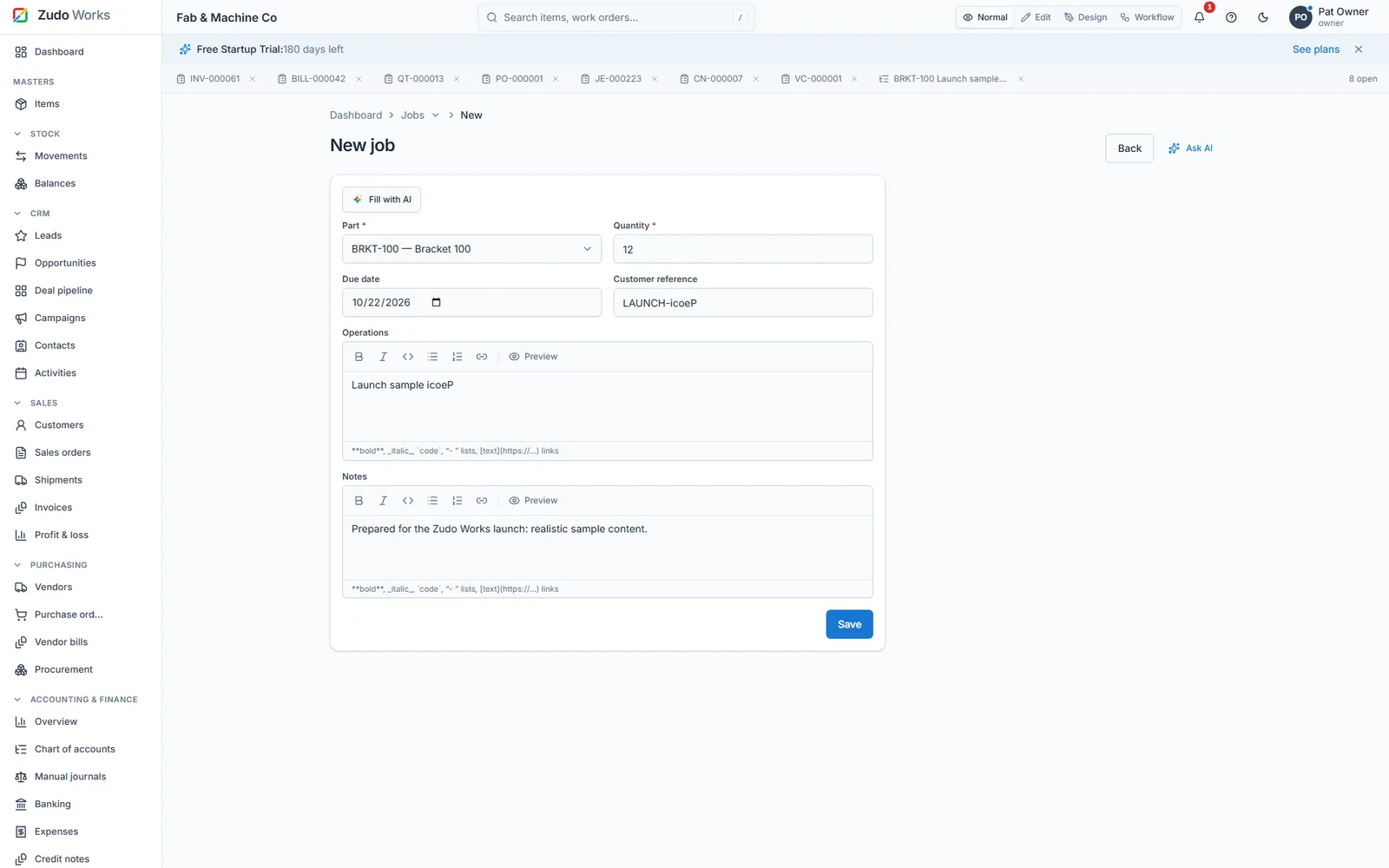
What is on the card and what it does
- Header and barcode
Job number, item, quantity, due date, customer reference and status, with a QR code and a Code 128 barcode. The card opens in an in-app viewer and prints as a PDF.
- Materials
Planned quantities from the bill of materials, scrap included, against issued and returned per component. The Issue form takes the warehouse, the quantities and a reason for any over-issue.
- Routing
Ordered steps with the work centre and planned hours. Steps start and complete in sequence, pending, running, done.
- Labour and cost
Hours at the work-centre rate, material at moving-average cost, total and per unit. The cost is on the card when the job closes.
- Lifecycle
Draft, released, in progress, completed, closed. Each move notifies the job's creator, writes the audit log and fires the job webhooks.
- Photos and signatures
Attachments on the job and on its movements, so an inspection photo or a sign-off travels with the record.
Scanning on the floor
The scanner is a page in the app; nothing is installed.
- Open Scan
The camera opens with a framing guide, a permission explainer, vibration and a spoken result.
- Read the card
The QR or barcode opens the job. Formats: EAN-13 and 8, UPC-A and E, Code 128, Code 39, QR, Data Matrix and PDF417.
- Record
Issue material, return offcuts, start or complete the step, attach a photo.
- Offline
Records made offline queue and sync in order when the connection returns; the pending count shows in the top bar.
Where this fits, and where it does not
A barcode job card is the cheapest way to get accurate issues and labour from a small floor.
It is not a full shop-floor terminal system with machine telemetry; ZMOS records what people scan and enter. For a 10 to 50 person shop that is usually the right amount of system.
- Barcode generator is a built-in enterprise feature of ZMOS
- The phone app installs as a web app with an install prompt
- Any keyboard-wedge scanner types the code into the search box
- Money and status changes never post offline
In numbers
- codes on each card: QR and Code 128
- 2
- barcode formats the camera reads
- 8
- lifecycle states from draft to closed
- 5
- cost on the card the day it closes
- Per unit
Watch it work
See this part of ZMOS on video
Recorded in the product itself, narrated in English, start to finish.
59:4316. On the shop floor
The job card on the floor: scanning, issuing material and logging the work. The clip starts at this chapter of the full two-hour build; every step is on sample data and the current version.
Does ZMOS print barcodes?
Yes. Every work order has a job card PDF with a QR code and a Code 128 barcode, printed from the job page. The barcode generator is built in; no label software is needed.
What scanner do I need?
None in particular. The phone camera scans eight formats through the app's Scan page, and a keyboard-wedge scanner simply types the code into the search box.
Can material be issued by scanning?
Yes. Scanning the card opens the job; the Issue form takes the warehouse and quantities, and the movement posts to the ledger as a job issue.
Does it work without internet on the floor?
Some records queue offline and sync in order when the connection returns. Money and status changes never post offline, so a job is not closed from a dead zone.
How does labour get on the job?
Routing steps carry the work centre and planned hours; starting and completing a step records the hours at the work-centre rate, which feeds the job cost.
Print your first job card this week
Six months free, no card. Open a work order from a BOM and the card is ready to print.