Manufacturing
ERPNext vs Zoho ERP for Indian Manufacturers: Open Source You Run, or a Subscription Zoho Runs?
Most ERPNext vs Zoho comparisons put ERPNext against Zoho One or Zoho Inventory, which have no manufacturing module. Since January 2026 the fair comparison for an Indian factory is ERPNext against Zoho ERP. Both now have bills of materials, job cards and subcontracting. The real difference is who runs the system and who you call when something breaks.

Quick answer
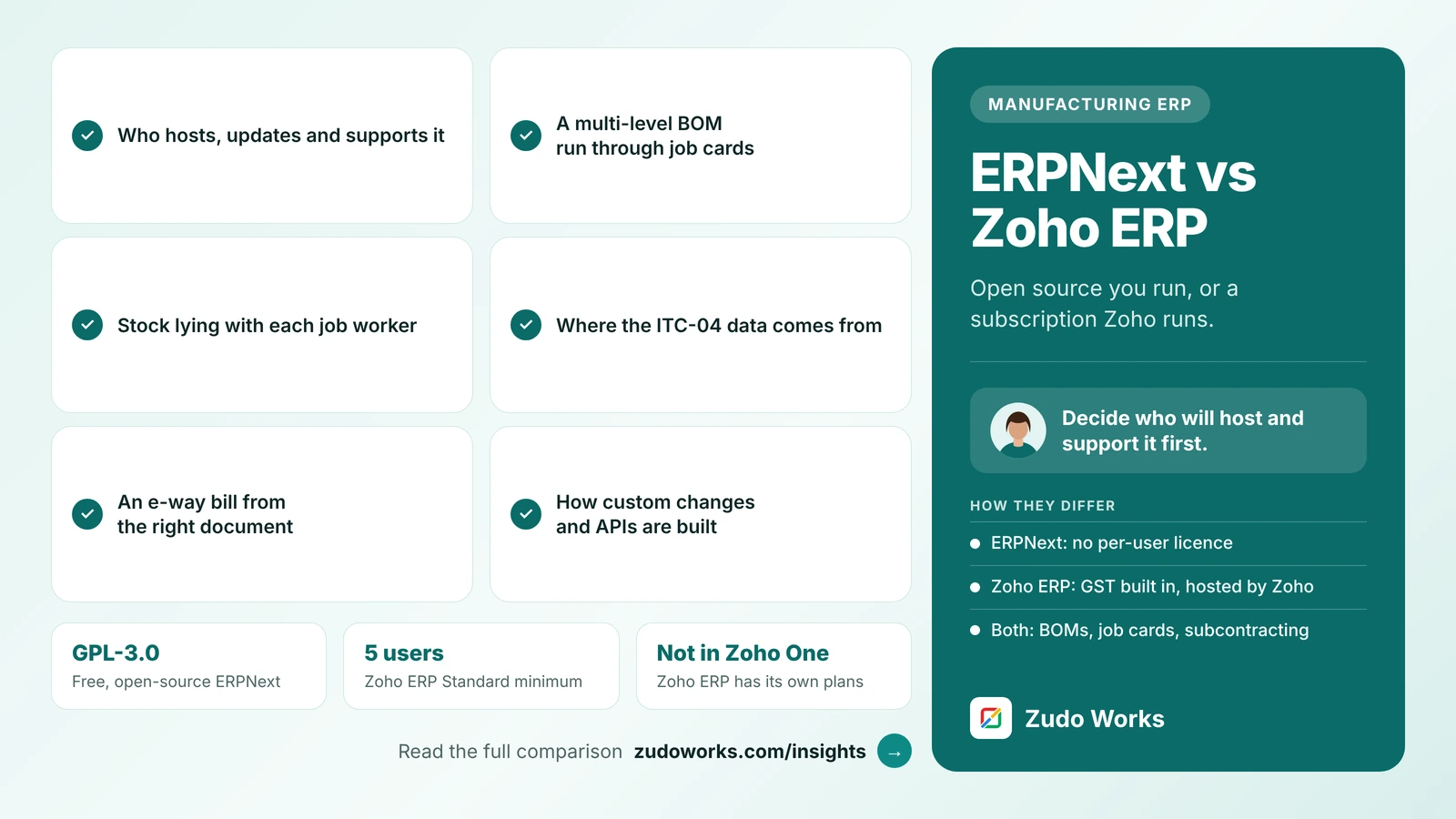
Choose ERPNext if you want free, open-source software with no per-user licence and have an in-house technical person or partner to host and maintain it. Choose Zoho ERP if you want a per-user subscription that Zoho hosts, with GST and production built in. Both have BOMs, job cards and subcontracting, so test your own job work scenario in each trial.
Search for “ERPNext vs Zoho” and the top results compare ERPNext with Zoho One or Zoho Inventory. Neither of those has a manufacturing module, so the comparison is lopsided before it starts. Zoho ERP, launched in India in January 2026 and sold separately from Zoho One, has bills of materials, manufacturing orders, job cards, quality inspections and subcontracting.
Every feature below was checked on Frappe’s and Zoho’s own pages on 21 October 2026. Where a vendor’s page does not say something, we say so. We do not quote prices: see the official ERPNext pricing and Zoho ERP pricing pages.
The short answer
- Choose ERPNext if you want open-source software with no per-user licence, and you have an in-house technical person or a reliable implementation partner to host, configure and maintain it.
- Choose Zoho ERP if you want a subscription that Zoho hosts and updates, with accounts, GST and production in one product, and you are comfortable paying per user.
- Decide on support first. With ERPNext you choose who supports you; with Zoho ERP the product comes from one vendor. That choice shapes cost and risk more than any single feature.
Two ways to buy an ERP
ERPNext is built by Frappe and released as free, open-source software under the GPL-3.0 licence. You can install it on your own server at no licence cost, or host it on Frappe Cloud, which Frappe says is billed for the resources you use rather than per user and comes with a 14-day trial. Frappe does not implement ERPNext itself; it points customers to its partner network, and its product warranty covers bug fixes, not functional support. Indian GST features come from a separate, installable India Compliance app.
Zoho ERP is a cloud subscription sold and run by Zoho. It has Standard, Premium and Custom plans, billed monthly or yearly, with a 14-day trial and no long-term contract. Pricing is per user, with some lines per employee, and Standard needs at least five users. Each plan also has a yearly transaction allowance per organisation: 100,000 on Standard and 300,000 on Premium, counting sales, purchase and manufacturing orders. Zoho’s FAQ is clear that Zoho ERP is not part of Zoho One.
ERPNext and Zoho ERP at a glance
| Area | ERPNext | Zoho ERP |
|---|---|---|
| Licence | Free, open source (GPL-3.0) | Per-user subscription; Standard, Premium, Custom |
| Hosting | Self-hosted, or Frappe Cloud | Hosted by Zoho |
| Usage limits | None set by a licence; depends on your server or Frappe Cloud plan | 100,000 transactions a year on Standard, 300,000 on Premium |
| Production | BOM, Work Order, Job Card, Workstation, Production Plan, capacity planning | BOM, manufacturing orders, job cards, shop floor, work centers, planning module |
| Subcontracting | Subcontracting Order, Send to Subcontractor, Subcontracting Receipt | Subcontract BOMs, subcontract manufacturing orders, purchase orders and material transfers |
| Quality | Quality Inspection, including against a Job Card | Quality templates, rules, inspections and an inspection worklist |
| GST | India Compliance app: GST, e-invoice, e-way bill, TDS and TCS | Built in: GST filing, e-way bills, TDS |
| Customisation | No-code forms and workflows, scripts, or changes to the code itself | Custom modules (up to 25 on Standard and Premium); API through a paid add-on |
Bills of materials, job cards and planning
On the shop floor, the two products are closer than most comparisons suggest.
- ERPNext creates a Job Card for each operation automatically when a Work Order is submitted, assigned to a Workstation. Operators log time with Start and Complete buttons, record scrap on the Job Card, and can raise a Quality Inspection against it for semi-finished goods. Since version 16, a Pending Qty field lets a Job Card close with the shortfall counted as process loss. Capacity planning is on by default and schedules Job Cards against Workstation hours, and the documentation covers Production Plans and material requirements planning.
- Zoho ERP has bills of materials that list components and operations, manufacturing orders, job cards, a shop floor view and a manufacturing calendar. Its manufacturing page says the planning module turns production plans into manufacturing orders and can split one operation across several work centers. Batches, lots and serial numbers can be linked to manufacturing and finished goods, and there is a report for delayed job cards.
Both will handle a multi-level BOM with routing. Test the one thing your factory does that is unusual, such as alternate materials, rework, or a step done at a customer’s site, rather than the standard flow every demo shows.
Job work and subcontracting
Job work is where an Indian manufacturer finds out whether an ERP fits. You send material to a job worker, track what is lying with them, receive finished goods and some scrap back, and report all of it to GST on Form ITC-04: half-yearly if turnover is above ₹5 crore, yearly if it is not.
ERPNext documents the flow step by step. You mark a Purchase Order for the service as Is Subcontracted, create a Subcontracting Order from it, move material to the supplier’s warehouse with a Send to Subcontractor stock entry, and receive finished goods and scrap with a Subcontracting Receipt. Raw materials can be backflushed from the BOM or from what was actually transferred, and one Purchase Order can be split across several Subcontracting Orders. On the India side, the India Compliance team announced e-way bills from a stock entry or Subcontracting Receipt in 2024 and listed ITC-04 features as in progress, so check the current release before you rely on it.
Zoho ERP’s help has a Subcontract Manufacturing section covering subcontract bills of materials, subcontract manufacturing orders, purchase orders and material transfers, plus delivery challans in Sales. Its feature pages do not mention ITC-04, and its GST filing help lists GSTR-1, GSTR-3B, GSTR-2A and 2B reconciliation and GSTR-9.
So in each demo, send material to a job worker, bring part of it back with some wastage, and ask to see three things: stock lying with that job worker, the document that travelled with the goods, and the data you would file in ITC-04. Our Zoho ERP vs Odoo comparison uses the same test.
GST, e-way bills and statutory work
With Zoho ERP, GST filing, e-way bills and TDS are part of the product, and Zoho maintains them. There is no separate compliance component to install or upgrade.
With ERPNext, GST comes from the India Compliance app, which adds GST setup, HSN and SAC codes, GST returns and statutory reports, e-invoices, e-way bills, and TDS and TCS. It is a separate component: whoever hosts your ERPNext needs to keep it updated in step with ERPNext itself. Frappe’s own page notes that the features available depend on the app version installed.
If your accountant files from Tally today and is not ready to move, neither product is the whole answer. Our Zoho Books vs TallyPrime guide covers that decision first.
What you actually pay for
“ERPNext is free” is true of the licence, not of a working system. With ERPNext, budget for hosting (your own server or Frappe Cloud), implementation by a partner, and a support arrangement, because Frappe Cloud hosting does not include functional support. With Zoho ERP, budget for per-user and per-employee licences, any API add-on, and implementation help.
Compare three years, not one. On the ERPNext side, include upgrades: open-source ERPs move quickly, and someone has to test your customisations against each new version. On the Zoho side, include user growth and whether you will outgrow the transaction allowance of your plan.
Customisation and integrations
ERPNext is the more open of the two. You can change forms, workflows and permissions without code, write scripts in the interface, or change the source itself. That freedom is valuable, and it is also a risk: heavy changes to the core make upgrades harder, so keep custom logic in a separate app where you can.
Zoho ERP allows up to 25 custom modules on Standard and Premium, unlimited custom reports on Premium, and API access through a paid add-on of 10,000 calls a day per add-on. For processes outside the ERP, such as a dealer portal or a machine checklist on a tablet, a Zoho Creator app is the usual route, connected to the ERP through its API. Zoho ERP also has a documented integration with Zoho CRM for the sales side.
Which one fits your factory
| Your situation | Usually the better fit |
|---|---|
| You have an IT person or a partner you trust for the long term | ERPNext |
| You want the system on your own servers | ERPNext |
| You need to change how the software itself works | ERPNext |
| No in-house IT, and you want the vendor to run updates and GST changes | Zoho ERP |
| You already run Zoho CRM, Books or Creator | Zoho ERP |
| You want one vendor accountable for the product | Zoho ERP |
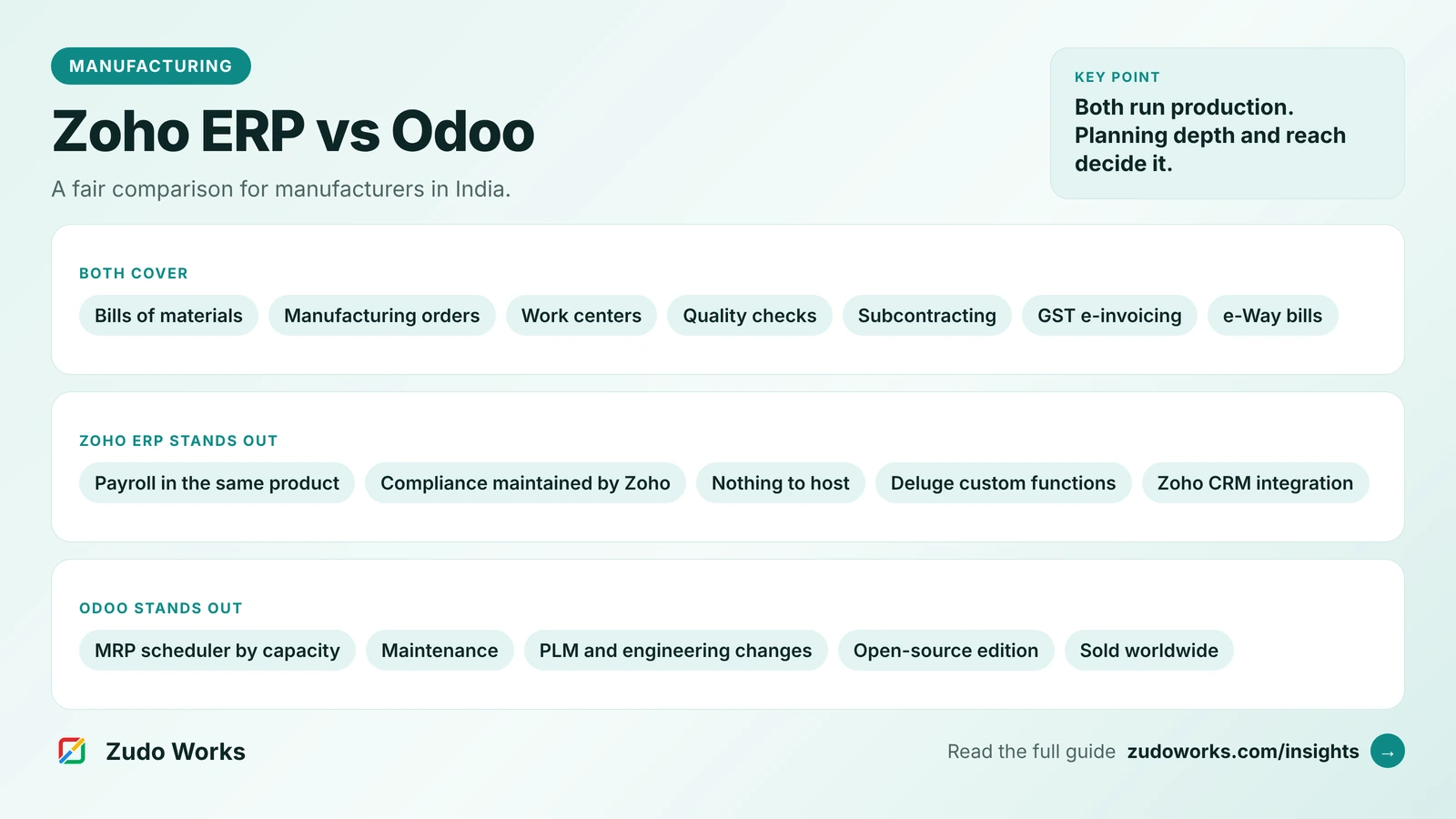
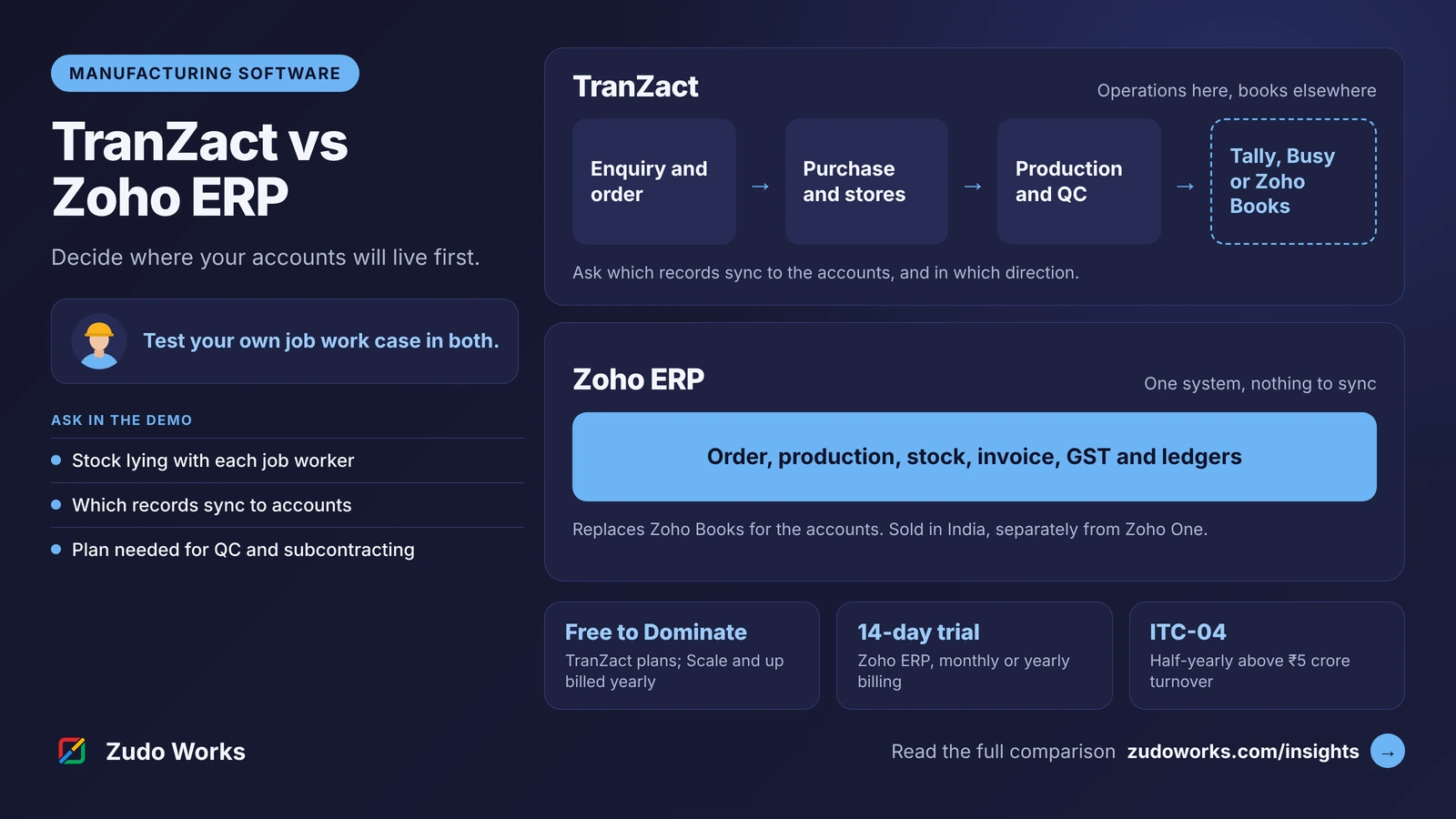
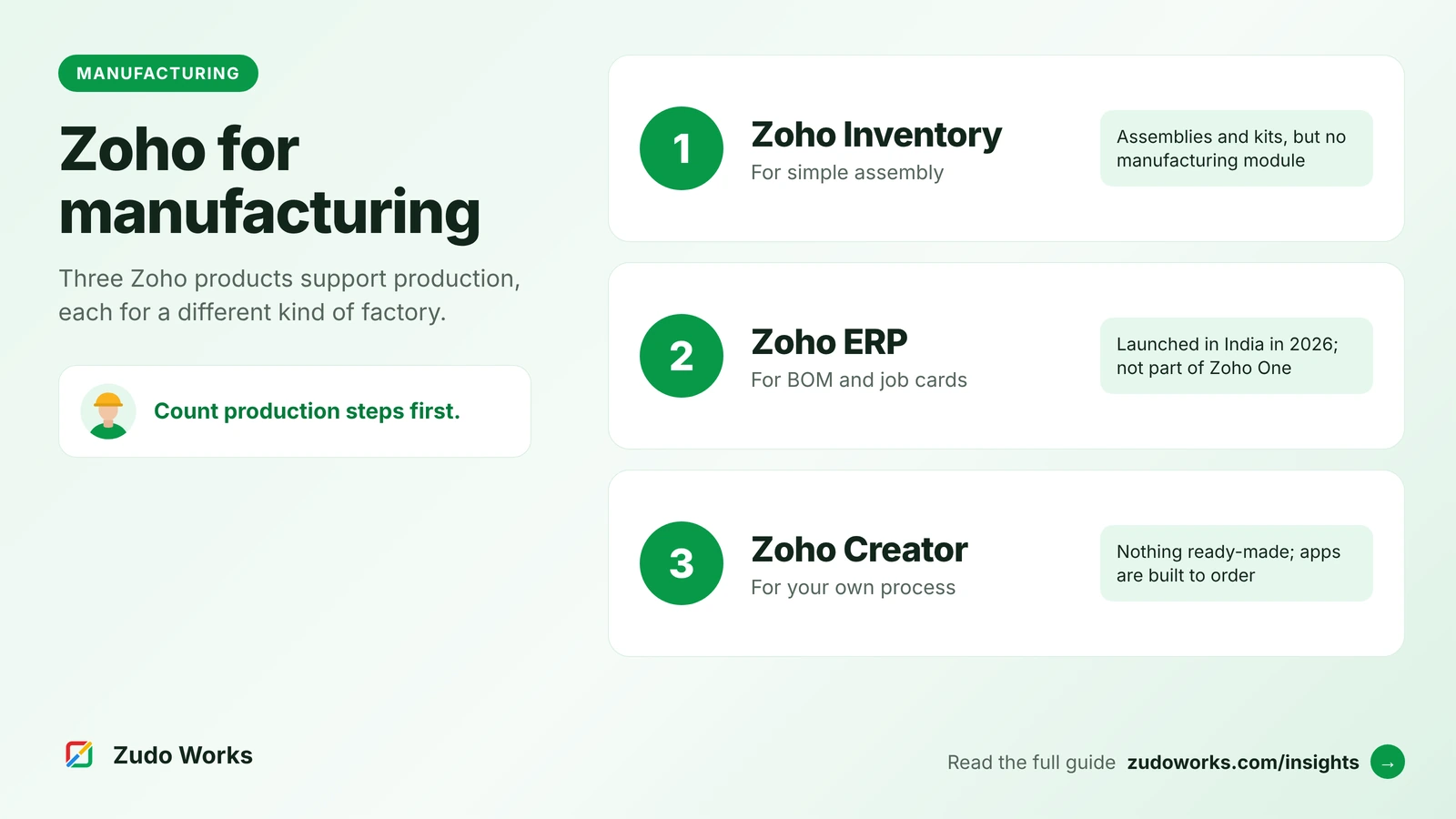
If your shortlist also includes Odoo or TranZact, see our comparisons of Zoho ERP vs Odoo and TranZact vs Zoho ERP, and our overview of every Zoho route for manufacturers.
A test plan for both trials
Both products offer a 14-day trial. Use it on your own data, not the sample company.
- Write down who will host, update and support the system for the next three years, and what that costs.
- Build one real multi-level BOM with routing and run a work order through job cards to finished goods.
- Send material to a job worker, receive part of it back with wastage, and find the stock still lying with them.
- Ask where the ITC-04 data comes from, and in what format.
- Raise an e-way bill from the document your stores team would really use.
- List the two integrations you need, such as CRM or a machine data feed, and ask how each is built and maintained.
If you choose the Zoho route and need integrations or custom apps around Zoho ERP, our Zoho integrations page explains how we work.
Frequently asked questions
The software is. ERPNext is open source under the GPL-3.0 licence and can be self-hosted at no licence cost. You still pay for hosting, implementation and support, either to Frappe, through Frappe Cloud and its support plans, or to a partner.
Yes, through the India Compliance app, which adds GST setup, HSN and SAC codes, GST returns and reports, e-invoices, e-way bills, and TDS and TCS. It is installed alongside ERPNext and should be kept updated with it.
Zoho ERP has a subcontract manufacturing flow with subcontract bills of materials, subcontract manufacturing orders, purchase orders and material transfers. Its pages do not mention Form GST ITC-04, so ask to see where that data would come from in a demo.
No. Zoho says Zoho ERP is a separate product with its own Standard, Premium and Custom plans. It is sold through Zoho's Indian website and has a 14-day free trial.
Yes, but treat it as a new implementation. Masters such as items, customers, suppliers and BOMs move across with planning; open transactions, stock with job workers and opening balances need a clean cut-over date agreed with your accountant.
Related services: Zoho integrations · Zoho Creator development · Zoho development