Comparisons
Zoho Books vs TallyPrime: Which Fits a Growing Manufacturer or Trader?
Most Indian manufacturers we speak to keep their books in Tally. The question is rarely whether Tally works; it does. The question is whether it still fits once sales, stock and production need to share data across people and places. Here is a fair comparison.

Quick answer
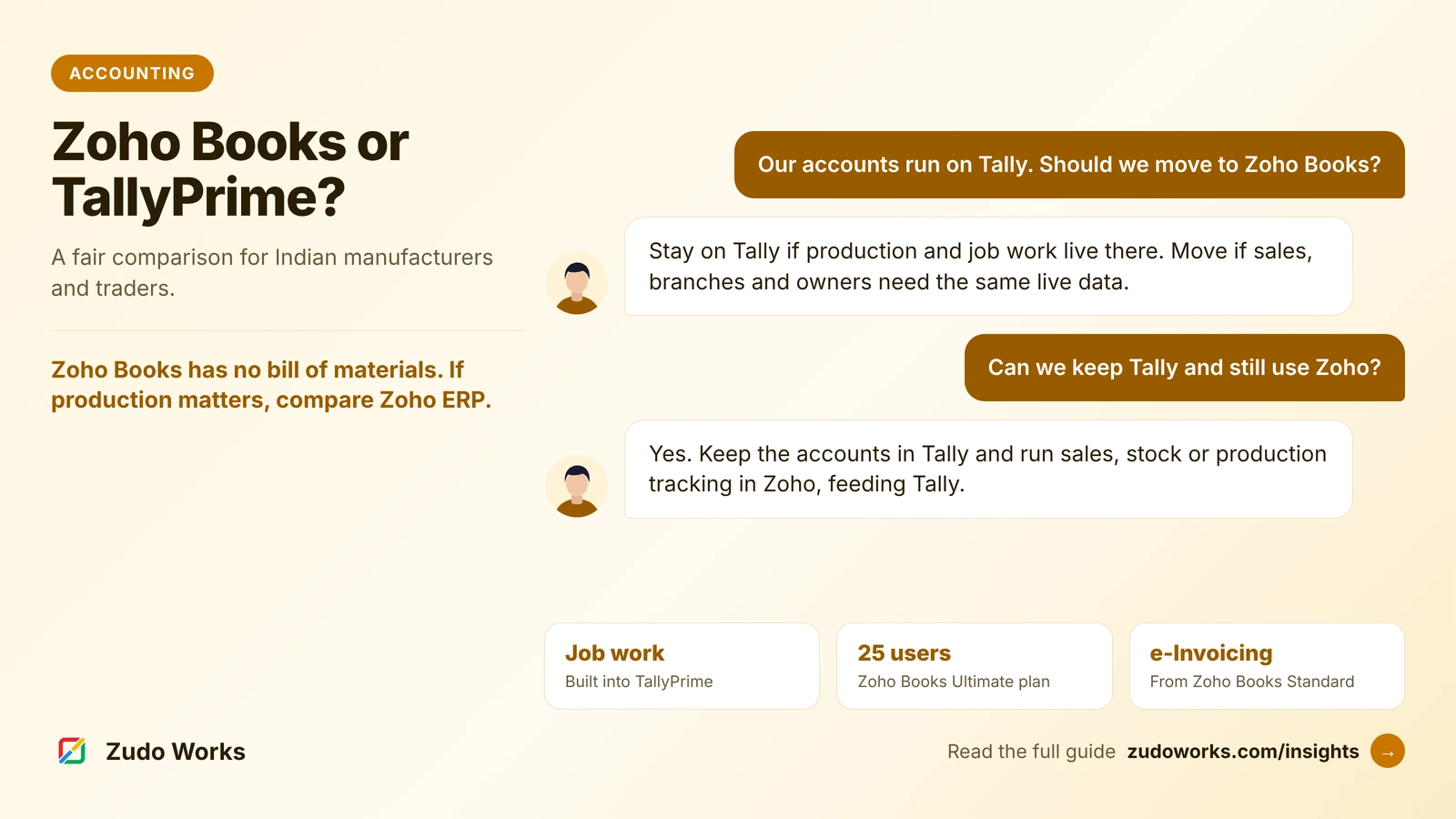
Stay on TallyPrime if you record production and job work in it and most users sit in one office. Choose Zoho Books if sales, branches or owners need the same live data and you want it linked to Zoho CRM. Zoho Books has no bill of materials, so a manufacturer leaving Tally should compare Zoho ERP instead.
TallyPrime and Zoho Books both do Indian accounting well: GST, e-invoicing, e-way bills, bank reconciliation and statutory reports. Comparing them feature by feature produces a long table of ticks on both sides and no decision.
The real differences are in how each one is built, how it handles production, and how it connects to the rest of the business. Every product fact below was checked on Tally’s and Zoho’s own sites in October 2026. We work on Zoho, so we have tried to be especially fair to Tally.
The short answer
- Stay on TallyPrime if your accountant and team know it well, your production is recorded through BOMs, manufacturing journals and job work vouchers that work for you, and most people who need the numbers sit in one office.
- Move to Zoho Books if sales staff, branches or owners need live data from anywhere, you want quotes, orders and invoices to flow from Zoho CRM without re-entry, and your production is simple enough not to need a full manufacturing module.
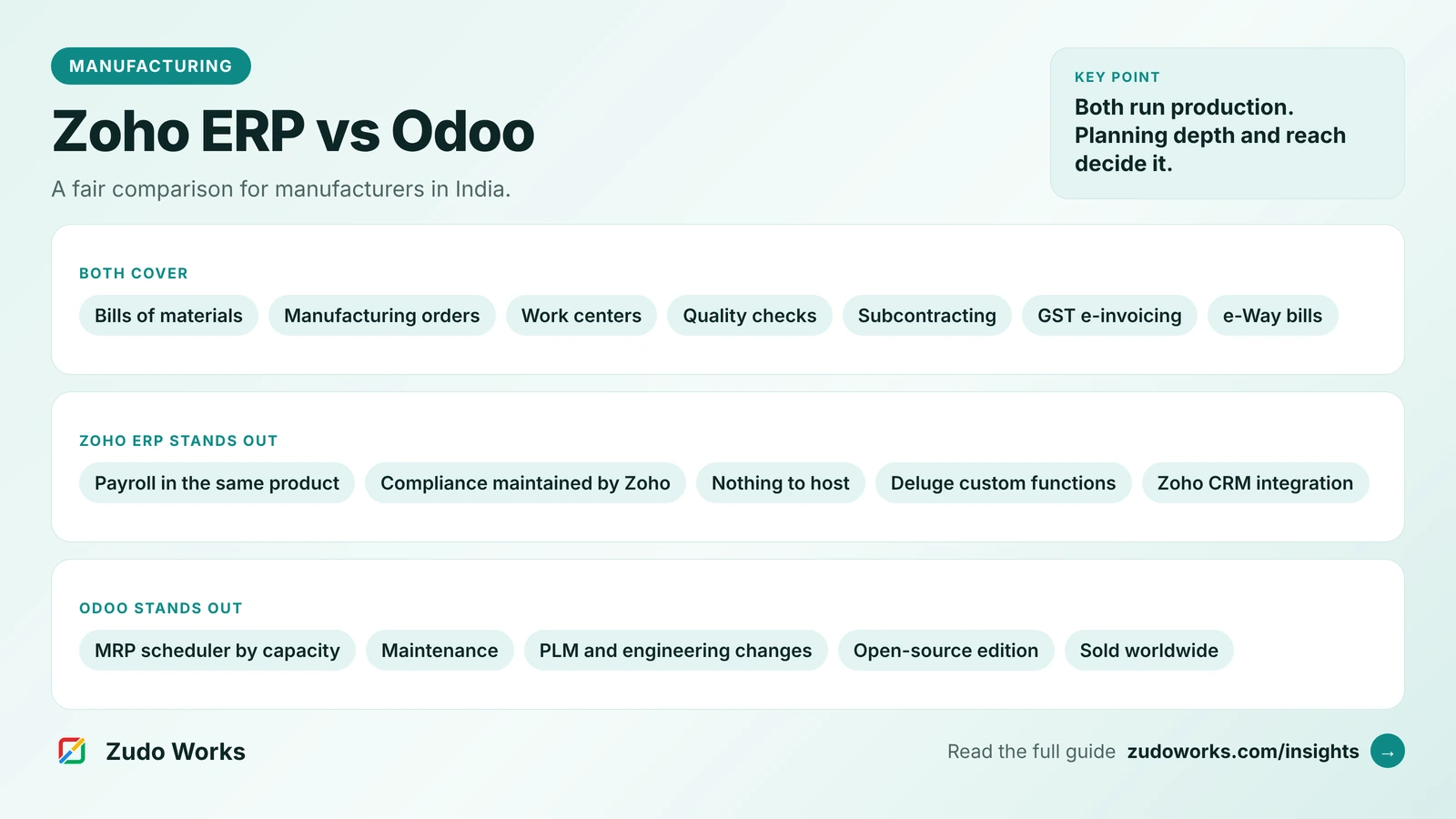
- Look at Zoho ERP instead of Zoho Books if you want to leave Tally and also run bills of materials, job cards and work centers in the same system.
How the two are built
TallyPrime is a desktop application for Windows. Tally’s own FAQ says your data stays local and the software runs fully offline for day-to-day work. The Silver edition is for one computer at a time; Gold supports multiple users working at once on the same local network. You can buy a perpetual licence or a rental subscription. Tally Software Services (TSS) keeps the software updated with new releases and statutory changes, and powers connected services. To use TallyPrime from a browser or a Mac, Tally sells a separate Cloud Access service.
Zoho Books is cloud software sold as a subscription, with iOS and Android apps. In India it comes in six plans, from Free (one user and an accountant) to Ultimate (25 users), and features such as e-invoicing, multiple locations, workflow rules and custom functions depend on the plan.
That single difference, local desktop or cloud, decides most of what follows.
Side-by-side comparison
| Area | TallyPrime | Zoho Books (India) |
|---|---|---|
| Where it runs | Windows desktop; browser access through the separate Cloud Access service | Cloud, in a browser, plus mobile apps |
| Users | Silver: one computer at a time. Gold: multiple users on a local network | From 1 user plus an accountant (Free) to 25 users (Ultimate) |
| Licence | Perpetual or rental; TSS for updates and connected services | Subscription by plan |
| GST and e-invoicing | GST features, e-invoices with Tally as the GSP, e-way bills | GST filing and e-way bills on all plans; e-invoicing from the Standard plan |
| Bills of materials | Single or multiple BOMs per item, with by-products, co-products and scrap | Not offered; composite items only on the Elite and Ultimate plans |
| Production entries | Manufacturing Journal; WIP tracked through godowns | None; production needs Zoho ERP or a custom app |
| Job work | Job Work In and Job Work Out orders with Material In and Material Out vouchers | Not offered as a feature |
| CRM link | Through third-party connectors or custom integration | Two-way sync with Zoho CRM for customers, vendors and items |
| Customisation | TDL, Tally’s development language | Workflow rules from the Professional plan; custom functions and custom modules from Premium |
Prices change and differ by edition, so compare them on the official pages for Zoho Books and TallyPrime.
Production and job work: where Tally is stronger
For a manufacturer, this is the section that matters most, and here TallyPrime has the edge over Zoho Books.
TallyPrime lets you define one or more bills of materials for an item, including by-products, co-products and scrap. A Manufacturing Journal records components consumed and finished goods produced in one entry, and a cost estimation report shows production cost. Tally’s own guidance is to track work in progress by moving stock between godowns such as raw material store, shop floor and quality check.
Job work is built in. A principal manufacturer records a Job Work Out order, sends material with a Material Out voucher and receives finished goods with a Material In voucher; a job worker does the reverse with Job Work In orders. Reports include stock with each job worker and issue and receipt variances.
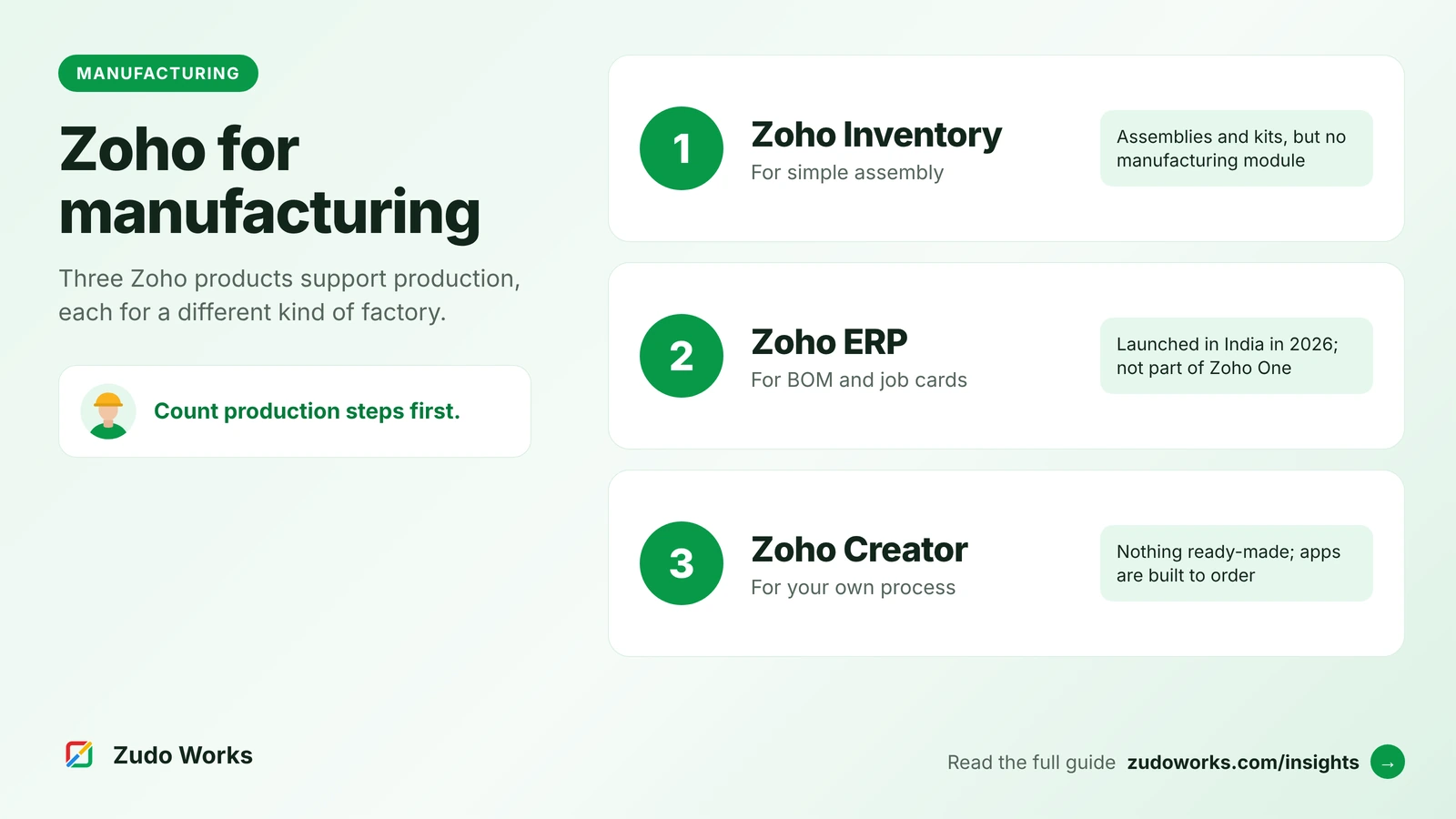
Zoho Books has none of this. It tracks stock, and its higher plans add composite items and warehouses, but it has no bill of materials, no production entry and no job work orders. That is not a weakness of the product so much as its scope: Zoho Books is accounting software. In Zoho’s range, production lives in Zoho ERP, or in a custom app, as our guide to Zoho for manufacturing explains.
So a manufacturer who records production in Tally today should not move to Zoho Books alone and expect the same coverage.
Connected data: where Zoho Books is stronger
Zoho Books is at its best when other people need the same numbers. Its integration with Zoho CRM syncs CRM accounts and contacts with Books customers both ways, can sync vendors and products, and lets sales staff raise quotes, sales orders and invoices from a Zoho Finance module inside CRM. Sales and accounts then work from the same customer records.
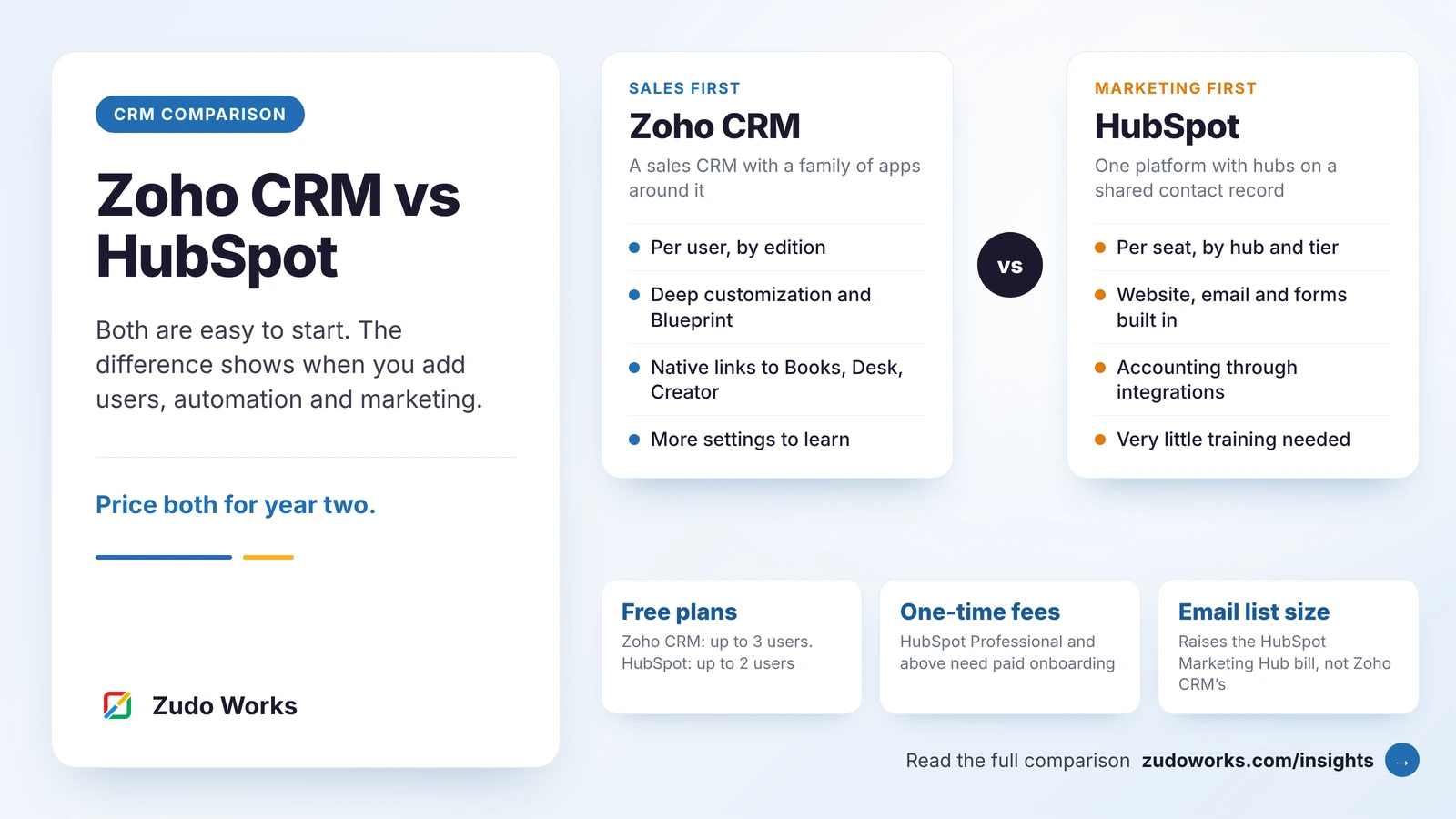
Because it is cloud software, branches, owners and an outside accountant see the same live data without copying company files. Bank feeds, workflow rules and, on higher plans, custom functions in Deluge let you automate routine steps. If you are also choosing a CRM, our Zoho CRM vs HubSpot comparison covers that side.
TallyPrime has moved in this direction too. Release 7.1 added Docs by Ira, which creates entries from scanned purchase invoices and notes for review, and connected banking now covers ICICI Bank alongside Axis Bank, State Bank of India and Kotak Mahindra Bank. Remote and cloud access are available as separate services.
The third option: keep Tally, connect Zoho around it
Many manufacturers do not need to choose. The accounts team stays in TallyPrime, where it is fast and trusted, and the front office moves to Zoho: enquiries and quotes in Zoho CRM, stock and orders in Zoho Inventory, production tracking in a Zoho Creator app. Data then flows into Tally rather than being typed twice.
Zoho’s own site lists a third-party Tally connector for Zoho Inventory that sends customers, vendors, items, sales and purchase transactions, e-invoice and e-way bill details into Tally. Note the direction: it moves data from Zoho Inventory into Tally, not back. For anything more, a custom integration is the route. This hybrid is often the lowest-risk first step, and it leaves the bigger accounting decision for later.
If you decide to move from Tally
- Pick a clean cut-over date, ideally the start of a financial year or quarter.
- Move masters first: chart of accounts, customers, vendors and items, mapping Tally groups and fields to Zoho’s.
- Enter opening balances from Tally’s trial balance and opening stock from its stock summary on the cut-over date.
- Bring across open items only: unpaid invoices and bills, open orders. Keep closed history in Tally for reference.
- Run both in parallel for one GST period and reconcile the returns before switching Tally off.
Zoho publishes a step-by-step guide for importing from Tally that follows this order, written for its GCC editions; the Indian process is similar, but confirm the India-specific steps with Zoho or your implementer.
Five questions to decide
- Who outside the accounts team needs live numbers, and from where?
- Do you record production and job work in Tally today, and does that work?
- Would sales benefit from seeing payments and stock inside the CRM?
- How many users need access, and which Zoho Books plan would that need?
- Is your accountant comfortable with the change, or will they keep a Tally copy anyway?
Answer them honestly and the choice is usually clear. If production is central, compare Zoho ERP, not Zoho Books. If it is not, and people need shared live data, Zoho Books is the better fit.
Frequently asked questions
Neither is better for every business. TallyPrime is stronger for production and job work entries and works offline on a desktop. Zoho Books is stronger when several people, branches or a CRM need the same live data. Manufacturers who want to leave Tally and also run production should compare Zoho ERP instead.
No. Zoho Books does not offer bills of materials or production entries. Its Elite and Ultimate plans include composite items. For manufacturing orders, job cards and BOMs in Zoho, look at Zoho ERP.
Yes. Zoho Books generates e-way bills on all Indian plans and IRN-validated e-invoices from the Standard plan upwards. The Free plan does not include e-invoicing.
Yes. A common pattern keeps accounts in TallyPrime and uses Zoho CRM, Zoho Inventory or a Zoho Creator app for sales and operations, with data sent into Tally. Zoho lists a third-party connector that moves Zoho Inventory data into Tally.
TallyPrime is a Windows desktop application. Tally sells a separate Cloud Access service that runs TallyPrime online, including from a Mac through a browser, and a Remote Access service for authorised remote users.
Related services: Zoho integrations · Zoho development · Pricing