Inventory
Why Your Stock Records Are Wrong, and How to Fix Inventory Accuracy
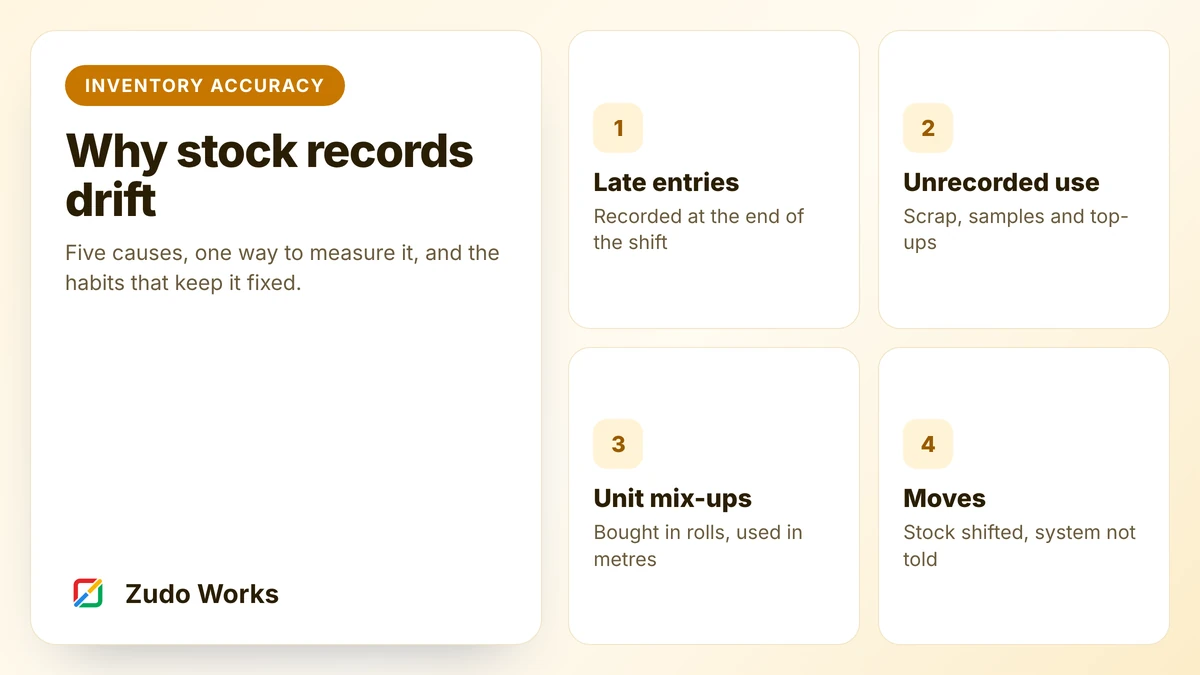
Why manufacturing stock records drift from reality, how to measure record accuracy, and the process and system changes that keep stock right.
Manufacturing
We help factories and workshops replace whiteboards, spreadsheets and retyping with systems that record work as it happens. Built on Zoho where it fits, and honest about where it does not.
Sound familiar?
Status lives on a whiteboard, and the office walks to the floor to find out.
The system says 40, the shelf says 12, and buyers keep a private spreadsheet.
Quote, job sheet, dispatch note and invoice, each a chance for a different number.
Every nonconformance is written down. Nobody can say whether it is the fourth time.
What we do
We are a Zoho development team. We design, build and connect business systems, and this section explains how we apply that to factories and workshops.
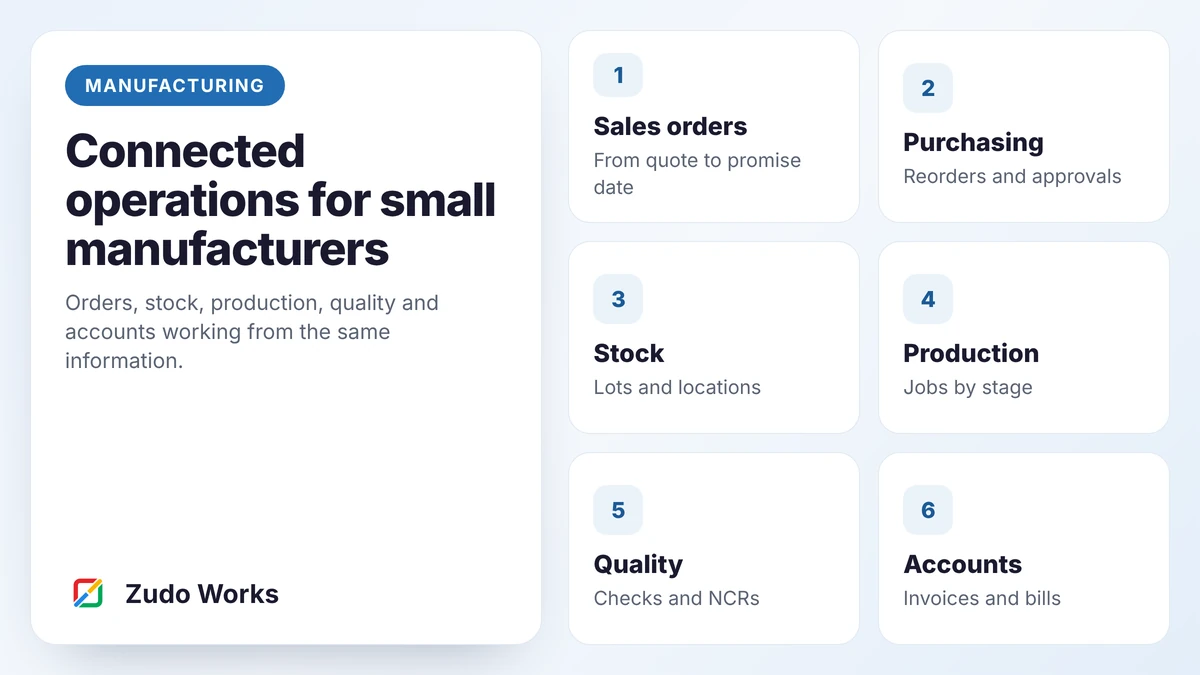
Stock, purchasing, sales and accounts on Zoho apps, with production built around your routing on Zoho Creator. Honest about what Zoho does not do.
Job tracking, traceability, quality, purchasing and maintenance, designed as scan-and-tap steps for the people doing the work.
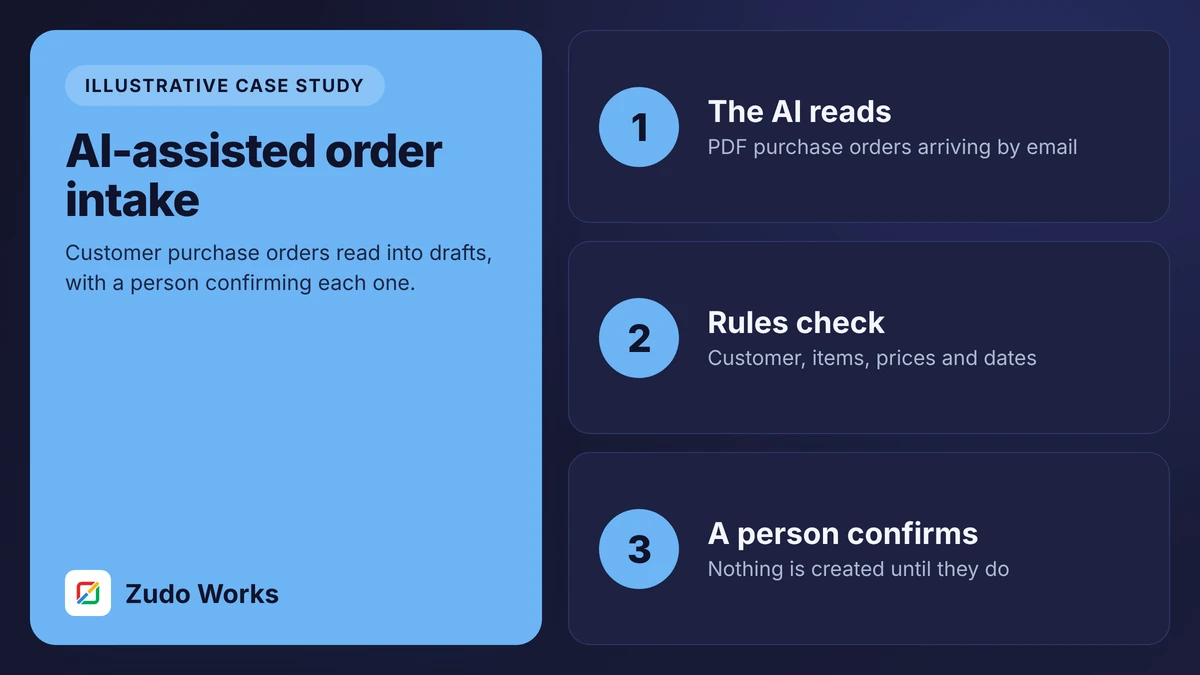
Narrow, checkable uses: reading purchase orders and supplier documents, answering questions about your own data. Always with a person approving.
The idea
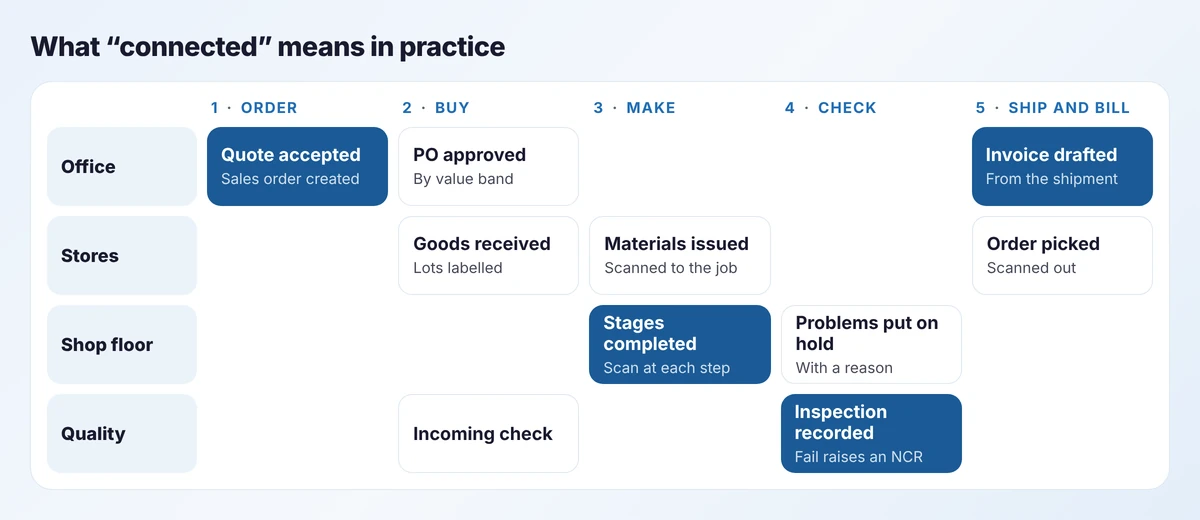
Most small factories already record nearly everything. The trouble is that each record sits in its own file, written after the event, by someone other than the person who did the work. Connecting operations means three changes: record at the point of work, give every order one number that follows it everywhere, and let each system own its own data.
How it happens
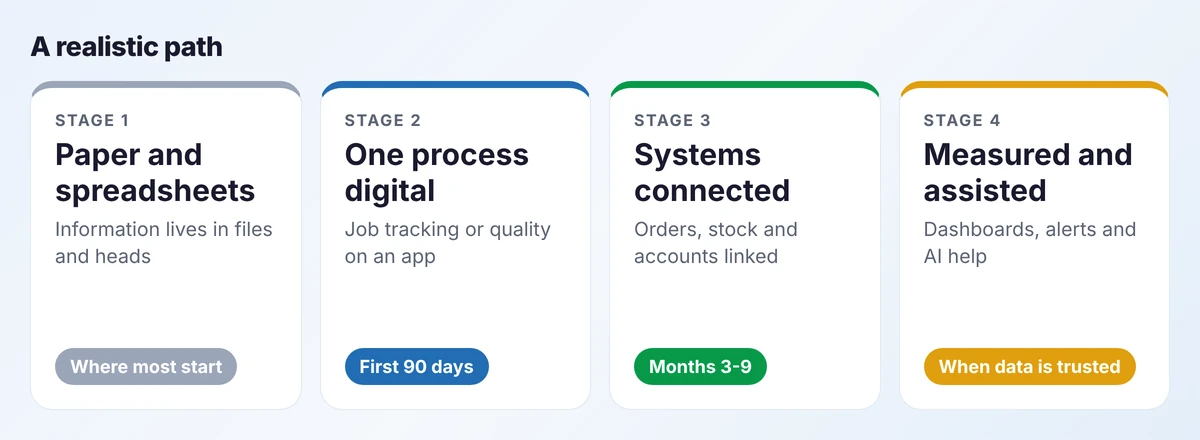
We do not recommend replacing everything at once. Pick the process that hurts most and is simple enough to finish, get it into daily use, then connect outwards. Our 90-day roadmap sets out the plan week by week.
What you end up with
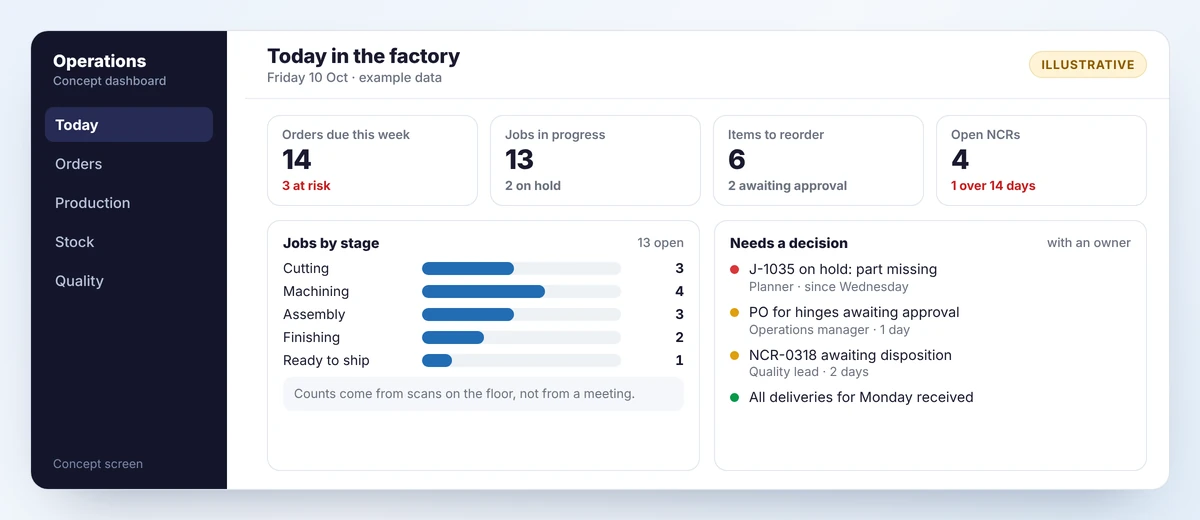
Screens on these pages are concept mockups with example data. They show the kind of interface we design; they are not screenshots of a customer system or of a Zoho product.
Learn
Each guide explains one topic properly, with formulas, worked examples, diagrams and the mistakes to avoid.
Inventory
Why manufacturing stock records drift from reality, how to measure record accuracy, and the process and system changes that keep stock right.
Production
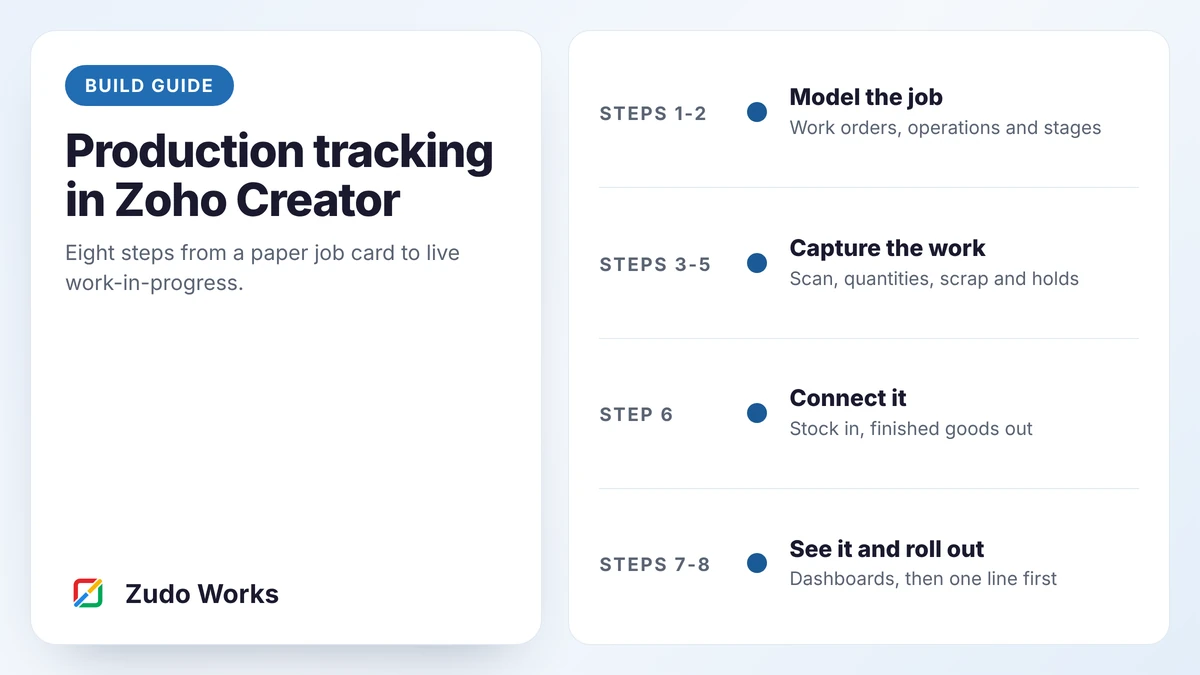
A step-by-step build guide for production tracking in Zoho Creator: data model, shop-floor screens, scrap and holds, stock links and dashboards.
Software choice
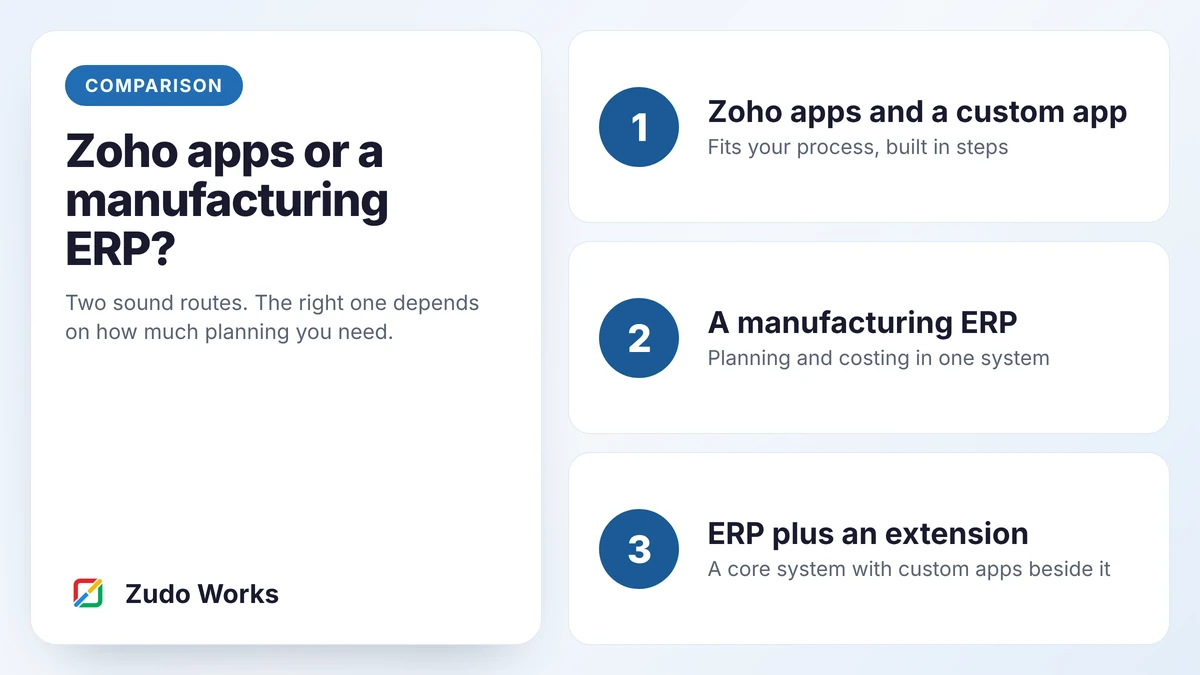
How a small manufacturer should choose between Zoho apps with a custom production app and a manufacturing ERP: five questions, a matrix and three examples.
Blueprints
Complete designs for typical businesses: the problem, its root causes, the architecture, the workflow and the rollout plan.
Job tracking
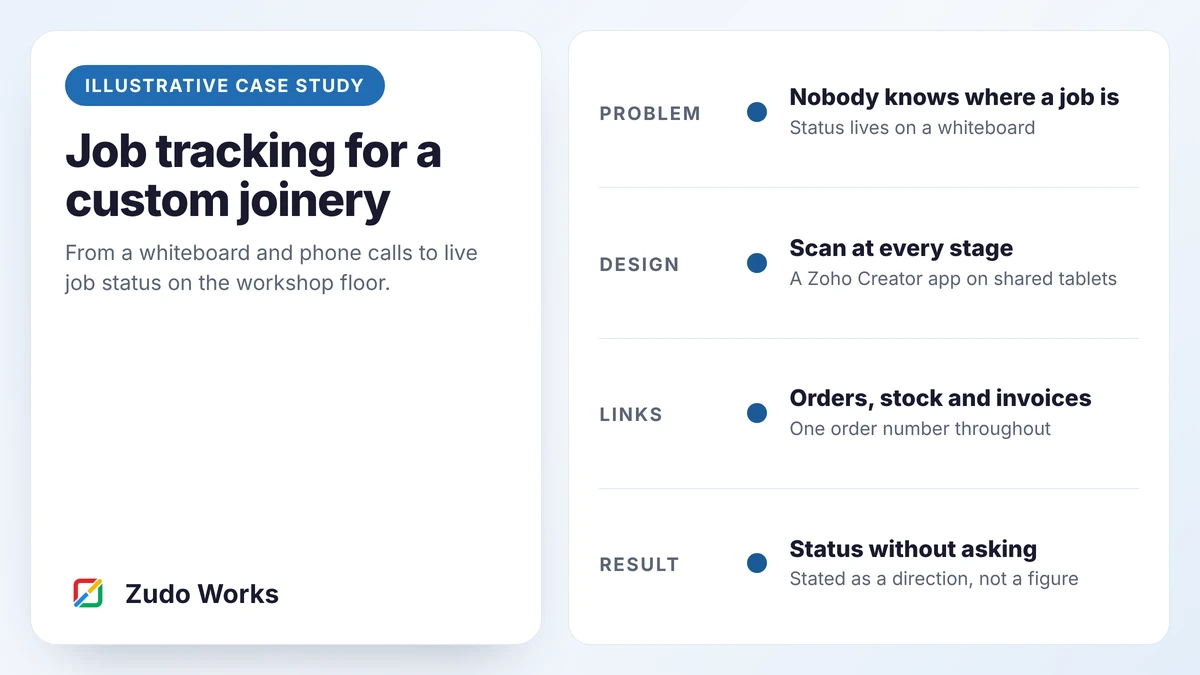
A solution blueprint: how a 25-person custom joinery could replace its whiteboard with scan-based job tracking on Zoho Creator, linked to orders.
Traceability
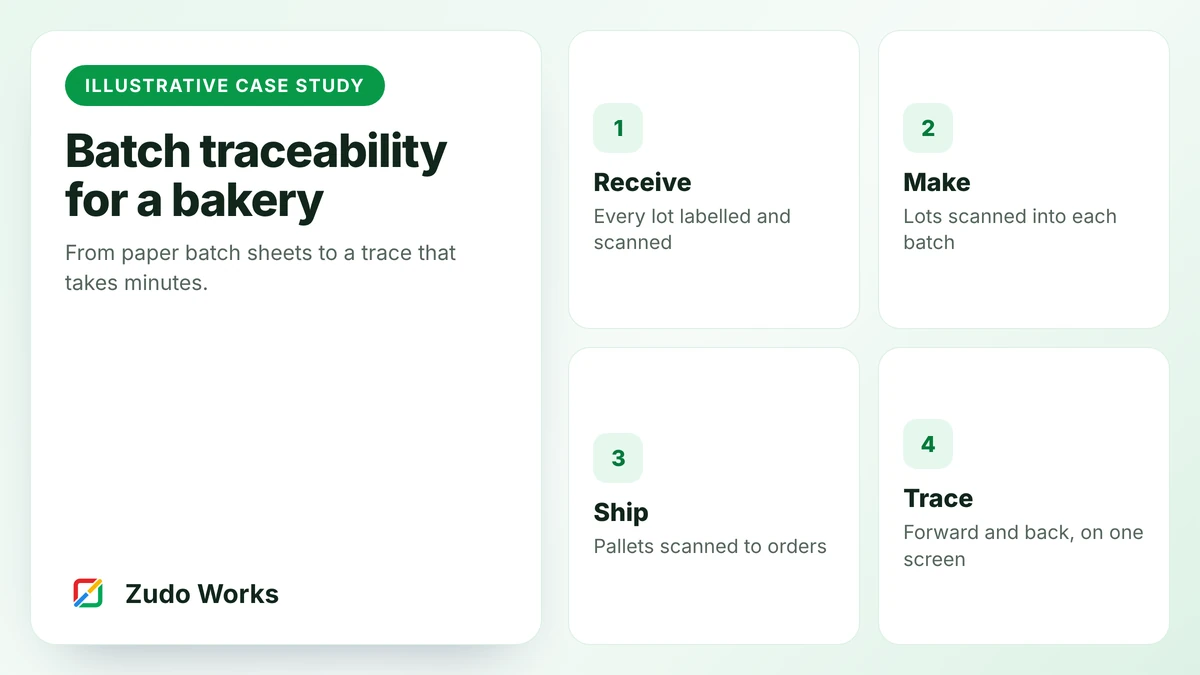
A solution blueprint: how a 40-person bakery could move from paper batch sheets to scanned lot and batch records with a timed mock recall.
AI and automation
A solution blueprint: reading customer purchase orders into draft sales orders with AI extraction, validation rules and human confirmation.
Straight answers
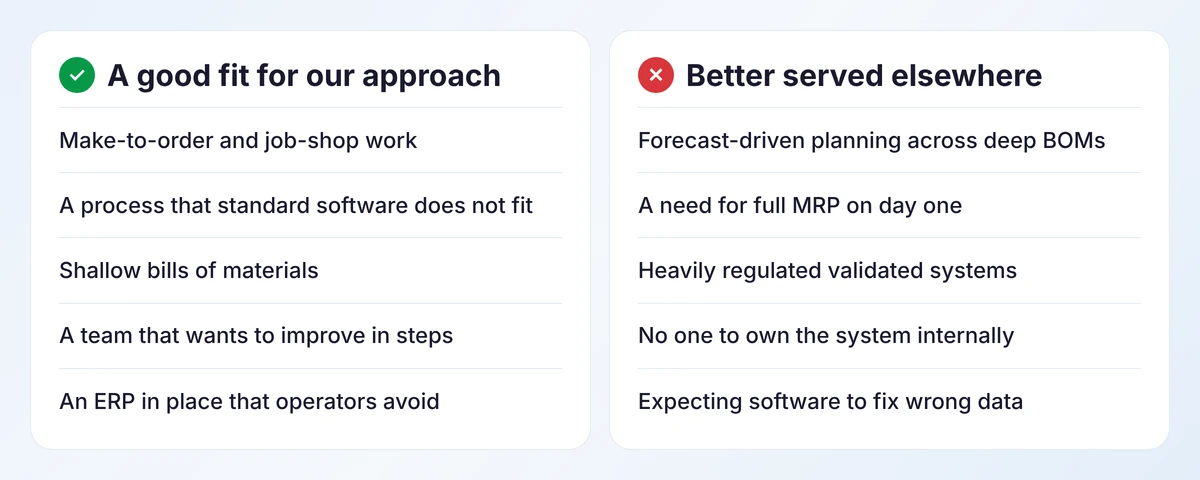
Zoho Inventory has no manufacturing module, and nothing in the standard Zoho apps calculates material requirements from a forecast. Zoho ERP does include manufacturing, but is published for India only at the time of writing. If you need full requirements planning, a manufacturing ERP is the better core, and we say so. Our comparison of Zoho apps and a manufacturing ERP helps you decide.
Working with us
We follow two or three real jobs from order to invoice and write down every retyping and every question.
One process, a written scope, a fixed price where the scope allows.
A working version on one line or bench within weeks, changed in response to the people using it.
Integrations, a report, training and documentation your team can maintain.
Our pricing page explains how we estimate, and our work lists the kinds of systems we have built.
Questions
For many small manufacturers, yes, as a combination: Zoho Inventory for stock and purchasing, Zoho CRM for sales, an accounting package, and a production app built on Zoho Creator. The standard apps do not include material requirements planning, so businesses that need it are better served by a manufacturing ERP.
Yes. We work remotely with businesses in New Zealand, Australia, the UK, the US and India. For New Zealand we usually recommend keeping the accounting package your accountant uses and integrating with it.
A complete design for a typical business of a given kind: the problem, root causes, architecture, workflow, controls and rollout plan. It shows how we would approach the work; your version would start from your own process.
With the one process that causes the most daily pain and is simple enough to finish in a few weeks. For most that is job tracking or quality records. Get it into daily use before connecting other systems.
No. If the core system works, we keep it and build beside it. Custom apps handle what it does badly, such as shop-floor data capture, and pass results back.