Manufacturing
Zoho ERP vs Odoo for Manufacturers in India: A Fair Comparison
Until January 2026 the honest answer to “Zoho or Odoo for manufacturing?” was short: Zoho had no manufacturing module. Zoho ERP changed that in India. Most comparisons online still pit Odoo against Zoho Books or Zoho Inventory, which is the wrong match. This is the right one.

Quick answer
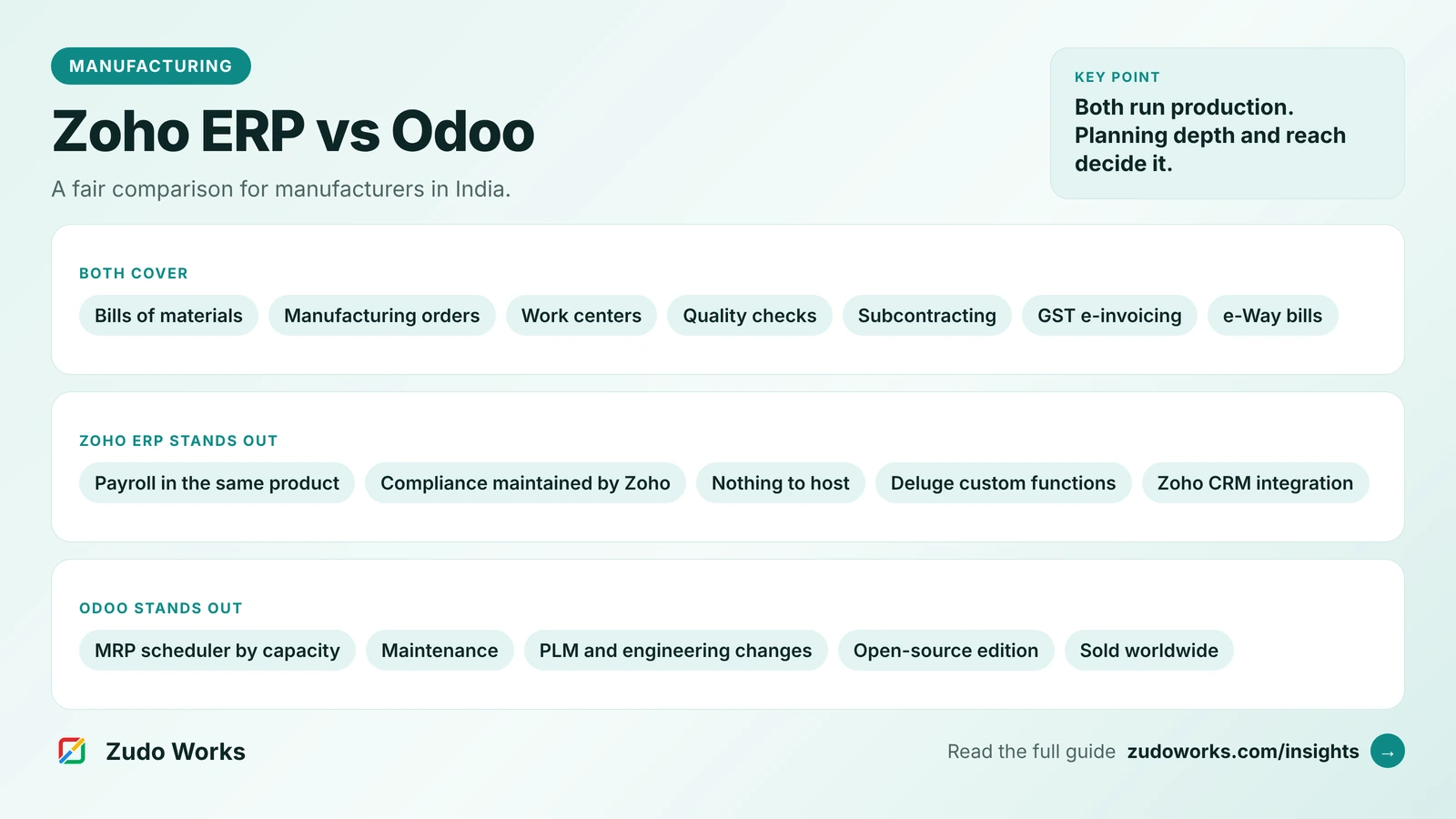
Choose Zoho ERP if you are in India, your production fits a bill of materials, job card and work center model, and you want finance, GST, payroll and production in one Zoho system. Choose Odoo if planning by work center capacity, maintenance and engineering changes matter most, or you need it outside India.
Zoho ERP and Odoo are now both credible ways for an Indian manufacturer to run finance, stock and production in one system. They come from very different places. Zoho ERP grew out of Zoho’s finance and operations apps and is sold as a cloud subscription in India. Odoo is a modular suite with an open-source Community edition and a licensed Enterprise edition, used worldwide.
We build on Zoho, so read this with that in mind. We have kept every claim to what each vendor publishes on its own site, checked in October 2026, and we say where one product is the better fit.
The short answer
- Choose Zoho ERP if you are in India, your production follows a bill of materials, job card and work center model, and you want finance, GST, payroll and production in one Zoho system, especially if you already use Zoho CRM or other Zoho apps.
- Choose Odoo if planning is the hard part of your business (scheduling by work center capacity, maintenance, engineering changes), if you need to run outside India, or if you want the option of an open-source edition you can host and modify yourself.
- Either way, it is an ERP project. The software matters less than how well your BOMs, routings and opening stock are prepared.
Side-by-side comparison
| Area | Zoho ERP | Odoo |
|---|---|---|
| What it is | One cloud ERP: finance, supply chain, payroll and manufacturing | A suite of apps you combine; Manufacturing is one app |
| Bills of materials | Bill of Materials module, including subcontract BOMs | Multi-level BOMs |
| Production | Manufacturing orders, job cards, shop floor, work centers, operations and cost templates | Manufacturing orders, work centers with a control panel, a documented Shop Floor app |
| Planning | A planning module that schedules operations across work centers; a component requirements report | An MRP scheduler that plans work at each work center by OEE and capacity |
| Quality | Quality templates, rules, inspections and an inspection worklist | Control points, quality checks and quality alerts |
| Maintenance and engineering | Not part of the published manufacturing feature list | Preventive and corrective maintenance; PLM with versioning and engineering changes |
| Subcontracting (job work) | Subcontract BOMs, subcontract orders and material transfers | Documented subcontracting flows |
| GST compliance | GST filing, e-invoicing and e-way bills built in | India localization with GSTR-1 filing, GSTR-2B reconciliation, e-invoicing, e-way bills and TDS/TCS |
| Licensing | Cloud subscription per user; yearly transaction caps per plan | Community (open source) or Enterprise (licensed) |
| Where it is sold | Published for India at the time of writing | Worldwide |
Check current plans on the official pricing pages for Zoho ERP and Odoo. We do not quote prices here because both change.
Production: how deep does each go?
Zoho ERP covers the core of discrete production. A manufacturing order is created from a bill of materials, or from a sales order, and is broken into operations tracked on job cards at work centers. A shop floor screen shows daily production against plan, work center timings set when each work center is available, and cost templates attach costs to operations. Batches, lots and serial numbers can be linked through to finished goods. Reports include delayed job cards and a component requirements summary.
Odoo goes further on planning and the engineering side. Its manufacturing page describes an MRP scheduler that schedules work at each work center based on OEE and capacity, a work center control panel, cost analysis and unbuild orders, which take a finished product apart to recover components. Separate apps add preventive and corrective maintenance and product lifecycle management with versioning and engineering change orders.
Two cautions. First, Odoo spreads these features across several apps, and which of them your edition includes is something to confirm in writing. Second, Zoho ERP is young and its documentation changes often. Judge both on what is live today, not on a roadmap.
Job work and subcontracting
Job work is everyday business for Indian manufacturers, in both directions: sending material out for plating, heat treatment or machining, and doing work on a customer’s material.
- Zoho ERP has a subcontract manufacturing section with subcontract BOMs, subcontract orders, purchase orders and material transfers to the subcontractor.
- Odoo documents subcontracting as part of Manufacturing, including a basic flow where components are supplied to the subcontractor and finished goods are received back.
In a demo, ask each vendor to show stock lying with a job worker as a separate figure, and how the records support your GST reporting on goods sent for job work. That one scenario tells you more than a feature list.
GST, e-invoicing and payroll
Both handle Indian compliance, in different ways.
Zoho ERP includes GST filing, e-invoicing with registration on the Invoice Registration Portal, e-way bill generation and updates, and TDS forms. Payroll is part of the same product: pay runs, reimbursements, proof of investments, salary revisions and employee loans.
Odoo’s India localization files GSTR-1, reconciles vendor bills against GSTR-2B, produces a GSTR-3B report, uploads e-invoices to the NIC portal and generates e-way bills, including from receipts and deliveries in Inventory. TDS and TCS are supported with threshold alerts. Odoo’s documentation names a specific GST Suvidha Provider that must be configured, and you need API credentials from the NIC and GST portals.
The practical difference: in Zoho ERP, statutory features come with the product and Zoho maintains them. In Odoo, they come from localization modules, and on a self-hosted or customised setup, keeping them current is part of your upgrade work.
Licensing and cost structure
Zoho ERP has three plans. Standard requires at least five users and allows 100,000 transactions per organization per year. Premium allows up to 300,000 transactions a year, counting sales, purchase and manufacturing orders. Custom is quoted for very high volumes. Zoho prices full users and employees (internal staff with role-based access) separately, so count both groups. Zoho ERP is not included in Zoho One; it is a separate product with a 14-day free trial.
Odoo comes as Community, which is open source, and Enterprise, which is licensed and built on top of Community. The choice affects which apps you get, how you host and who upgrades the system. Hosting, upgrade and support arrangements differ by plan, so read the pricing page with your partner.
For a fair cost comparison, count three years, not one: subscriptions, implementation, hosting where it applies, upgrades, and the internal time needed to keep masters clean. Transaction volume matters for Zoho ERP; customisation and upgrade effort matter most for Odoo.
Customisation and the rest of your stack
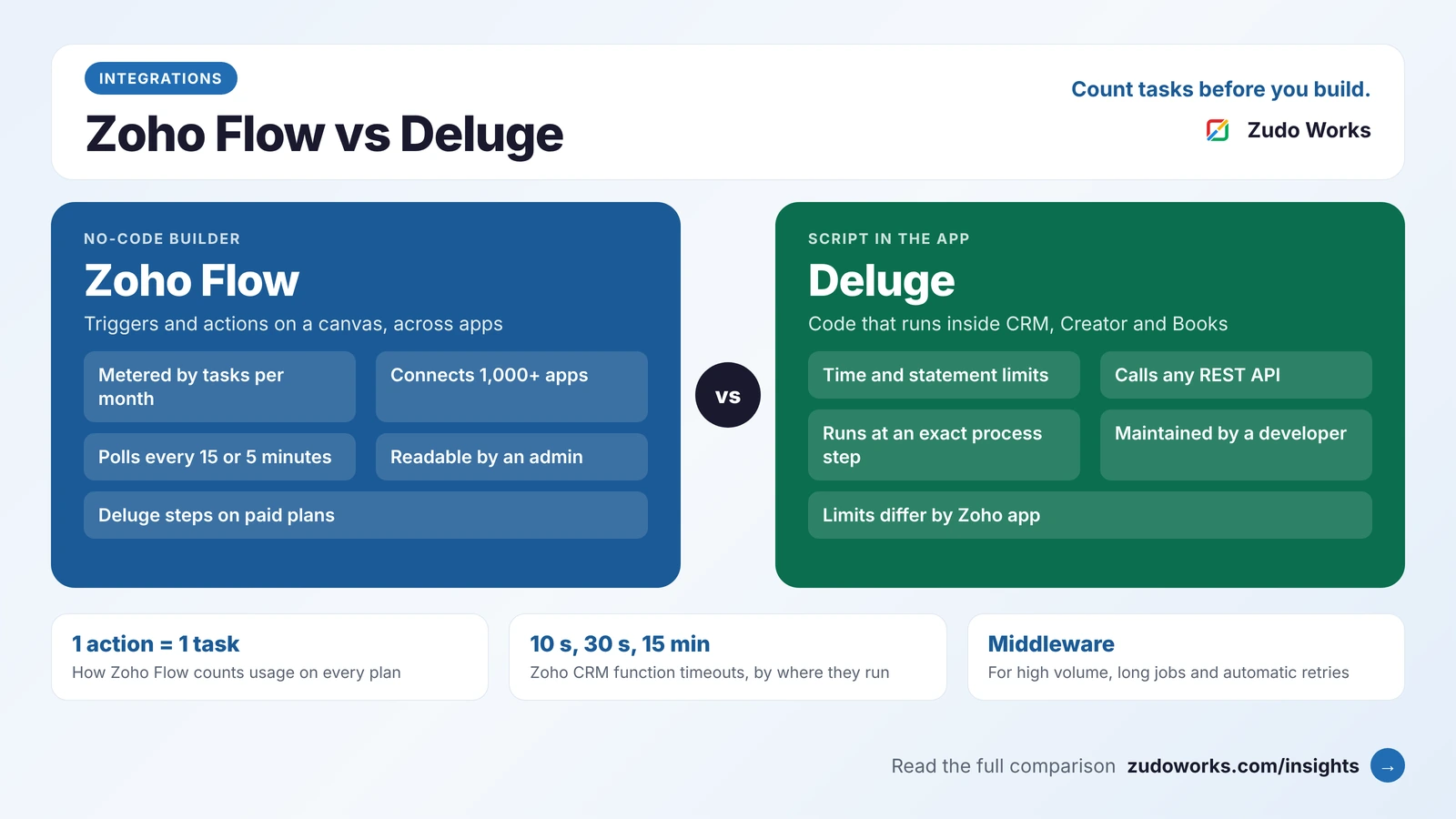
Zoho ERP supports custom functions written in Deluge, triggered by workflows, and its help documents an integration with Zoho CRM. If your sales team already works in Zoho CRM, or you use Zoho Analytics for reporting, staying inside one vendor reduces integration work. Where you need screens Zoho ERP does not offer, such as a maintenance log or an NCR and CAPA process, a Zoho Creator app can sit beside it; our guide to Zoho Flow, Deluge and middleware explains how to connect the pieces.
Odoo is customised with Studio, its no-code tool, or with custom modules written by developers, and it has a large store of third-party apps. That flexibility is its strength and its cost: heavily customised Odoo systems need careful upgrade planning.
How to decide: six questions
- Where will you operate? If you need the same ERP outside India today, Zoho ERP is not yet published there.
- How hard is your planning? If finite scheduling, maintenance and engineering changes are central, Odoo’s published features go further.
- How many transactions a year? Count sales, purchase and manufacturing orders against Zoho ERP’s plan caps.
- What else runs on Zoho? CRM, Analytics and Creator apps make Zoho ERP easier to connect.
- Who will maintain it? An open-source, customised system needs a partner or an in-house developer for years, not months.
- Can both run your real job? Give each vendor one real BOM with its routing and one job-work order, and ask them to run it end to end.
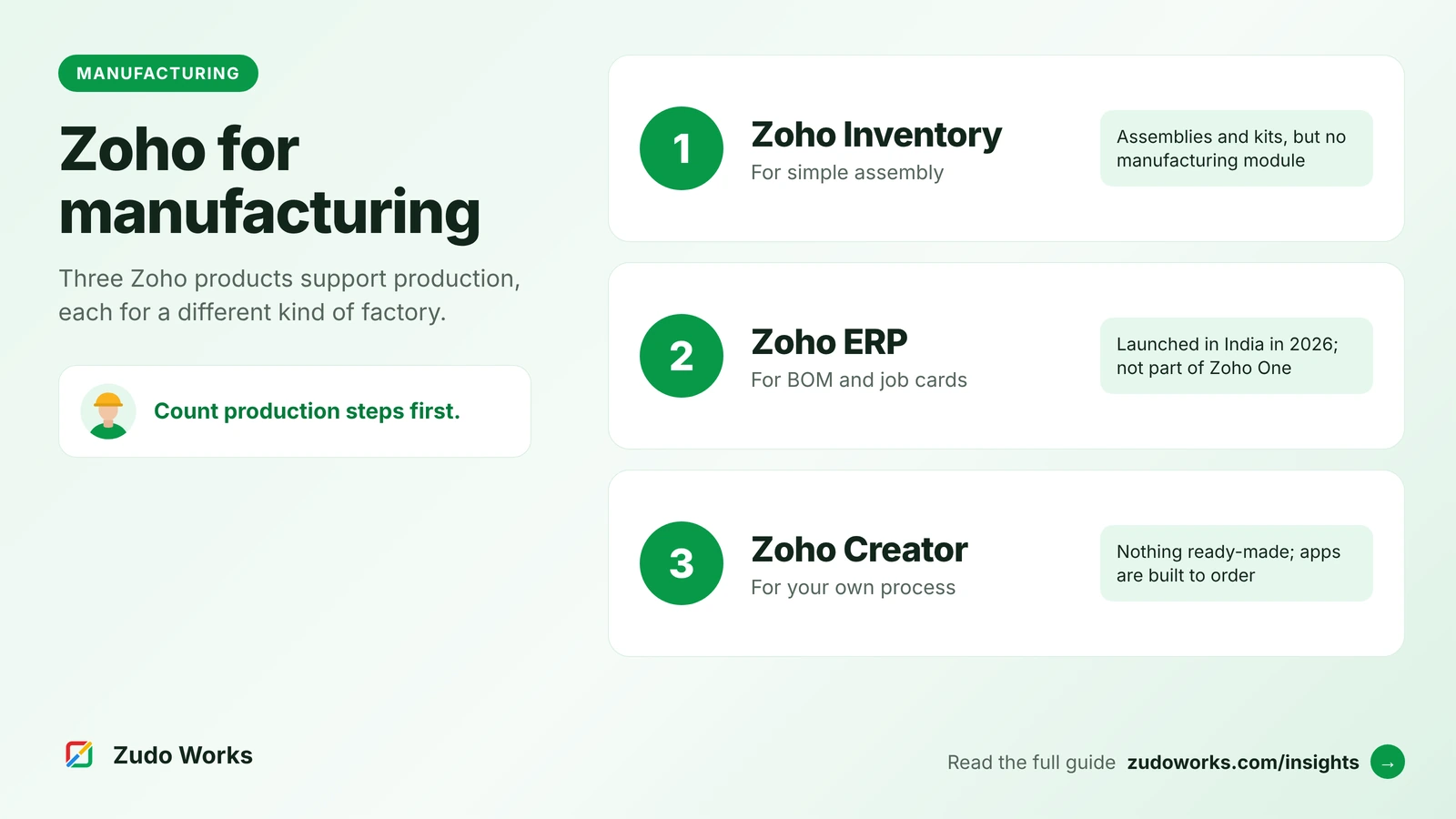
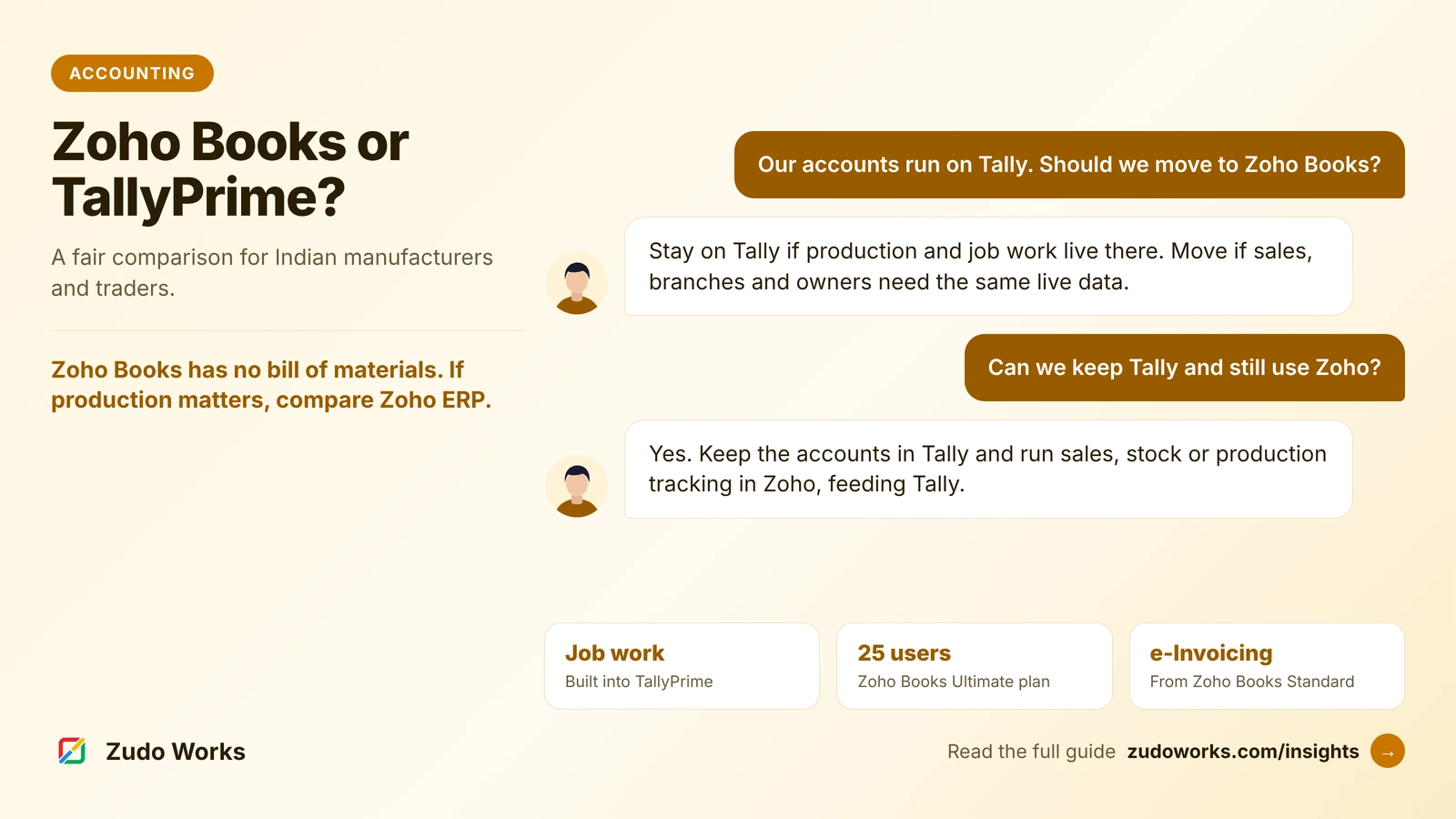
If you are still deciding whether you need an ERP at all, start with our overview of Zoho’s three routes for manufacturers. If your accounts are in Tally today, our Zoho Books vs TallyPrime comparison covers that side of the decision, and our manufacturing solutions page shows how we approach the build.
Frequently asked questions
It depends on the factory. Zoho ERP suits Indian manufacturers with a standard BOM, job card and work center process who want finance, GST, payroll and production in one Zoho system. Odoo goes further on planning by work center capacity, maintenance and engineering changes, and is available worldwide.
Zoho ERP has bills of materials, manufacturing orders, job cards, work centers, a planning module that schedules operations across work centers, and a component requirements summary report. Ask Zoho to demonstrate material planning on your own BOMs, because its published feature list does not describe a full MRP run.
Odoo Community is open source, so there is no licence fee, but you still pay for hosting, implementation and upgrades. Odoo Enterprise is licensed. Check which manufacturing apps each edition includes on Odoo's own pages.
Yes. Zoho ERP includes GST filing, e-invoicing and e-way bills. Odoo's India localization supports GSTR-1 filing, GSTR-2B reconciliation, e-invoicing through the NIC portal and e-way bills, with a GST Suvidha Provider that must be configured.
No. Zoho states that Zoho ERP is not included in Zoho One and is sold separately with its own plans.
Related services: Zoho development · Zoho integrations · Zoho Creator development