Comparisons
Zoho CRM vs HubSpot for Small Businesses: An Honest Comparison
Both are good CRMs, and both have a free plan that makes the first month easy. The difference shows up later, when you add users, automation and marketing. Here is how the two compare once a small business starts to rely on them.

Quick answer
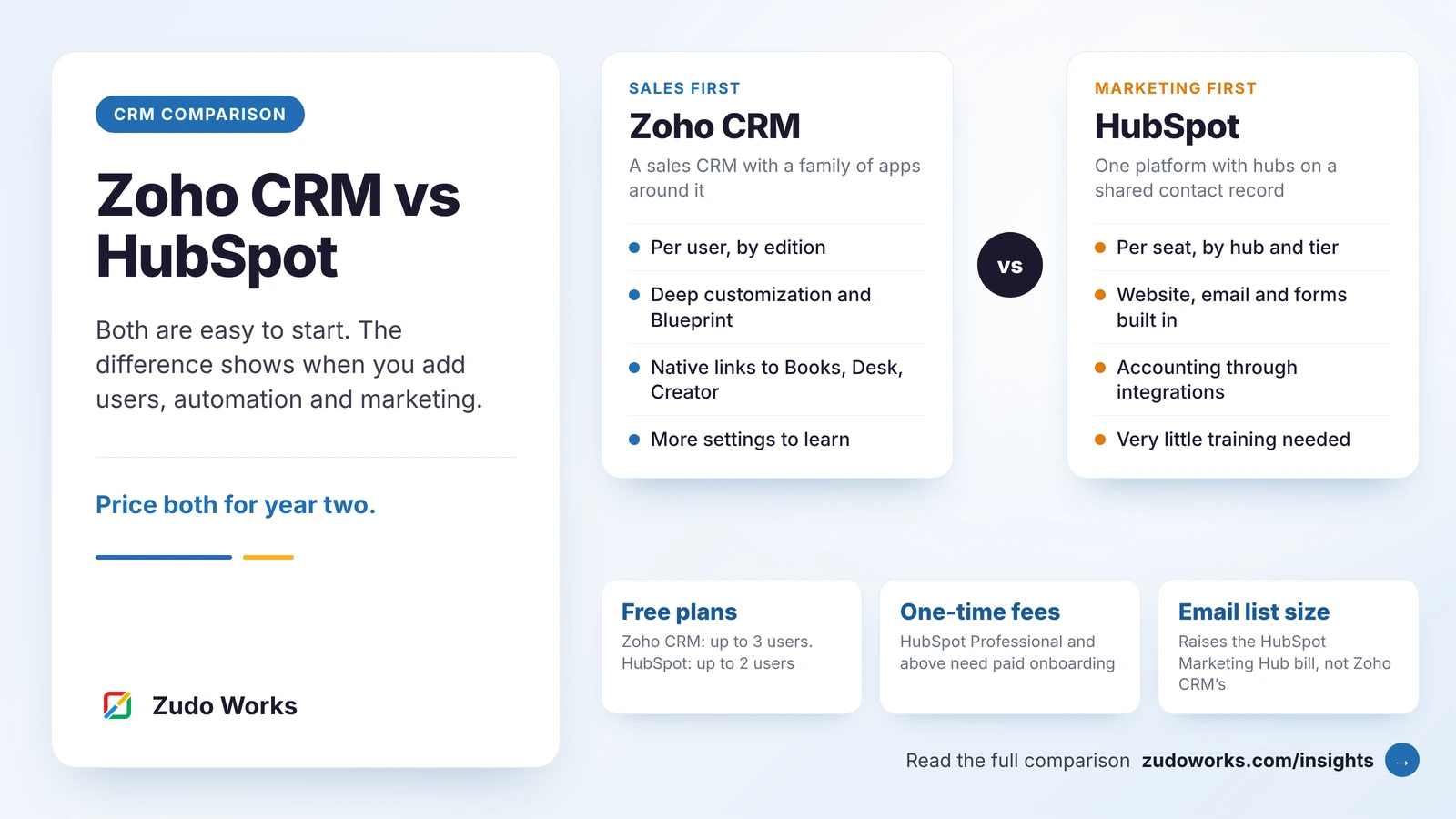
Choose Zoho CRM if sales, operations and finance need to share customer data, you want to customize the system around your process and you want predictable per-user pricing. Choose HubSpot if marketing leads the business and you want website, email and CRM in one product. The biggest cost difference appears at HubSpot's Professional tier, which adds a higher seat price and a required onboarding fee.
Small businesses usually reach this decision in one of two ways. Either they are choosing a first CRM and both names are on the shortlist, or they started on HubSpot’s free tools, grew, and are now looking at the price of the next tier.
We implement Zoho CRM every day, so read this with that in mind. We have tried to be fair to HubSpot, because for some teams it is the better fit, and moving a business onto the wrong CRM helps nobody.
The short answer
- Choose Zoho CRM if sales, operations and finance need to share one set of customer data, you expect to customize the system around your own process, and you want a per-user price that stays predictable as the team grows.
- Choose HubSpot if marketing leads the business, you want your website, landing pages, email and CRM in one polished product, and you would rather pay more than spend time configuring.
- Look closely at both if you are a team of two or three with simple needs. The free plans may be enough for now, and the right choice depends on which paid tier you are likely to need first.
How the two products are built
Zoho CRM is a sales CRM at its core: leads, contacts, accounts, deals, activities, quotes and reports. Around it sits a large family of separate Zoho apps, such as Books for accounting, Desk for support, Campaigns and Marketing Automation for email, and Creator for custom apps. You can license CRM alone, or buy a bundle such as Zoho CRM Plus or Zoho One that includes the others.
HubSpot is a single platform with a shared contact database and a set of “hubs” on top: Marketing, Sales, Service and Content, among others. Each hub is sold in its own tiers. The hubs feel like one product because they are one product, and that consistency is HubSpot’s biggest strength.
In practice, Zoho gives you more separate pieces and more control over each one. HubSpot gives you fewer decisions and a smoother first week.
Side-by-side comparison
| Area | Zoho CRM | HubSpot |
|---|---|---|
| Free plan | Free edition for up to 3 users | Free tools for up to 2 users |
| How you pay | Per user, by edition; bundles available | Per seat, by hub and tier; Marketing Hub also depends on your number of marketing contacts |
| One-time fees | None from Zoho; implementation is optional and bought separately | Required onboarding fee on Professional and Enterprise tiers |
| Sales automation | Workflow rules, assignment rules, Blueprint for enforced processes | Workflows and sequences, mainly from the Professional tier |
| Marketing | Separate Zoho apps (Campaigns, Marketing Automation, SalesIQ, Forms) | Built in: email, forms, landing pages, ads and a website CMS |
| Customization | Custom modules, layouts, validation rules, Canvas views, Deluge functions | Custom properties and pipelines; deeper options on higher tiers |
| Finance and operations | Native links to Zoho Books, Inventory, Desk and Creator | Through marketplace apps and integrations |
| Ease of first setup | Good, with more settings to learn | Excellent; very little training needed |
Prices, limits and edition names change often and differ by country, so check the official pricing pages for Zoho CRM and HubSpot before you decide. The details in this article were checked against both in October 2026.
Pricing: how the bill grows
The headline price per user tells you very little. What matters is what makes the bill go up.
Zoho CRM
Zoho charges per user, per month, and the price depends on the edition. Moving up an edition unlocks more features and higher limits for everyone. There is no charge based on how many contacts you store, and Zoho does not require a paid onboarding package. If you also need accounting, helpdesk and marketing tools, a bundle such as Zoho One usually costs less than adding the apps one by one.
The thing to watch is edition limits. Blueprint starts at the Professional edition, and Zia’s AI features and the sandbox start at Enterprise. Pick the edition from the features you need, not from the lowest price.
HubSpot
HubSpot charges per seat, separately for each hub and tier. The free tools and the Starter tier are inexpensive. The step up to Professional is where costs change: the per-seat price is much higher, and Professional and Enterprise tiers come with a required one-time onboarding fee. Marketing Hub pricing also depends on how many of your contacts you mark as marketing contacts, so a growing email list raises the bill even if the team stays the same size.
That step matters because the features small businesses usually want next sit above it. Sequences are not included in the free tools or Starter, and Starter workflows are limited compared with Professional.
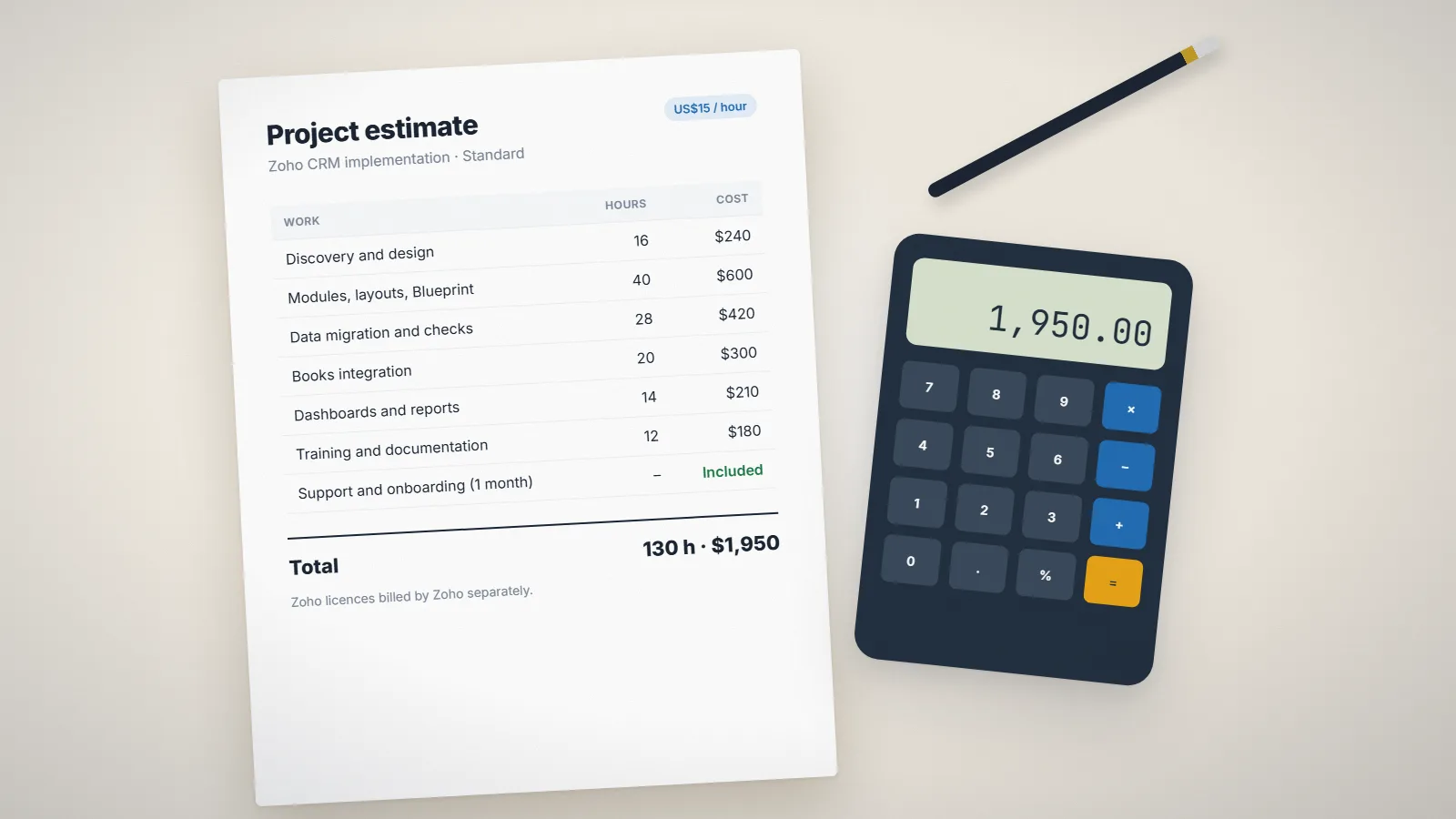
Our advice: write down the number of users, the number of contacts you email, and the three automations you need most. Price both products against that list for year one and year two. If you want to estimate the setup work on the Zoho side, our guide to Zoho CRM implementation cost shows the hours involved.
Sales process and automation
Both products handle the basics well: pipelines, tasks, email logging, meeting links and reminders.
Zoho CRM goes further on process control. Blueprint lets you define the stages of a deal and what must happen before it can move on, for example a mandatory discount approval or a required document. Assignment rules, validation rules and approval processes are part of the CRM. When the built-in options run out, a custom function written in Deluge can update related records, create an invoice in Zoho Books or call another system’s API. Our Deluge script examples show what that looks like.
HubSpot’s workflows are easier to build and read. A marketer can set up a lead-nurturing workflow without help, and sequences make one-to-one sales follow-up simple. The trade-off is that the more powerful options are on the higher tiers.
Marketing: HubSpot’s home ground
This is where HubSpot is strongest. Forms, landing pages, email, ads tracking, a blog and a website CMS all write to the same contact record, and the reporting ties a deal back to the page that produced the lead. If inbound marketing is how you win customers, that single view is hard to beat.
Zoho covers the same ground with separate apps: Zoho Campaigns or Marketing Automation for email and journeys, SalesIQ for website visitors and chat, Zoho Forms and Zoho Social. They connect to the CRM natively and are all included in Zoho One. They take more setup, and the experience is less uniform than HubSpot’s.
A common middle path is to keep the website and its forms where they are and send every lead into Zoho CRM. That is a standard integration, not a compromise.
Customization and integrations
If your business does not sell in a simple lead-to-deal pattern, customization decides the outcome. A training company tracks courses and enrolments. A manufacturer tracks samples, quotes and repeat orders. A services firm tracks projects and renewals.
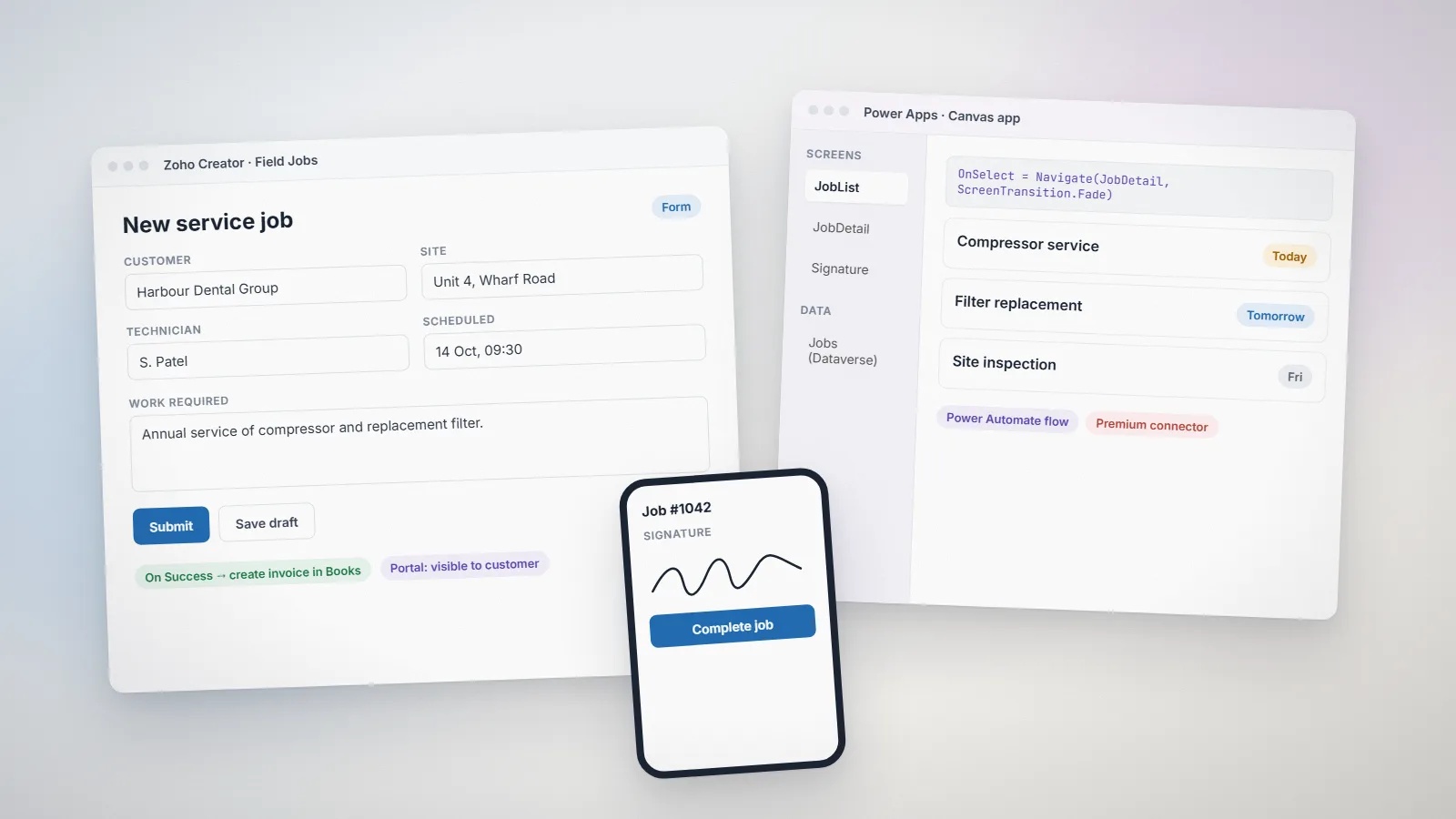
Zoho CRM is built for this. You can add custom modules, relate them to each other, design different layouts for different teams and write functions for the logic. When a process is too large for the CRM, it can live in a Zoho Creator app that shares the same data.
HubSpot is more opinionated. It works very well when your process fits its model, and it has a large app marketplace and a good API. Deeper changes to the data model are reserved for higher tiers.
For accounting, Zoho has a clear advantage if you use Zoho Books: quotes, invoices and payments flow between the two without a third-party connector. HubSpot connects to accounting tools through integrations.
When Zoho CRM is the better choice
- You want CRM, accounting, support and custom apps to share one set of customer records.
- Your sales process has approvals, mandatory steps or modules that a standard CRM does not have.
- You expect the team to grow and want the cost per user to stay predictable.
- You have, or can hire, someone to configure the system properly at the start.
When HubSpot is the better choice
- Marketing drives most of your revenue and your website is your main sales channel.
- You want one product that the team can use well with almost no training.
- Your sales process is simple and fits standard pipelines.
- The Professional tier price, including onboarding, fits your budget for the next two years.
If you are already on HubSpot
Many teams compare the two only after HubSpot’s free or Starter plan stops being enough. Before you decide, check three things: which Professional features you would actually use, what the same setup would cost on Zoho CRM for your user count, and how much history you need to bring across.
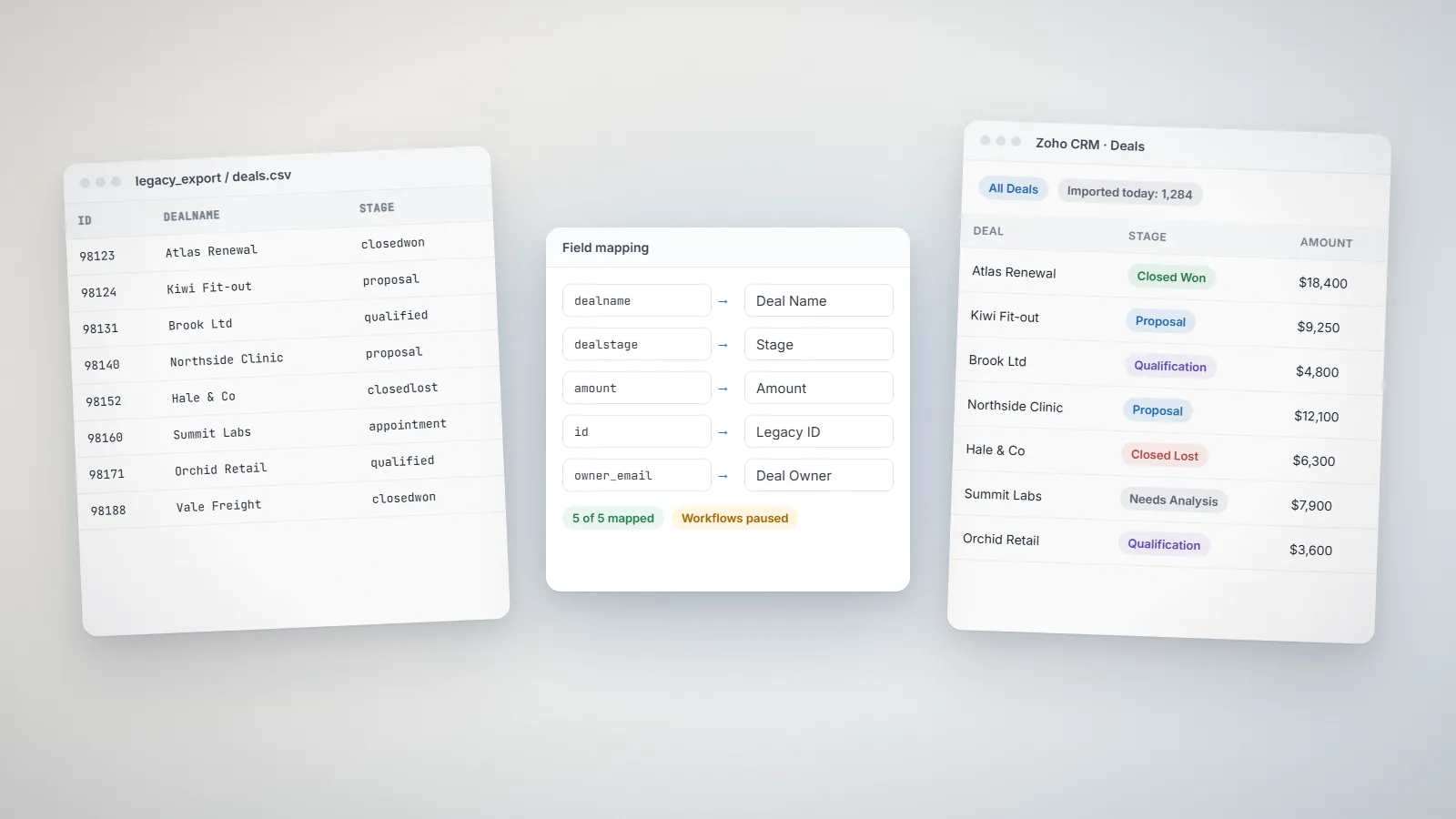
Contacts, companies, deals and notes move across cleanly. Workflows, sequences and reports do not; they are rebuilt. Our HubSpot to Zoho CRM migration plan covers the order of work and the mistakes to avoid.
A five-question decision checklist
- Who leads growth, marketing or sales? Pick the product that is strongest for that team.
- How many users and email contacts will you have in two years?
- Which automations do you need, and which tier or edition includes them?
- What else must it connect to? Accounting, support, your website and any industry software.
- Who will look after it? An in-house admin, an agency or an outside developer?
If the answers point both ways, run a two-week trial of each with real leads and the same three tasks. The one your team keeps using is the right one.
Frequently asked questions
For most growing teams, yes, once you go beyond the free and entry tiers. Zoho CRM is priced per user by edition with no required onboarding fee, while HubSpot's Professional and Enterprise tiers cost more per seat and include a required one-time onboarding fee. Compare both against your real user and contact numbers using each vendor's current pricing page.
Generally, yes. HubSpot has a more uniform interface and needs less training. Zoho CRM has more settings and more ways to customize, which takes longer to learn but lets the system match your process more closely.
Yes. Website forms and marketing emails can stay in HubSpot while leads are sent to Zoho CRM through an integration. It works well when the handover point is clearly defined, for example when a lead reaches a certain score or requests a call.
A small, clean migration usually takes two to four weeks, including field mapping, a test import, rebuilding the automations you still need and training. Larger accounts with several pipelines and years of activity history take longer.
Yes. At the time of writing, Zoho CRM has a free edition for up to three users and HubSpot offers free tools for up to two users. Both are limited in automation, so check what the first paid tier adds before you commit.
Related services: Zoho CRM implementation · Zoho integrations · Pricing · Zoho development