
Purchasing that starts from what is running out
Reorder points flag the items that are running out; a purchase order goes to the vendor; the receipt posts stock into the warehouse at the price paid; the vendor bill reconciles against it. Item costs can follow the receipt, so quotes and job costs stay current.
- Reorder points per item
- Purchase orders and receipts that post stock
- Vendor bills and payments
- Cost updates from receipts, by choice
From low stock to paid bill
- Reorder points
Set a point per item. When a balance falls below it a workflow rule can e-mail the buyer or add the item to a list.
- Purchase orders
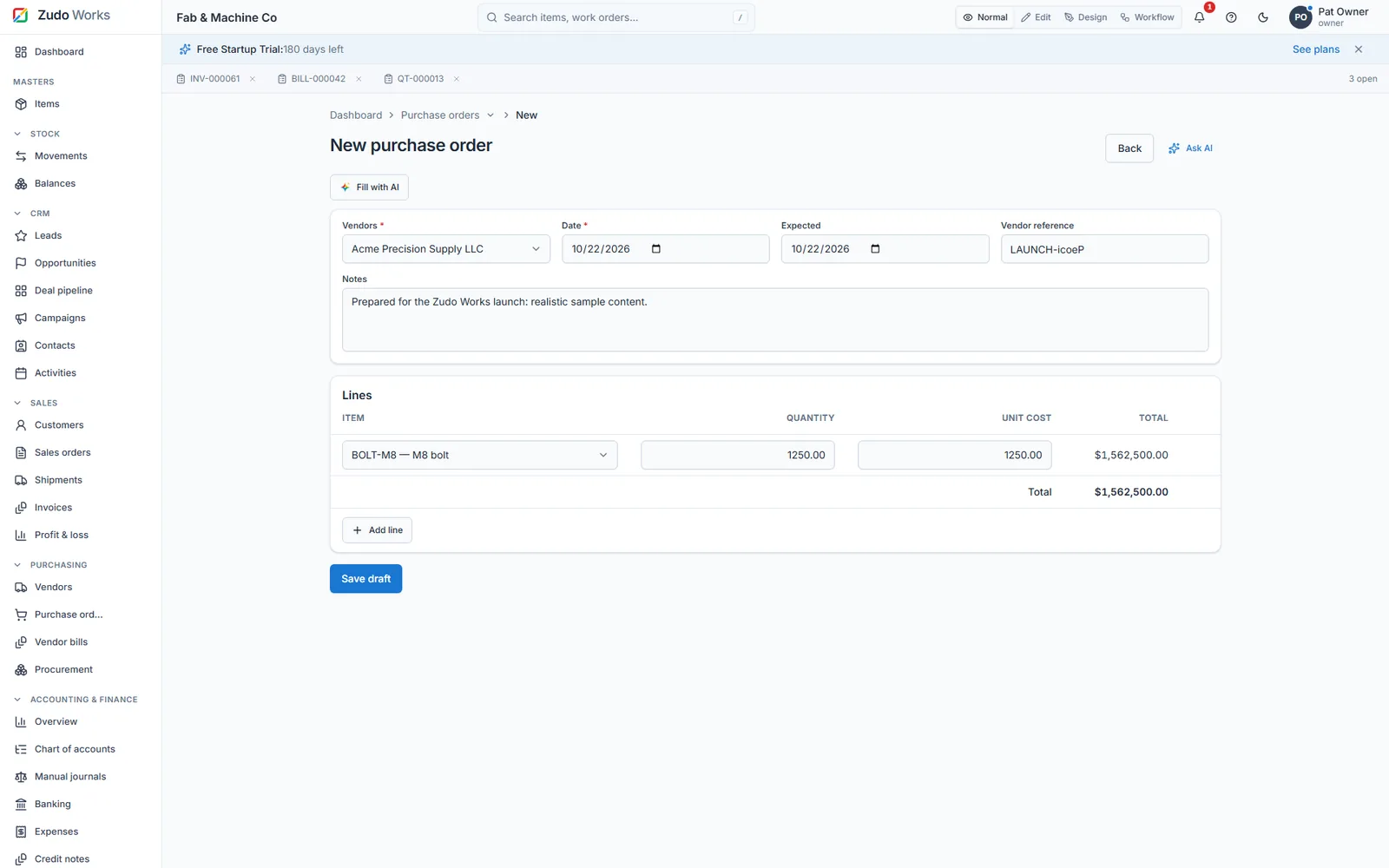
Lines filled with the item's current cost, editable; sent to the vendor from the record.
- Receipts
Receiving posts stock into the warehouse; a receipt at a new unit cost can update the item's cost from then on.
- Vendor bills, credits and payments
Bills against receipts, credits for returns, payments made, with ageing reports in accounting.
Why the buyer decides
Reorder suggestions are advice; the buyer knows about the order the data does not.
Our manufacturing guide on purchasing and reorder points explains how to set the points from usage and lead time.
Watch it work
See this part of ZMOS on video
Recorded in the product itself, narrated in English, start to finish.
25:516. Buying: purchase orders, receipts and bills
Purchase orders, receipts that post stock, and vendor bills. The clip starts at this chapter of the full two-hour build; every step is on sample data and the current version.
Questions
Does ZMOS calculate reorder points for me?
No. You set the point per item from usage and lead time; the system flags it when the balance falls below. Zudo AI can propose a change for the buyer to approve.
Can receipts update item costs automatically?
Each receipt line has a tick box to use the new cost from then on; it is on by default when the cost differs, and the buyer can untick it.
Start with your own items today
Six months free for startups and registered partners, no card, your data exportable at any time.