

ZMOS on video, recorded in the product
Two screen recordings of ZMOS, recorded in the product on the current build with sample data: a 20-minute tour of the whole factory on one screen, and the full two-hour build from an empty workspace to month-end, in 38 chapters you can jump between.
- 20-minute tour and a 2-hour build
- Version 2026-10, sample data only
- 38 chapters, each a link
- The written guide covers the same ground
Start here
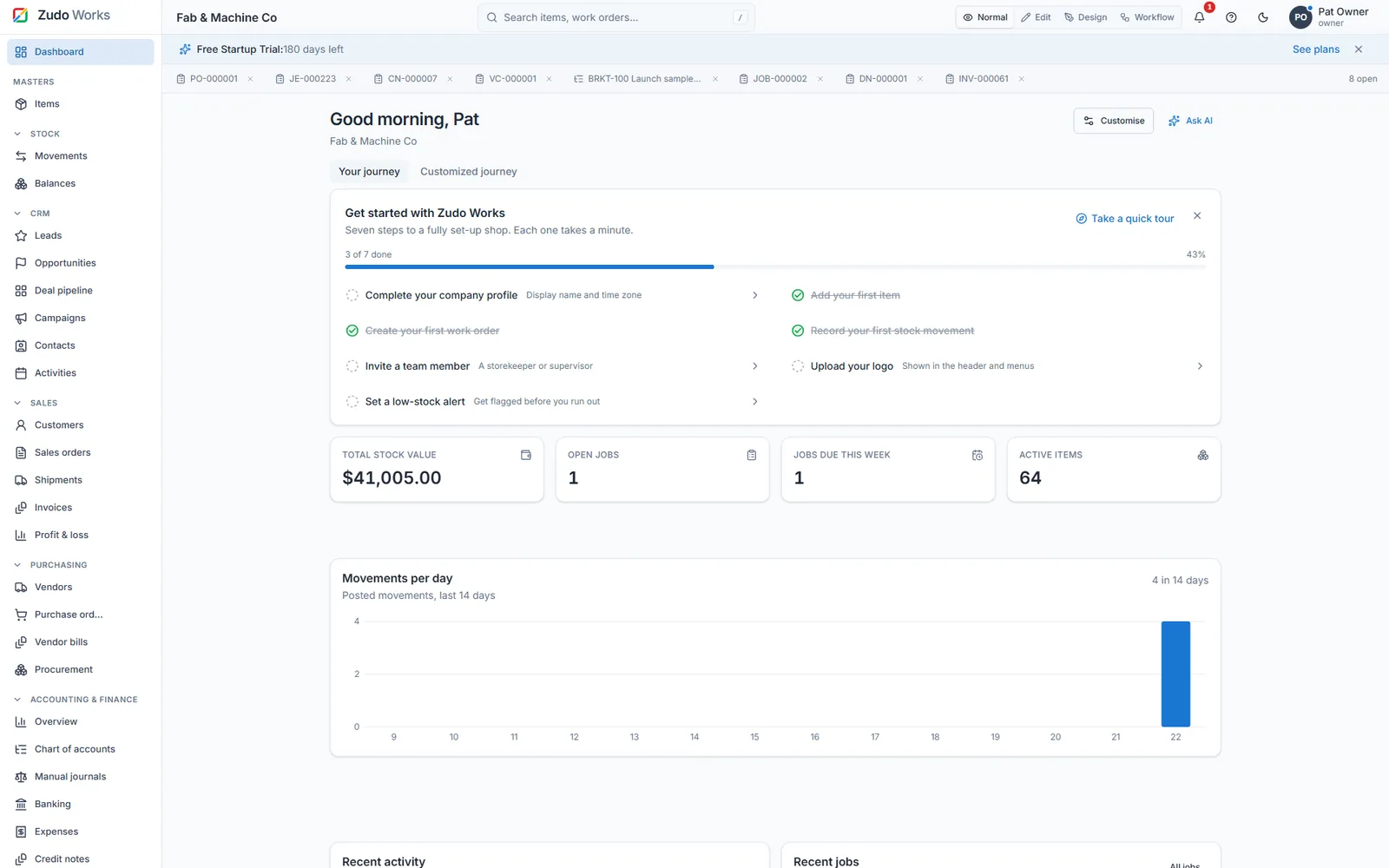
ZMOS Explained in 20 Minutes: Run Your Whole Factory From One Screen
Items and a stock ledger that cannot drift, BOMs, work orders and live job costing, sales from quote to payment, purchasing, double-entry accounting with 22 reports, quality, CRM, the low-code platform and Zudo AI.
Step by step
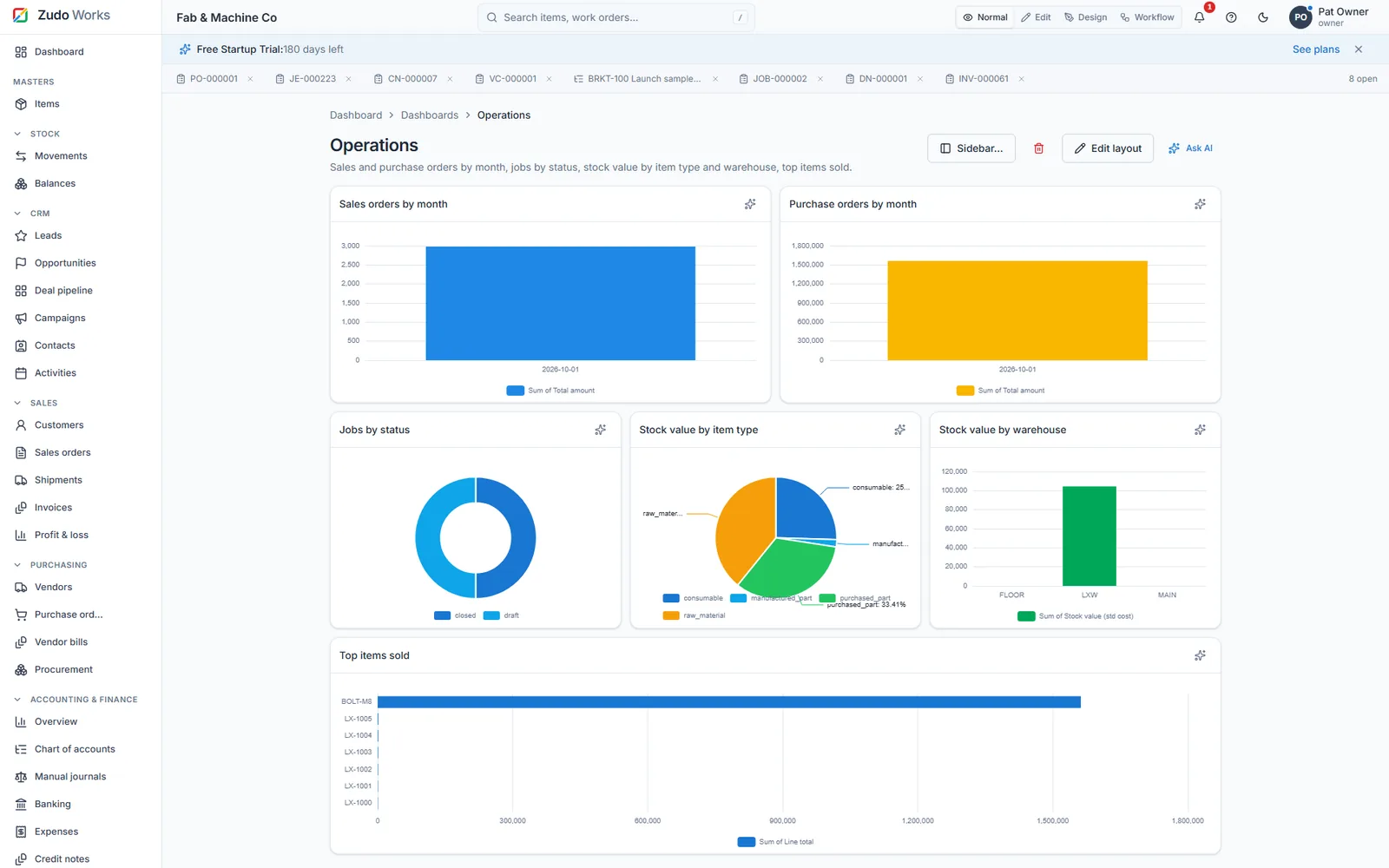
ZMOS Full Walkthrough: Manufacturing ERP for Small Shops (v2026-10)
From an empty workspace to closing October: every screen a small shop uses, built in order. Pick a chapter to start there.
- 0:00Introduction
- 0:131. Create your workspace
- 4:032. Set up the business
- 7:573. Items, custom fields and form design
- 16:254. Customers, vendors and the sales pipeline
- 20:315. Your own forms, workflows and Blueprints
- 25:516. Buying: purchase orders, receipts and bills
- 30:367. Stock control
- 34:188. Bills of materials
- 37:159. Selling: quotes and sales orders
- 39:3510. Production: planning, jobs and job costing
- 44:1811. Delivering and getting paid
- 47:2912. Quality: inspections, NCRs and CAPAs
- 49:5813. Accounting
- 53:1314. Reports and dashboards
- 56:3015. The team: roles, invitations and integrations
- 59:4316. On the shop floor
- 1:01:5117. Smarter pickers and bulk actions
- 1:04:2118. CRM in depth: contacts, activities and campaigns
- 1:08:4919. Credit notes, repeating costs and budgets
- 1:11:3920. Month two: Vasant's first order
- 1:16:1921. Paying suppliers
- 1:20:1022. A repeat order, start to finish
- 1:25:2923. A richer custom form: complaints
- 1:28:0624. A second person signs in
- 1:30:1325. Working faster
- 1:32:0326. Bringing in your existing data
- 1:34:1227. One order, two deliveries
- 1:42:0728. Closing the loop on a complaint
- 1:46:1129. Month end: reconciling the bank
- 1:48:1630. Closing October
- 1:50:4431. Reading the numbers
- 1:53:0832. An engineering change: revision B
- 1:59:3433. A new product: the 600 enclosure
- 2:02:2034. Routine on autopilot: functions and schedules
- 2:04:2635. Planning the next fortnight
- 2:06:3236. Make it yours, and lock it down
- 2:09:33Get started
About these videos
Prefer reading? The ZMOS user guide covers the same steps with screenshots.
Is this the real product or a mock-up?
The real product. Both videos are screen recordings of ZMOS on the current build, version 2026-10, using sample data only. Nothing is staged in a design tool.
Which video should I watch first?
The 20-minute tour if you are deciding whether ZMOS fits your shop. The full build if you are setting up a workspace and want to follow along step by step; use the chapters to jump to the part you need.
Can I follow along in my own workspace?
Yes. Start the six-month free trial, no card, and repeat the steps with your own items. The written user guide covers the same ground with screenshots.
Is there a written version?
Yes. The complete ZMOS user guide is published on this site, free to read, with 193 screenshots and a search box that highlights every match.
Follow along in your own workspace
Six months free for startups and registered partners, no card. Or book 20 minutes with an engineer and ask about your own shop.