Comparisons
Zoho Analytics vs Power BI: Licences, Data Sources and Fit for Zoho and Tally Users
Zoho Analytics and Power BI can both turn sales, stock and finance data into dashboards. The real differences are in how you pay for viewers, how data reaches the tool, and which suite the rest of your business already runs on. For many Indian manufacturers there is one more question: how to get TallyPrime data in.

Quick answer
Choose Zoho Analytics if your data lives mostly in Zoho apps or TallyPrime and many people need to view dashboards, since its plans bundle users and rows. Choose Power BI if you run on Microsoft 365 and your analysts work in Excel and Power BI Desktop. With Power BI Pro, people who view shared reports also need a paid licence unless the content sits on Fabric capacity of F64 or larger.
Most comparisons of Zoho Analytics and Power BI end with “Power BI for Microsoft shops, Zoho for everyone else”. That is a fair starting point, but it skips the two things that decide the bill and the workload: who needs a paid licence just to look at a report, and how your data gets into the tool every day.
Every plan detail below was checked on Zoho’s and Microsoft’s own pages on 23 October 2026. We do not quote prices, because both change; see the official Zoho Analytics pricing and Power BI pricing pages. We build on Zoho, so read this with that in mind; we say where Power BI is the better fit.
The short answer
- Choose Zoho Analytics if your data lives mostly in Zoho apps or TallyPrime, you want a plan that bundles users and data rows, and you want to share dashboards with many people without a paid seat for each viewer.
- Choose Power BI if your business runs on Microsoft 365, your analysts already work in Excel and the Power BI Desktop app, and your data sits in SQL Server, SharePoint or Azure.
- Count viewers before you compare. With Power BI Pro, anyone who opens a shared report needs a paid licence too, unless the content sits on Fabric capacity of F64 or larger. That one rule changes the comparison more than any feature.
Two ways to license the same dashboard
Zoho Analytics sells plans that bundle a number of users and data rows. Its pricing page lists Free, Basic, Standard, Premium and Enterprise, plus a Dedicated Compute option for very large data. The Free plan covers 2 users and 10,000 rows. Paid plans start at 2 users and 0.5 million rows on Basic, 5 users and 1 million rows on Standard, 15 users and 5 million rows on Premium, and 50 users and 50 million rows on Enterprise. You can add users, rows and viewers as add-ons, and pay monthly or yearly. Paid plans have a 15-day trial.
Power BI is licensed per user. The Free licence lets one person build reports, but Microsoft’s pricing page says you must upgrade to Pro or Premium to share them. Pro lets you publish and share, and Microsoft notes that people consuming that content need a paid per-user licence as well. Premium Per User raises the limits. Fabric capacity is bought for the organisation; on F64 or larger, Microsoft says content consumers can view and interact without their own paid licence, while authors still need Pro. Power BI Pro is also included in Microsoft 365 E5 and Office 365 E5.
So a dashboard for a production manager, a plant head and ten supervisors means twelve paid seats on Power BI Pro. On Zoho Analytics those twelve count against the plan’s users or are bought as viewers.
Zoho Analytics and Power BI at a glance
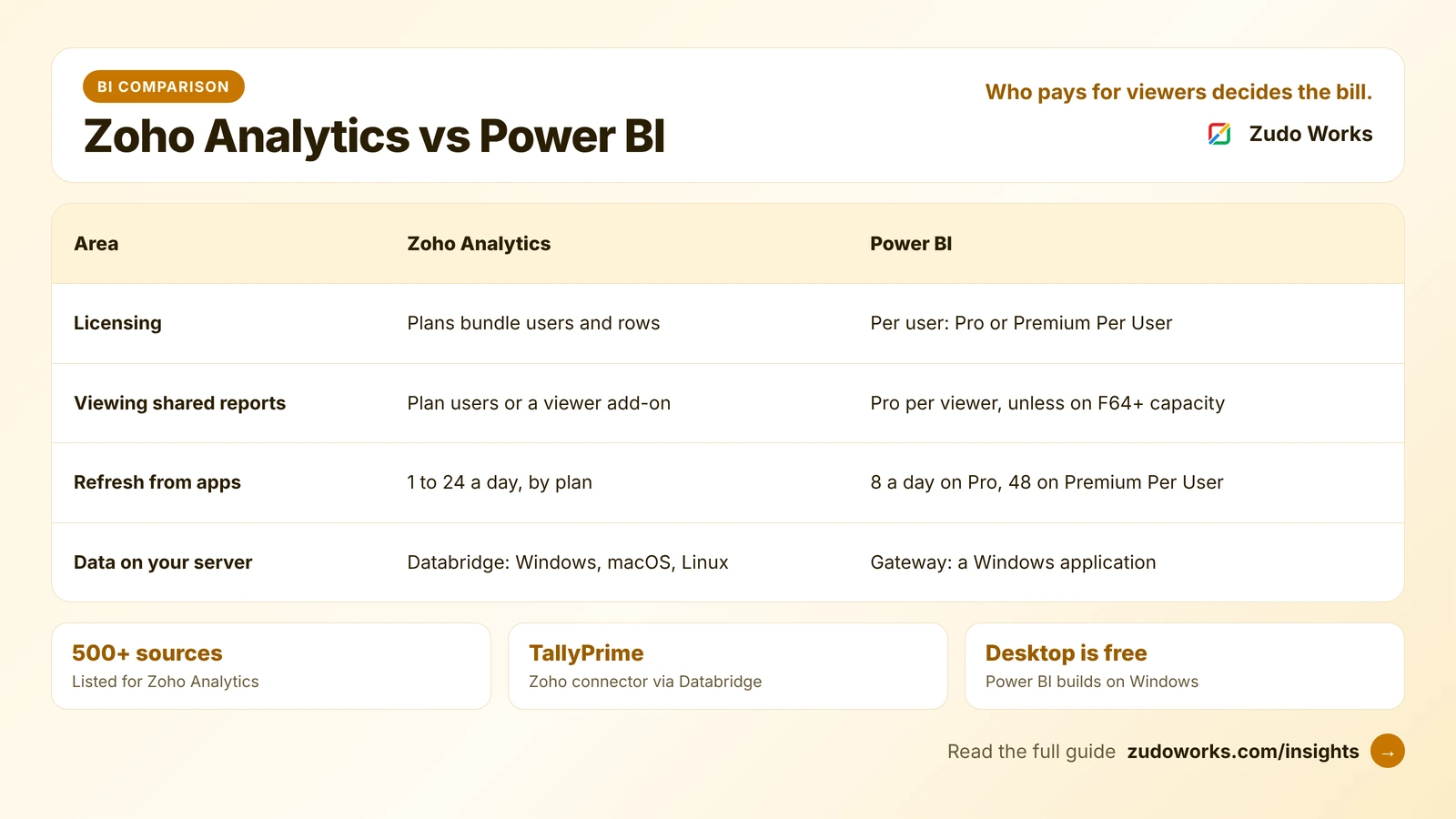
| Area | Zoho Analytics | Power BI |
|---|---|---|
| How you pay | Plans that bundle users and rows; add-ons for more | Per user (Pro or Premium Per User), or Fabric capacity |
| Free option | Free plan: 2 users, 10,000 rows, 5 workspaces | Free licence and the free Desktop app; no sharing |
| Viewing shared reports | Counted as plan users, or bought as viewers | Paid licence per viewer, except on F64 capacity or larger |
| Refresh from business apps | 1 a day on Basic, 8 on Standard and Premium, 24 on Enterprise | 8 a day on Pro, 48 on Premium Per User and capacity |
| Data model size | Set by the plan’s row allowance | 1 GB per model on Pro, 100 GB on Premium Per User |
| Data sources | 500+ sources; 50+ business app connectors on Standard and above | Wide connector library, centred on Microsoft and database sources |
| Local data | Zoho Databridge on Windows, macOS or Linux | On-premises data gateway, a Windows application |
| Where reports are built | In the browser | Mostly in Power BI Desktop for Windows, then published |
| AI | Ask Zia, automated insights, predictive analytics; an MCP server for AI agents | Advanced AI on Premium; Copilot in Fabric with capacity |
Getting your data in
Zoho apps. Zoho Analytics has its own connectors for Zoho CRM, Zoho Books, Zoho Inventory and other Zoho apps, each with ready-made reports. The sync frequency depends on the plan: once a day on Basic, up to 8 times on Standard and Premium, and up to 24 on Enterprise. Basic is limited to any two business app connectors; Standard and above include 50+. If your CRM, accounts and stock are already in Zoho, this is the shortest path to a dashboard.
Microsoft data. Power BI is at home with Excel, SharePoint, SQL Server and Azure. Pro refreshes a dataset up to 8 times a day, and Premium Per User and capacity up to 48. If your figures already live in Microsoft systems, Power BI is the shorter path.
Data inside your network. Both tools need a small program on a local machine to reach a database on your own server. Zoho’s is Zoho Databridge, which runs on Windows, macOS and Linux and pulls data from databases such as MySQL, SQL Server, Oracle and PostgreSQL on a schedule. Microsoft’s is the on-premises data gateway, a Windows application that connects local sources to Power BI and other Microsoft cloud services. It comes in a standard mode that many users share and a personal mode for one user.
TallyPrime data, for Indian businesses
Many Indian manufacturers and traders keep their accounts in TallyPrime even after they move sales or stock to the cloud. Zoho Analytics has a documented TallyPrime connector built on Zoho Databridge. You enable ODBC in TallyPrime, install Databridge (version 10.9.8 or later) on the Tally machine or a local server that can reach it, and choose what to sync: ledgers, godowns, stock items, vouchers and the trial balance, plus reports such as the balance sheet, profit and loss, stock summary and the sales and purchase registers. Data syncs every 3, 6 or 12 hours or daily, and every hour on Enterprise.
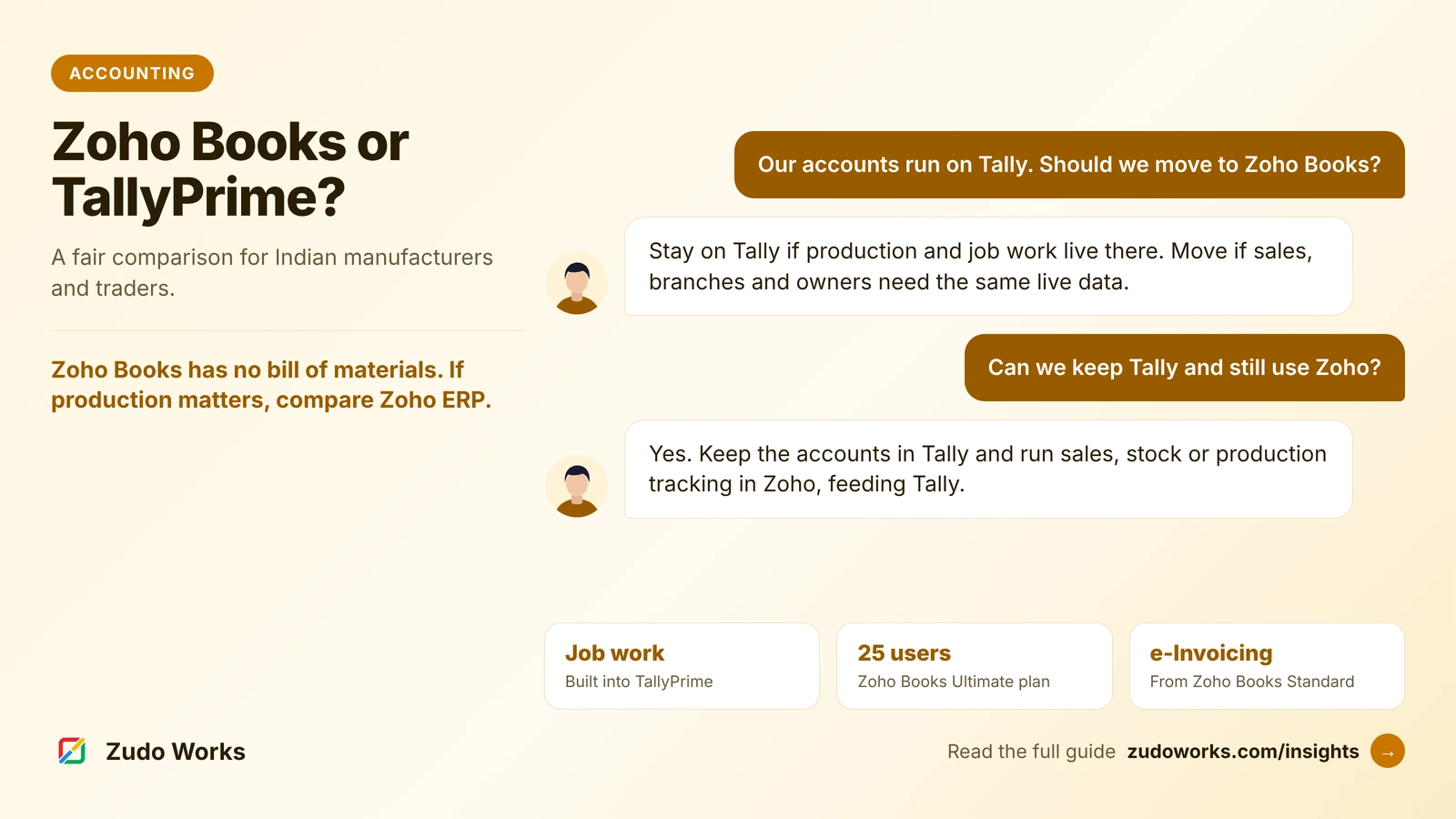
We could not find a Microsoft-built TallyPrime connector for Power BI. Teams that use the two together go through Tally’s ODBC interface, scheduled exports, or a third-party connector sold separately, refreshed through the gateway. That works, but someone has to build, pay for and look after it. If you are still deciding whether Tally stays, our Zoho Books vs TallyPrime guide covers that first.
Building reports: browser or desktop
Zoho Analytics is built and used in the browser, with native mobile apps. A sales manager can drag fields into a chart or ask a question of the data in plain English with Ask Zia.
Power BI reports are mostly built in Power BI Desktop, a free Windows application (Windows 10 or Windows Server 2016 or later, according to Microsoft’s download page), and then published to the Power BI service. Desktop is where Power BI is strongest: its modelling and DAX formulas give an analyst fine control over complex calculations. So report authors need a Windows machine.
AI features
Zoho lists Ask Zia, automated and diagnostic insights, predictive analytics, what-if analysis and anomaly detection on its pricing page, and offers an MCP server so AI agents and assistants can work with Zoho Analytics data.
Microsoft’s pricing page lists advanced AI with Premium Per User and capacity, and Copilot in Fabric with capacity. Check which licence each AI feature needs before you count on it.
On either tool, define your key measures once and check AI answers against a trusted report; our guide to data foundations in Zoho Analytics shows how.
What a manufacturer should test
For a factory, the useful first dashboards are usually plain: orders due this week against production, stock below reorder level, rejection and rework by product, and receivables by customer. Our guide to manufacturing dashboards and KPIs lists what to measure first. In either trial, build one of these on your own data and check three things: how fresh the figures are when the shift supervisor opens it, how many people need a licence to see it, and who will fix it when a source changes.
Which one fits your business
| Your situation | Usually the better fit |
|---|---|
| CRM, accounts and stock run on Zoho apps or Zoho One | Zoho Analytics |
| Accounts in TallyPrime, and you want scheduled dashboards | Zoho Analytics |
| Many people view dashboards, few people build them | Zoho Analytics, or Power BI on F64 capacity |
| You are on Microsoft 365 E5, which includes Power BI Pro | Power BI |
| Data in SQL Server, SharePoint or Azure, and analysts who know DAX | Power BI |
| Report authors work on Macs | Zoho Analytics |
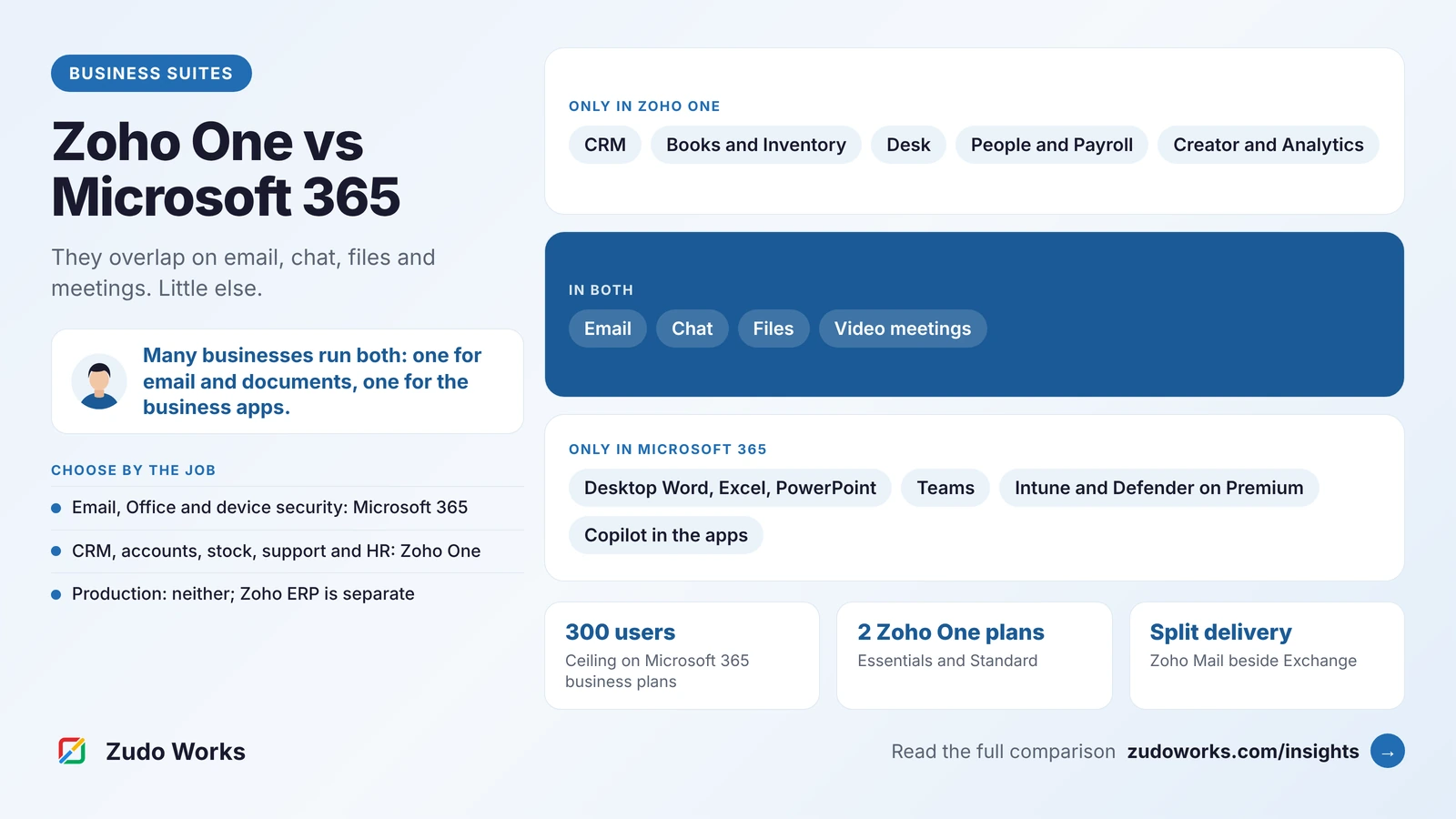
Running both suites side by side is common. Our comparison of Zoho One vs Microsoft 365 covers how the wider suites fit together, and Zoho Analytics is one of the apps included in Zoho One.
A trial plan for both
- Count the people who will build reports and the people who will only view them.
- List every data source, and mark which ones sit on your own server.
- Connect your two most important sources and note how often each refreshes on the plan you would buy.
- Rebuild one report you use every week, and have the person who reads it check the numbers.
- Share it with a viewer who has no licence yet, and see what they need.
If you choose Zoho Analytics and need help connecting Tally, a factory database or a custom app, our Zoho integrations page explains how we work.
Frequently asked questions
It depends on how many people view reports. Power BI Pro is licensed per user, and people who view shared content also need a paid licence unless it sits on Fabric capacity of F64 or larger. Zoho Analytics plans bundle a set number of users and rows. Count your builders and viewers, then compare both official pricing pages.
With Pro or Premium Per User, yes: Microsoft says people consuming shared content need a paid per-user licence. On Fabric capacity of F64 or larger, content consumers can view and interact without their own paid licence, while report authors still need Pro.
Yes. Zoho Analytics has a TallyPrime connector built on Zoho Databridge, installed on the Tally machine or a local server. It syncs ledgers, stock items, vouchers and reports such as the balance sheet and stock summary every 3, 6 or 12 hours or daily, and hourly on the Enterprise plan.
Yes, but it takes more work than using Zoho Analytics, which has a built-in Zoho CRM connector. With Power BI you would typically pull data through the Zoho CRM API, an export, or a third-party connector, and someone needs to maintain that link.
The Power BI service runs in a browser, so viewing reports works on any computer. Power BI Desktop, where most reports are built, is a Windows application; Microsoft's download page lists Windows 10 or Windows Server 2016 or later.
Yes. Zoho Analytics is one of the apps listed in Zoho One. Check the plan details for the user and row allowances that come with your Zoho One subscription before you plan large data volumes around it.
Related services: Zoho integrations · Zoho development · Custom software