Comparisons
Zoho One vs Microsoft 365: Different Suites, and When to Run Both
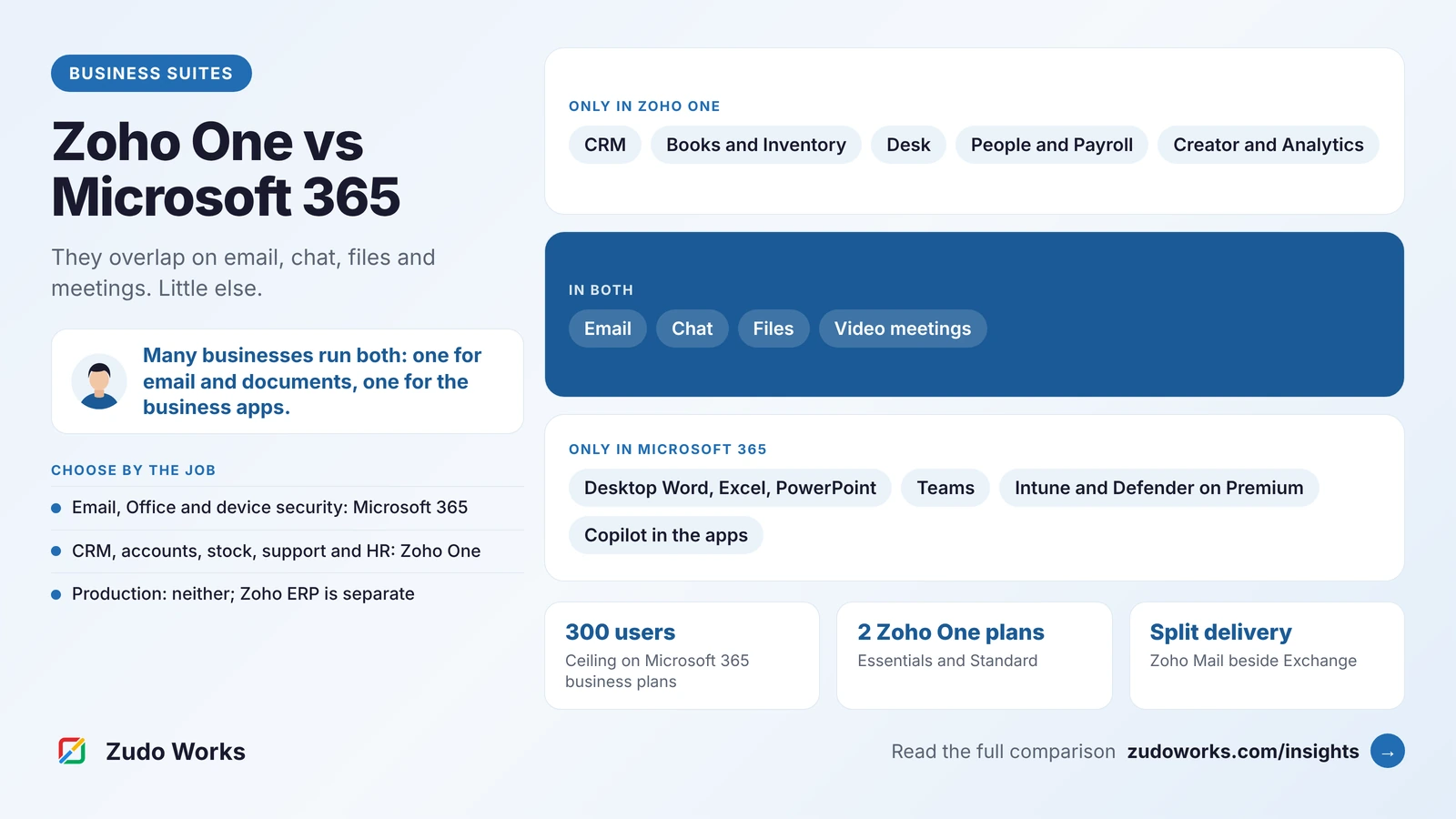
Zoho One and Microsoft 365 are often compared as if they were rivals for the same job. They overlap on email, chat, files and meetings, but most of what each one includes the other does not. The useful question is not which suite wins, but which jobs you need each one to do.

Quick answer
Microsoft 365 is a productivity and security suite: email, Office apps, Teams and device management. Zoho One is a bundle of business applications such as CRM, accounting, inventory, helpdesk and HR, with its own email and chat. Choose by the jobs you need done; many businesses keep Microsoft 365 for email and documents and add Zoho One for the business processes.
Most “Zoho One vs Microsoft 365” articles add up a stack of Microsoft and third-party products, put a single Zoho One price next to it and declare a winner. That skips the part that matters: the two suites are built for different jobs, and many businesses end up running both.
Every plan and feature below was checked on Zoho’s and Microsoft’s own pages on 21 October 2026. We do not quote prices, because both vary by country and change often; see the official Zoho One pricing and Microsoft 365 business plans pages. We implement Zoho, so read this with that in mind; we have tried to be fair to Microsoft, because for some teams it is the better fit.
The short answer
- Choose Microsoft 365 if what you need is email, desktop Office apps, Teams and device security, and your CRM, accounting and support tools are already chosen.
- Choose Zoho One if you need the business applications themselves, such as CRM, accounting, inventory, helpdesk, HR and custom apps, in one subscription with one set of users.
- Run both if your team lives in Outlook, Word and Excel but you also need those business applications. This is a common, supported setup, not a compromise.
What each suite actually is
Microsoft 365 for business is a productivity, collaboration and security suite: Outlook and Exchange email, Word, Excel and PowerPoint, Teams, OneDrive and SharePoint, with device management and threat protection on the top plan. Microsoft sells CRM and ERP separately, as Dynamics 365 products.
Zoho One is a bundle of business applications. Its plan details list CRM, Books, Inventory, Payroll and Expense, Desk, People and Recruit, Projects, Creator, Analytics and Flow, marketing apps, and collaboration apps including Mail, Cliq, WorkDrive and Meeting, all managed from Zoho Directory. Zoho’s office apps, Writer, Sheet and Show, are also sold on their own as part of Zoho Workplace.
The overlap is email, chat, file storage and video meetings. Everything else sits on one side only.
The 2026 plans in plain words
| Plan | What it is | Key rule |
|---|---|---|
| Zoho One Essentials | 15+ apps across CRM, collaboration, finance, marketing, customer service and HR | Per user, annual licensing |
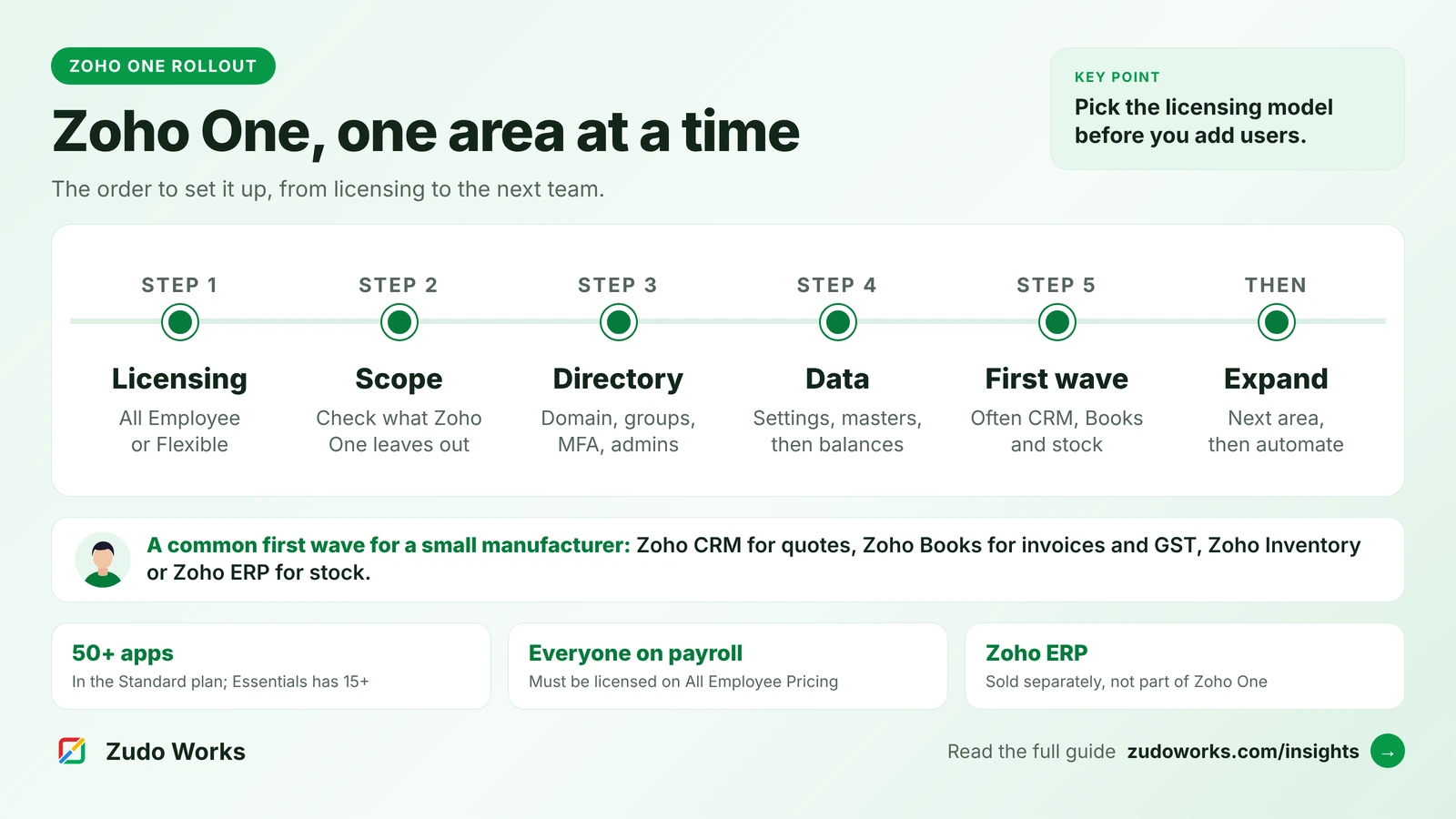
| Zoho One Standard, All Employee | 50+ apps | Every employee on the payroll must be licensed |
| Zoho One Standard, Flexible User | 50+ apps | License only the users who need it |
| Microsoft 365 Business Basic | Web and mobile Office apps, email, Teams, 1 TB OneDrive | Copilot Chat included; full Copilot is an add-on |
| Microsoft 365 Business Standard with Copilot | Adds desktop Office apps | Copilot in the apps |
| Microsoft 365 Business Premium with Copilot | Adds Intune, Defender for Business and advanced Entra ID | Copilot in the apps; 1.5 TB email archive |
Two rules catch people out. Microsoft’s business plans are designed for up to 300 users across the whole business plan family; larger organisations move to enterprise plans. Zoho One’s All Employee pricing must cover everyone on the payroll, and Zoho asks you to buy the missing licences or switch to Flexible User pricing if it does not. Microsoft also sells each business plan without Teams.
On billing, Zoho One is monthly or annual with no long-term contract. Microsoft offers a monthly commitment that can be cancelled at any time, or an annual commitment paid monthly or upfront, with early-cancellation terms on the annual options.
Where they overlap: email, files, chat and meetings
Email. Exchange Online gives each business user a 100 GB mailbox. Zoho Mail is included in Zoho One. Zoho’s FAQ notes that you can use Zoho Mail either inside Zoho One or as a standalone product, but not both on the same domain.
Documents. If your team, your customers or your auditors exchange complex Excel models and Word documents all day, desktop Office on Business Standard or Premium is hard to replace. Zoho’s office apps handle everyday documents and spreadsheets well; test your own most complex files before you plan to move them.
Chat and meetings. Teams and Zoho Cliq with Zoho Meeting cover the same ground. The deciding factor is usually where your customers and partners already are.
Files. Microsoft gives 1 TB of OneDrive per user plus SharePoint team sites. Zoho One includes WorkDrive for team files. Both are fine for most small businesses; the effort is in moving folders and permissions, not in the storage itself.
What only Zoho One covers
This is the bigger side of the comparison. A sales team needs a CRM; finance needs accounting with local tax; operations needs inventory; support needs a helpdesk; HR needs records, leave and payroll. Zoho One includes all of these, and they share users and customer records. A quote in Zoho CRM can become an invoice in Zoho Books without a connector.
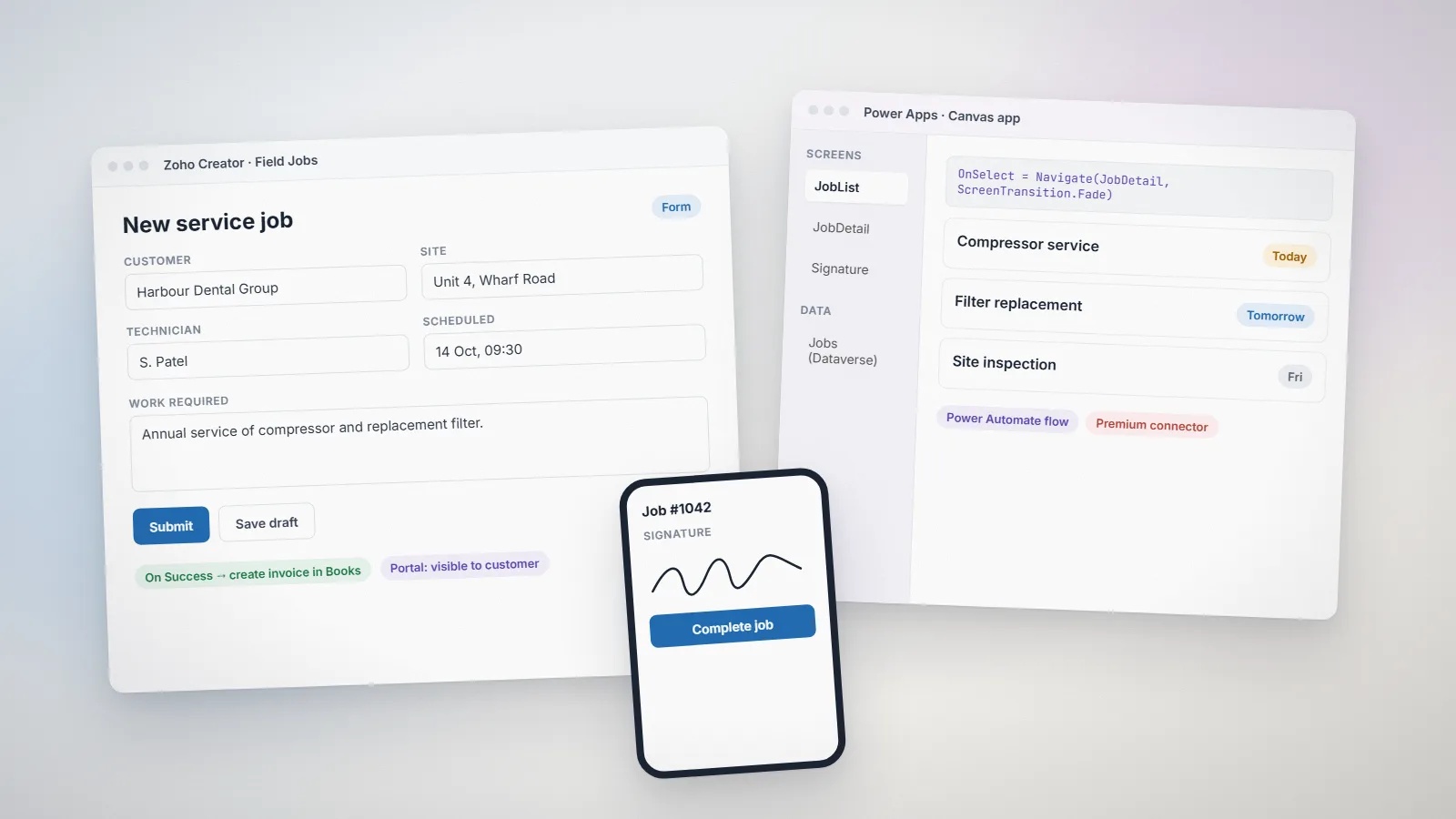
It also includes Zoho Creator for custom apps and Zoho Analytics for reporting across all of them. Microsoft’s nearest equivalent for custom apps, Power Apps, needs its own Premium licence for Dataverse and premium connectors; our Zoho Creator vs Power Apps comparison covers that choice in detail.
What only Microsoft 365 covers
- Desktop Office on Business Standard and Premium, still the standard for heavy spreadsheet and document work.
- Device and threat protection on Business Premium: Intune for device management, Defender for Business and Defender for Office 365, and advanced Entra ID. Zoho One includes mobile device management for 25 devices by default, which is lighter.
- Copilot inside the Office apps on the “with Copilot” plans, and Copilot Chat on Business Basic. Zoho’s AI, Zia, works inside its business apps instead.
Running both side by side
Many growing companies keep Microsoft 365 for email and documents and add Zoho One, or a few Zoho apps, for the business processes. The pieces that make this work are documented:
- Zoho CRM with Microsoft 365: Zoho describes syncing contacts, tasks and calendar events, adding leads from email, viewing CRM dashboards in a Teams tab, and sharing CRM records in Teams chats.
- Email during a move: Zoho Mail supports split delivery with Office 365, so some users can be on Zoho Mail while others stay on Exchange under the same domain.
- Licensing: Flexible User pricing lets you license Zoho One only for the people who use the business apps, while everyone keeps Microsoft 365.
The cost of running both is two admin consoles and two sets of users to keep in step. Agree who owns each, and decide early whether Zoho or Microsoft is the identity provider for single sign-on.
A note for manufacturers
Neither suite runs production. Zoho One includes Zoho Inventory, which handles assemblies but has no manufacturing module, and Zoho ERP, which does, is a separate product that is not part of Zoho One. On the Microsoft side, production planning sits in Dynamics 365 products, outside the Microsoft 365 business plans. Our guide to Zoho for manufacturing sets out the Zoho routes, and our Zoho One implementation checklist covers what to add on top.
How to choose
- List the jobs, not the apps: email, documents, sales, accounts, stock, support, HR.
- Mark which ones you already solve and are happy with. Do not replace a tool that works just to fill a bundle.
- Check the licensing rule that applies to you: All Employee or Flexible User on Zoho One, and the 300-user ceiling on Microsoft’s business plans.
- Test your hardest files in Zoho’s office apps before planning an email and document move.
- Price three years of the setup you would really run, including implementation.
If you decide to add Zoho alongside Microsoft 365, our Zoho integrations page explains how we connect the two.
Frequently asked questions
For many small businesses, yes: Zoho One includes Mail, Cliq, WorkDrive and Meeting alongside its business apps. Teams that depend on desktop Excel and Word, or on Intune and Defender for device security, usually keep Microsoft 365 and add Zoho for the business applications.
Yes. Zoho describes a Microsoft 365 integration for Zoho CRM that syncs contacts, tasks and calendar events, lets users add leads from email, shows CRM dashboards in a Teams tab and shares CRM records in Teams chats.
The Microsoft 365 business plans focus on email, Office apps, Teams, storage and security. Microsoft sells its CRM and ERP applications separately as Dynamics 365 products.
Essentials has 15+ apps across CRM, collaboration, finance, marketing, customer service and HR, billed per user with annual licensing. Standard has 50+ apps and offers All Employee pricing, which must cover everyone on the payroll, or Flexible User pricing for chosen users.
No. Zoho lists Zoho ERP among the products not included in Zoho One. It is sold separately, with its own plans.
Related services: Zoho development · Zoho integrations · Support and maintenance