Manufacturing
Preventive Maintenance on Zoho or a CMMS? Zoho Creator, Zoho FSM, MaintainX and Fiix Compared
Zoho has no product called a CMMS, yet many manufacturers run machine maintenance on Zoho. The question is not whether it can be done, but whether a maintenance app built around your Zoho data beats a ready-made CMMS that your maintenance team can start using next week.

Quick answer
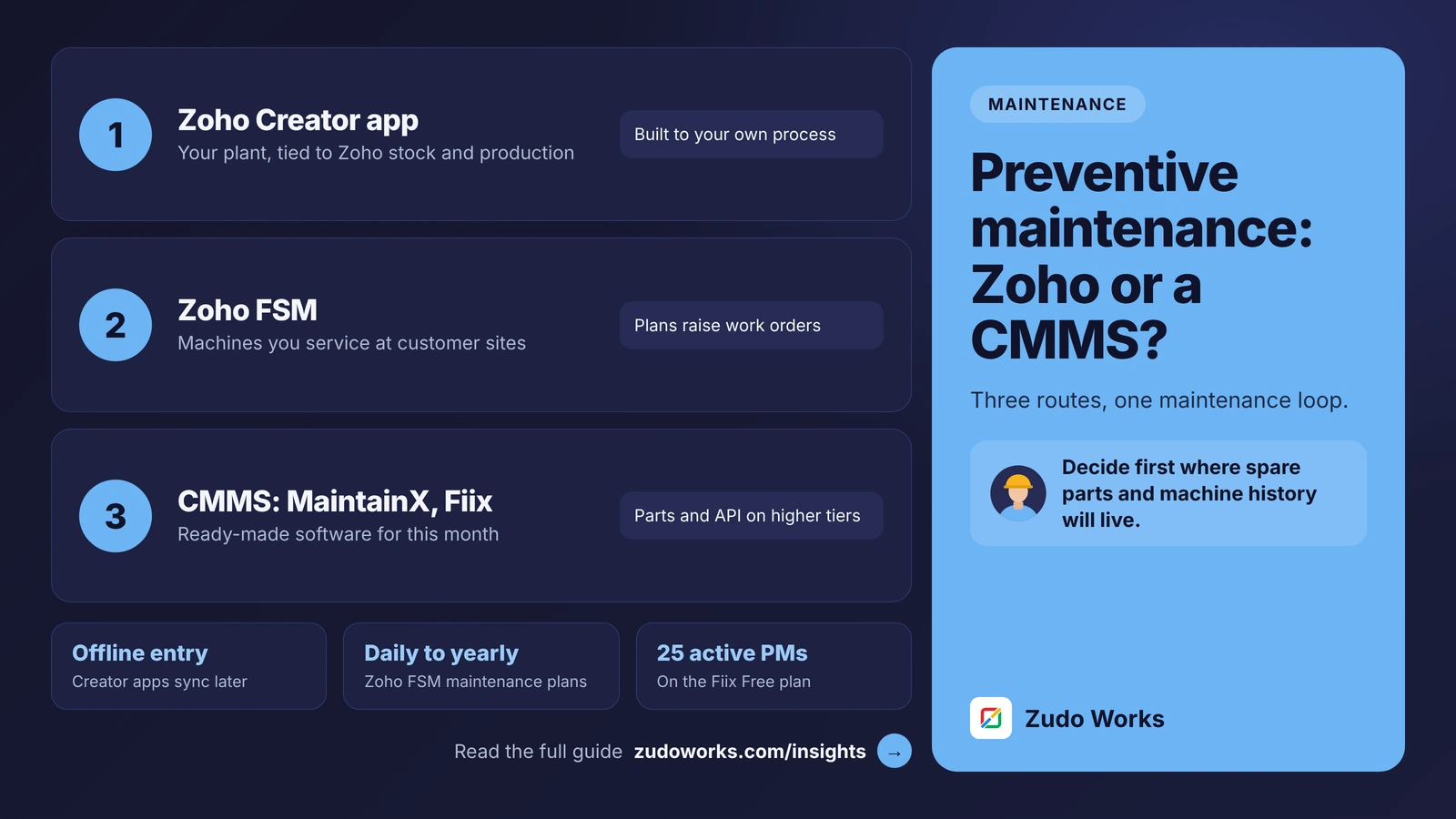
Zoho has no CMMS product, but a Zoho Creator app can run preventive maintenance tied to your Zoho stock and production data, and Zoho FSM schedules maintenance for equipment at customer sites. Choose a dedicated CMMS such as MaintainX or Fiix if you want ready-made maintenance software quickly; their parts, purchasing and API features sit mostly in the higher tiers.
Ask a maintenance head what they need and the list is short: every machine in one register, preventive jobs that raise themselves on time, a quick way for an operator to report a breakdown, spare parts that are actually in the store, and a history that shows which machine keeps failing. A spreadsheet and a WhatsApp group can do some of this. None of it scales.
There are three sensible routes for a manufacturer that already uses Zoho or is considering it. Every product detail below was checked on Zoho’s, MaintainX’s and Fiix’s own pages on 23 October 2026. We do not quote prices; see each vendor’s pricing page.
The short answer
- Build a Zoho Creator app if you want maintenance tied to the stock, purchasing and production data you already keep in Zoho, and your process does not fit a standard CMMS.
- Use Zoho FSM if the machines you maintain sit at your customers’ sites, for example if you sell and service equipment.
- Buy a CMMS such as MaintainX or Fiix if you want proven maintenance software running within weeks, and you are happy to connect it to Zoho rather than run it inside Zoho.
What Zoho offers for maintenance
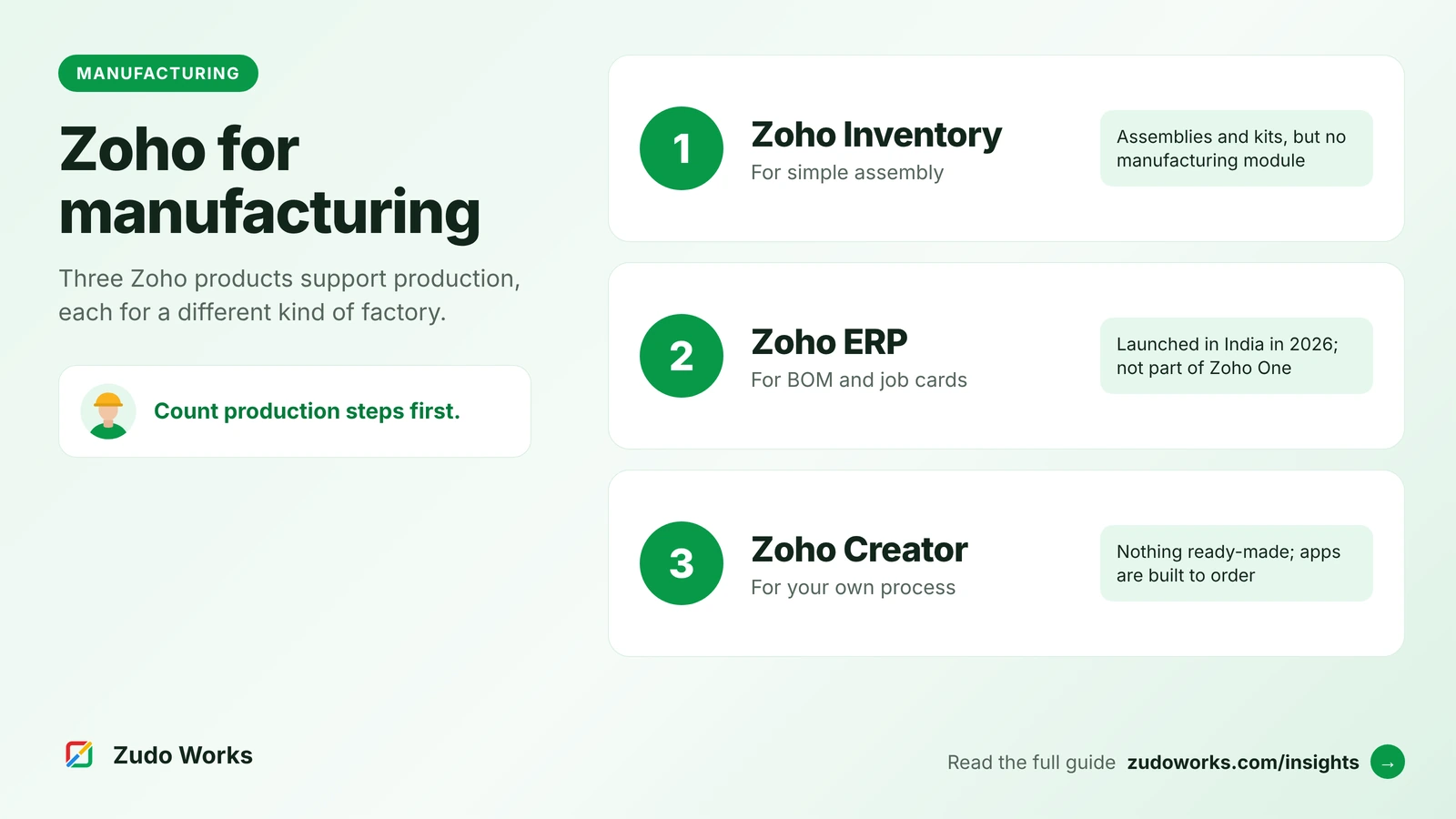
Zoho ERP and Zoho Inventory handle stock, purchasing and production, but neither lists a maintenance module among its features. Zoho covers maintenance in three other ways.
Zoho Creator is Zoho’s low-code platform. Zoho publishes a computerised maintenance management use case for it with six areas: a central database, work orders that run from request to completion with checklists, manuals and photos attached, an asset register with make, model, serial number, location, purchase date, cost and warranty, preventive schedules, spare parts inventory with bin locations, low-stock alerts and reordering, and a compliance area with an audit trail and safety checklists. Its schedules can be set by time interval, by meter reading (Zoho’s example is every 500 hours of running), or by a condition. Zoho also offers a facility maintenance app template that you install and change to suit you.
Zoho FSM (Field Service Management) is built for servicing equipment at customer sites. Its scheduled maintenance feature runs daily, weekly, monthly or yearly plans that create work orders and service appointments automatically, from templates that carry the customer, the asset and the parts needed, and sends them to the Dispatch Console.
Zoho IoT is a separate platform for machine data. Zoho’s manufacturing page describes machine monitoring for uptime, cycle time and OEE, AI-based models for predictive maintenance, and support for Modbus, MQTT, OPC-UA, HTTP and LoRaWAN.
What a dedicated CMMS offers
A CMMS (computerised maintenance management system) is software built only for maintenance teams. MaintainX and Fiix are two examples, and both publish their plans openly.
- MaintainX has a free Basic plan with unlimited work orders, procedures and requester users, but only a few work orders with procedures attached, a small number of repeating work orders, and no API, meter-based maintenance or parts inventory. Its paid Essential and Premium plans are billed per user; Premium adds meter-based maintenance, parts inventory, purchase orders, time and cost tracking, work orders for outside contractors and REST API access. Enterprise adds IoT sensor integrations, single sign-on, multi-site management and an AI assistant. Requester accounts are free on every plan.
- Fiix has a Free plan with 25 active preventive maintenance schedules and unlimited work orders, assets and parts, but no integrations. Basic adds unlimited schedules, standard reports and pass/fail inspections. Professional adds multi-site management, purchasing and RFQs, advanced analytics and Fiix’s AI features. Enterprise adds failure codes, condition-based triggers, an audit trail and e-signature, and Fiix’s Integration Hub, with ERP and custom API integrations at extra cost. Plans can be month-to-month or annual.
Two things stand out. First, both put the features a factory needs most, such as parts inventory, purchasing, meter-based schedules and integrations, in the higher tiers. Second, a CMMS keeps its own parts store and purchasing, separate from the stock and purchase orders in your ERP, unless you connect them.
The three routes side by side
| Area | Zoho Creator app | Zoho FSM | CMMS (MaintainX, Fiix) |
|---|---|---|---|
| Built for | Your own plant, your own process | Equipment at customer sites | In-house maintenance teams |
| Time to start | Weeks, to build and test | Days to weeks, to configure | Days, to set up assets and schedules |
| Preventive schedules | By time, meter reading or condition, as you design them | Daily, weekly, monthly or yearly plans | Built in; meter-based on higher tiers |
| Spare parts | In the app, or linked to Zoho Inventory or Zoho ERP stock | Parts listed on work order templates | Own parts store; on higher tiers |
| Mobile and offline | Native iOS and Android apps; offline entry that syncs later; QR and barcode scanning | Android and iOS app for field agents | Mobile apps |
| Link to Zoho data | Native | Native, within Zoho | Through an API or a connector |
| Who maintains it | You or your Creator developer | The vendor, plus your configuration | The vendor |
When a Zoho Creator app is the better choice
Choose Creator when maintenance has to work with the rest of your Zoho data, not beside it. Typical signs:
- Spare parts are bought and stocked in Zoho Inventory or Zoho ERP, and you do not want a second parts store to reconcile.
- A stopped machine should put the jobs planned on it on hold, so production and maintenance see the same status.
- Your checks are unusual: a pharmaceutical line clearance, a mould’s shot count, or a customer audit format you must follow.
- Operators and technicians already use Zoho apps, and you want one login.
Creator apps run natively on iOS and Android, accept data offline and sync it when the phone reconnects, and can scan QR codes and barcodes, so a technician can scan a machine tag and see its history. Creator is licensed per user, for every person who uses the app; see the Creator pricing page for plans. Our maintenance request workflow shows the scan-and-tap steps we design for the shop floor, and our Zoho Creator development page explains how we build them.
The cost of this route is ownership. Someone has to build the app, test it with the people who will use it, and keep it working as the plant changes.
When Zoho FSM is the better choice
If you make machines and also service them, your preventive work happens at customers’ sites. That is a field service problem: scheduling visits, dispatching technicians and recording what was done for each customer’s asset. Zoho FSM’s scheduled maintenance plans create those work orders and appointments automatically. Your own factory’s machines are a different job and are better served by one of the other two routes.
When a dedicated CMMS is the better choice
- You have a maintenance team that wants a proven tool now, not a project.
- You run several sites and want multi-site reporting without building it.
- You plan to add sensor data, and the CMMS tier you are buying supports it.
- Maintenance is largely separate from production planning and stock in your business.
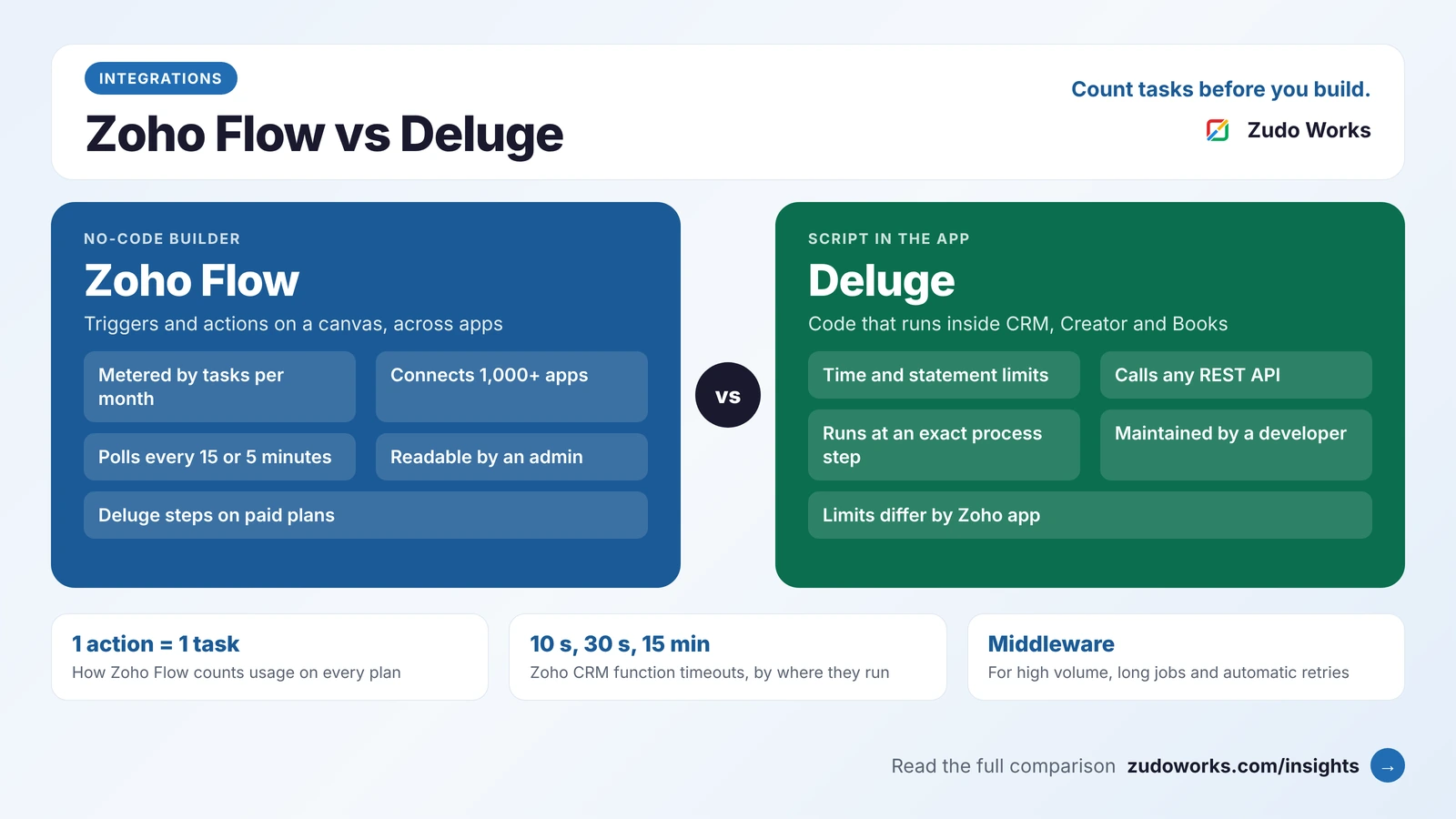
If you go this way, decide early which system owns spare parts and purchase orders. The usual pattern is that the CMMS raises a parts request and your ERP raises the purchase order, connected through the CMMS’s API; check which tier includes that API before you buy. Our guide to Zoho Flow, Deluge and custom middleware covers how such a link is built.
Five questions to decide
- Where are the machines? In your plant, or at customers’ sites?
- Where do spare parts live? In your Zoho stock, or in a separate store the maintenance team runs?
- How standard is your process? Would a CMMS fit it on day one?
- How soon must it run? This month, or this quarter?
- Who will own it in two years: a vendor, or you?
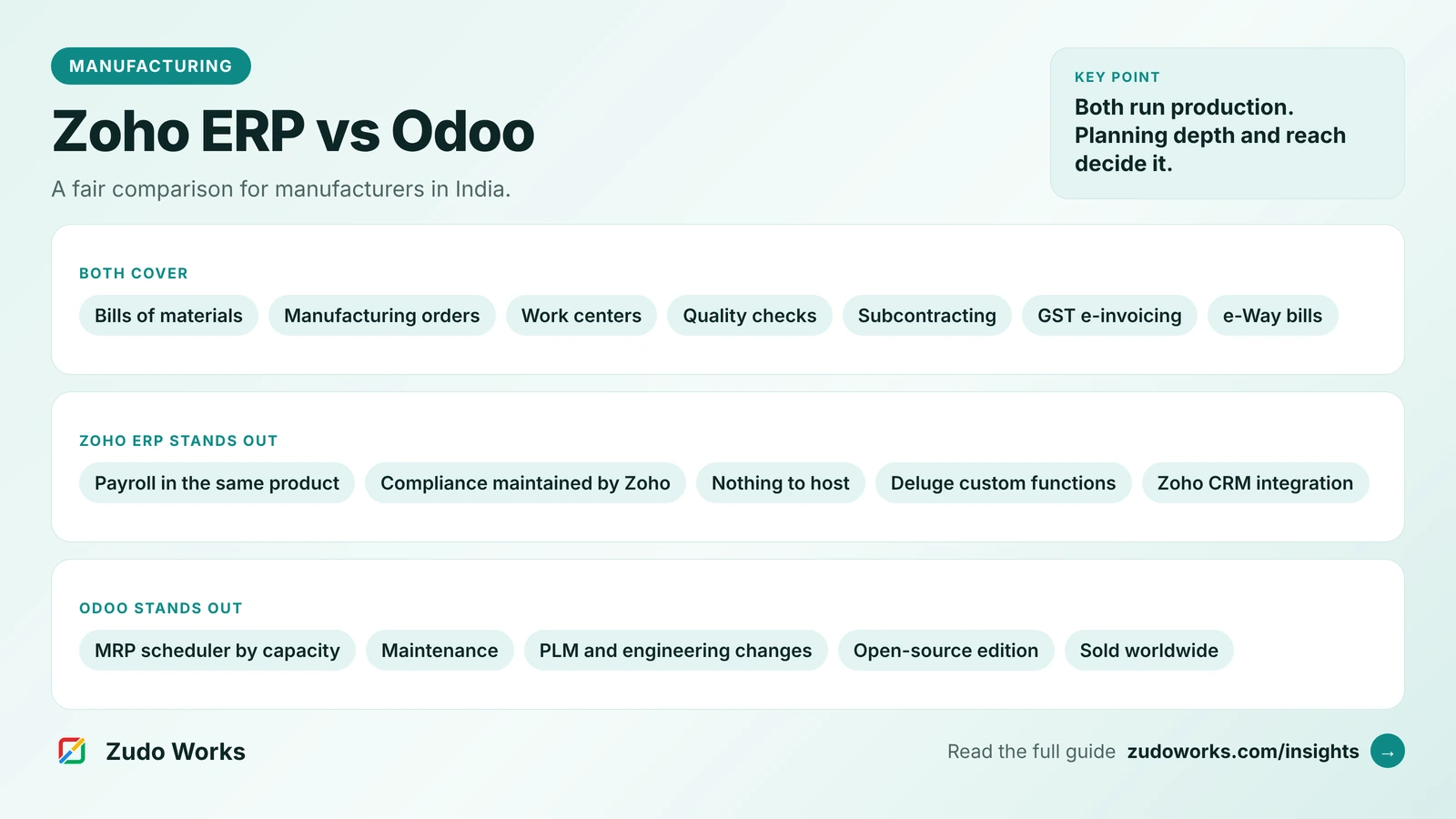
If you are still choosing your core system, start with our overview of every Zoho route for manufacturers; our Zoho ERP vs Odoo comparison covers the case where you want maintenance inside the ERP itself, which Odoo offers and Zoho ERP does not.
Frequently asked questions
Not as a separate product. Zoho publishes a CMMS use case and a facility maintenance template for Zoho Creator, which you install and adapt, and Zoho FSM has scheduled maintenance for servicing equipment at customer sites. Zoho ERP and Zoho Inventory do not list a maintenance module.
Yes, if you build it that way. Zoho's CMMS use case for Creator describes schedules by time interval, by meter reading, with the example of every 500 hours of running, and by condition. The meter readings have to be entered by a person or sent from a machine.
MaintainX has a free Basic plan with unlimited work orders and requester users, but it limits work orders with procedures attached and repeating work orders, and leaves out the API, meter-based maintenance and parts inventory. Those come with the paid plans, mostly Premium and above.
Yes, through their APIs or a connector, but check the plan. MaintainX lists REST API access on Premium and above, and Fiix lists ERP and custom API integrations on Enterprise, some at extra cost. Decide which system owns spare parts and purchase orders before you build the link.
Zoho FSM is field service software: it schedules and dispatches technicians to equipment at customer sites. A CMMS is built for a maintenance team looking after its own plant and machines. A manufacturer that services machines it has sold may need FSM; one that maintains its own production line needs a CMMS or a Creator app.
Related services: Zoho Creator development · Zoho integrations · Custom software · Zoho development