Zoho Desk is Zoho’s customer service software, sold on its own, in the Zoho Service Plus suite and inside Zoho One. Freshdesk is Freshworks’ help desk, sold as Freshdesk for ticketing and as Freshdesk Omni when you want chat and other messaging channels in the same product. Both handle tickets, a customer portal and a knowledge base well, so the choice comes down to editions, AI and the systems around the help desk.
Every plan and feature below was checked on Zoho’s and Freshworks’ own pages on 6 November 2026. We do not quote prices; see the official Zoho Desk pricing and Freshdesk pricing pages. We build on Zoho, so read this with that in mind; where Freshdesk is the better fit, we say so.
The short answer
- Choose Zoho Desk if you already run Zoho CRM or Zoho One, want a free edition to start with, or want process control such as Blueprint and approvals inside the help desk.
- Choose Freshdesk if you want a help desk that is quick to set up for a support team, with an AI agent included on every plan, and your CRM is not Zoho.
- Price the AI, not just the seats. Zoho meters AI agents in tokens; Freshdesk meters its AI agent in sessions and sells its agent assistant per agent.
How each one is sold
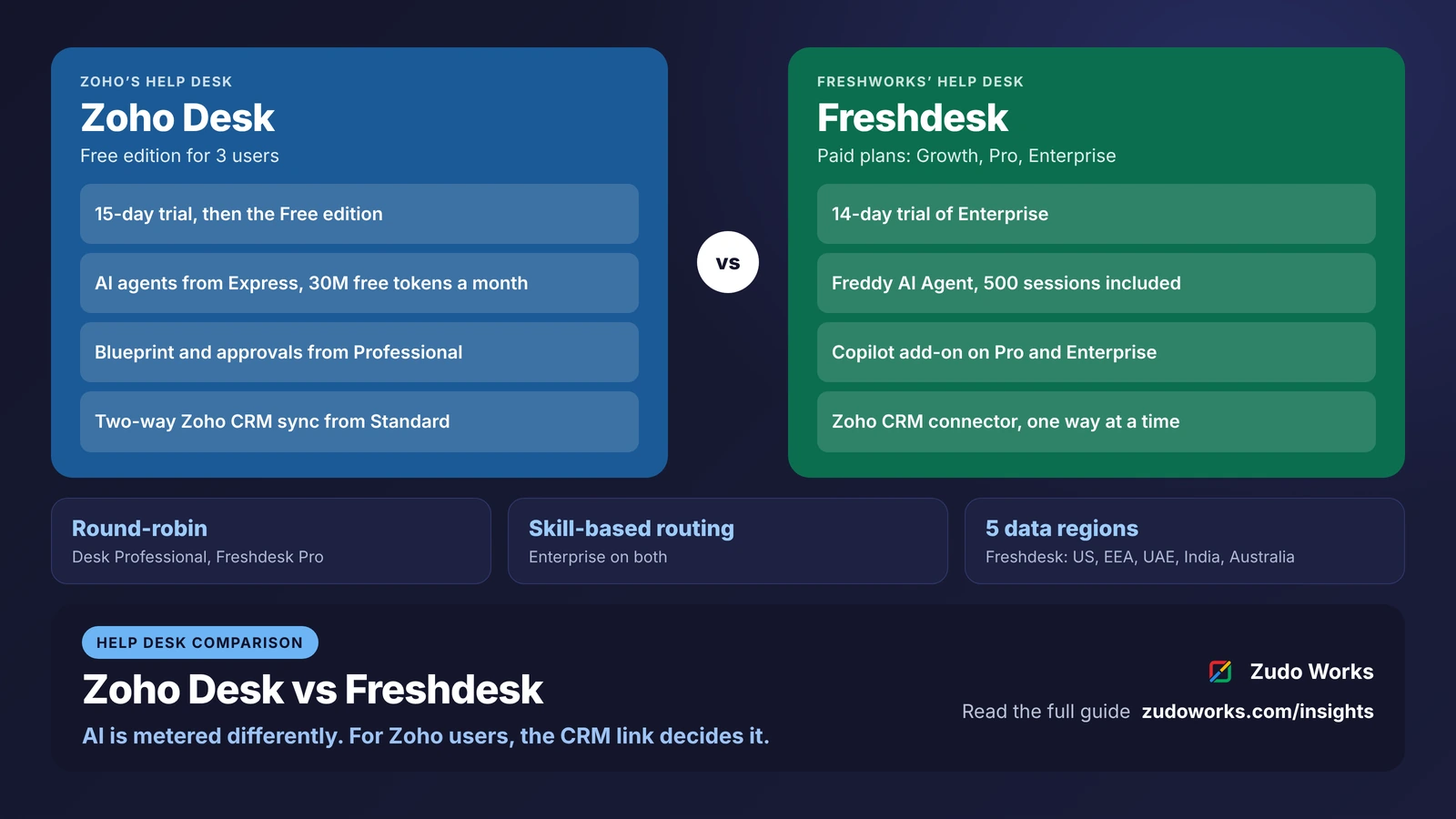
Zoho Desk has five editions: Free, Express, Standard, Professional and Enterprise. Free covers 3 users and Express up to 5; Standard and above have no agent cap. Every paid edition is priced per agent and billed monthly or yearly. The 15-day trial needs no credit card, and when it ends the account moves to the Free edition unless you buy a plan. Zoho’s pricing page advertises no lock-ins and free onboarding and migration help.
Freshdesk lists three paid plans, Growth, Pro and Enterprise, each priced per agent, billed annually by default with a monthly option. The pricing page does not list a free plan. The 14-day trial gives you the Enterprise plan; after it, you pick a plan and add a card. Freshdesk Omni follows the same three plan names and adds omnichannel support.
Zoho Desk and Freshdesk at a glance
| Area | Zoho Desk | Freshdesk |
|---|---|---|
| Plans | Free, Express, Standard, Professional, Enterprise | Growth, Pro, Enterprise (also as Freshdesk Omni) |
| Free start | Free edition for 3 users; 15-day trial, then Free | 14-day trial of Enterprise; no free plan listed |
| AI included | AI agents from Express, up to 30 million free tokens a month; Zia from Professional | Freddy AI Agent on every plan, first 500 sessions included |
| AI add-ons | Bring your own key from Express | Extra AI Agent sessions; Freddy AI Copilot per agent on Pro and Enterprise |
| Round-robin | Professional and Enterprise | Pro and Enterprise |
| Skill-based routing | Enterprise | Enterprise |
| Process control | Blueprint and approvals from Professional | Not listed on the pricing page |
| Sandbox | Enterprise, 3 sandboxes | Enterprise |
| Custom modules or objects | 10 custom modules on Enterprise | Custom objects on Enterprise (Omni pricing page) |
| Zoho CRM | Native two-way sync from Standard | Paid connector app, one way, contacts and accounts |
AI: tokens on Zoho Desk, sessions on Freshdesk
This is where the two differ most in 2026, and where a support budget can move the most.
Zoho Desk lists AI agents from the Express edition, using either your own model key or Zoho’s own LLM, with pre-built agents and up to 30 million free tokens a month. Express also lets you connect your own OpenAI or DeepSeek key for sentiment analysis, ticket summaries and reply suggestions, with availability depending on your data centre. Standard adds an answer bot that drafts replies from your knowledge base. Professional adds Zia, Zoho’s built-in AI, with field predictions, sentiment and auto-tagging, and Enterprise lists pre-built Desk AI agents and bots in live chat.
Freshdesk includes Freddy AI Agent, its customer-facing AI agent, on every plan, with the first 500 sessions included; more sessions are sold in blocks of 100. Freddy AI Copilot, the assistant for your own agents, is a per-agent add-on on Pro and Enterprise, and Freddy AI Insights comes with Enterprise. Freshdesk also sells an add-on called MCP actions, in blocks of 1,000, for AI tools that work with the help desk through the Model Context Protocol.
So the question to answer for each product is different. For Zoho Desk: how many tokens will your AI agents use a month, and is a bring-your-own-key model allowed in your data centre? For Freshdesk: how many conversations will the AI agent handle, and how many agents need Copilot? Our guide to AI agents in Zoho CRM explains how Zoho’s agent tools work across its apps.
Routing, SLAs and process control
Both products route tickets automatically once you pass the entry tier. On Zoho Desk, round-robin assignment arrives with Professional (10 per department) and Enterprise (15 per department), and skill-based assignment with Enterprise. On Freshdesk, the Omni pricing page lists round-robin and load-balanced assignment on Pro and skill-based routing on Enterprise.
For service levels, Zoho Desk allows 4 SLAs on Standard, 10 per department on Professional and 20 per department on Enterprise. Freshdesk lists multiple SLA policies on Pro, and its Omni page lists SLA management on every plan.
Zoho Desk goes further on enforced process. Blueprint, which makes a ticket pass through defined stages with required fields at each step, comes with Professional (one active Blueprint per department) and Enterprise (20 per department), and approvals start at Professional. That suits returns, warranty claims and refund requests where a step must not be skipped. Freshdesk’s pricing pages do not list an equivalent; ask to see how it would handle the same process in the trial.
Both reserve a sandbox for Enterprise. Zoho Desk Enterprise includes 3 sandboxes, 10 custom modules, 50 departments and 50 free light agents; Freshdesk Enterprise adds custom objects, audit logs and IP allow-listing.
Email, chat and other channels
Zoho Desk sets channel counts by edition: 1 email channel on Free, 2 on Express, 5 on Standard, 10 on Professional and 100 on Enterprise. Live chat and messaging channels start at Standard (1), with 10 on Professional and 50 on Enterprise, and social channels for X, Facebook and Instagram start at Express.
Freshworks splits this differently. Freshdesk is the ticketing product, and Freshdesk Omni is the version with omnichannel support, bring-your-own-channel through its APIs and a voice add-on. If chat and messaging are central to your support, compare Zoho Desk with Freshdesk Omni rather than with Freshdesk.
Connecting to Zoho CRM
For a business on Zoho CRM, this section often decides the comparison.
Zoho Desk has a native Zoho CRM integration from the Standard edition. Zoho’s help page describes a two-way sync of contacts, accounts and products, including custom fields, triggered when records are created, updated or deleted in either app; you can choose a one-way CRM-to-Desk sync instead. Agents see CRM potentials, notes and activities beside the ticket, CRM users join Desk as light agents, and the contact owner can be notified from a ticket. The first sync imports records changed in the last year and can take several hours.
Freshdesk connects to Zoho CRM through a Zoho CRM connector app. Freshdesk’s help article says it syncs contact and account information, in one direction at a time, Zoho to Freshdesk or Freshdesk to Zoho; two-way sync is not available. It is a paid add-on billed by the number of tasks. If you need more than that, Zoho Flow lists Freshdesk and Zoho CRM among its connectors; our Zoho Flow vs Deluge comparison explains how to size task-based integrations.
Zoho Desk also integrates with Zoho FSM from Standard, which matters to equipment makers whose service tickets turn into site visits. Our guide to preventive maintenance on Zoho or a CMMS shows where Zoho FSM fits.
Data location and the wider suite
Freshdesk runs data centres in five regions: the United States, the European Economic Area, the UAE, India and Australia. You choose the region when you sign up, and moving it later goes through Freshdesk support. With Zoho, check which data centre your organisation sits in, because some Zoho Desk AI options vary by data centre.
Zoho Desk is listed among the apps in Zoho One, so a company on Zoho One may already have it. Our Zoho One vs Microsoft 365 comparison lists what the bundle includes. Freshdesk sits beside Freshworks’ own CRM, Freshsales, which is the natural pairing if you are choosing both systems now.
Which one fits
| Your situation | Usually the better fit |
|---|---|
| Sales already run on Zoho CRM | Zoho Desk |
| You have Zoho One | Zoho Desk, already in the bundle |
| Small team that wants to start free | Zoho Desk Free (3 users) |
| Warranty or returns process with mandatory steps | Zoho Desk Professional, with Blueprint |
| You want an AI agent answering customers from day one, priced per conversation | Freshdesk |
| Your CRM is Freshsales, or you are choosing Freshworks for both | Freshdesk |
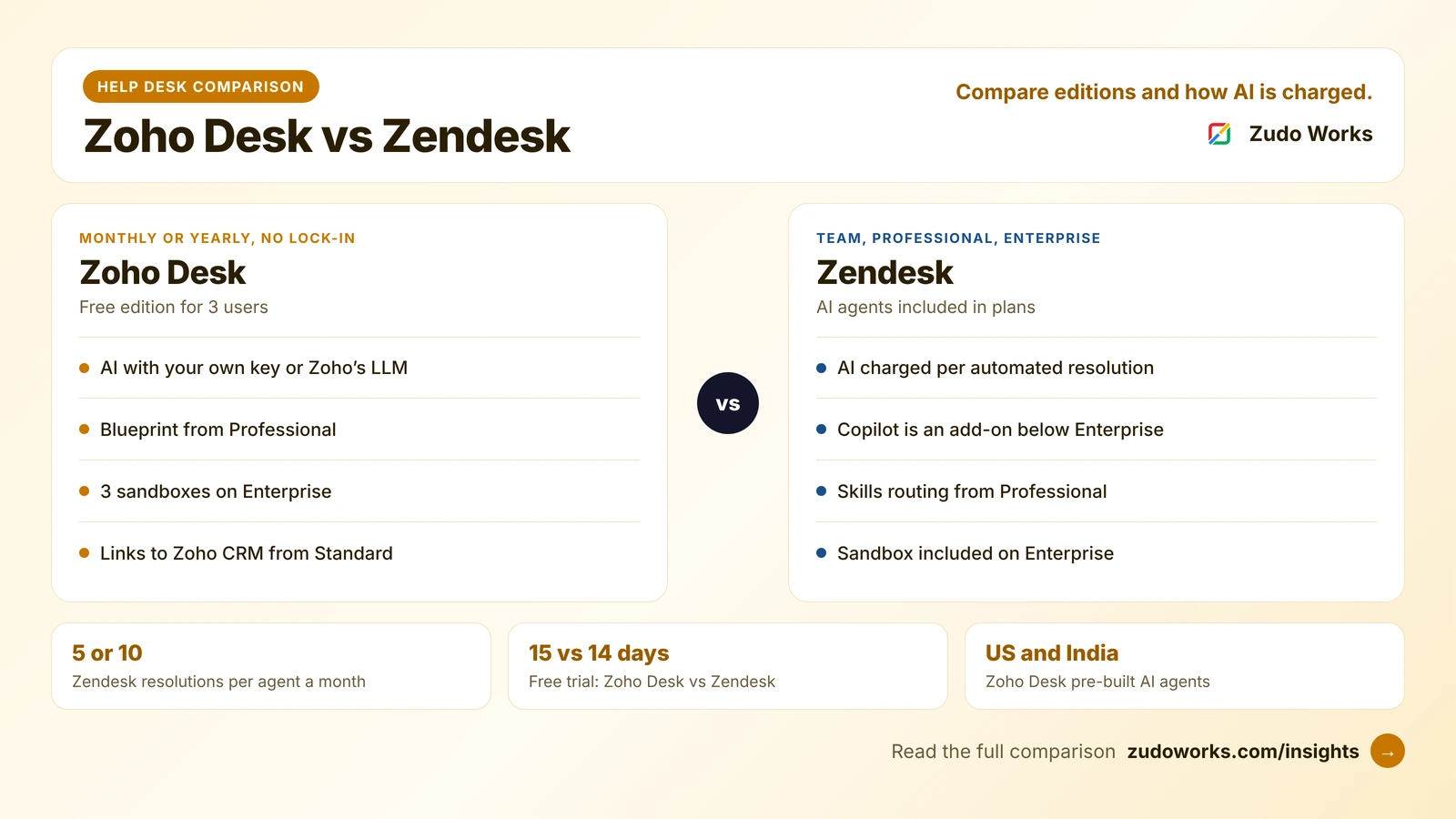
If Zendesk is also on your list, our Zoho Desk vs Zendesk comparison covers its editions and AI pricing in the same way.
Questions to settle in the trials
- Count agents, light agents and people who only need to see tickets, then price both plans.
- Estimate a month of AI use: tokens on Zoho Desk, AI Agent sessions and Copilot seats on Freshdesk.
- Run one real process, such as a warranty claim, through each trial and see what stops a step being skipped.
- Connect your CRM and edit a contact on both sides. See what syncs, and in which direction.
- Check which data centre your account will live in.
If Zoho Desk fits and it needs to work with Zoho CRM, Books or your own systems, our Zoho integrations page explains how we scope that work.
Frequently asked questions
Frequently asked questions
Does Freshdesk have a free plan?
Freshdesk's pricing page lists three paid plans, Growth, Pro and Enterprise, and a 14-day trial of Enterprise; it does not list a free plan. Zoho Desk has a Free edition for 3 users, and its 15-day trial falls back to that edition.
Which is cheaper, Zoho Desk or Freshdesk?
It depends on the edition you need and on AI use. Both charge per agent, but Zoho meters AI agents in tokens with a free monthly allowance, while Freshdesk includes 500 AI Agent sessions and sells more in blocks, with Copilot as a per-agent add-on. Price both against your real agent count and ticket volume on the official pricing pages.
Does Freshdesk integrate with Zoho CRM?
Yes, through a paid Zoho CRM connector app that syncs contacts and accounts in one direction at a time. Zoho Desk has a native two-way sync with Zoho CRM for contacts, accounts and products from its Standard edition.
Does Zoho Desk have AI like Freddy?
Yes. Zoho Desk lists AI agents from its Express edition, with your own model key or Zoho's LLM and up to 30 million free tokens a month. Professional adds Zia with predictions, sentiment and auto-tags, and Enterprise lists pre-built Desk AI agents.
Where is Freshdesk data stored?
Freshdesk has data centres in the United States, the European Economic Area, the UAE, India and Australia. You choose the region when you sign up; moving data later is done through Freshdesk support.