Comparisons
Zoho Desk vs Zendesk: Editions, AI Pricing and CRM Fit for Growing Support Teams
Zoho Desk and Zendesk can both run a serious support team. Where they differ is in how they charge for AI, which edition you need for routing, processes and a test environment, and how closely the help desk sits next to your CRM. This comparison covers those points with the edition details checked on both vendors’ sites.

Quick answer
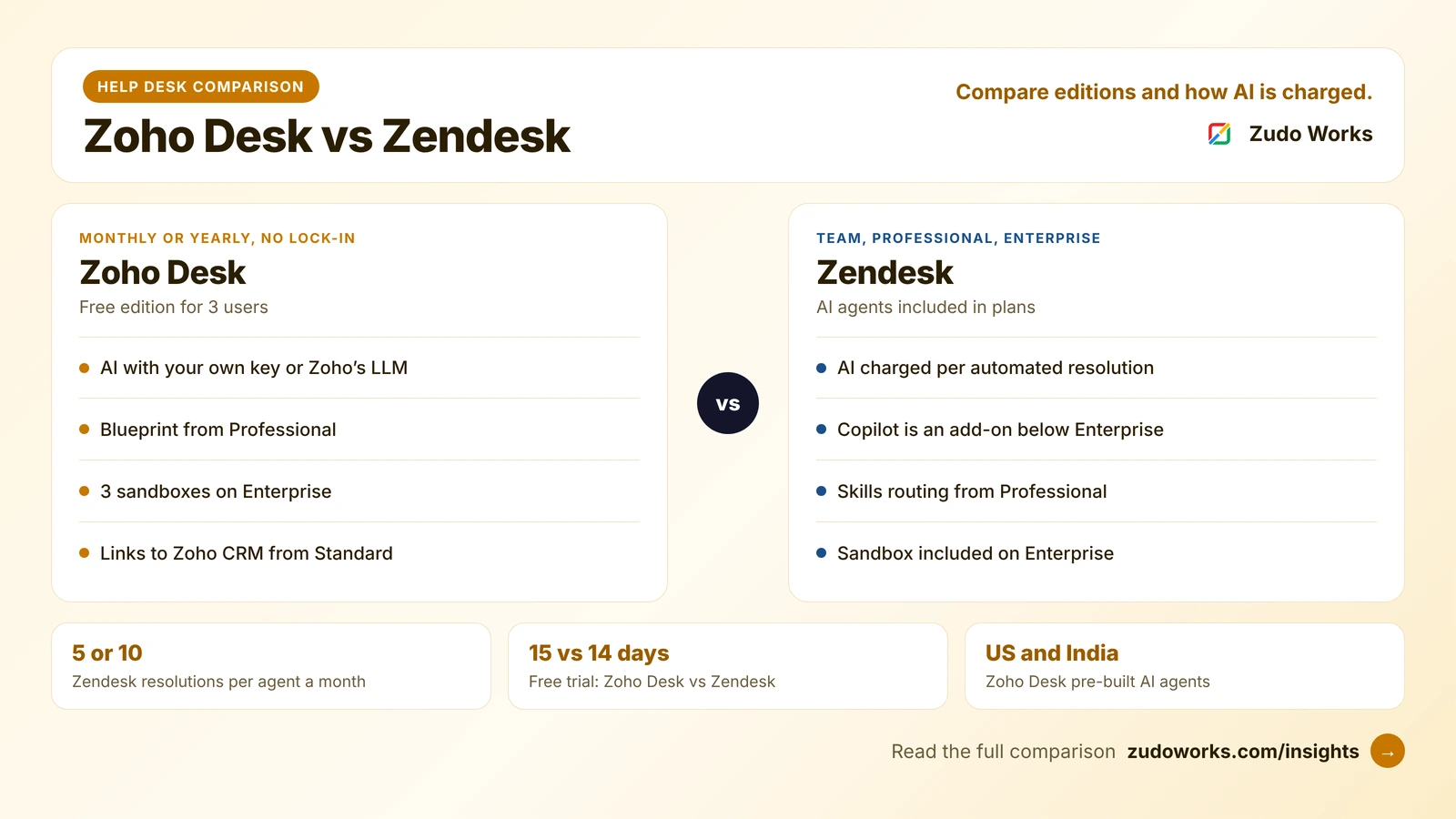
Choose Zoho Desk for a free three-user edition, no lock-in contracts, Blueprint processes and a native link to Zoho CRM. Choose Zendesk if you want AI agents charged per automated resolution and its large app marketplace. On both, skills-based routing and sandboxes sit in the upper editions, so compare the edition you need.
Most “Zoho Desk vs Zendesk” pages are written by a third help desk vendor, and they end by recommending their own product. This one compares only the two, and focuses on what decides the choice for a growing business: which edition you would actually need, how AI is charged, and how the help desk fits with the rest of your systems.
Edition details below were checked on Zoho’s and Zendesk’s own pricing pages on 19 October 2026. We do not quote prices, because both vendors change them and show different figures by country; use the official Zoho Desk pricing and Zendesk pricing pages.
The short answer
- Choose Zoho Desk if you want a free edition to start, no lock-in contracts, process enforcement with Blueprint, and a help desk that shares customers with Zoho CRM and other Zoho apps.
- Choose Zendesk if you want AI agents that you pay for per resolved conversation, a very large app marketplace, and a product many support managers already know.
- Compare editions, not brands. On both, skills-based routing, sandboxes and the fuller AI features sit in the upper editions.
Zoho Desk and Zendesk at a glance
| Area | Zoho Desk | Zendesk |
|---|---|---|
| Editions | Free, Express, Standard, Professional, Enterprise | Support Team, Suite Team, Suite Professional, Suite Enterprise + Copilot |
| Free option | Free edition for 3 users | No free plan; 14-day trial |
| Billing | Monthly or yearly; no lock-in contracts | Monthly, annual or multi-year; Enterprise through sales |
| Free trial | 15 days on paid editions | 14 days, with Suite Professional features |
| AI charging | Your own model key, or Zoho’s LLM with a monthly token allowance | Per automated resolution; 5 or 10 per agent a month included |
| Process enforcement | Blueprint from Professional | Triggers and automations; approval workflows on Enterprise |
| Skills-based routing | Enterprise | From Suite Professional |
| Sandbox | 3 on Enterprise | Add-on on Suite Professional; included in Enterprise |
How you pay: editions, billing and contracts
Zoho Desk has five editions. The Free edition covers three users, so a small team can start without paying. Paid editions can be billed monthly or yearly, with a discount for yearly, and Zoho’s pricing page says there are no lock-in contracts. Each paid edition has a 15-day trial without a card, and if you do not buy, the account moves to the Free edition.
Zendesk sells a Support Team plan and three Suite plans; Suite Team includes AI agents, a knowledge base, omnichannel routing, messaging and live chat, and telephony. Team and Professional can be bought monthly or yearly, and Zendesk’s pricing FAQ says subscriptions can be month-to-month, annual or multi-year. Suite Enterprise + Copilot is sold through Zendesk’s sales team. The trial lasts 14 days and includes Suite Professional features.
The licence price is only part of the cost. On both products, check which add-ons your team would need: light agents for people who only comment on tickets, extra API capacity, a sandbox, and AI usage beyond what is included.
AI agents and how they are charged
This is the biggest difference between the two in 2026.
- Zendesk includes AI agents in its plans and charges per automated resolution: a conversation the AI resolves without a person stepping in. Support Team and Suite Team include 5 automated resolutions per agent a month and Suite Professional includes 10; more can be committed in advance or bought as you go. Copilot, which adds features such as auto assist and suggested replies, is an add-on on Team and Professional and is included in Suite Enterprise + Copilot.
- Zoho Desk lets you build AI agents in Zia Agent Studio, using your own model key or Zoho’s own LLMs; the pricing page lists up to 30 million Zoho LLM tokens a month. Generative features such as ticket summaries and reply suggestions can run on your own OpenAI or DeepSeek key from Express, and Zia’s built-in generative, predictive and analytical features come with Professional. Pre-built Zoho Desk AI agents are offered in the US and India data centres.
In practice, Zendesk’s model makes AI cost rise with the number of conversations it resolves, which is easy to budget per outcome. Zoho’s model makes it rise with model usage, which can be cheaper for high volumes but needs someone to watch token use. Either way, an AI agent is only as good as your help articles and ticket data, so clean those first. Our guide to AI agents in Zoho covers what to automate and what to keep with people.
Routing, SLAs and processes
Both products assign tickets automatically and track response targets, but the limits differ by edition.
- Zoho Desk allows 4 SLA policies on Standard, 10 per department on Professional and 20 per department on Enterprise. Round-robin assignment starts at Professional, and skills-based assignment is on Enterprise. Blueprint, which forces a ticket through defined stages such as diagnosis, approval and resolution, starts at Professional with one per department, rising to 20 per department on Enterprise. Professional supports 10 departments and Enterprise 50, which suits a company with separate teams for products or regions.
- Zendesk includes omnichannel routing on Suite Team and adds skills-based routing from Suite Professional. Processes are built with triggers and automations, and Suite Enterprise + Copilot adds approval workflows and custom agent roles. Suite Professional supports up to five help centers in 40+ languages, against one on Suite Team.
For a manufacturer or distributor handling warranty claims, spare parts requests and service visits, Blueprint’s step-by-step enforcement is often the deciding feature, because each claim must pass the same checks before a replacement is sent.
Sandboxes, custom data and light agents
- Sandbox: Zoho Desk Enterprise includes three. Zendesk offers a sandbox as an add-on on Suite Professional and includes a sandbox environment in Suite Enterprise + Copilot.
- Custom data: Zoho Desk Enterprise includes 10 custom modules. Zendesk allows 3 custom objects on Suite Team and 30 on Suite Professional.
- Light agents: people in sales, engineering or the warehouse who need to read and comment on tickets. Zoho Desk Enterprise includes 50 free light agents, and lower paid editions can add them. Zendesk lists up to 100 light agents on Suite Professional.
The CRM link
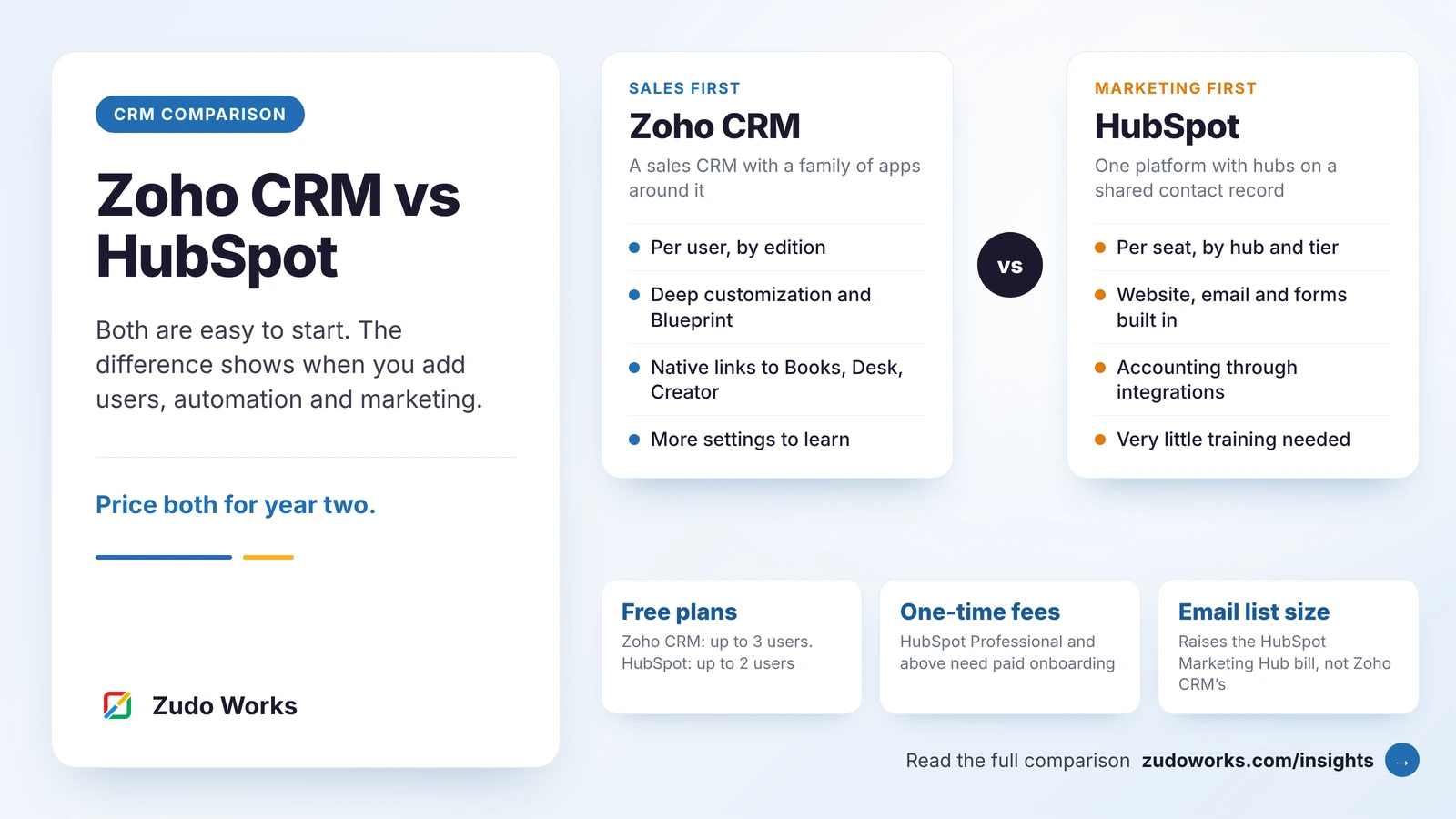
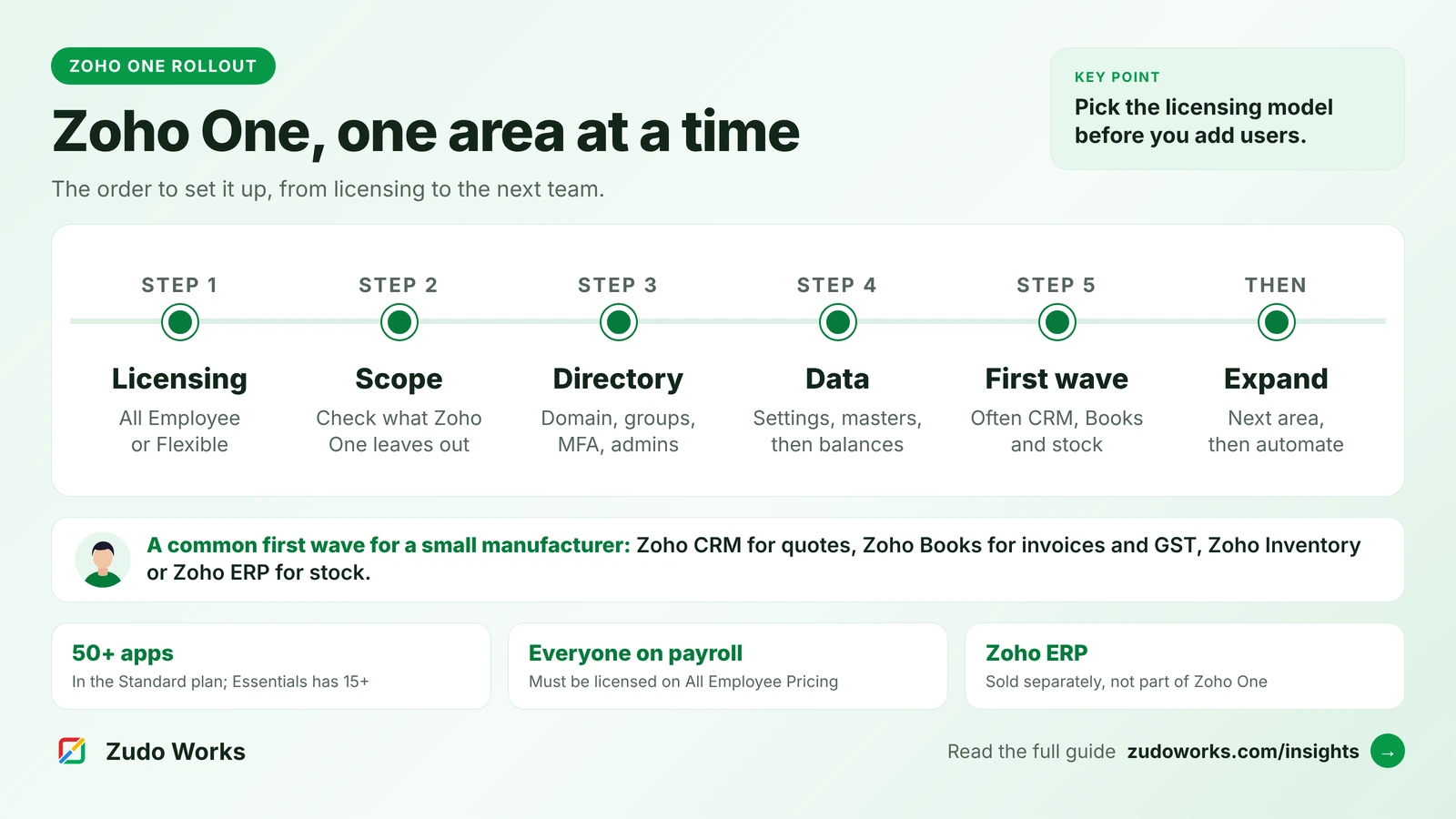
A help desk works best when agents can see the customer’s orders, contracts and open deals. Zoho Desk integrates with Zoho CRM from the Standard edition, so support and sales work from the same customers. Both apps are in the Zoho One bundle with Zoho Books and Zoho Inventory, which makes a sales-to-service setup possible without third-party connectors. Our Zoho One implementation checklist explains how to roll these out in order.
Zendesk connects to other CRMs and business systems through its marketplace apps and APIs, and its reach is a real strength if your CRM is not Zoho. If you are still choosing a CRM as well, our Zoho CRM vs HubSpot comparison covers that decision.
Data residency and billing for Indian businesses
Zoho Desk accounts are hosted in the data centre chosen at sign-up, and Zoho runs an India data centre; several Zia features, including the pre-built AI agents, are offered there. Zendesk offers a data center location add-on with US, APAC, European Economic Area and United Kingdom options, not on every plan, and its pricing FAQ lists billing in US dollars, euros, pounds and Brazilian reais. Zoho Desk shows Indian pricing in rupees. If residency or rupee billing is a requirement, confirm both in writing for the edition you are buying.
Moving from Zendesk to Zoho Desk
Zoho’s pricing page offers free migration help to companies switching from another help desk. Data such as tickets, contacts and help articles is what a migration moves. Triggers, macros and integrations are built differently in each product, so expect to rebuild them in Zoho Desk. Plan a cut-over date, freeze changes in the old system a few days before, and run both in parallel only for tickets that were already open.
How to choose
- List your must-haves: channels, number of teams, routing rules, a test environment, AI. Find the lowest edition of each product that covers them.
- Model AI cost both ways: Zendesk per automated resolution, Zoho per model usage, at your real monthly ticket volume.
- Check where your customer data lives. If sales and finance are on Zoho, Zoho Desk saves integration work. If they are elsewhere, compare the effort of connecting each help desk.
- Trial with real tickets. Forward a week of your actual email to each trial and run your hardest process end to end.
If you choose Zoho Desk and need it connected to your CRM, ERP or website, our Zoho integrations page explains how we scope that work.
Frequently asked questions
It depends on the edition you need. Zoho Desk has a free edition for three users, which Zendesk does not. Compare the editions you would actually need, including add-ons such as light agents, sandboxes and AI usage, on the official pricing pages, because prices vary by country.
Zendesk charges per automated resolution, meaning a conversation its AI resolves without a person. Support Team and Suite Team include 5 per agent a month and Suite Professional includes 10; more can be committed in advance or bought as you go. Copilot is a separate add-on below Enterprise.
Yes. Zia Agent Studio builds AI agents using your own model key or Zoho's own LLMs, with a monthly token allowance listed on the pricing page. Pre-built Zoho Desk AI agents are offered in the US and India data centres, and Zia's built-in AI features come with Professional.
Yes. Zoho Desk's edition comparison lists the Zoho CRM integration from the Standard edition. Both apps are also part of Zoho One, along with Zoho Books and Zoho Inventory.
Yes. Zoho offers free migration help for companies switching from another help desk. Plan to move tickets, contacts and help articles, and to rebuild triggers, macros and integrations, because each product builds automation differently.
Related services: Zoho integrations · Business process automation · Support and maintenance · Zoho development