Manufacturing
Zoho Inventory vs Katana for Small Manufacturers: Assembly or Real Production?
Zoho Inventory and Katana both promise to keep a small manufacturer’s stock straight, and both connect to Shopify. Underneath, they answer different questions. Zoho Inventory records that something was assembled. Katana plans and tracks how it gets made. This guide shows where that line falls, using each vendor’s own documentation.

Quick answer
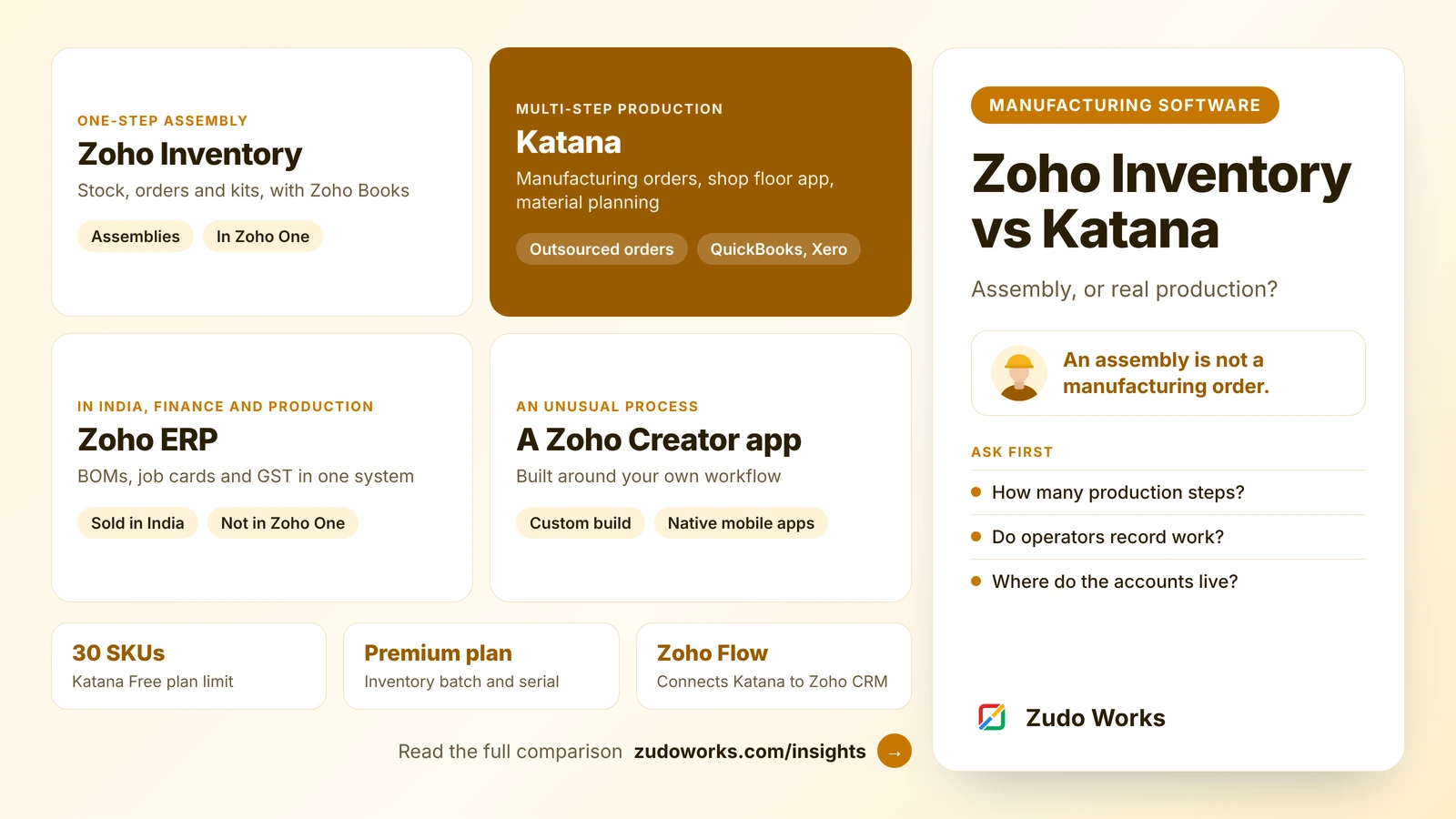
Choose Zoho Inventory if production is a single assembly step and your accounts are in Zoho Books; its own knowledge base says it has no manufacturing module. Choose Katana if you run multi-step manufacturing orders, need a shop floor app, plan materials ahead or outsource production. Katana can connect to Zoho CRM through Zoho Flow.
A small manufacturer usually outgrows spreadsheets in the same order: stock first, then orders, then production. Zoho Inventory and Katana both cover the first two well. The difference is the third, and choosing the wrong one means either paying for planning you do not need or forcing production into a tool that only records it.
Everything below was checked on Zoho’s and Katana’s own pricing pages, product pages and help articles on 14 October 2026. Where a vendor does not state something, we say so. We do not quote prices; follow the links to the official pricing pages.
The short answer
- Zoho Inventory is stock and order management with assemblies: you build a finished item from components in one step, and stock moves accordingly. Zoho’s own knowledge base says it does not yet support manufacturing modules.
- Katana is inventory software built around production: bills of materials with subassemblies, manufacturing orders tracked on a shop floor app, material planning for make-to-stock and make-to-order, and outsourced production.
If your production is one step that takes minutes, Zoho Inventory is simpler and fits naturally with Zoho Books and Zoho CRM. If it has several operations, people on the floor and materials to plan ahead, Katana is built for that job.
Side by side
| Area | Zoho Inventory | Katana |
|---|---|---|
| Production | Assemblies of composite items, in one step | Manufacturing orders from bills of materials, including subassemblies |
| Shop floor | No shop floor screens | Shop Floor App for operators, with no user limit |
| Material planning | Reorder levels; assemble the shortfall from a sales order | Calculates material needs and timing for make-to-stock and make-to-order |
| Outsourced production | No dedicated document | Outsourced purchase orders, with a stock location for each contractor |
| Batch and serial | From the Premium plan, including on assemblies | Batch, serial and expiry tracking |
| Accounting | Zoho Books, in the same Zoho account | Through integrations such as QuickBooks Online and Xero |
| Plans | Free, Standard, Premium, Plus, Enterprise, priced per organisation with order, user and location limits | Free (up to 30 SKUs) and Advantage (custom-priced annual contract); unlimited users on both |
| In Zoho One? | Yes | No; connects to Zoho through Zoho Flow |
Check the current details on Zoho Inventory pricing and Katana pricing.
Production: an assembly is not a manufacturing order
This is the difference that matters, and most comparison sites skip it.
In Zoho Inventory, a composite item lists its components, and creating an assembly consumes them and adds the finished item to stock. Components can include services such as labour, as long as at least one inventory item is included, and a composite item can contain another one. If a sales order or invoice asks for more than you have, an Assemble option calculates the shortfall and builds it. Deleting an assembly puts the components back. What it does not have is a document that moves through operations, a routing, or a screen for the people doing the work. Zoho’s knowledge base states plainly that manufacturing modules are not yet supported and suggests composite items as the workaround for basic assemblies.
In Katana, production is the centre of the product. Bills of materials include subassemblies and operations, manufacturing orders are tracked in real time, and operators see their task lists, priorities and instructions in the Shop Floor App. Katana calculates manufacturing cost from the bill of materials, operations and material used, and works out material needs and timing for both make-to-stock and make-to-order.
Outsourced production
Many small manufacturers send part of the work out: plating, machining, packing. Katana has a documented workflow for it. You create a separate stock location for each contractor, move materials there, and use an outsourced purchase order to track the job and receive the finished goods back. On receipt, Katana combines the contractor’s fee with the cost of your materials at that location.
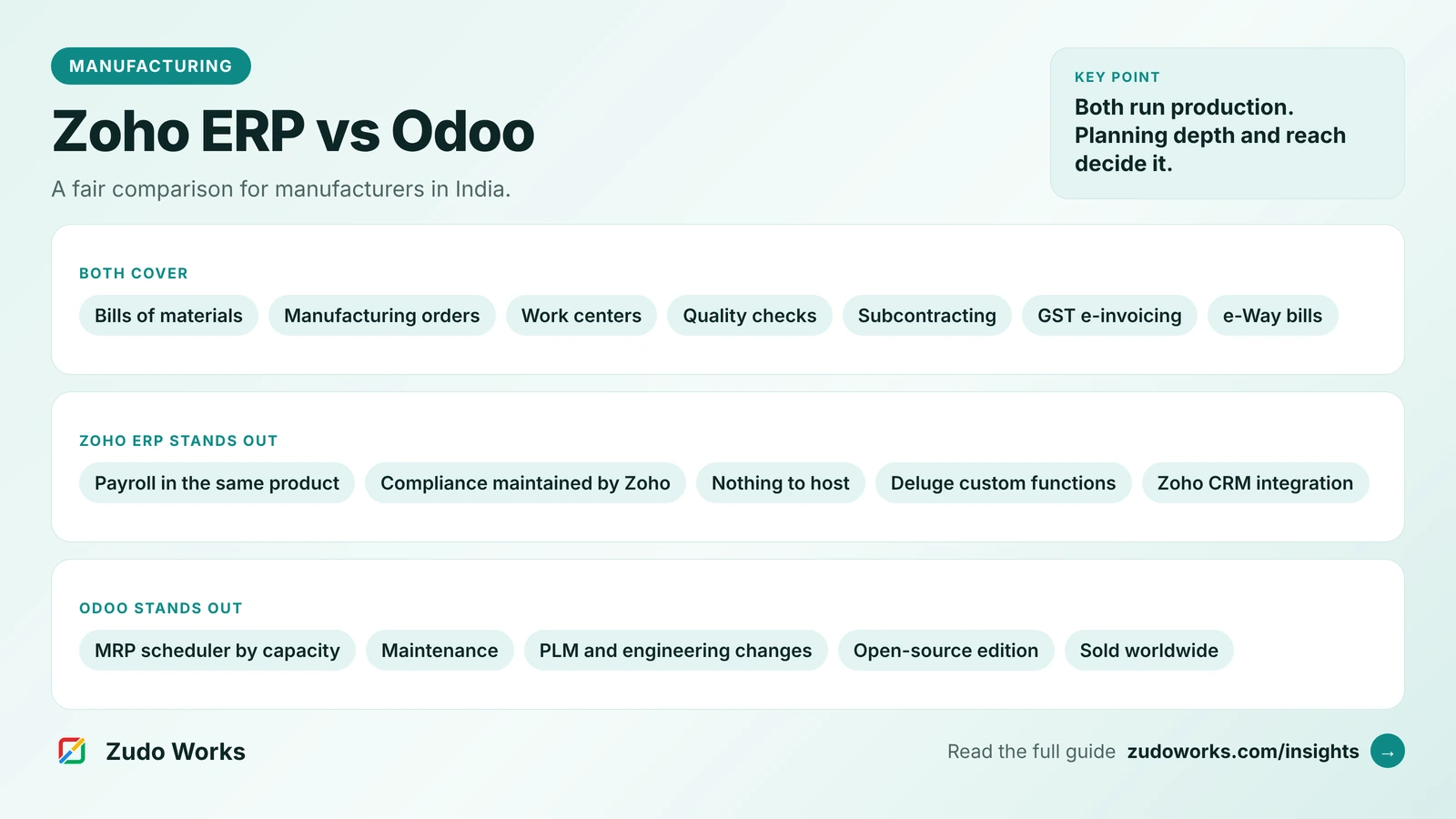
Zoho Inventory has no equivalent document. You can model a contractor as a separate warehouse and move stock with transfer orders, but the job itself, and its cost, has to be tracked around it. In India, Zoho ERP has a subcontract manufacturing section with subcontract bills of materials, orders and material transfers; our Zoho ERP vs Odoo comparison covers it.
Sales channels and accounting
Both sell through the usual channels. Zoho Inventory’s US edition lists Amazon, Etsy and eBay as marketplaces, and Shopify and Zoho Commerce as shopping carts. Katana names Shopify, Amazon, WooCommerce, BigCommerce and eBay among its integrations; on its Free plan, Shopify is the only e-commerce integration.
Accounting is where the two take opposite approaches. Zoho Inventory works with Zoho Books in the same Zoho account, and with Zoho CRM for the sales side. Katana does not present an accounting module of its own; it connects to QuickBooks Online and Xero. For a business outside the US, UK, Australia or New Zealand, check that the accounting product it pairs with handles your local tax rules.
Running Katana alongside Zoho
Choosing Katana for production does not mean leaving Zoho. Zoho Flow has a Katana connector. Its triggers include a sales order created, packed or delivered, a product created and a purchase order created; its actions include creating customers, products, sales orders and purchase orders, updating batch stock and fetching inventory. A common design is Zoho CRM for enquiries and quotes, with a won deal creating the sales order in Katana, and stock levels read back for the sales team.
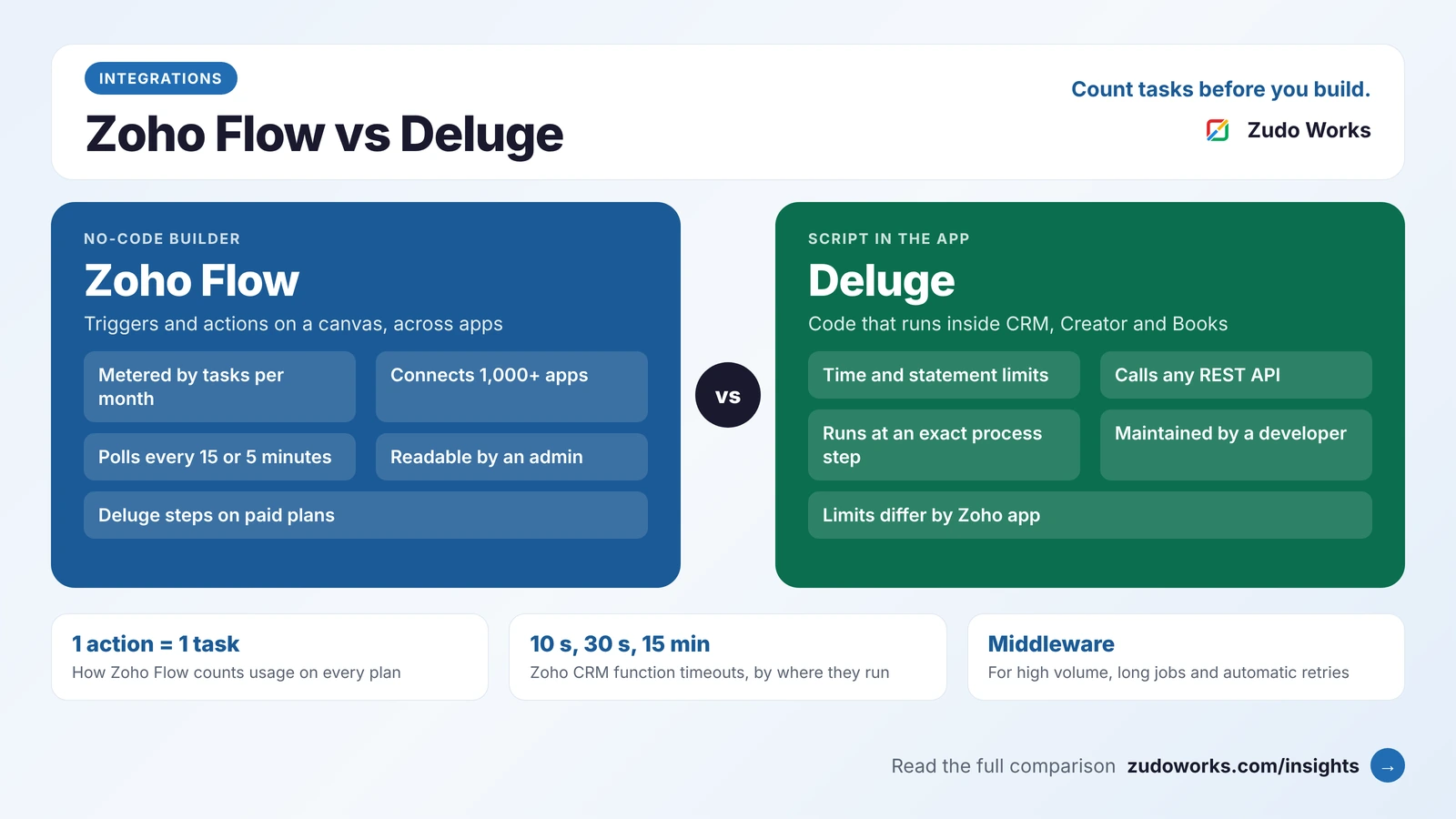
Flow suits a handful of simple steps. For high volume or two-way sync, use code; our guide to Zoho Flow, Deluge and custom middleware explains the trade-offs. On AI, Katana lists API and MCP server access on its Advantage plan, and Zoho MCP lists Zoho Inventory among its supported services; our Zoho MCP guide covers how to set limits on what an assistant may change.
Plans and users
The two price in different ways, so compare them on your own numbers rather than a headline figure.
- Zoho Inventory is priced per organisation. Each plan caps orders a month, users and locations; the Free plan has one user and one location, and Enterprise has ten users and ten locations. Composite items are on every plan, and batch and serial tracking start at Premium. It is also included in Zoho One.
- Katana has two plans. Free allows up to 30 SKUs, with unlimited SKUs for the first 15 days, and unlimited users, locations and integrations. Advantage removes the SKU limit and is quoted as one annual price that covers implementation, integrations and support. Both include the Shop Floor App.
When neither is the answer
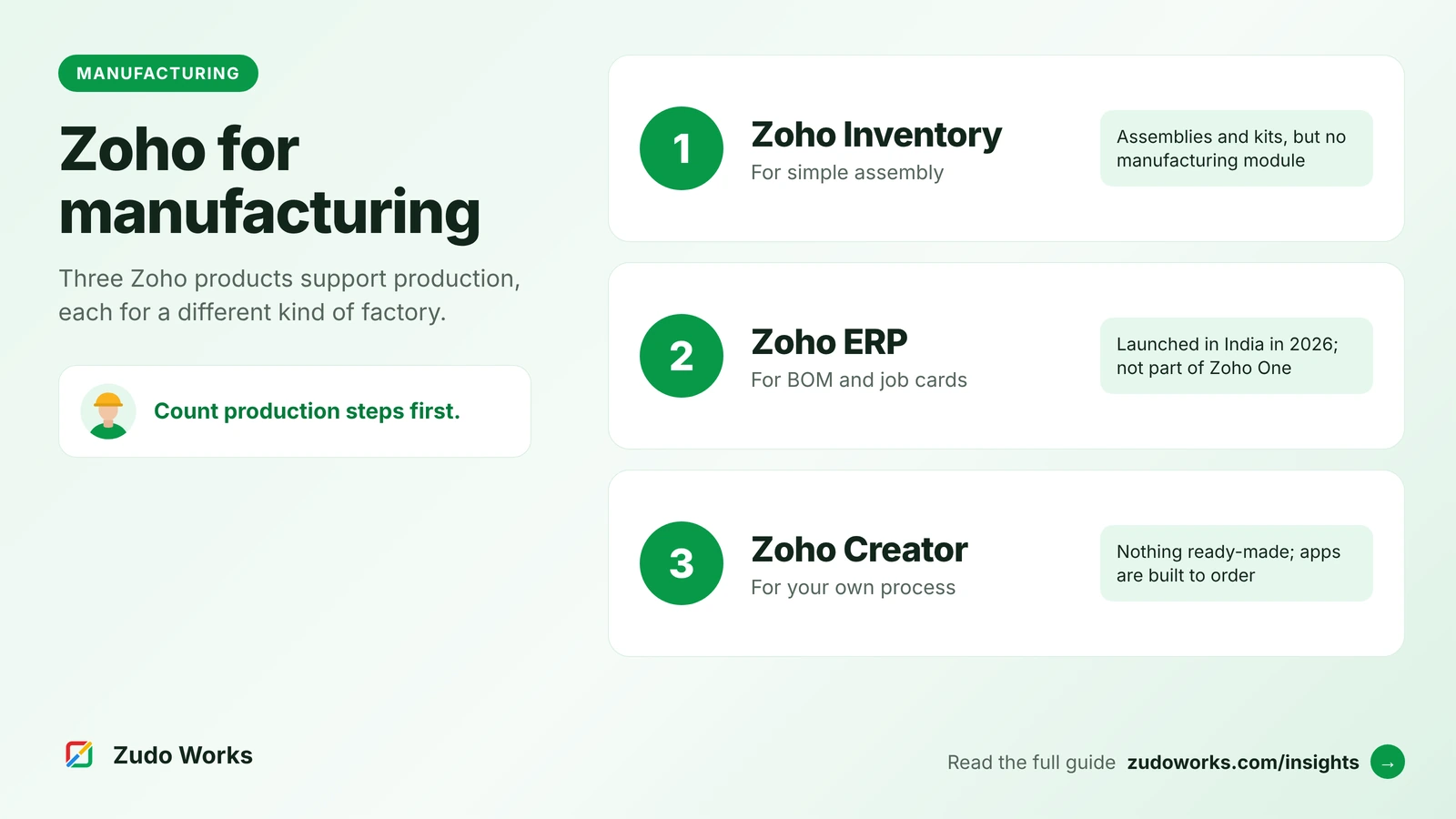
Two other routes are worth a look. If you are in India and want finance, GST and production in one Zoho system, Zoho ERP has bills of materials, manufacturing orders, job cards, work centers and quality checks; it is sold separately from Zoho One. If your process is unusual, such as made-to-measure products or job work on customer-supplied material, a Zoho Creator app built around it may fit better than either product. Our overview of Zoho for manufacturing compares these routes, and our guide to Zoho or a manufacturing ERP helps decide when dedicated software is the safer choice.
How to decide: five questions
- How many steps does production have? One quick step points to Zoho Inventory; several operations point to Katana.
- Do operators need to record work? If yes, Zoho Inventory has no screen for them.
- Do you plan materials ahead of orders? Katana plans needs and timing; Zoho Inventory works from reorder levels.
- Where do your accounts live? Zoho Books favours Zoho Inventory; QuickBooks Online or Xero favours Katana.
- Do you need traceability by batch? Both can, on the right plan. Our guide to batch and lot traceability lists what to record.
Frequently asked questions
No. Zoho Inventory has composite items, which you build through assemblies that consume components in one step. Zoho's knowledge base says it does not yet support manufacturing modules. Zoho ERP, sold in India, has manufacturing orders, job cards and work centers.
Zoho Flow has a Katana connector with triggers such as a new sales order or purchase order and actions such as creating customers, products and sales orders. That makes links to Zoho CRM practical. For accounting, Katana names QuickBooks Online and Xero as its integrations, so a link to Zoho Books is something you build, for example as a flow in Zoho Flow.
Katana has a Free plan for up to 30 SKUs with unlimited users, locations and integrations, and unlimited SKUs for the first 15 days. The paid Advantage plan is custom-priced on an annual contract.
Zoho Inventory. If production is a single step, such as packing sets or assembling a product from a fixed list of parts, its assemblies and kits handle stock and costs without the extra setup of a production system.
Yes. Katana's outsourced manufacturing workflow uses a separate stock location for each contractor and an outsourced purchase order to track the job and receive finished goods, combining the contractor's fee with your material cost.
Related services: Zoho integrations · Zoho Creator development · Zoho development