Comparisons
Zoho Books vs QuickBooks Online: Plans, Limits and Inventory for Product Businesses
Most comparisons of Zoho Books and QuickBooks Online line up features and star ratings. For a business that sells physical products, the choice is usually settled by three narrower questions: how each counts users and accountants, which limits you will hit first, and how far each one goes with inventory before you need another system.

Quick answer
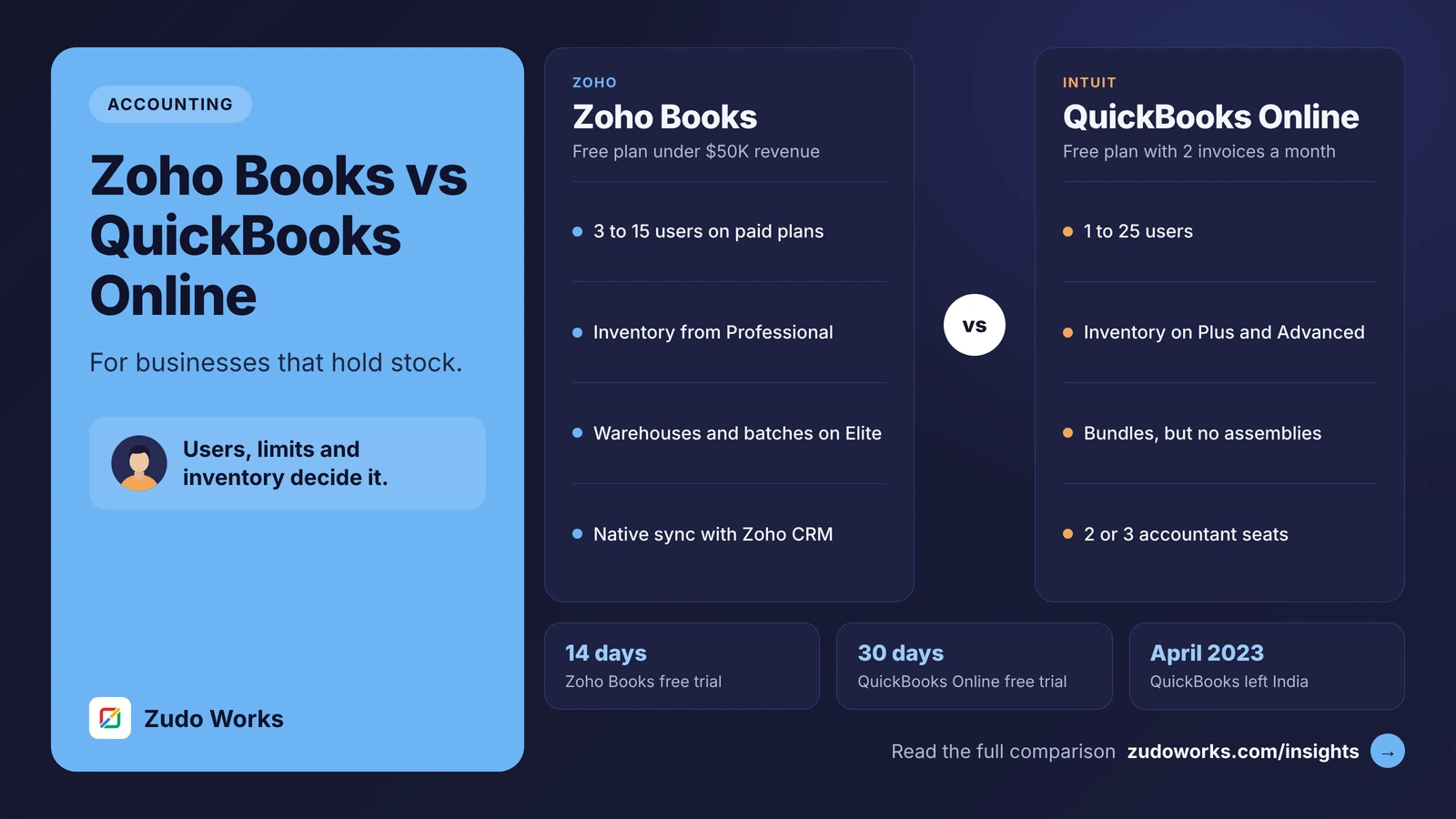
Choose QuickBooks Online if your accountant works in it, you depend on its app marketplace or need up to 25 users on one plan. Choose Zoho Books if you need warehouses, composite items and batch tracking inside the accounting system, or a native link to Zoho CRM. In India, Intuit withdrew QuickBooks in April 2023.
Zoho Books and QuickBooks Online are both cloud accounting systems for small and mid-size businesses, and both handle invoicing, bills, bank feeds, sales tax and reporting well. The differences that matter show up in the plan details: who counts as a user, which limits apply, and how much inventory work the accounting system can carry.
Every plan detail below was checked on the US pricing and help pages of Zoho and Intuit on 30 October 2026. Plans and limits differ by country, and we do not quote prices; see the official Zoho Books pricing and QuickBooks Online pricing pages. We build on Zoho, so read this with that in mind; we say where QuickBooks is the better fit.
The short answer
- Choose QuickBooks Online if your accountant already works in it, you rely on apps from its marketplace, or you need up to 25 users on one plan.
- Choose Zoho Books if you need warehouses, composite items and serial or batch tracking inside the accounting system, a native link to Zoho CRM, or custom modules and functions.
- In India, the question does not arise: Intuit stopped offering QuickBooks there from 30 April 2023. Indian businesses usually compare Zoho Books with TallyPrime instead.
Zoho Books and QuickBooks Online at a glance
| Area | Zoho Books (US) | QuickBooks Online (US) |
|---|---|---|
| Plans | Free, Standard, Professional, Premium, Elite, Ultimate | Free, Simple Start, Essentials, Plus, Advanced |
| Users included | 1 on Free; 3, 5, 10, 10 and 15 on paid plans; more as an add-on | 1, 1, 3, 5 and 25 |
| Accountant access | 1 accountant on Free | None on Free; 2 on Simple Start to Plus, 3 on Advanced |
| Free plan | While annual revenue stays under $50K; 1,000 invoices a year | Income and expenses, 2 invoices a month, 1 connected bank, no mobile app |
| Billing and trial | Monthly or yearly; 14-day trial | Monthly, no annual contract; 30-day trial |
| Inventory | From Professional; warehouses, composite items, serial and batch tracking on Elite | Plus and Advanced, or an add-on for lower plans; bundles |
| Costing method | FIFO or weighted average, set per item | FIFO or moving average, chosen once |
| Main limits | Invoices and bills per year by plan | Chart of accounts, classes and locations, custom fields by plan |
| Custom logic | Custom workflows from Professional; custom modules and functions from Premium | Automated workflows on Advanced |
Who you pay for: users and accountants
QuickBooks Online’s user counts rise steeply at the top: Simple Start includes 1 billable user, Essentials 3, Plus 5 and Advanced 25. Accountant firm users are free and separate (2 on most plans, 3 on Advanced), and from Essentials up, people who only track time do not count. Plus and Advanced also allow unlimited reports-only users.
Zoho Books includes 3 users on Standard, 5 on Professional, 10 on Premium and Elite and 15 on Ultimate, and sells extra users as an add-on. Its Free plan includes one user and one accountant.
So for a team of three to ten people, the two are close, and the plan you need for features usually decides. For a team of twenty that all need full access, QuickBooks Advanced includes them, while on Zoho Books you would add users to a plan.
The limits you hit first
The two vendors limit different things, which shapes what goes wrong as you grow.
- Zoho Books caps transaction volume. The US plans allow 1,000 invoices a year on Free, 5,000 on Standard, 10,000 on Professional, 25,000 on Premium and 100,000 on Elite and Ultimate, with the same caps for bills and expenses. A business sending many small invoices should check this first.
- QuickBooks Online caps structure. Simple Start, Essentials and Plus allow 250 accounts in the chart of accounts; only Advanced is unlimited. Classes and locations start on Plus with 40 combined, and custom fields allow 1 per transaction on Simple Start, 4 on Essentials and Plus, and 12 on Advanced. Intuit’s usage limits page lists them all.
A business with many product lines, departments or locations to report on reaches QuickBooks’ structure limits sooner. A high-volume business with a simple structure reaches Zoho Books’ invoice caps sooner.
Inventory and light manufacturing
For product businesses this is the biggest difference.
QuickBooks Online tracks inventory on Plus and Advanced; Simple Start and Essentials can buy an add-on or upgrade. It values stock using FIFO or moving average cost, and Intuit warns that the choice cannot be changed later. Bundles group products sold together, but in answers on Intuit’s own community, its staff say QuickBooks Online has no assembly feature, and suggest an app from the QuickBooks App Store or QuickBooks Desktop for manufacturing needs.
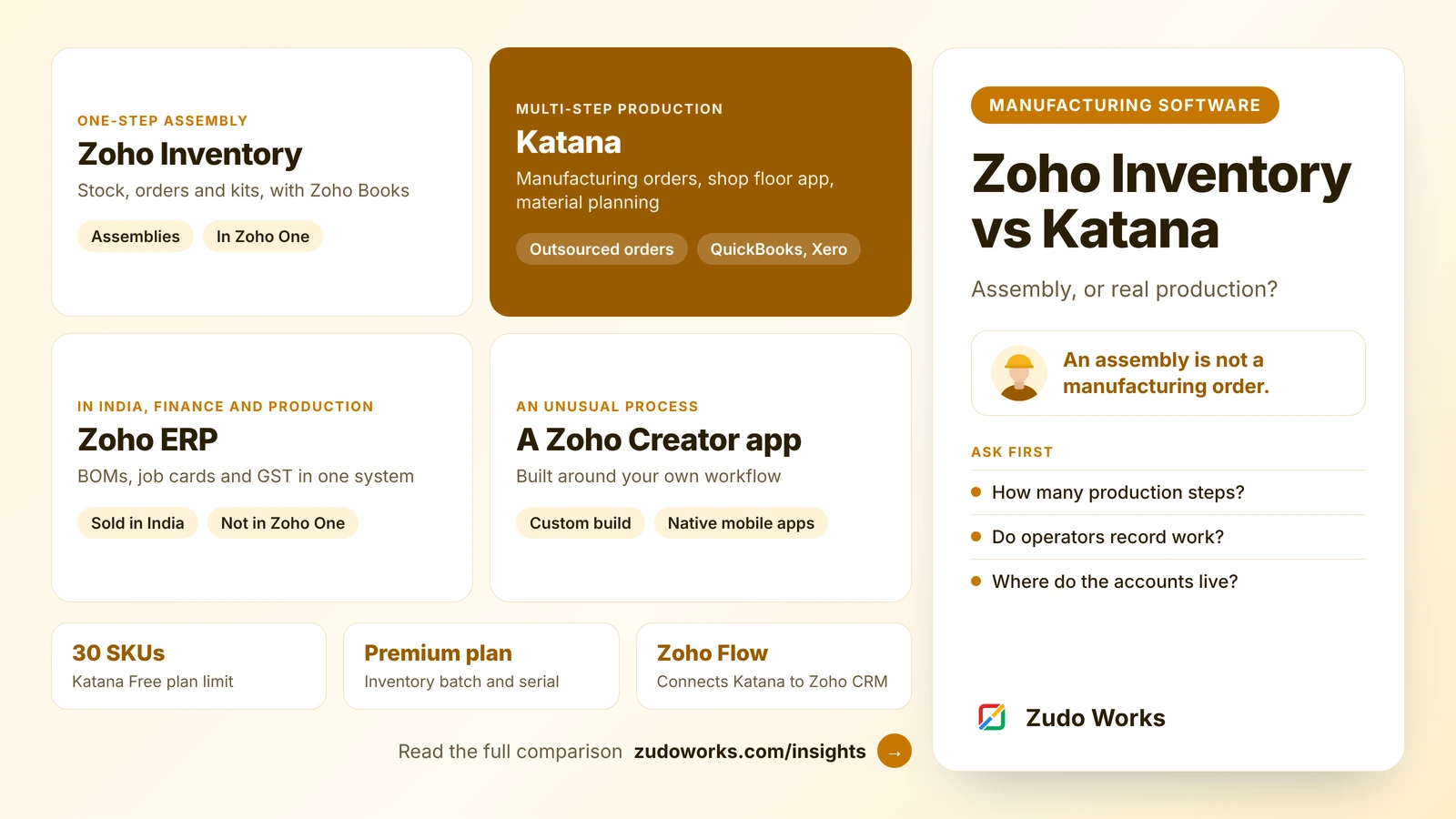
Zoho Books tracks inventory from Professional, with FIFO or weighted average costing set per item. Elite adds what Zoho calls advanced inventory control: warehouses, composite items, serial and batch tracking and bin locations. Composite items let you record kits and simple assemblies made from components. Businesses that outgrow this can move to Zoho Inventory, which shares the same item records.
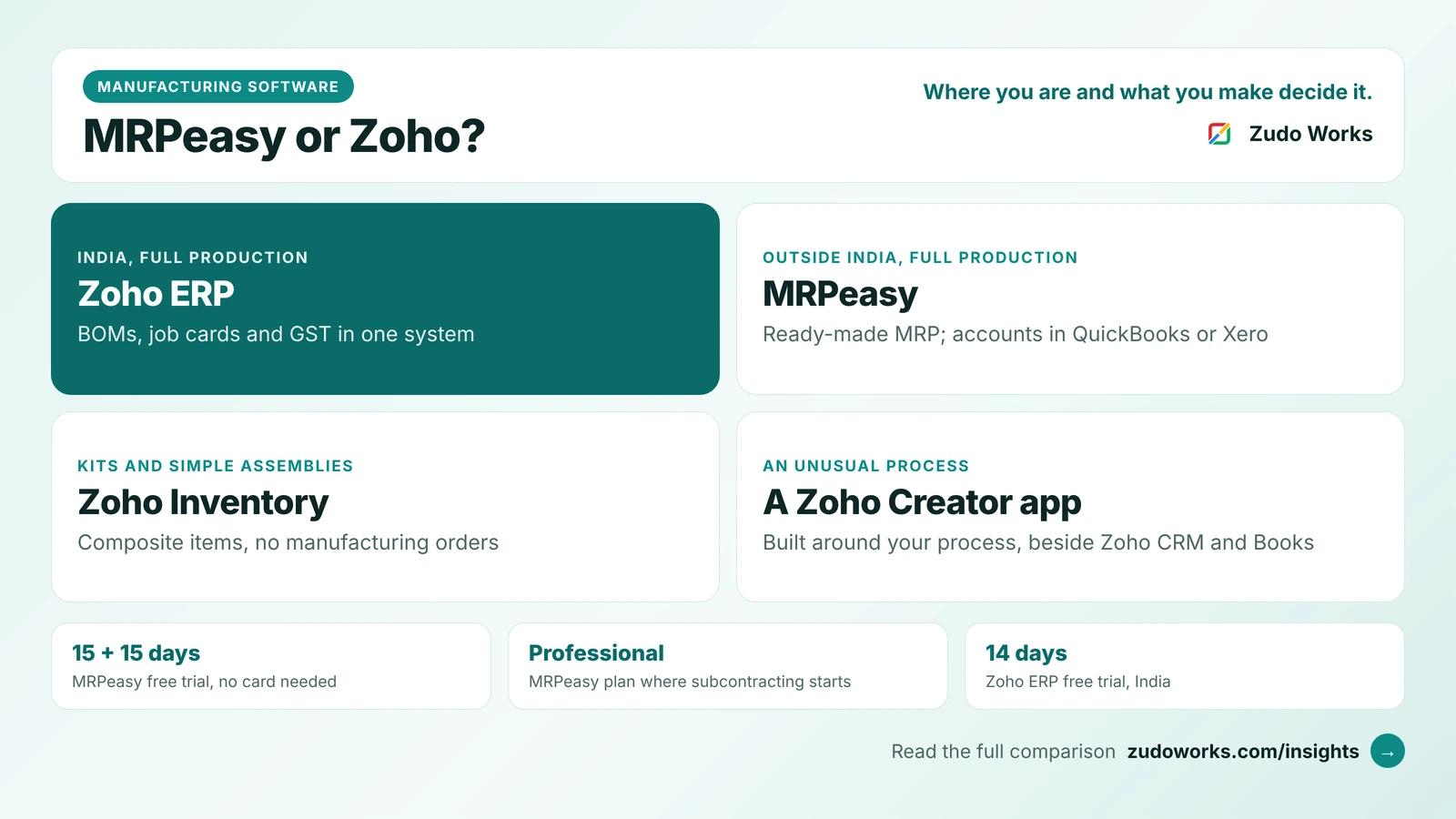
Neither is a production system. If you make products with routings, work orders and capacity planning, pair the accounts with an MRP: QuickBooks Online and Xero integrate natively with tools such as MRPeasy, and our MRPeasy vs Zoho comparison covers the Zoho routes.
CRM and the rest of the stack
Zoho Books has a built-in integration with Zoho CRM. Accounts and contacts become customers, vendors and products can sync one way or both ways, and quotes, sales orders, invoices and purchase orders created in CRM’s Zoho Finance module sync with Books. New records sync every two hours and Finance-module transactions sync instantly. On the free edition of Zoho CRM, only customer and vendor sync is available, because it has no Products module.
QuickBooks Online’s strength is the size of its app marketplace and how many accountants know it. If your CRM is HubSpot or Salesforce, there is likely a ready connector; if it is Zoho CRM, Zoho Books avoids a third-party sync. Our comparisons of Zoho CRM vs HubSpot and Zoho CRM vs Salesforce cover the CRM side.
Automation and customisation
Zoho Books adds custom workflows and approvals from Professional, then custom modules, field validation rules and custom functions written in Deluge from Premium, and Blueprints from Elite. That lets a developer add checks and processes inside the accounting system, such as blocking an invoice that lacks a purchase order number; our Deluge script examples show the pattern.
QuickBooks Online Advanced lists automated workflows, Excel data sync, batch invoices and expenses, custom user permissions and custom KPIs and dashboards. On lower plans, customisation is mostly through apps and custom fields. Intuit also lists AI features under the name Intuit Intelligence from Simple Start, with its AI chat in beta.
A note for Indian businesses
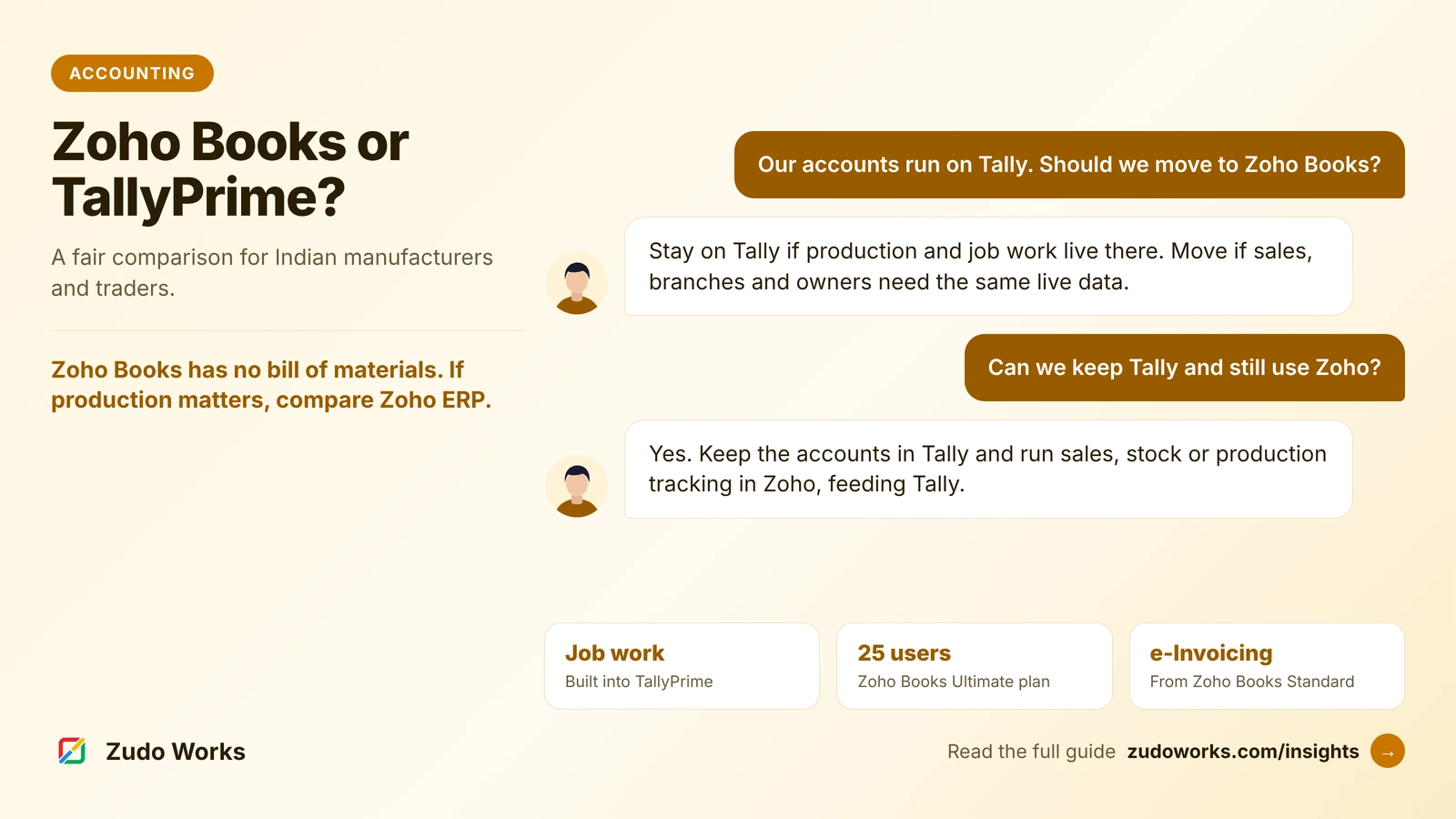
Intuit discontinued QuickBooks product and service offerings for accountancy and small business customers in India from 30 April 2023, and its Indian app marketplace with them. If you have a QuickBooks file from before then, or you are an Indian company comparing what a US parent uses, the realistic local choices are Zoho Books and TallyPrime. Our Zoho Books vs TallyPrime comparison covers GST, e-invoicing and job work for manufacturers.
How to decide in a week
- Count full users, accountants and people who only need reports or time entry.
- Count invoices and bills from the last twelve months, and your accounts, classes and locations.
- List how you hold stock today: warehouses, kits, serial or batch numbers.
- Ask your accountant which system they support, and price their time in both.
- Enter a week of real transactions in both trials, including one stock purchase and one sale of a kit.
If you choose Zoho Books and want it connected to CRM, inventory or production, our Zoho integrations page explains how we approach it.
Frequently asked questions
It depends on your users, transaction volume and the features you need, and prices vary by country. Compare the plan you would actually need on each official pricing page: Zoho Books includes 3 to 15 users on paid plans, QuickBooks Online 1 to 25.
Yes. Intuit's US pricing page lists a free plan for one user that tracks income and expenses, with 2 invoices a month, three reports and one connected bank, but no accountant access and no mobile app. Zoho Books has a free plan for businesses with annual revenue under $50K.
Yes. Zoho Books tracks inventory from its Professional plan, and Elite adds warehouses, composite items, serial and batch tracking and bin locations. For larger operations, Zoho Inventory shares the same item records.
Not as an assembly feature. QuickBooks Online offers bundles, which group products sold together, and Intuit staff on its community suggest a marketplace app or QuickBooks Desktop for assembly and manufacturing needs.
No. Intuit stopped offering QuickBooks products and services to small businesses and accountants in India from 30 April 2023, and closed its Indian app marketplace. Indian businesses usually compare Zoho Books with TallyPrime.
Zoho Books supports FIFO or weighted average costing, set when you create each item. QuickBooks Online supports FIFO or moving average cost, and Intuit says the choice cannot be changed later.
Related services: Zoho integrations · Deluge development · Pricing · Zoho development