Integrations
Zoho CRM API Limits Explained: Credits, Concurrency and How to Stay Under Them
Most integration failures with Zoho CRM are not bugs. They are limits: a sync that ran fine with 500 records hits a wall at 50,000, or two jobs start at the same time and one gets a 429 error. Zoho CRM counts API usage in credits over a rolling 24 hours and caps how many calls run at once. Here is how both work, with the current figures.

Quick answer
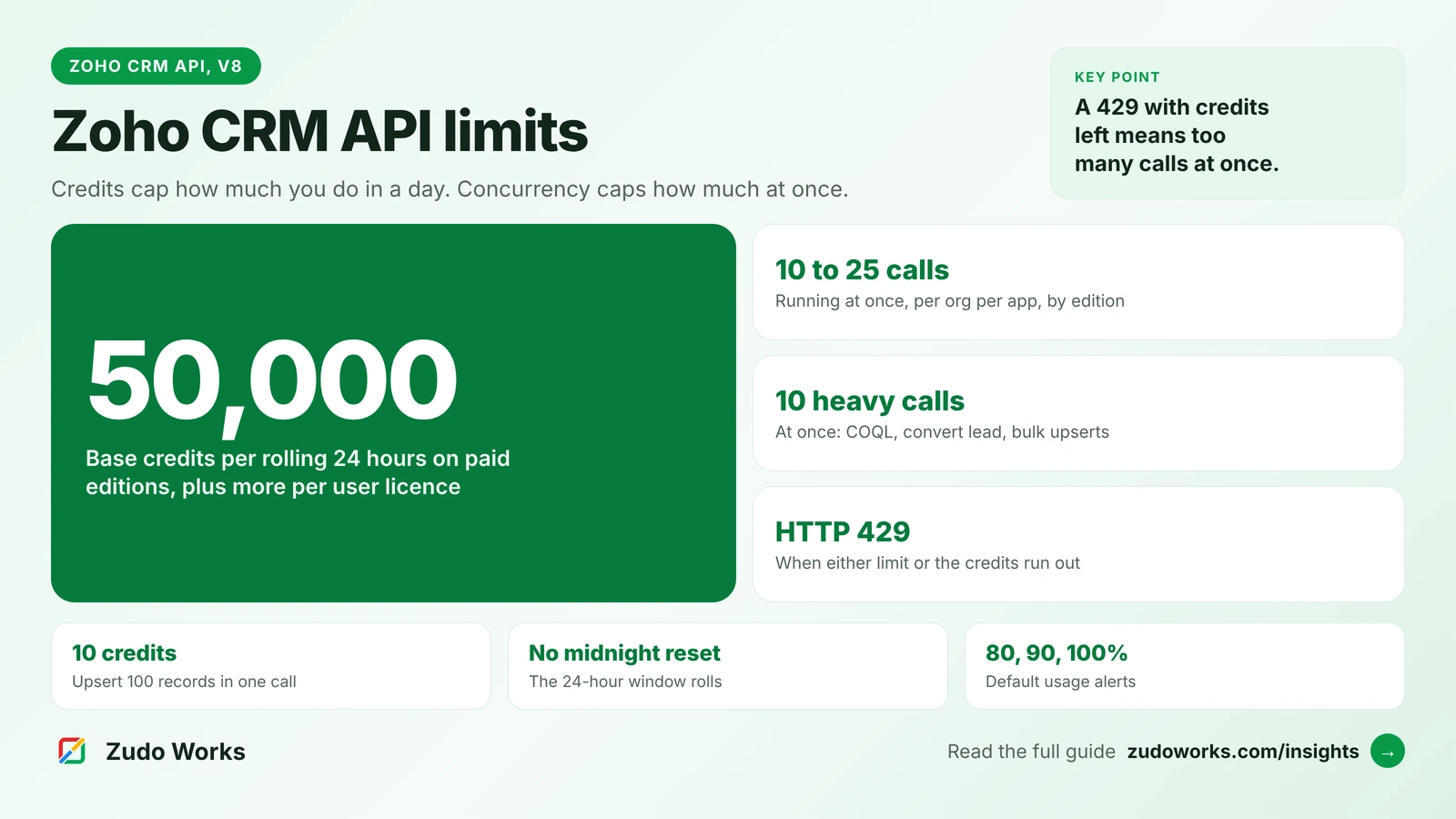
Zoho CRM paid editions get 50,000 API credits per rolling 24 hours plus 250 to 2,000 per user licence, depending on edition, up to an edition maximum; most calls cost 1 credit. Separately, each organisation can run 10 to 25 calls at once per app, and 10 heavy calls at once. Exceeding either returns HTTP 429.
If you are planning an integration with Zoho CRM, or one has started failing, you need two numbers: how many API credits your organisation gets in 24 hours, and how many calls it can run at the same time. Many pages still quote older figures, so everything below comes from Zoho’s current API v8 limits page and related developer docs, checked on 21 October 2026. Zoho changes these from time to time, so check the page before you size a large project.
The short answer
- Credits: paid editions get 50,000 credits per rolling 24 hours plus a set number per user licence, up to an edition maximum. Most calls cost 1 credit; some cost more.
- Concurrency: each organisation can run 10 to 25 calls at once per app, depending on edition, and only 10 at once of the heavier calls.
- When you exceed either, Zoho returns HTTP 429. Credits recover as the 24-hour window rolls; concurrency recovers as calls finish.
Daily credits by edition
| Edition | Credits per 24 hours | Maximum |
|---|---|---|
| Free | 5,000 | 5,000 |
| Standard / Starter | 50,000 + 250 per user licence + add-ons | 100,000 |
| Professional | 50,000 + 500 per user licence + add-ons | 3,000,000 |
| Enterprise / Zoho One | 50,000 + 1,000 per user licence + add-ons | 5,000,000 |
| Ultimate / CRM Plus | 50,000 + 2,000 per user licence + add-ons | Unlimited |
Two details matter. The window is rolling: Zoho counts the 24 hours back from each call, so there is no midnight reset to wait for. And trial editions get the same limits as the paid edition they trial, so a load test during a trial is a fair test.
A worked example: a company on Professional with 20 user licences gets 50,000 + (20 × 500) = 60,000 credits a day. On Enterprise, the same 20 users would get 70,000.
What each call costs
Most API calls cost 1 credit. The ones that cost more are the ones integrations use most, so check them before you estimate.
| Call | Credits |
|---|---|
| Insert, update or upsert records | 1 per 10 records (up to 100 records a call) |
| Get records using a custom view (cvid) | 3 |
| COQL query | 1 for up to 200 records, 2 up to 1,000, 3 up to 2,000 |
| Convert lead | 5 |
| Send mail | 20 |
| Bulk Read job | 50 to start |
| Bulk Write job | 500 to start |
| Mass convert leads | 200 |
The cheapest way to write data is in batches. Upserting 100 records in one call costs 10 credits; sending the same 100 records one at a time costs 100.
Estimating credits for your own integration
Before you build, write down each job the integration will run, how often, and how many records it touches. Then price each job with the table above. For example, a sync that upserts 3,000 changed orders a day in batches of 100 makes 30 calls at 10 credits each, or 300 credits. A dashboard that polls a custom view every five minutes makes 288 calls a day at 3 credits each, or 864 credits. Neither comes close to 60,000.
The jobs that do use real budget are the ones that grow with your data: a full export of every contact each night with paged reads, a loop that sends one email per record, or a migration that writes records one at a time. Those are the jobs to move to Bulk Read, Bulk Write or batched calls first. Leave at least a third of the daily budget free for users, Deluge functions and apps you add later.
Concurrency: the limit most integrations hit first
Concurrency is the number of calls that can be active at the same moment, counted per organisation per app. Zoho sets no per-minute cap; it limits how many calls are in flight.
- Concurrency: Free 5, Standard 10, Professional 15, Enterprise and Zoho One 20, Ultimate and CRM Plus 25.
- Sub-concurrency: 10 for every edition, shared across the heavier calls: COQL queries, convert lead, send mail, composite requests, record fetches using a custom view or sort, inserts, updates and upserts of more than 10 records, and searches invoked from a function.
This is why an integration can fail while the dashboard shows plenty of credits left. A sync that fires 30 parallel requests, or two schedulers that start on the same minute, will see 429 errors on Professional even though the daily budget is barely touched.
Reading large volumes: Get Records, COQL and Bulk Read
- Get Records returns up to 200 records a page. Page numbers reach the first 2,000 records; beyond that you need the page token, which goes up to 100,000.
- COQL returns up to 2,000 records a call, with up to 25 conditions in the WHERE clause, and up to 100,000 records for the same criteria across calls.
- Bulk Read exports up to 200,000 records per page of a job, in a file that stays available for one day. It costs 50 credits to start, and download requests are limited to 10 a minute.
For a nightly export of a large module, one Bulk Read job is far cheaper than thousands of paged reads. For a quick lookup of a few hundred records, COQL is simpler.
Deluge, Zoho Flow and AI assistants count too
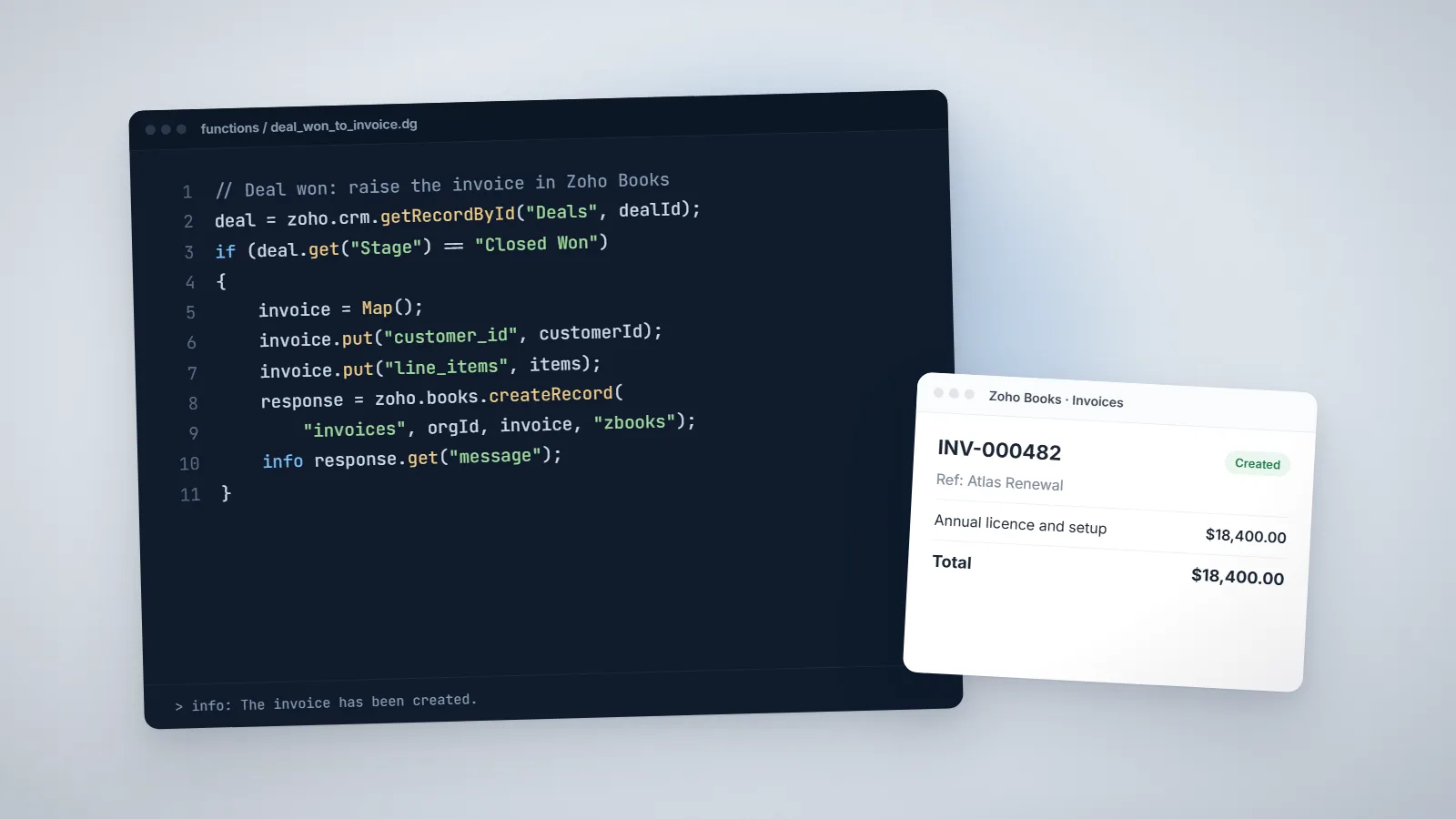
API usage is not only from outside systems. Zoho’s limits page says integration tasks in Deluge functions use credits at the same rate as the matching API, and count toward concurrency at the organisation level, although sub-concurrency does not apply to them. The API dashboard includes them in its figures.
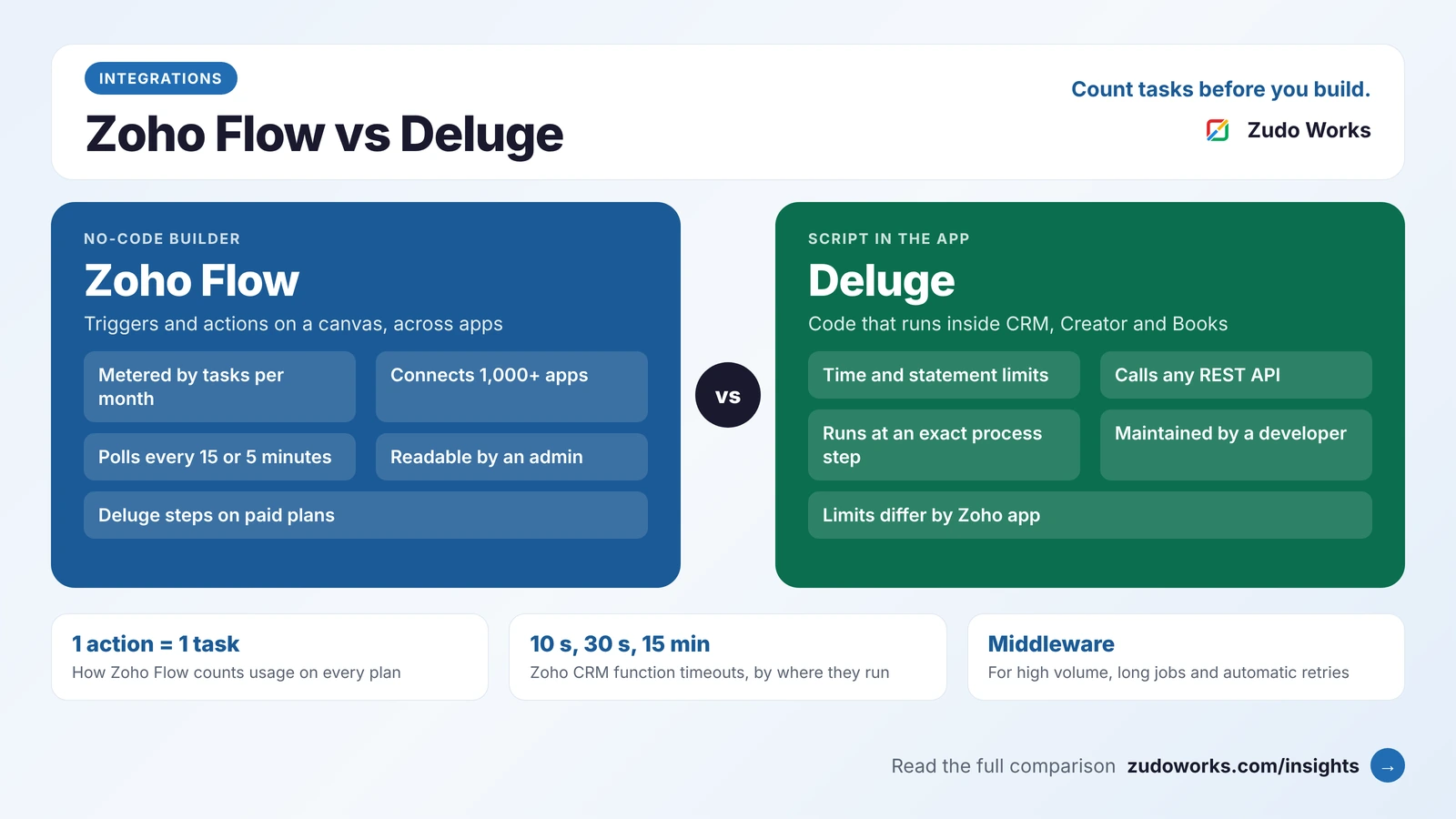
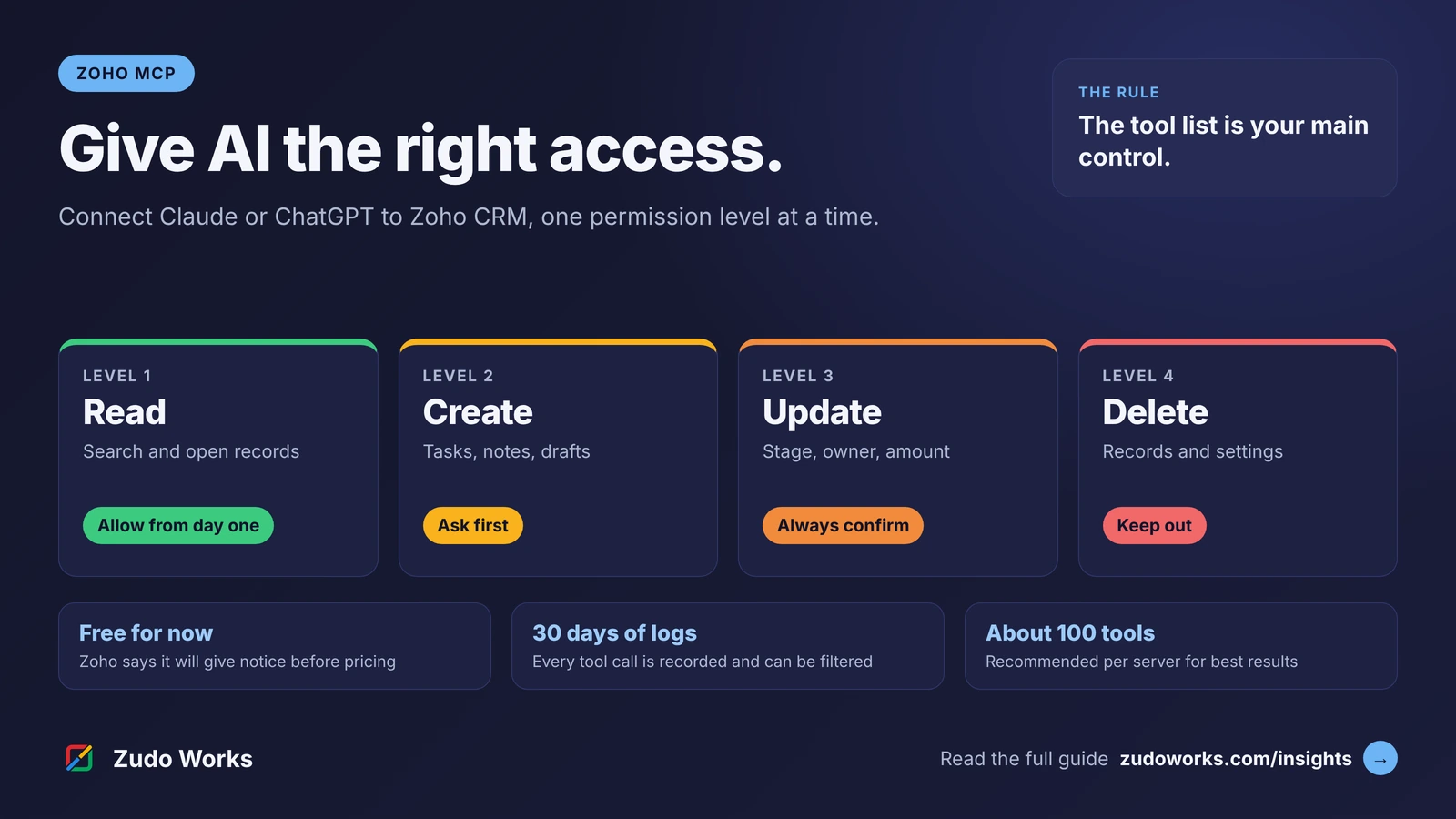
The same goes for AI. Zoho’s MCP FAQ says calls through Zoho MCP follow the normal API limits of each app, with no separate allowance. If you connect Claude or ChatGPT to Zoho CRM, as in our Zoho MCP guide, an assistant that loops through records spends the same credits as any other integration. Our Zoho Flow vs Deluge comparison covers how Flow and Deluge are metered.
Watching usage before it becomes a problem
- API dashboard: credits used and unused for a period, the top applications and users, and usage by module and IP address. Figures refresh with about a 15-minute delay and are kept for 30 days.
- Alerts: by default, Zoho emails the super admin at 80%, 90% and 100% of credits. Under Setup, Developer Hub, APIs and SDKs, you can set up to three thresholds between 50% and 100% and add recipients.
- Response header: once usage passes half of the daily limit, responses include an X-API-CREDITS-REMAINING header that an integration can read.
- More credits: a super admin on a paid, card-billed account can raise the limit from the Credits tab on the same page. Extra credits are billed monthly for what you use, up to 500,000 extra or the edition maximum, whichever is lower.
Designing an integration that stays under the limits
- Batch every write. Use insert, update or upsert with up to 100 records per call.
- Sync changes, not everything. Read only records modified since the last run instead of the whole module.
- Use webhooks or workflow triggers to push changes out of Zoho CRM instead of polling every few minutes.
- Queue and throttle. Keep parallel calls below your edition’s concurrency, leaving room for users, Deluge and other apps.
- Retry 429s with back-off, and log them, so a busy minute does not lose data.
- Use Bulk Read and Bulk Write for migrations and nightly exports.
When an integration needs high volume, retries and two-way sync, it usually belongs in custom middleware rather than in Deluge alone. Our Zoho integrations page explains how we build and monitor them, and our Deluge script examples show smaller automations that call external APIs.
Frequently asked questions
It depends on edition and user count. Paid editions get 50,000 credits per rolling 24 hours plus 250, 500, 1,000 or 2,000 per user licence on Standard, Professional, Enterprise and Ultimate, up to an edition maximum. The Free edition gets 5,000. Most calls cost 1 credit, but some, such as convert lead or Bulk Write, cost more.
Zoho returns HTTP 429 when the 24-hour credit limit is used up or when too many calls are running at once for the app. If the dashboard still shows credits, the cause is concurrency: reduce parallel calls and retry with a back-off.
No. Zoho uses a rolling 24-hour window counted from each call, so credits come back gradually as earlier calls fall outside the window.
Yes. Integration tasks in Deluge use credits at the same rate as the matching API and count toward concurrency at the organisation level. Sub-concurrency limits do not apply to them.
Yes. A super admin on a paid, card-billed account can set extra daily credits in Setup under Developer Hub, APIs and SDKs. They are billed monthly for what is used, up to 500,000 extra or the gap to the edition maximum, whichever is lower.
No. Zoho's MCP FAQ says calls through Zoho MCP follow the default API limits of each app, with no separate allowance.
Related services: Zoho integrations · Deluge development · Custom software · Zoho development