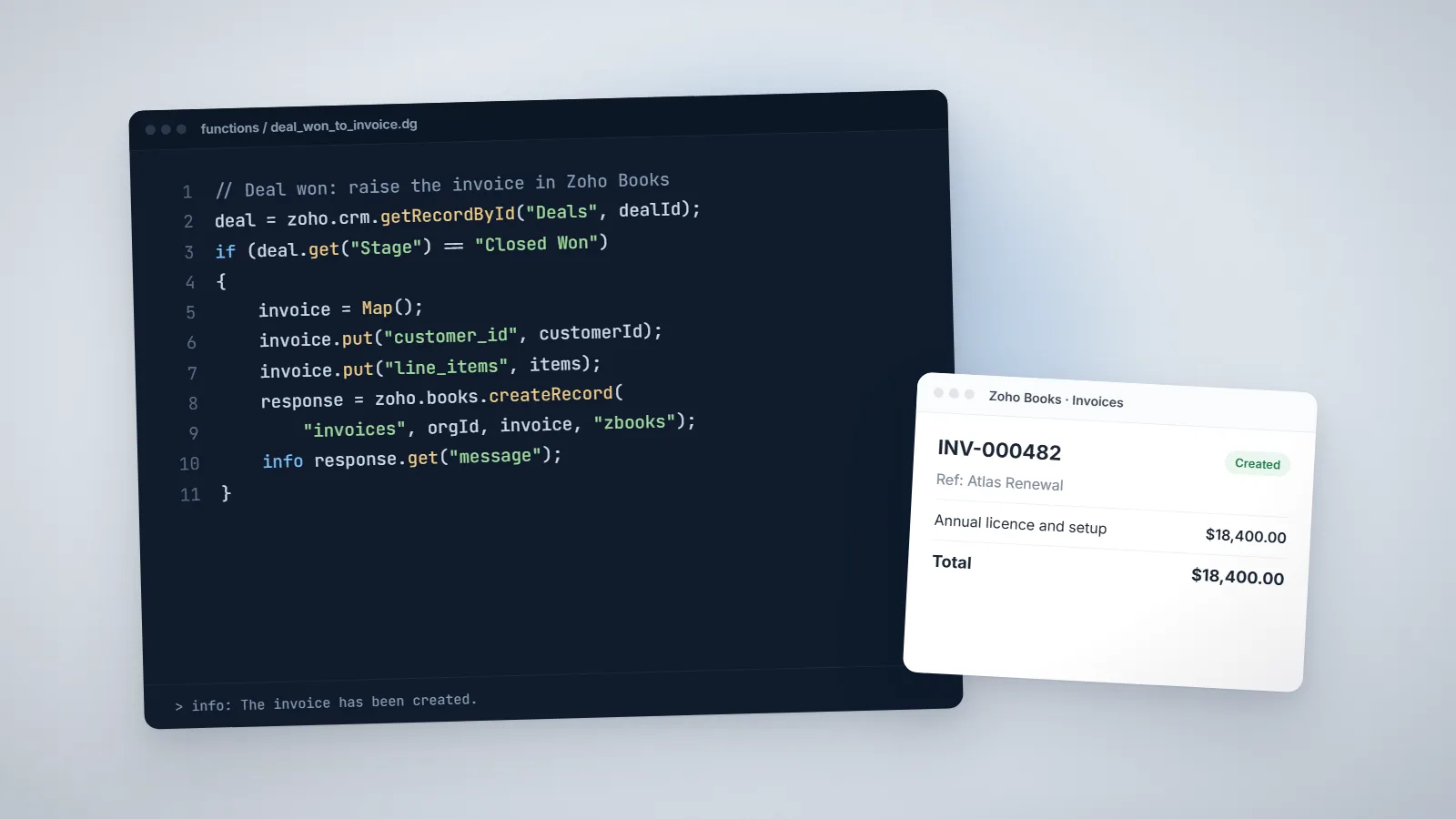
Deluge
Deluge invokeurl: How to Call External APIs from Zoho, With Code
Sooner or later every Zoho project has to talk to a system Zoho does not integrate with: a factory database, a logistics API, a payment gateway. In Deluge that job falls to one task, invokeurl. Getting a call to work is easy. Making it reliable takes a few habits most examples skip.

Quick answer
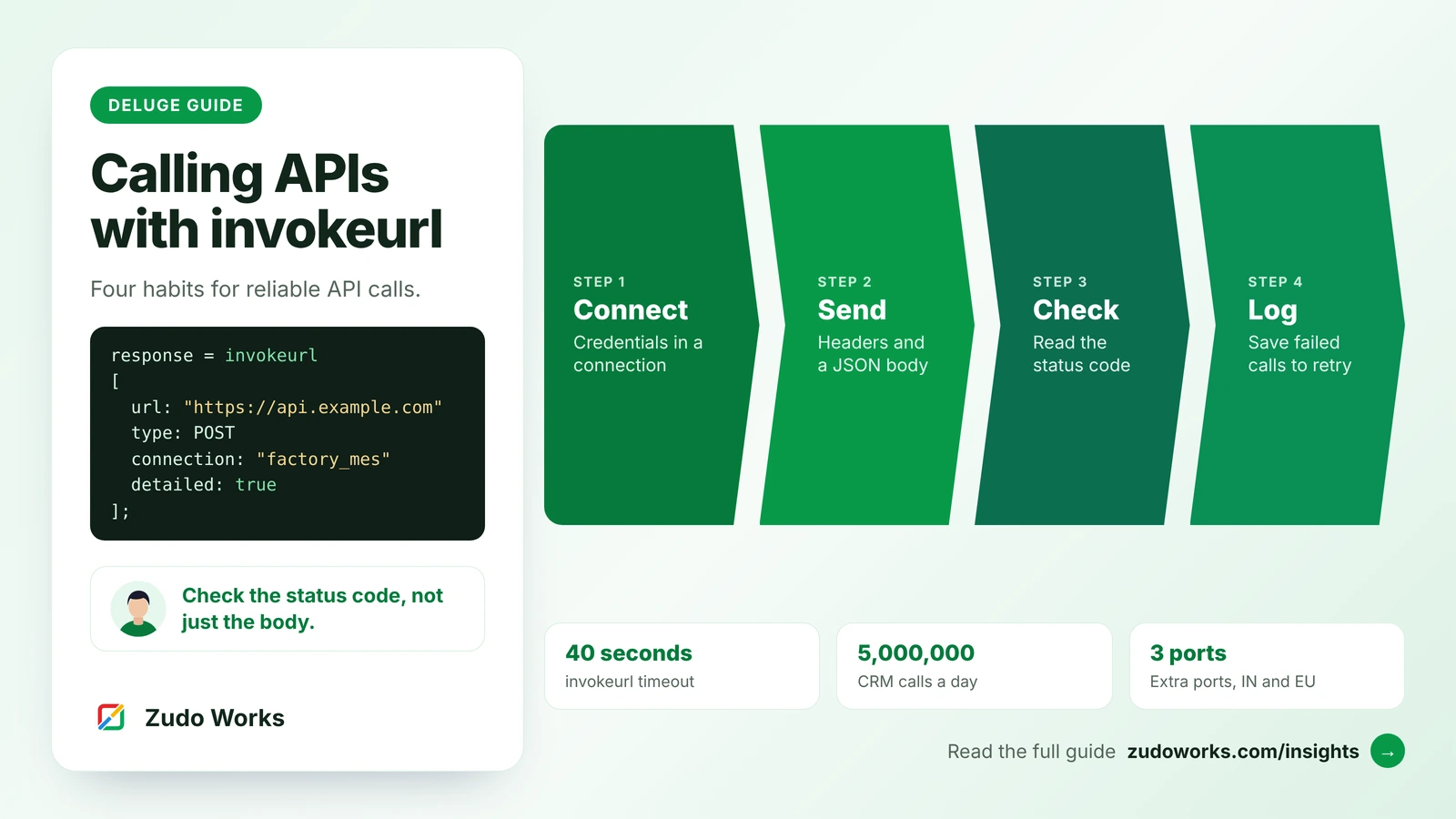
In Deluge, invokeurl calls an external REST API with a URL, a method, optional headers and body, and a connection that holds the credentials. Add detailed: true and check responseCode before using the reply. Calls time out after 40 seconds, count against daily limits, and outside Creator the Indian and EU data centres allow only ports 8011, 9001 and 8082 beyond the standard ones.
Deluge is the scripting language inside Zoho CRM, Creator, Books and other Zoho apps. When a script needs data from, or has to send data to, a system outside Zoho, it uses the invokeurl task. Zoho’s Deluge reference spells it invokeUrl; Zoho CRM’s examples use invokeurl. This guide covers the syntax, authentication, error handling and the limits that trip up real integrations, with code you can adapt.
All syntax and limits below were checked against Zoho’s own documentation on 26 October 2026: the invokeUrl task reference, the Deluge connections guide and the Zoho CRM functions limits page.
The short answer
- Use a connection for authentication, never a token pasted into the script.
- Add
detailed: trueand checkresponseCodebefore you trust the response. - Design for the limits: the call times out after 40 seconds, each Zoho app caps daily calls, and in Zoho’s Indian and EU data centres only a few non-standard ports are allowed outside Creator.
The syntax, parameter by parameter
response = invokeurl
[
    url: "https://api.example.com/v1/orders"
    type: POST
    headers: headerMap
    body: payload.toString()
    connection: "example_api"
    detailed: true
];| Parameter | What it does |
|---|---|
url | The full request URL, including any query string. URLs with self-created SSL certificates cannot be called. |
type | GET, POST, PUT, PATCH, DELETE or OPTIONS. Defaults to GET. |
headers | A map of request headers, such as Content-Type. |
body | The request body as text, a file or a map. Cannot be used together with parameters. |
parameters | The older way to send a body; for GET and DELETE it acts as query parameters. |
files | Files for a multipart form upload. |
connection | The link name of the connection that authenticates the call. |
detailed | true returns the status code and headers as well as the content. Defaults to false. |
response-format | FILE returns the response as a file; NONE ignores it. |
Content types follow the body: text is sent as text/plain, a map as multipart/form-data, and a file as application/octet-stream. A Content-Type header overrides the default, which is why JSON calls set it explicitly.
Authentication: always use a connection
A connection stores credentials outside the script and handles token refresh. Zoho offers ready-made services for many apps, and custom services for anything else, with these authentication types: API key (sent as a query string, form data or header), Basic, OAuth 2 (authorization code, authorization code with PKCE, or client credentials), OAuth 1 and AWS Signature Version 4.
Three details matter in production. The link name you reference in the script must start with a lowercase letter and can be up to 50 characters. Connections unused for more than six months are revoked automatically, so a quarterly job can fail for that reason alone. And editing or deleting a custom service revokes every connection made from it. Note in your documentation which scripts use which connection.
Example 1: fetch data and update a record
A Zoho CRM function that asks a logistics API for a shipment’s status and saves it on the deal. The API and field names are placeholders.
// Argument: dealId
deal = zoho.crm.getRecordById("Deals", dealId);
awb = deal.get("Tracking_Number");
if (awb == null)
{
    return "No tracking number";
}
response = invokeurl
[
    url: "https://api.example-logistics.com/v1/shipments/" + awb
    type: GET
    connection: "logistics_api"
    detailed: true
];
if (response.get("responseCode") == 200)
{
    data = response.get("responseText").toString().toMap();
    update = Map();
    update.put("Shipment_Status", data.get("status"));
    zoho.crm.updateRecord("Deals", dealId, update);
    return "Updated";
}
return "Lookup failed: " + response.get("responseCode");
Example 2: send JSON to another system
A manufacturer often needs to push a confirmed order from Zoho CRM or Creator into a production or warehouse system. Build a map, convert it to text and set the content type:
payload = Map();
payload.put("order_ref", order.get("Order_No"));
payload.put("item_code", order.get("Item_Code"));
payload.put("quantity", order.get("Quantity"));
payload.put("due_date", order.get("Due_Date").toString("yyyy-MM-dd"));

headerMap = Map();
headerMap.put("Content-Type", "application/json");

response = invokeurl
[
    url: "https://mes.example.com/api/production-orders"
    type: POST
    headers: headerMap
    body: payload.toString()
    connection: "factory_mes"
    detailed: true
];
If the receiving system expects form fields instead of JSON, send the map without converting it and set the content type to application/x-www-form-urlencoded.
Check the status code, not just the body
Without detailed: true, invokeurl returns only the content, so an error page or an error message in JSON looks like a normal reply. With it, the response is a map with three keys: responseCode (the HTTP status), responseText (the content) and responseHeader (a map of headers, such as content-type).
A simple rule set covers most integrations: a 2xx code is success; 400 to 404 mean the request or credentials are wrong and retrying will not help; 429 means you are sending too fast; 5xx and timeouts are worth one later retry. Wrap the call in try and catch so a timeout reaches the same handling as an error code; our Deluge script examples show that pattern with throw.
Deluge scripts run inside time limits, so do not retry in a loop. Write the failed payload to a log record (a custom module in CRM or a form in Creator) and let a scheduled function retry it later. That also gives someone a list to check when the other system was down.
Timeouts and limits to design around
| Limit | What Zoho documents |
|---|---|
| invokeurl timeout | A socket timeout error if the API takes more than 40 seconds to respond |
| Zoho CRM function run time | 10 seconds for buttons, related lists, validation rules and REST API functions; 30 seconds for automation; 15 minutes for scheduled functions |
| Zoho CRM daily calls | 5,000,000 invokeurl GET and POST requests a day; 10 MB response size |
| Zoho Creator daily calls | External calls (webhooks and integration tasks): 100, 250 or 500 per user a day on Standard, Professional and Enterprise |
| File downloads | Up to 5 MB in Creator; elsewhere 15 MB from Zoho domains and 5 MB from other domains |
| Counting | Every execution that receives a response counts, including each pass through a loop |
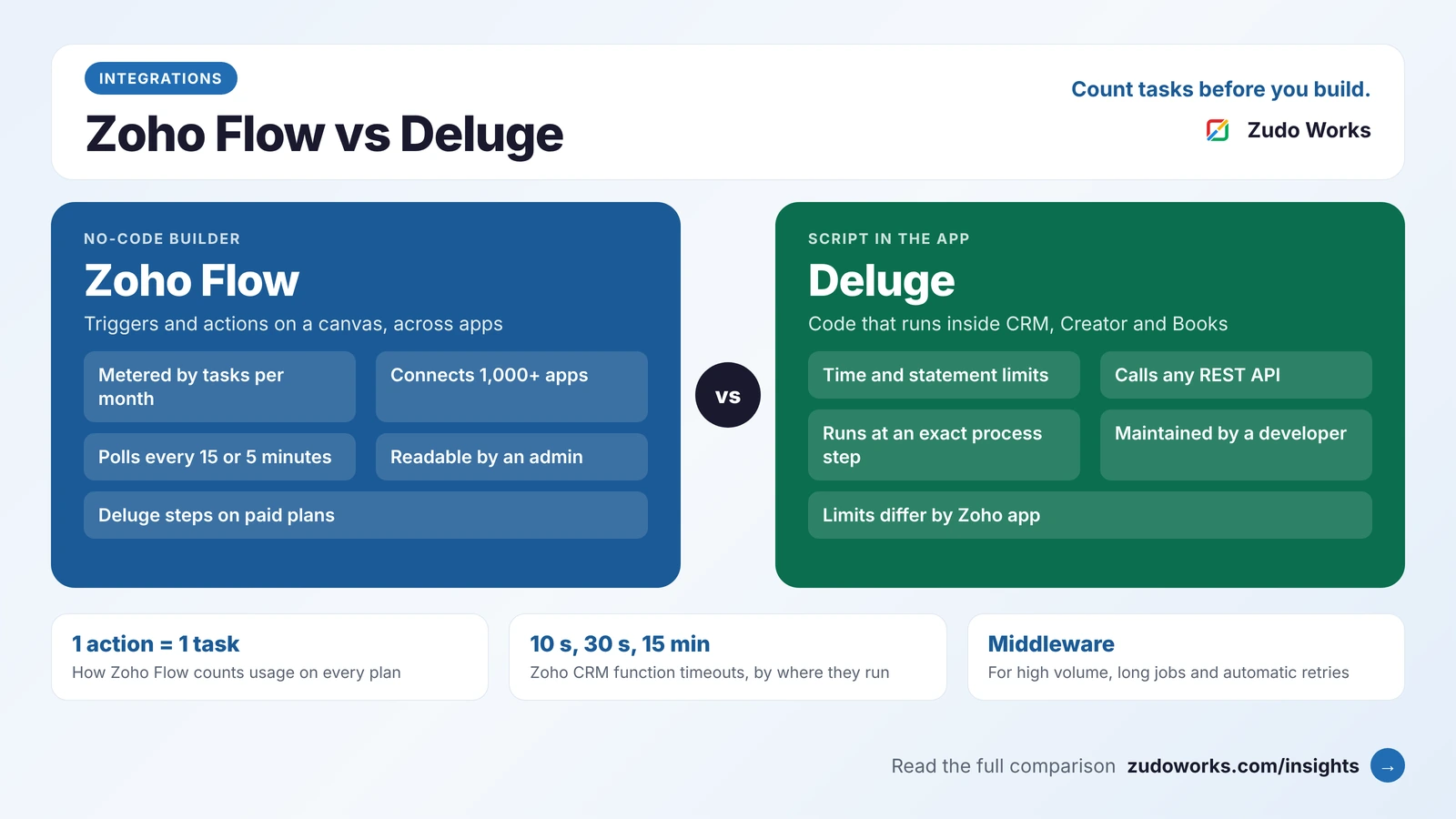
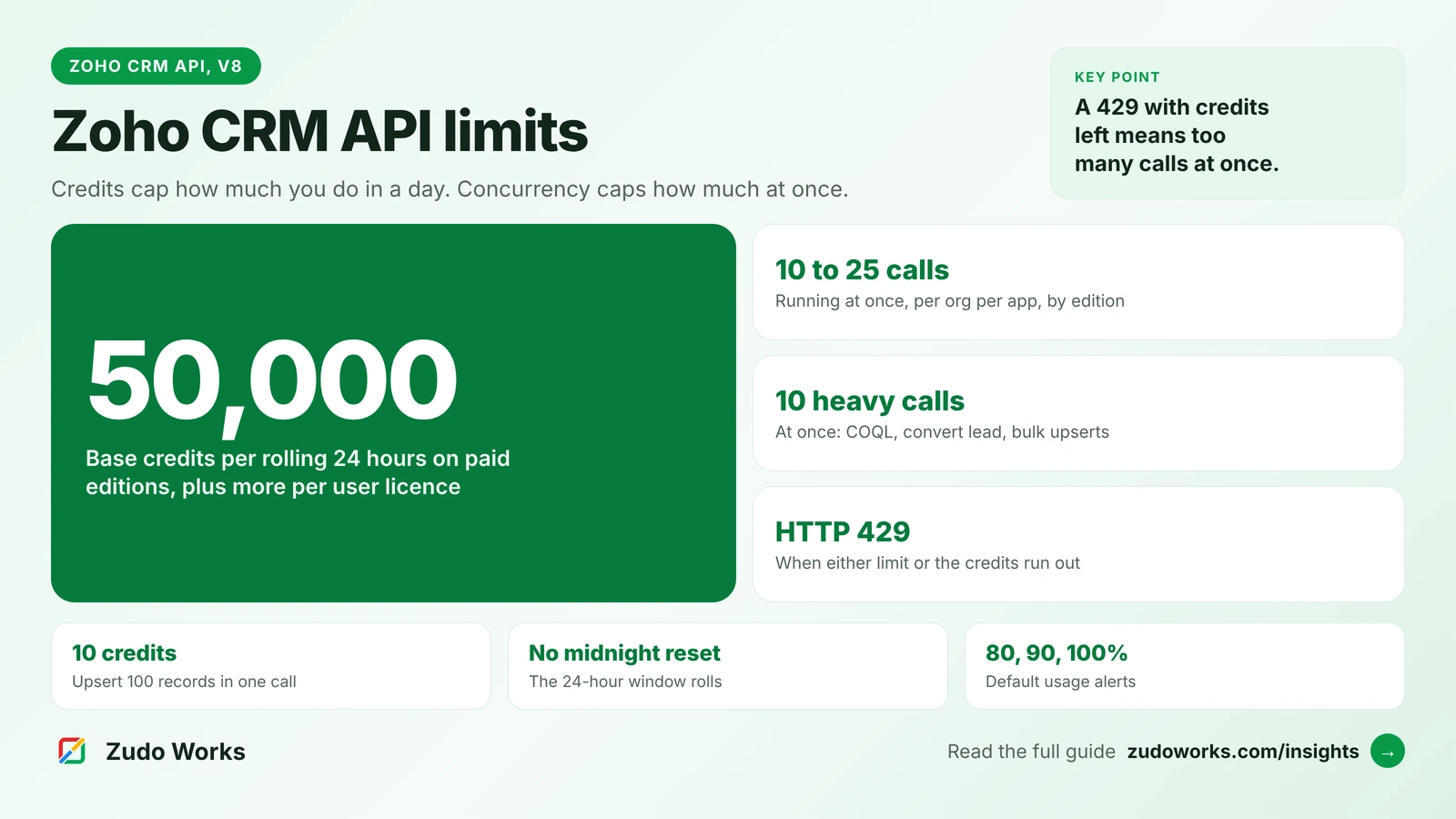
The run-time limits matter most. A button that calls a slow API has 10 seconds in Zoho CRM, even though invokeurl itself would wait 40. For slow or bulk work, have the function hand the job to a scheduled function, or to middleware that replies at once and does the heavy lifting; our Zoho Flow vs Deluge guide explains when that is worth it. Calls to Zoho CRM’s own API from Deluge also use API credits, as our Zoho CRM API limits guide explains.
The port rule that catches Indian factories
Many factory systems, such as a local MES, a weighbridge server or a machine data gateway, expose their API on a non-standard port like 8080. Zoho’s invokeurl limitations page lists the ports allowed for services other than Zoho Creator: 21 non-standard ports in the US and China data centres, but only 8011, 9001 and 8082 in the Indian and EU data centres. Zoho Creator allows every port from 80 to 65535 in all data centres.
So a Zoho CRM account on the Indian data centre cannot call https://factory.example.com:8080 directly. Publish the API on the standard HTTPS port behind a reverse proxy, use one of the allowed ports, or make the call from Creator. Check this before you promise a go-live date.
Calling other Zoho apps: use invokeapi
For Zoho-to-Zoho calls, first look for a built-in integration task such as zoho.crm.updateRecord. When you need an API endpoint that has no task, Deluge’s invokeapi takes a service name and a path instead of a full URL, and works out the domain for your data centre itself. Zoho lists it for Zoho CRM, Books, Invoice, Billing, Inventory, Bookings, Creator and WorkDrive. That avoids hard-coding .com or .in addresses that break if an account moves.
The other direction: letting systems call Zoho CRM
invokeurl sends requests out. To receive them, a Zoho CRM function can be exposed as a REST API from its Overview tab, with an API key or OAuth 2.0. The function reads the incoming request through crmAPIRequest (method, parameters, body and headers) and can set the status code and body it returns with crmAPIResponse. Zoho recommends OAuth 2.0 for production, and treating an API key URL as a secret.
Before you go live
- Credentials sit in a connection, and the connection owner is documented.
- Every call uses
detailed: trueand checksresponseCode. - Timeouts and error codes reach a log record, not just an
infoline. - The function finishes inside its run-time limit with a slow API response.
- The target port is allowed in your Zoho data centre.
- Daily call volumes, including loops, are well under the app’s limit.
If you have integrations that fail quietly, or a factory system you need to connect to Zoho, our Zoho integrations and Deluge development pages explain how we work.
Frequently asked questions
invokeurl is the Deluge task for calling web APIs over HTTP from Zoho apps such as Zoho CRM, Creator and Books. It supports GET, POST, PUT, PATCH, DELETE and OPTIONS, with headers, a body, files and a connection for authentication.
Build a map, pass it as body with toString(), and add a Content-Type header of application/json. Without that header, a map is sent as multipart form data by default.
Zoho's documentation says invokeurl throws a socket timeout error if the API takes more than 40 seconds to respond. The function running it may have a shorter limit, such as 10 seconds for a Zoho CRM button.
For services other than Zoho Creator, Zoho allows only certain non-standard ports. In the Indian and EU data centres the list is 8011, 9001 and 8082, so port 8080 is blocked there. Zoho Creator allows ports 80 to 65535.
Yes. Every execution that receives a response counts against the app's external call limit, including each pass through a loop. Zoho CRM allows 5,000,000 invokeurl GET and POST requests a day, and calls to Zoho CRM's own API also use API credits.
Related services: Deluge development · Zoho integrations · Custom software · Zoho development